

AI Video for Hotels & Hospitality
Use a verified AI Twin for source-checked hotel welcomes, pre-arrival reminders, staff messages, and local guides with current property facts.
AI Video for Hotels & Hospitality
A hotel can use an approved digital Twin. It can create a host introduction. It can offer a property orientation. It can send a pre-arrival reminder. It can share a staff message. It can build a source-checked local guide. The Twin uses a verified face and voice. It reads a script you supply. Rooms, rates, mandatory fees, taxes, availability, booking, cancellation, accessibility, amenities, dining, parking, check-in, events, training, and guest media stay separate. Each needs its own current sources and approvals.
What a verified Twin can do
Kyndrify documents a verified face-and-voice Twin. Setup uses a headshot. It also uses a short voice clip. You supply a script. Each Render gives a download and a hosted link. Longer scripts can be split and stitched. These facts come from the Kyndrify talking-head video page.
Kyndrify documents recorded consent. Signed Content Credentials and invisible provenance are rolling out and are not guaranteed on every file. Check the Kyndrify Responsible AI page for current coverage. These items do not prove property accuracy. They do not prove current rates, availability, booking terms, or access facts. They do not prove food safety, staff training, guest consent, destination conditions, or platform compliance.

A hotel team can use the Twin for bounded scripts. A host introduction can welcome viewers. A property orientation can explain the layout. A pre-arrival reminder can cover arrival time or parking. A staff message can state an approved policy. A local guide can share source-checked tips. Freeze each script against current property records before rendering.
What a Twin cannot replace
The cited Kyndrify pages do not document live room, rate, fee, tax, or availability feeds. They do not document property, OTA, booking, or learning-system links. They also do not document B-roll or image generation, render speed, or analytics. Check the current Kyndrify talking-head video page and Kyndrify pricing page before use. Treat the Twin as a scripted presenter, not a live booking channel.
A property-video workflow
A safe workflow freezes every fact first. Follow these steps for each video.
- Choose one property. Choose one stay window. Choose one offer. Choose one version. Choose one audience.
- Freeze the room type. Freeze the rate. Freeze the mandatory fee. Freeze the tax. Freeze the availability source. Freeze the booking source. Freeze the cancellation policy. Freeze the accessibility record. Freeze the amenity list. Freeze the dining menu. Freeze the allergen notice. Freeze the parking rules. Freeze the check-in procedure. Freeze the event schedule. Freeze the staff-training owner. Freeze the local-condition source.
- Review all property media. Review all staff media. Review all guest media. Review all event media. Review all destination media. Confirm you have rights to use every image and clip.
- Distinguish actual footage from generated imagery. Label any realistic altered content clearly. Label any synthetic content clearly. YouTube requires disclosure of such content. This is explained in YouTube’s AI-content disclosure policy. Do not present generated rooms as documentary footage. Do not present generated amenities or views that way. Do not present generated food, staff, or guests that way. Do not present generated events or weather that way. Do not present generated destination conditions that way.
- Classify every recommendation. Classify every material connection. Free stays require clear disclosure. Upgrades require it. Discounts require it. Commissions require it. Employment requires it. Other connections require it. Disclose them when they could affect how an audience weighs a recommendation. This follows the FTC endorsement and review guidance.
- Set accessibility and disclosure. Covered lodging reservations services must identify accessible hotel features. They must describe accessible guest-room features. The detail must let a person assess if the property meets their needs. This is required by the ADA title III regulations. Covered places of lodging must give guests who are blind a full and equal chance to enjoy services. They must do the same for guests with low vision. This is per the ADA lodging guide. Property-specific accessibility facts must come from current facility records. Assistance must come from trained staff.
- Obtain revenue and operations approval. Obtain accessibility review. Obtain food and event approval. Obtain communications sign-off.
- Render the video. Watch the full output. Confirm every claim matches the frozen sources.
- Publish with a short expiry date. Document a takedown owner.
- Record the version in a release record.
A fast final check
Open each source before you render. Check the room name. Check the stay dates. Check the rate and each fee. Check how tax will be shown. Check that the room is still on sale. Check the terms to book or cancel. Check each access fact with the team that owns it. Check the food list and ask who owns the allergen notes. Check the car park rules. Check the time and place for check-in. Check the date and time for each event.

Then watch the full cut. Listen for old facts. Look for a room, view, meal, guest, or staff shot that may not be real or current. Make sure you hold the right to use each shot. Make sure a free stay, gift, fee, or work tie is clear when it may shape a review. Add the AI mark that the channel asks for. Set a near review date. Name the person who can take the clip down. If one fact is not clear, stop. Fix the source or take the claim out.
A sample release record
Keep a release record for every video. It should list the property and offer. It should list the version and audience. It should list the channel. List every source owner. List the timestamp for the room and rate. List it for the fee and tax. List it for availability. Note the booking source. Note the cancellation source. Record the accessibility review. Record the amenity review. Record the dining and allergen review. Record the parking and check-in review. Record the event review. Name the staff-training owner. Confirm property media rights. Confirm staff and guest media rights. Confirm event and destination media rights. Document every recommendation. Document every material connection. State the disclosure method. List all approvals. Set the expiry date. Note the archive location. Note the replacement link. Note the takedown owner.
A fictional pre-arrival script
Below is an illustration. It uses placeholders only. No real hotel appears. No real host appears. No real rate or booking claim appears.
“Hello. I am [Host Name]. I look forward to welcoming you to [Property Name]. Your stay begins on [Date]. Check-in starts at [Time]. It is at the [Location] desk. Have your [ID or confirmation] ready. Parking is at [Location or Rate]. Your [Room Type] includes [Key Amenity]. It includes [Accessibility Feature]. Our team can help with [Service]. Help is available from [Hours]. The [Dining Option] serves [Meal] until [Time]. If you have dietary needs, tell us by [Deadline]. The local forecast shows [Condition]. You may want to pack [Item]. We will see you soon.”

This script is a template. A real script must be checked. Check it against current property records. Approve it before rendering.
Pricing snapshot
Kyndrify plans use a shared credit balance, and pay-as-you-go credit packs are also available. The Kyndrify pricing page documents current plans and allowances. Free uses preset avatars and voices. Own-face rendering requires an eligible plan such as Plus. Commercial-use rights depend on current Terms and plan eligibility, so confirm them before you publish. Prices change. Always recheck the official pricing page before you budget.
To estimate cost, count the Renders needed for each approved script. Add the current credit cost, staff review time, source upkeep, media rights, access work, and channel costs. Do not add assumed stays, bookings, occupancy, OTA savings, conversions, or revenue.
Mandatory fee and pricing display
For covered lodging, mandatory fees that can be calculated upfront generally belong in the displayed total price. The exact rule must be assessed for the offer and jurisdiction. Review the FTC unfair-or-deceptive-fees FAQ before a script displays a price. Freeze the rate, mandatory fees, and tax treatment from current approved sources.
Five useful FAQs
Can a Twin video show my actual rooms and amenities? The documented Twin is a scripted presenter. The cited pages do not document B-roll or still-image generation. Review any property imagery separately and make sure it reflects the current property. Do not present a generated or altered room, amenity, or view as documentary footage.
Does the C2PA disclosure satisfy platform rules? Kyndrify is rolling out signed Content Credentials and invisible provenance, but they are not guaranteed on every file. Those signals do not prove compliance with every channel. YouTube requires disclosure when meaningfully altered or synthetic content appears realistic. Check YouTube’s AI-content disclosure policy and each channel’s current rules before publishing.
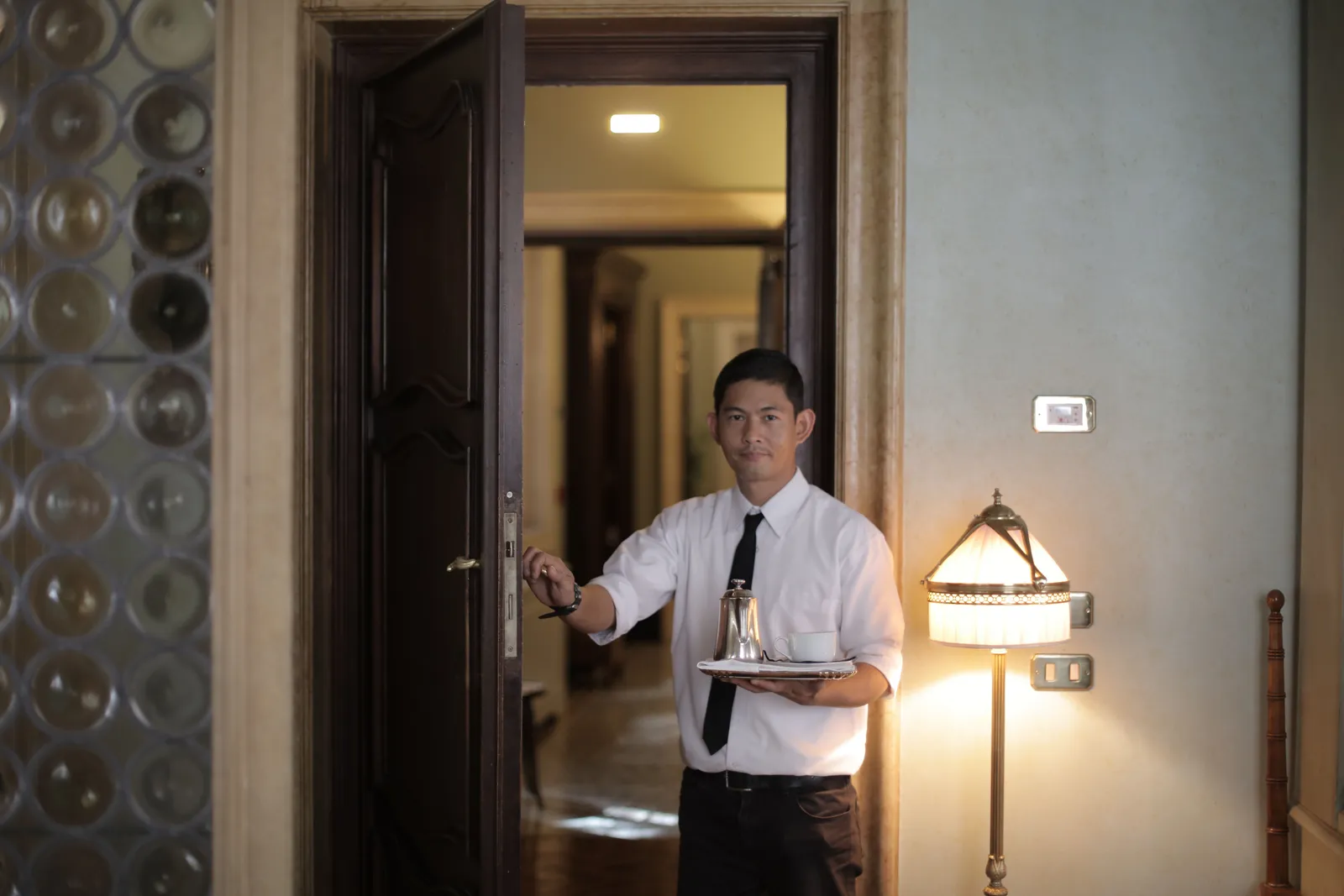
How do I handle accessibility in a Twin video? The script can describe accessible features. Descriptions must match your current facility records. Covered lodging services must identify accessible features. They must describe them in enough detail. A person must be able to assess if the property meets their needs. This is per the ADA title III regulations. Provide property-specific facts. Use trained staff. Do not rely on the Twin to answer accessibility questions in real time.
Can I use the same Twin for every channel? The cited workflow says that each Render gives a download and hosted link. It does not document a universal channel license. Check the current terms for each planned use. Freeze the facts for each version and audience. A pre-arrival email, social post, and lobby screen may need different scripts, disclosures, and expiry dates.
What happens when a rate or amenity changes? A rendered video can become outdated when a rate, fee, amenity, or policy changes. Set a short expiry date. Replace the video from updated sources and archive the old version. Record the replacement link and remove stale placements.
Related reading
More from Kyndrify


Make your first video without filming.
Say what you need and the studio makes it: video, images, voices. Start free, no credit card.