Make it, edit it, keep the look.
Describe an image, render it, then keep editing until it is right.
Already have an account? Sign in
Free to start · No credit card
Make it, edit it, keep the look.
Describe an image and get several takes back at once. Reuse the same reference photos and the same look so a set of pictures holds together. Then open any picture and change it: take the background out, put a new one in, or paint over one spot and fix only that.
Free to start · no camera, no crew · no credit card
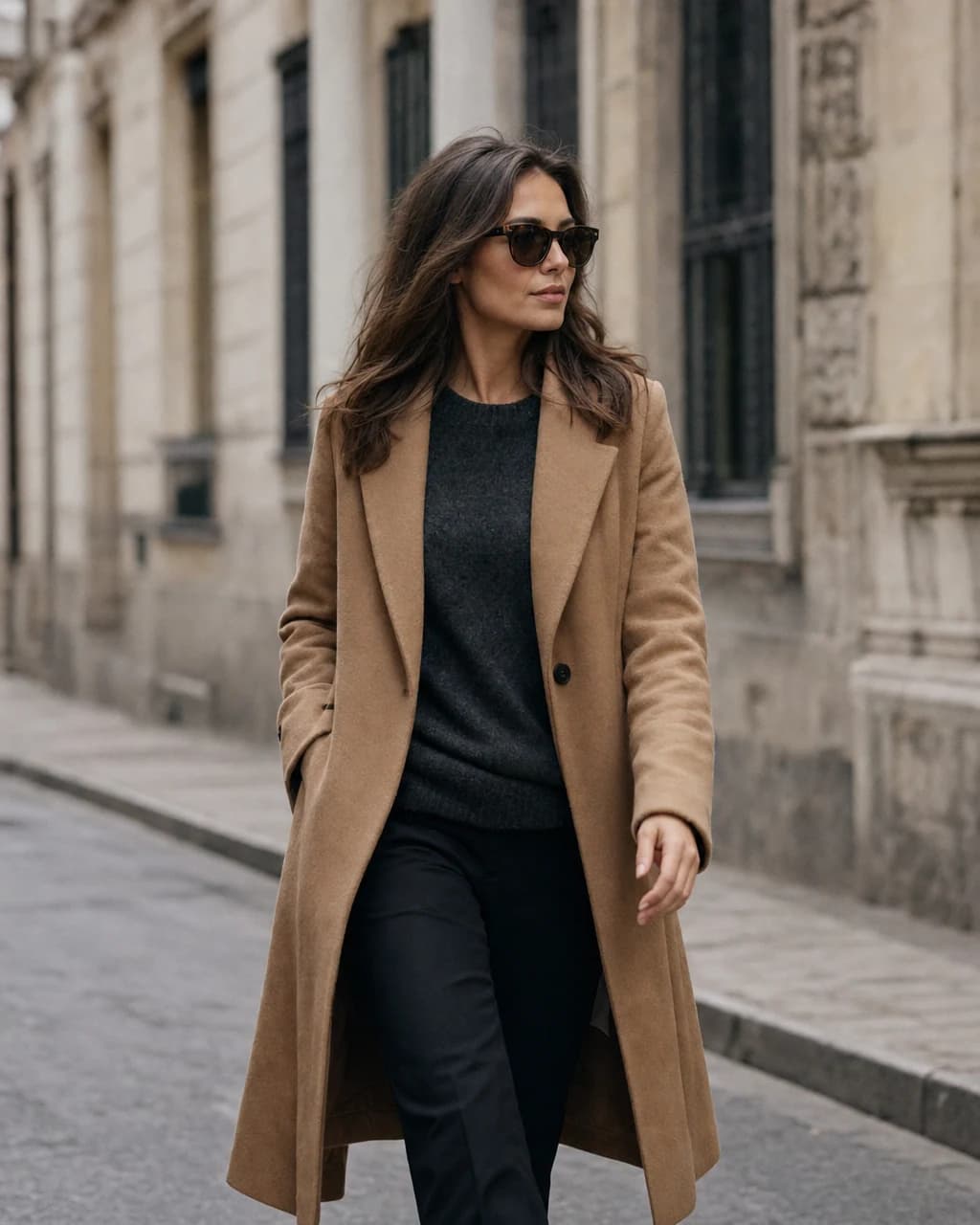 Cinematic
Photoreal
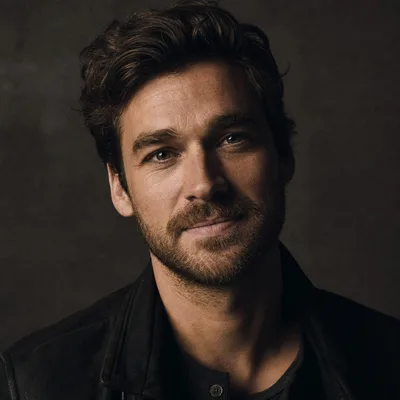
Cinematic
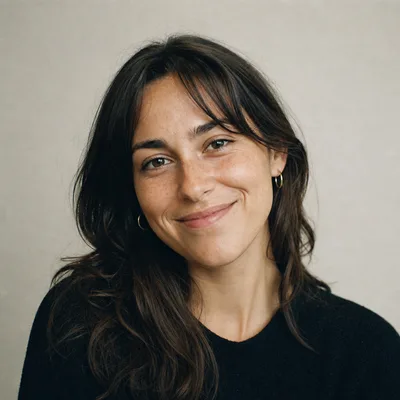
Film 35mm
Pictures only. Video has its own tools, and photos of a product you own have their own page.
Part of Product.
What is an AI image generator?
An AI image generator turns a written brief into a picture. Kyndrify makes thumbnails, social graphics, scenes and backdrops, and it edits pictures you already have. Reuse the same reference photos and the same look, and a set of images holds together instead of drifting apart. Every image costs credits from your plan.
Who it is for
Creators, marketers and brand owners who need a run of pictures that look like they belong together.
What you need
One sentence. Reference photos are optional, up to four of them.
What it costs
A square image costs 20 credits on Light, 76 on Standard and 300 on Premium. A wide or tall canvas costs half again as much, and anything that starts from a picture costs double: an edit, or a render you guide with a reference photo or a saved character. Premium images are on the Basic plan and above. See what a plan's credits buy.
What it does not do
It does not design a logo or a brand identity, and fine detail such as small text or a product label can drift, so check anything that has to be exact.
Six ways in. One studio.
Pick the door that matches what you have. They all render into the same place and all spend the same credits.
Freeform
Start from words alone. Ask for several takes at once and keep the one you like.
Edit
Change a picture you already have. Five ways to ask, below.
Scene
Put a person you have saved into a new setting, holding their face.
Restyle
Keep the picture, change the look of it.
Reframe
Re-shoot a picture you already have as a close-up, from a lower angle, or on a longer lens.
Graphics
Drop your words into a set of layout presets when you need a graphic, not a photograph.
Five ways to change a picture.
When a picture is nearly right, you do not re-roll and hope. You say what to change, and the studio changes only that. Every edit gives back one picture, except Variations, and an edit costs double what the same picture costs from words alone.
Iterate
Type the change and get the same picture with that change made. The clearest results come from one change at a time.
Remove background
The subject comes back on a transparent PNG, ready to drop onto a product page, a slide or a new backdrop. You type nothing; pressing the action is the whole request.
Replace background
The subject stays and the setting changes to the one you describe. It comes back solid, never see-through, because a described backdrop is the point.
Mask an area
Paint over the one spot that is wrong and describe what should be there instead. The rest of the picture stays put.
Variations
Several close versions of the same picture, up to four at a time, so you can compare and pick. It bills every version it makes, so four versions cost four edits.
What it looks like to use.
Write the brief on the left, pick the quality, the look and the canvas, and the takes land beside it. Starting from words alone gives you up to four at once.
Quality
Light
Trying an idea
Standard
Everyday work
Premium
What you publish
Style: Photoreal
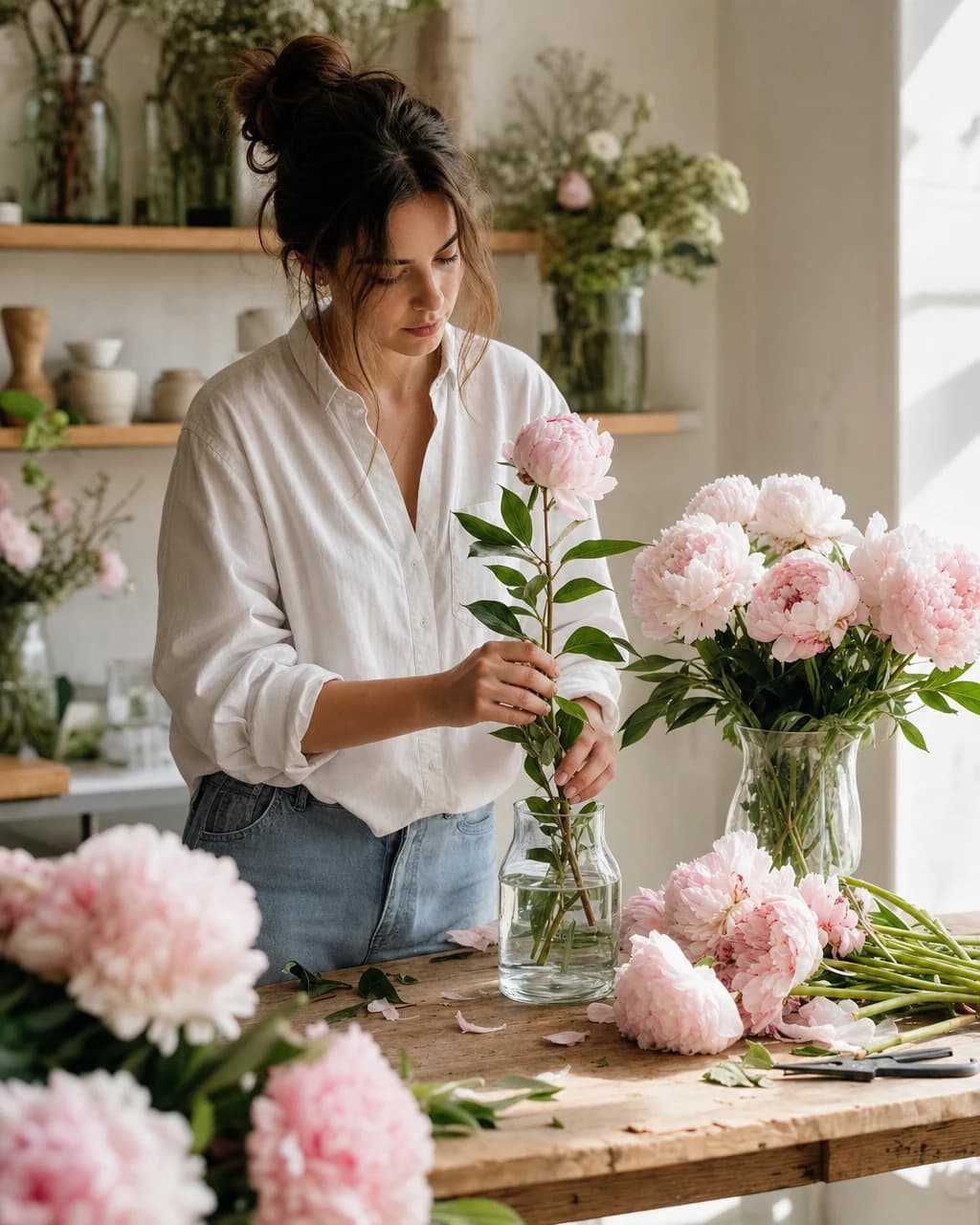 Freeform
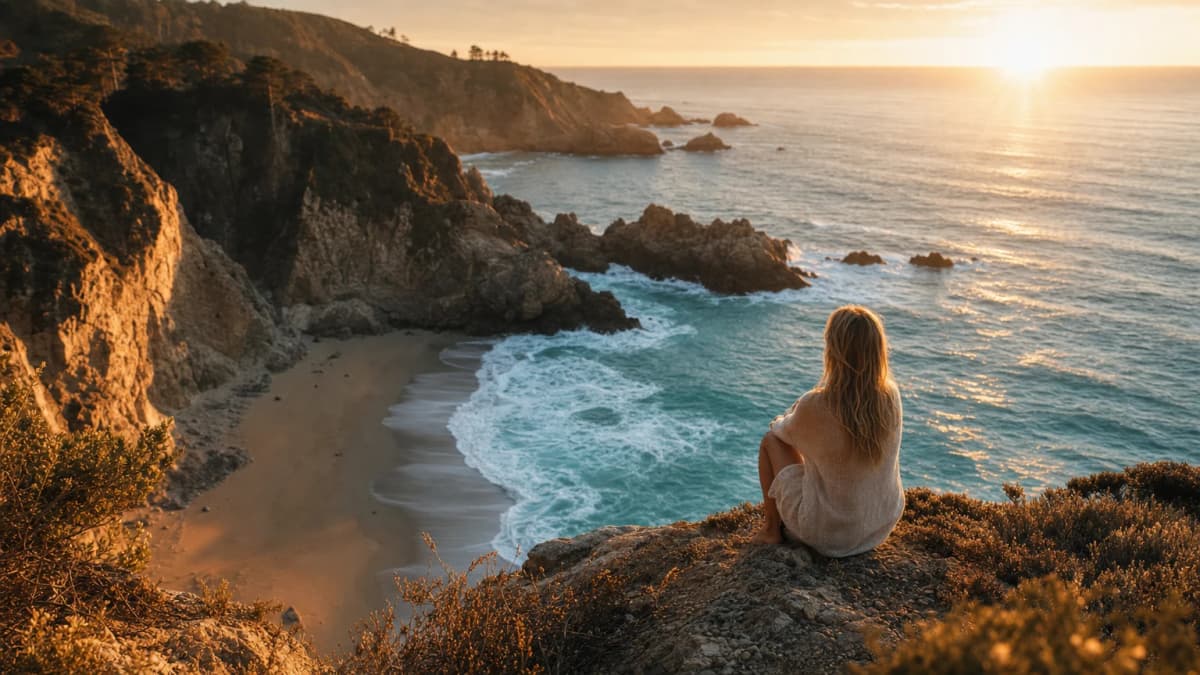 Freeform
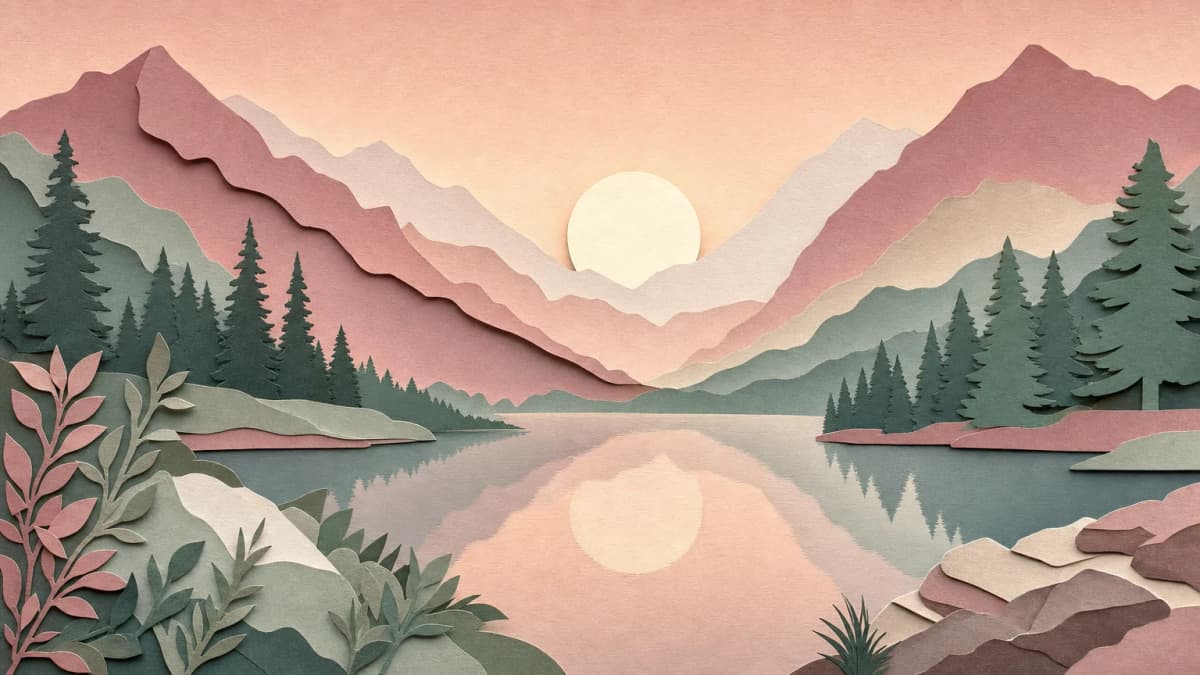 Restyle
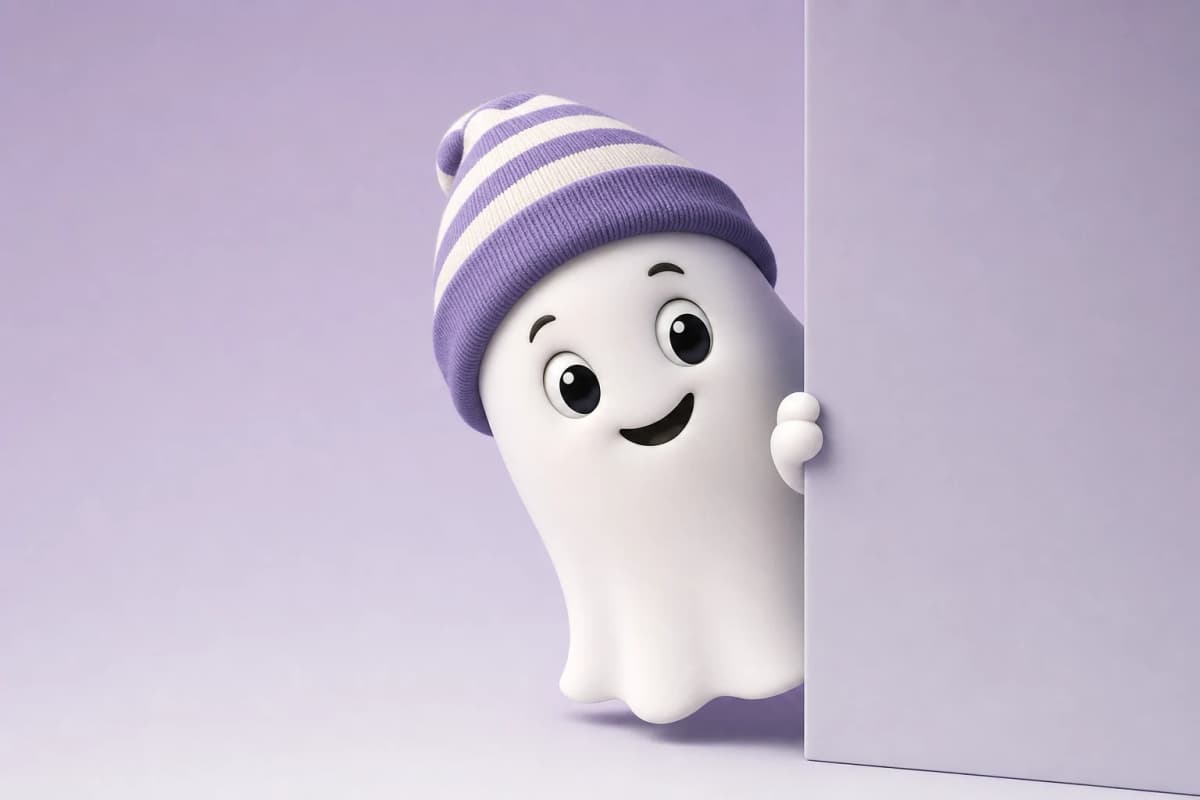 Graphics
Everything you make lands here. Filter by tool, star the keepers, edit any one of them with another sentence.
One look. Everywhere.
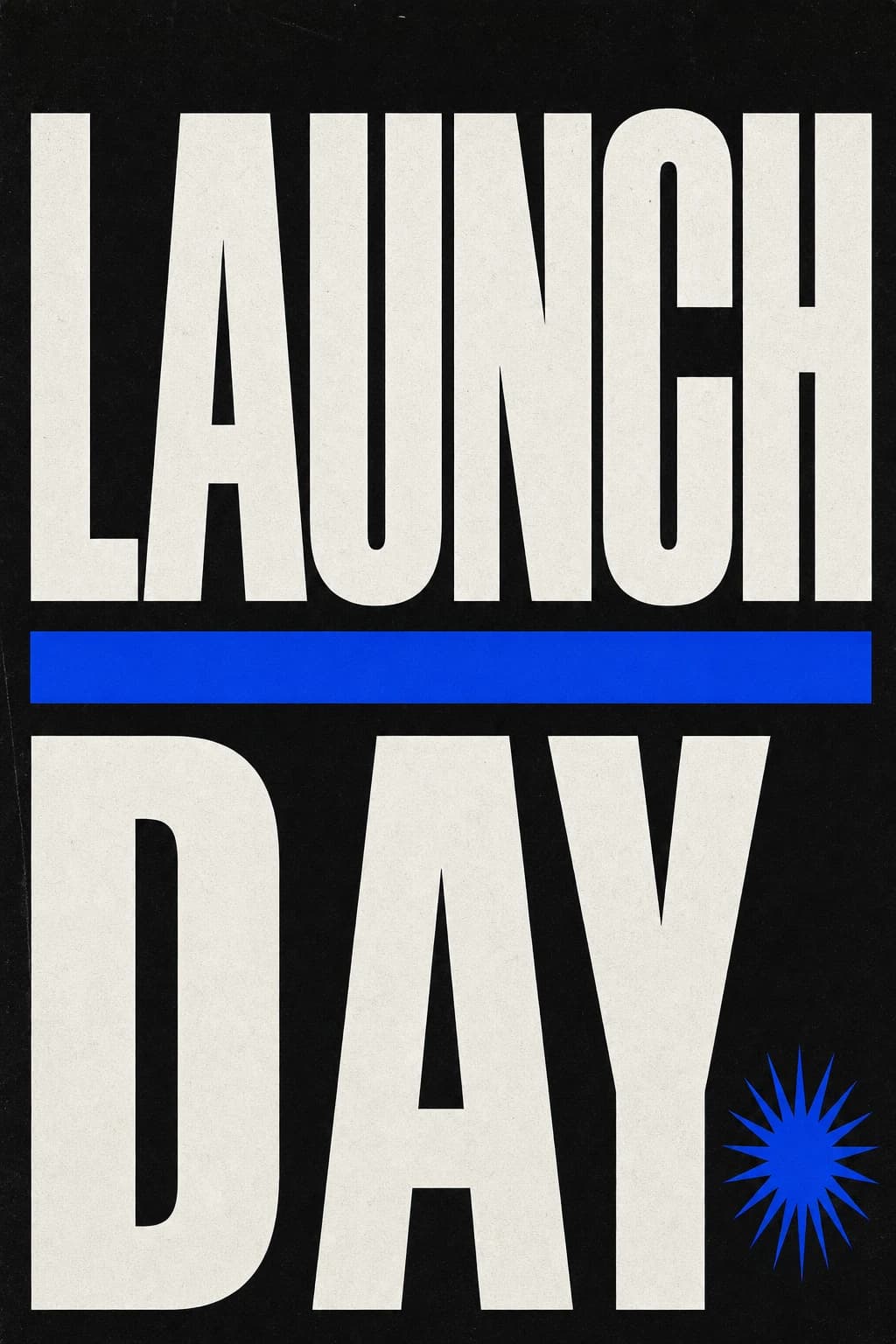 TallSquareWide
Thumbnails & social graphics
Draft thumbnails and post graphics square, wide or tall, then review them against your brand before publishing.
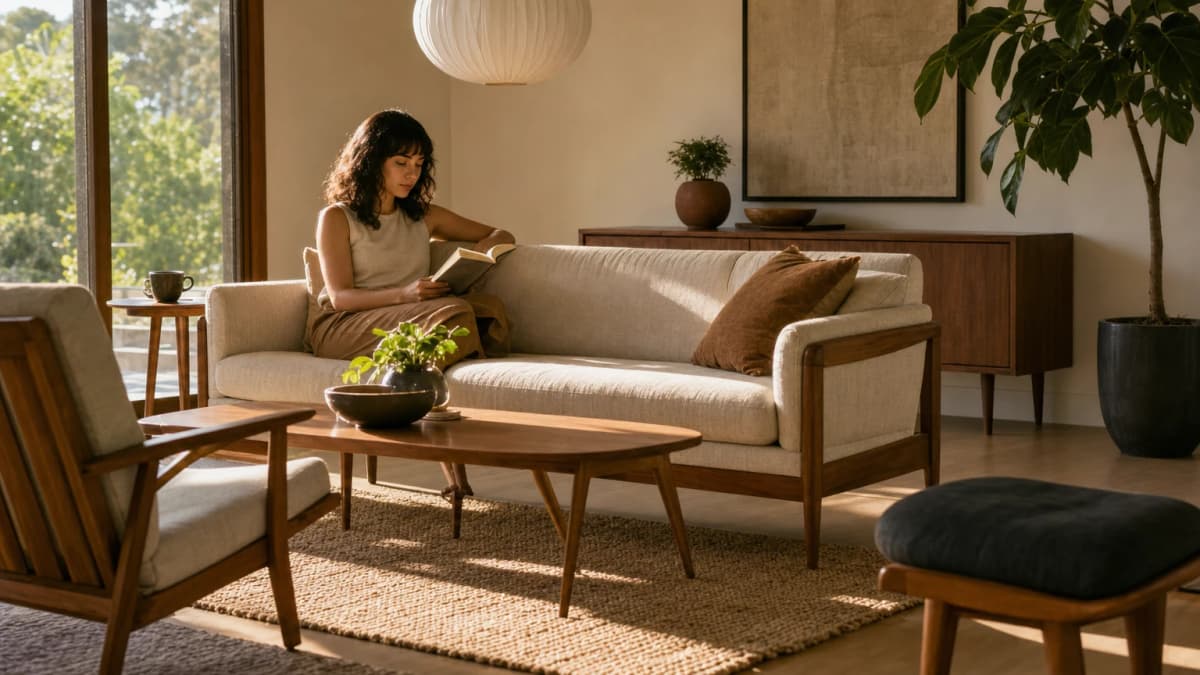 BackdropBehind your twinWide
Scenes & backdrops
Build the world behind your content. Generate scenes and backdrops to set behind your Twin, your product, or your text.
- Transparent PNG
 Remove backgroundMask an area
Edit any image
Keep working on an image you already have. Take the background out, swap it for a new one, paint over one spot to change just that part, or add a photo so a face stays the same.
From idea to finished, in minutes.
A thumbnail for my new episode. Bold type on the left, warm evening light.
Plain wordsGenerate01Describe it
Type what you want in plain words. No prompt tricks and no design tools to learn. Add reference photos if you have them, or pick one of your saved characters so the same face comes back: up to four references guide one render, and a character you pick takes one of those slots.
- ReferencesStyles
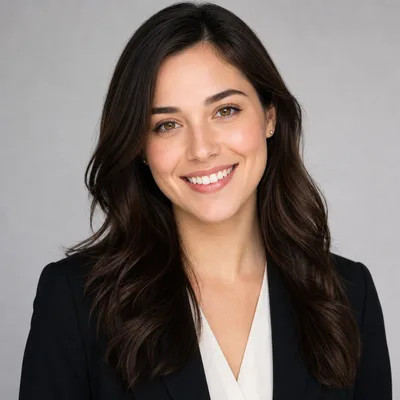
Studio Portrait
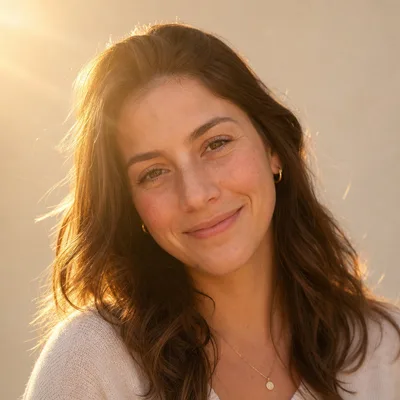
Golden Hour
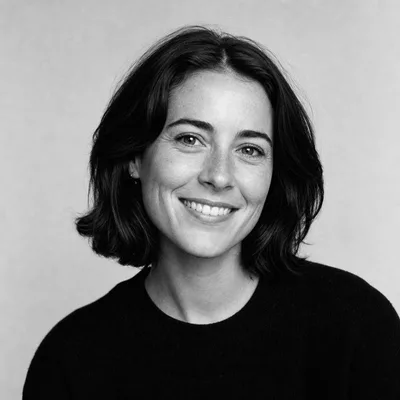
Black & White
02Keep your look
28 looks sit in the Styles panel, or skip it and describe the look in your own words. Three canvases when you start from words: square, wide and tall. Once you add a reference photo or a character, the canvas matches your source and the picker closes. Three quality steps: Light for trying an idea, Standard for regular work, Premium for what you publish.
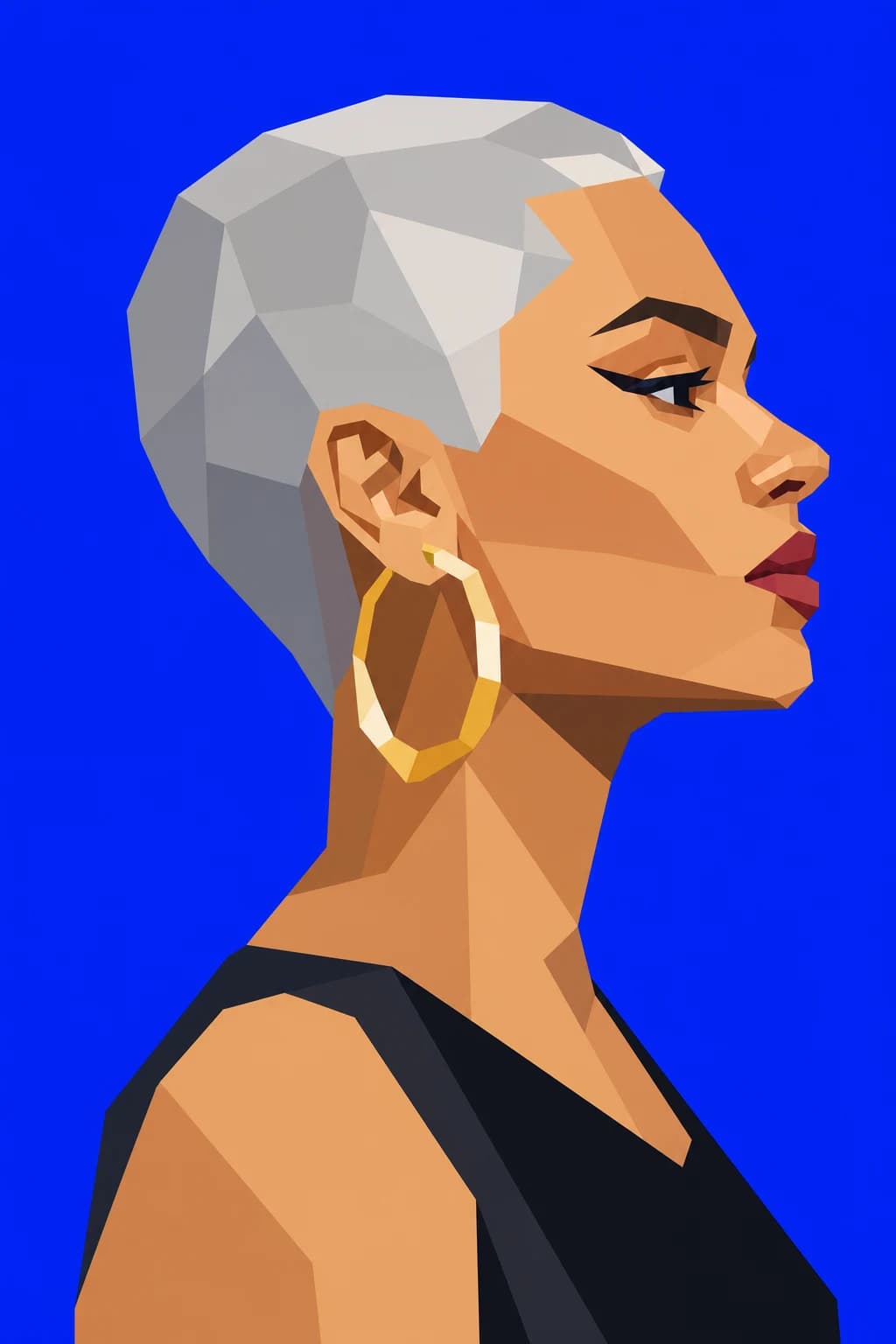
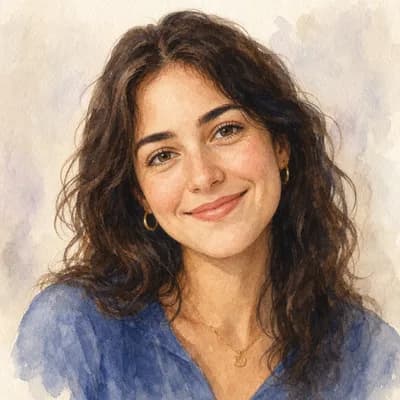
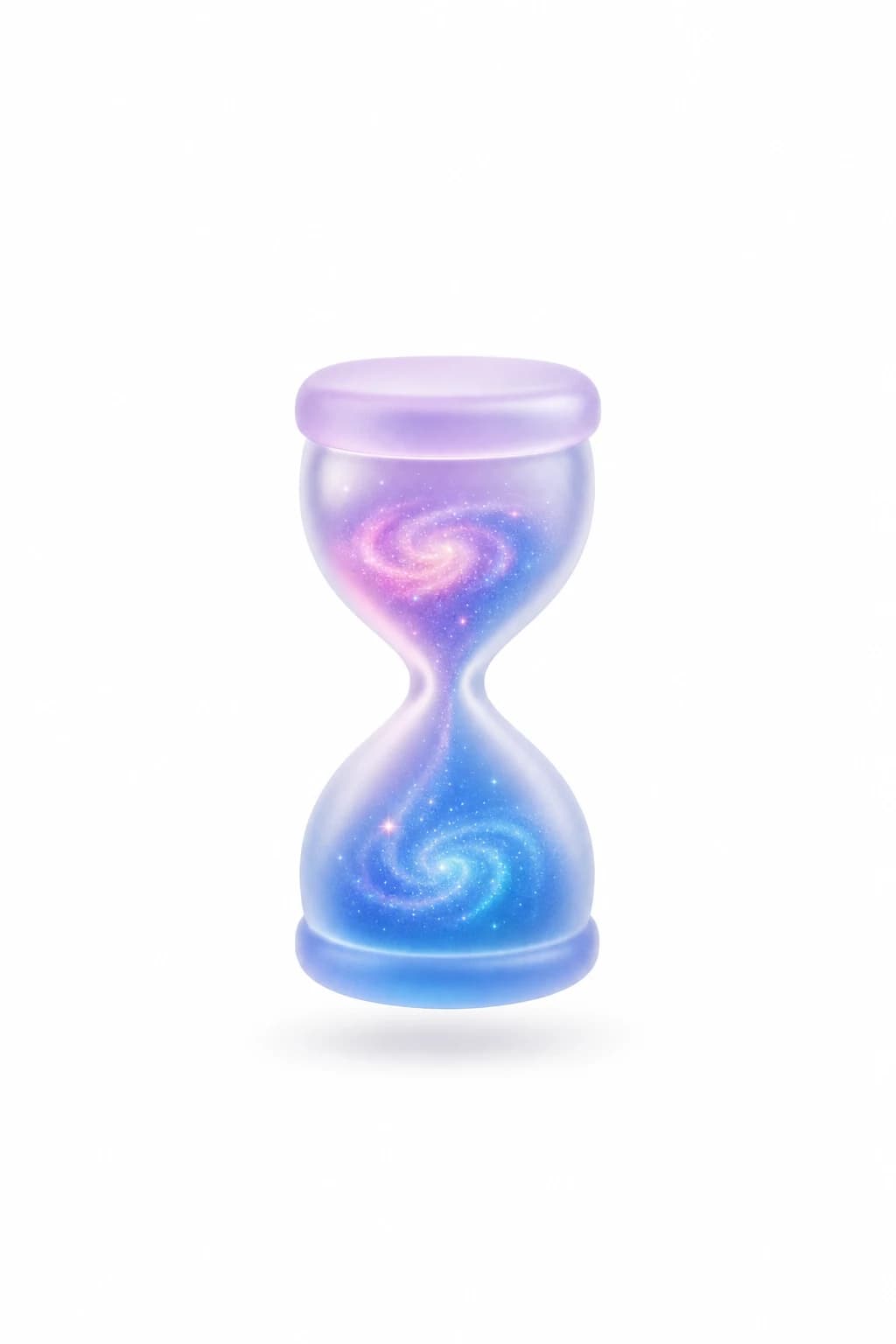
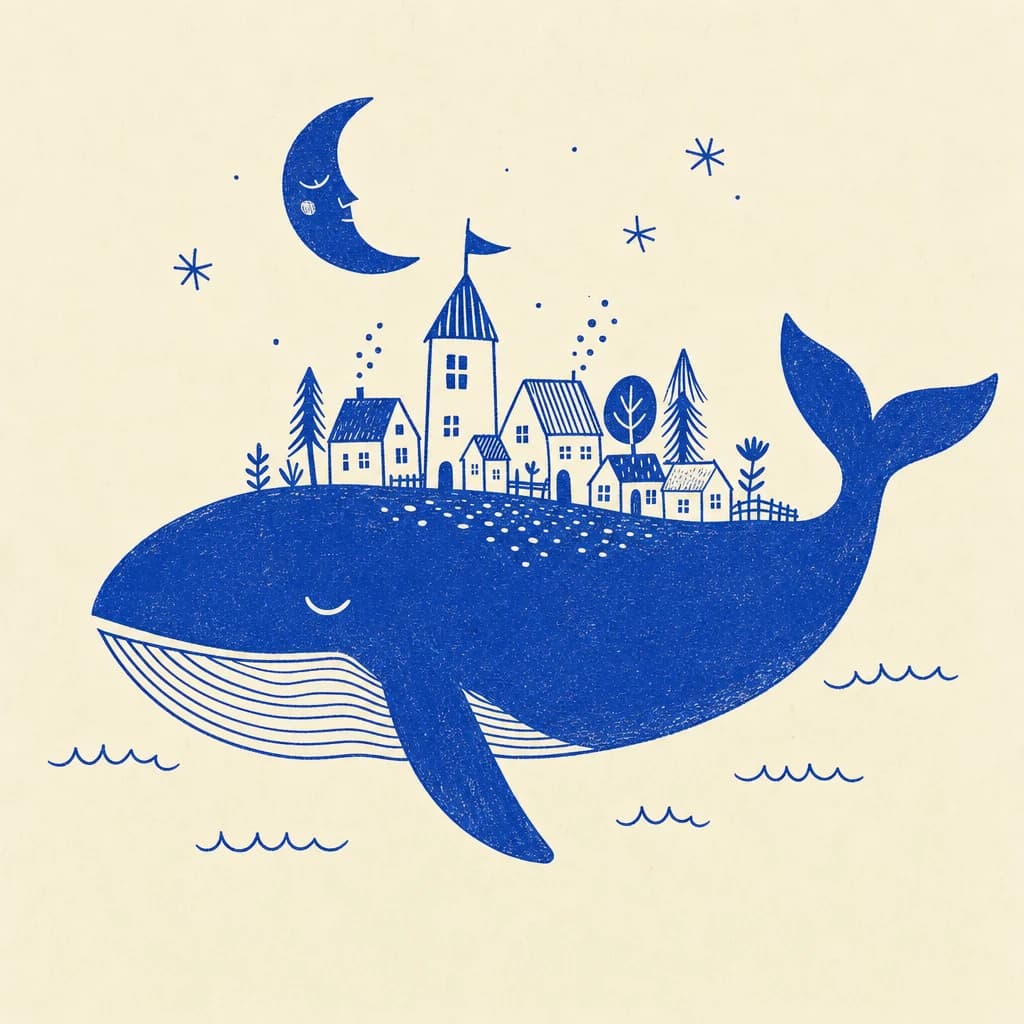 Your resultsKeep this one03
Render, then edit
From words alone, several takes land beside the brief and you keep the one you like. The moment you add a reference photo or a character, the studio is editing rather than inventing, so one picture comes back, it bills at the edit rate, double what the same picture costs from words alone, and the studio prints that price on the button before you press it. Download the ones you want, or keep working on the one you like best with another edit or a few variations.
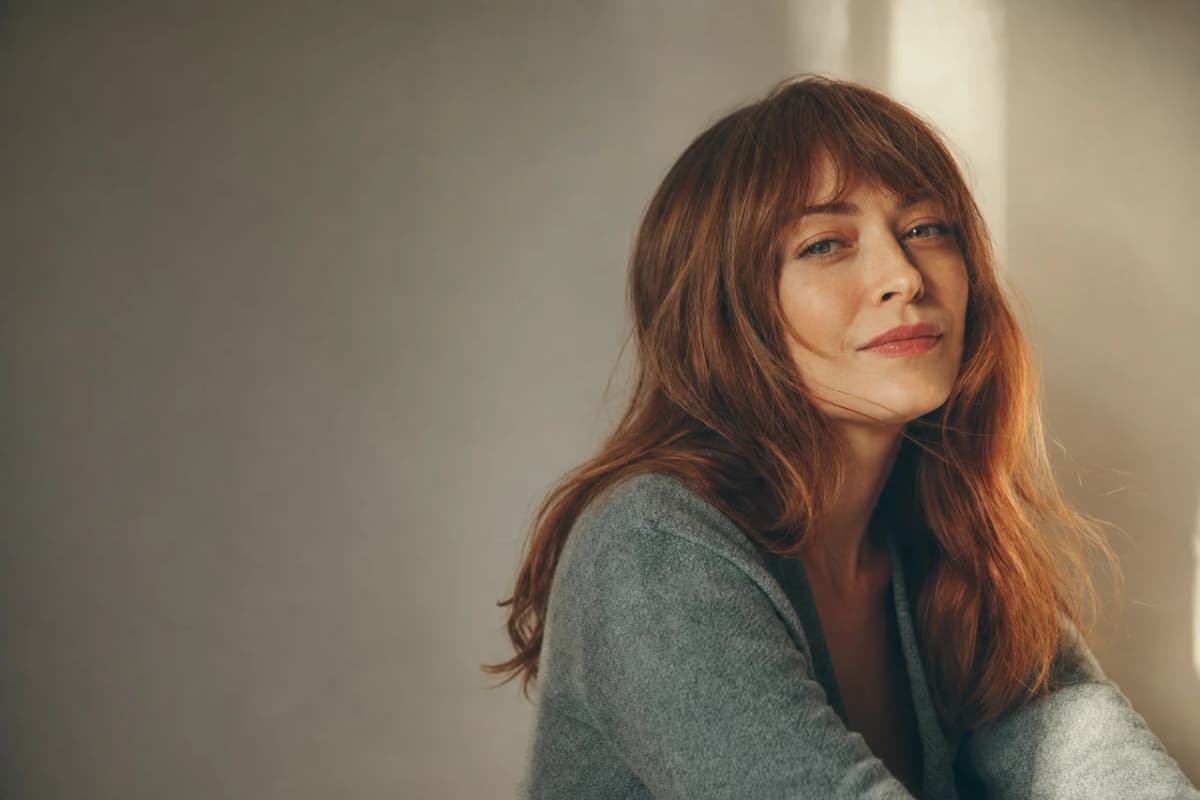
The same person, scene after scene.
Continuity comes from what you hand the studio, not from luck. Reuse the same reference photos and the same look on every render and a set holds together. Pick a saved character and the studio works from that stored identity, so the face in picture six is the face in picture one. Results still vary between renders, so look at a set together before you publish it and redo anything that drifted, especially small text, a logo on a shirt, or a label that has to read exactly right.
- Up to four reference photos guide one render, and a character you pick takes one of those slots
- 28 looks, grouped Popular, Photographic, Illustration and Stylized
- Square, wide or tall from words alone, and the canvas matches your source once you attach one
- Your free Workspace comes with one starter character and every Featured avatar in the gallery. Building more characters of your own is on the Plus plan and above
- A Digital Twin is a real person who recorded consent, and we keep that record. An Avatar is a character we generated, with no real person behind it
Describe it
One sentence
On-brand images and edits from a sentence, no design tools to learn.
Wherever you create.
Education & training
Teach without filming
Lessons, courses, onboarding, and SOPs. Update the script, re-render, done.
See use case

Marketing & ads
Ads that look shot, never filmed
UGC, product videos, photos, and copy. A whole campaign, no shoot.
See use case

Sales
Prospect videos that stand out
Personalized intros, follow-ups, and recaps at scale.
See use case
Agencies
Client work, multiplied
A Digital Twin per client, one Workspace, billed your way.
See use case
What people are saying.
From clients of the studio behind Kyndrify. First names and last initials, so people keep their privacy.
We've tried a few AI video tools and this is the one our team kept using. It's fast and the videos look good.
Sarah L.
Creative Director
I don't miss setting up my camera every time I have a new listing lol. This is way easier.
Michael T.
Real Estate Agent
I had to update one lesson after a policy change. Changed the script, made a new video, done.
Emily C.
Course Creator
We use it to explain treatments before appointments. Patients seem to come in with fewer questions now.
Dr. James P.
Dentist
The product changes all the time, so recording new demos was getting old. Kyndrify fixed that problem for us.
Alex R.
Customer Success Manager
Honestly just makes onboarding easier. Everyone gets the same message and we don't have to record new videos all the time.
Nicole V.
HR Manager
It still feels weird seeing an AI version of me, but my clients have been really positive about it.
David M.
Financial Advisor
We've been making quick product videos for launches. It's been working better than I expected.
Olivia S.
Store Owner
Our team is tiny, so anything that saves us time is a win. We've already used it for volunteer updates and donor messages.
Rachel A.
Communications Lead
One small change used to mean re-recording a whole training video. Now we just update it and move on.
Kevin H.
Training Manager
Your face, your voice and your work, handled with care.
Quick answers.
- What is an AI image generator?
- An AI image generator turns a plain-language description into an image you can review and refine. Kyndrify supports thumbnails, social graphics, scenes, and backdrops, with references and a look you choose to help related images share a visual direction.
- How do I generate images with AI?
- Type what you want in plain words, add reference images or pick a look when it helps, choose the canvas, and hit render. Review the takes, edit one with another instruction, or make variations before downloading.
- How many images does one render give me?
- Starting from words alone, you can ask for up to four takes at once. Adding a reference image or one of your characters makes it an edit, and an edit gives back one image. The exception is Variations, which returns up to four so you can compare them, and it bills every version it makes, so four versions cost four edits.
- What does an image cost?
- A square image costs 20 credits on Light, 76 on Standard and 300 on Premium. A wide or tall canvas costs half again as much, and anything that starts from a picture costs double: an edit, or a render you guide with a reference photo or a saved character. Variations bills every version it makes. Premium images are on the Basic plan and above. The free plan starts you with credits that do not expire, so you can make something before you decide.
- Can I remove a background?
- Yes. Open the picture in the Edit tab and choose Remove background. You get the subject back on a transparent PNG, ready to place on a product page, a slide, or a new backdrop. If you want a different setting rather than none at all, choose Replace background and describe the one you want.
- Can I keep iterating on one image?
- Yes. Every edit starts from the picture in front of you, so you can go again as many times as you like. Ask for one change at a time and use any result as the start of the next edit. When only one small area is wrong, paint over that area so the rest of the picture stays put.
- Can I keep my look consistent across images?
- You can reuse the same reference images and the same look across a set, which is what holds a group of images together. Up to four references guide one render, and a character you pick takes one of those slots, so the studio works from that stored identity. Results still vary between renders, so review the set together and redo anything that drifts.
- What can I use AI images for?
- Thumbnails and social graphics in the canvases Kyndrify offers, scenes and backdrops behind your Twin, product, or text, and quick edits and variations. Describe it, render it, review it, and download the result you want to use.
- Can I use AI images commercially?
- Paid plans include commercial use when you hold the rights to the prompt, the references, the brands and the source media involved. Follow the disclosure rules that apply where you publish. Machine-verifiable disclosure and provenance are still rolling out, so they are not yet guaranteed on every output.
Your first picture is a sentence away.
Free to start. No camera, no crew, no credit card.