

Build the patient-video shelf one specialty at a time.
Your providers record once. Your team makes every patient video after that.
Already have an account? Sign in
Free to start, and nobody leaves the clinic
Build the patient-video shelf one specialty at a time.
A group practice needs a different set of videos for every specialty it bills, and the people who should front them are booked in fifteen-minute blocks. So build each provider a Digital Twin from a photo, a voice sample and a consent recording of 15 to 90 seconds they make on their own phone. After that your marketing lead writes a script and renders the video in their real face and voice, on a Tuesday afternoon, without touching the clinic schedule.
Free to start, and nobody leaves the clinic

Marketing and patient education only. No patient records go into the Studio, and Kyndrify is not HIPAA eligible.
Part of Industries.
What each provider does on camera
15 to 90 seconds, once
One consent recording from a private phone link. Every video after that is made from their Digital Twin.
Can a medical practice make patient videos without booking a shoot?
Yes. Each provider records 15 to 90 seconds of consent from a private phone link, and their Digital Twin fronts every video after that in their own face and voice. Your marketing lead writes the script and renders it the same afternoon, with nobody leaving the clinic. It is marketing and patient education only, never clinical advice, and never patient data.
Who it is for
Practice marketing leads, group marketing directors, and agencies holding several medical clients.
What you need
One clear photo and a short voice sample for each provider, plus a consent recording of 15 to 90 seconds made from a private phone link. On Free the Twin speaks in one of our Featured voices; the provider's own Twin, in their own voice, starts on Plus.
What it costs
A paid Digital Twin video bills 152 credits a second, with a 120 credit floor on any single render. Plus is $49 a month billed yearly, or $59 month to month, for 28,000 credits a month, which is 184 seconds of finished video. Free starts with 8,400 credits and renders up to 60 seconds at a time.
What it does not do
No patient records, no protected health information, no HIPAA eligibility, no clinical advice, and no dubbing of a video you filmed somewhere else.
The whole ladder, and what a month of credits buys a practice, is on the pricing page.
Content marketing for doctors runs into one wall.
Patients look a provider up before they book, and most of them meet nobody. They read a name, a credential list and a headshot nobody has replaced in years. The practice knows that. The practice also knows what a shoot day costs, which is why the plan to fix it has been on the list since spring.
- Every specialty needs its own videos, and a shoot day covers one provider.
- Clinic runs late. The videographer was booked until four.
- The scheduling team answers the same five questions on the phone every single day.
- The cardiology page and the orthopaedics page have the same stock photo on them.
- Half your community speaks another language at home, and the welcome video is in English because nobody had a second afternoon.
- Somebody films the practice owner once a year, and the other nine providers stay invisible.
Two ways to get a specialty on video.
Booking a shoot day
- Ask the cardiologist for a half day. Get one in eleven weeks.
- Book the crew for that day, and hope clinic does not run over.
- Shoot three videos, because three is what fits.
- Wait for the edit, post them, then start the ask again for orthopaedics.
Building a Digital Twin
- The cardiologist records 15 to 90 seconds on their phone, once, ever.
- You write five scripts on Monday, straight from the call log.
- You render all five on Tuesday, in their face and their voice.
- Orthopaedics starts Wednesday, and nobody had to ask anyone for a half day.
What a practice puts on the shelf first.
New-patient welcome
The provider says hello before the first visit, so the person walking in has already met the face they are about to sit across from.
Condition explainer
One question a patient actually asked, answered by the provider who would have answered it at the desk.
Pre-visit instructions
What to bring, what to stop beforehand and how long the appointment runs, attached to the confirmation the scheduling team already sends.
A welcome in another language
The same provider and the same voice, in the language your front desk hears second most often.
The shelf gets built one specialty at a time.
Stop planning the whole library. Pick one specialty this month and pull its five most-asked questions from three places you already have: the front desk's call log, the messages coming through the patient portal, and the what-brings-you-in line on the intake form. Write one video per question, render all five in that provider's face in one sitting, then start the next specialty. After a year the shelf holds sixty short videos, each one answering a question somebody actually asked.
Primary care
What actually happens at an annual physical. When something is worth an appointment and when it can wait. What the numbers on a lab report mean, in plain words. How to get ready for a blood draw. When a referral is needed, and who arranges it.
Cardiology
What actually happens during a stress test. What to bring to a first cardiology visit. What a monitor does, and what it is like to wear one. How long a first appointment runs, and who you meet. Who to ask about your medication list, and when.
Orthopaedics
What an injection visit involves, start to finish. What a first consult covers, and what it does not decide. Why imaging comes first, and what the scan is looking for. What to wear so the exam is easy. What the follow-up looks like after a procedure visit.
OB-GYN
What the first prenatal visit covers. What a routine screening involves. How visits are spaced across a pregnancy. What to bring, and what to leave at home. Who answers the phone after hours, and when to call.
Paediatrics
What a well-child visit covers at each age. How to get a nervous child ready for a visit. What a vaccine visit looks like, minute by minute. When to call the office, and when to go elsewhere. What to bring the first time you come in.
Endocrinology
What the first visit covers, and what it does not. What fasting before a test actually means. How follow-ups are spaced once a plan is set. What to bring, including the numbers you track at home. How to write your questions down so nothing gets missed.
One Digital Twin, every room in the practice.
Build the Twin once and put the provider where the message fits. No second shoot, no second location, and nobody comes off the schedule for it.
The consulting room 
In the clinic 
At the desk 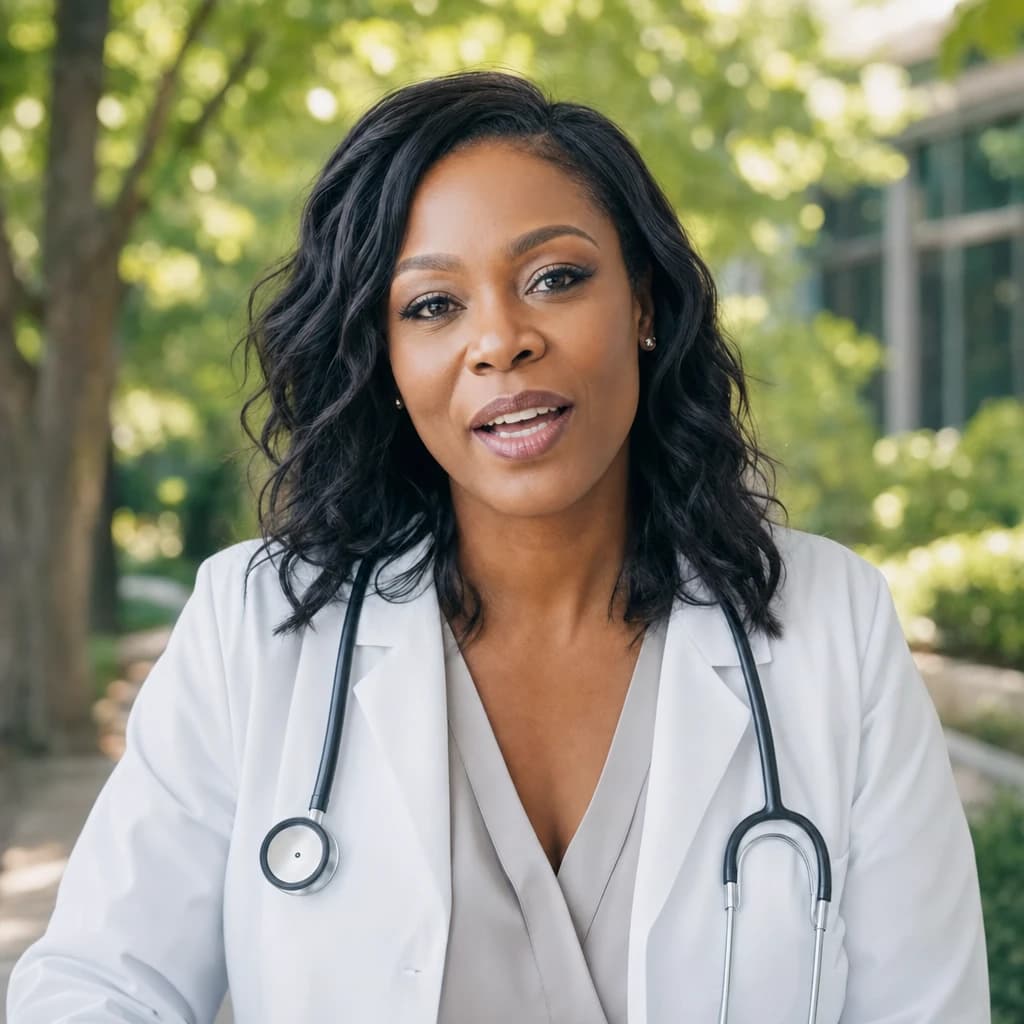
Outside the building
AI video for doctors, made from your own providers.
Four doors a practice marketing lead actually opens.
One render, and the places a patient meets it.
The shelf is only worth building if the clips sit where people already are.
The specialty page
A short explainer at the top of the cardiology page, in the cardiologist's own face, instead of a stock photo of a stethoscope.
The pre-visit message
The scheduling team attaches the prep clip to the confirmation, so fewer of those questions arrive by phone the day before.
The waiting-room screen
The same clips on a loop, where people are already sitting and reading whatever is on the wall.
The channels you already run
The local listing patients find on the map, the practice's YouTube channel, and whatever your front desk sends people to.
How the marketing lead actually builds it.
Five steps, in the order a real week runs them.
- 1
Pick the specialty and pull the questions.
Call log, portal messages, intake form. Five questions, in the words the patient used, not the words the chart uses.
- 2
Build the provider's Digital Twin.
From your Workspace, add one clear photo and a short voice sample. ten seconds of clear audio is enough for a voice that is truly theirs, and cloning it is on every plan, Free included. On Free the Twin speaks in one of our Featured voices, and custom Digital Twins, in the provider's own voice, start on Plus.
- 3
Send the consent link.
The provider gets a private link. They speak for 15 to 90 seconds on their phone, between patients, and that is the only thing they ever do on camera. The Twin activates once the recording is verified as them.
- 4
Write, review, render.
Write the script, and have the provider or whoever signs off on your marketing read it first, the same way they read a print ad. A finished video runs to one minute on Free and thirty minutes on a paid plan, and up to 1080p from the Basic plan up.
- 5
Put it where patients already are.
The specialty page on your site. The pre-visit message the scheduling team sends through the portal. The waiting-room screen. The practice's local listing, the one patients find on the map. The practice's YouTube channel. One render, five placements.
Six rules that keep a patient-education script clean.
Explain what something is, never what one person should do.
Here is what happens at a stress test is education. Here is what you should do about your chest pain is not.
No dosing, no drug instruction, no stopping anything.
If a script names a medication, it names it as something the provider will discuss at the visit, never as an instruction to follow at home.
Close every clip the same way.
Bring this up with your own doctor, because your case is yours. Write that line into the script every time, so it is never lost in the edit.
No outcome, no timeline, no rate.
No recovery times, no success figures, no promises, no before and after. Say what the visit involves, and stop.
No patient in the video.
No name, no chart detail, no photo, no story specific enough to recognise. It is the provider talking, and nothing else.
Label the video as AI made, wherever you post it.
Built-in AI labelling is still rolling out across output types, so a publisher writes the disclosure line rather than assuming the file carries it.
What Kyndrify does not do for a practice
Four things worth knowing before anybody writes a script.
Kyndrify is not HIPAA eligible.
Do not put protected health information into the Studio. No patient records, no charts, no identifiable patient detail, in a script or anywhere else.
It is patient education, never clinical advice.
The content introduces your providers and explains what a visit involves. It cannot diagnose, and it must never read as though it is telling one person what to do about their own case.
Speech runs in ten languages, and not every community's.
English, Spanish, Portuguese, French, German, Italian, Japanese, Korean, Russian and Chinese. If the language your community speaks at home is not one of those, this will not serve it yet, and a video in the wrong language is worse than no video at all.
Dubbing works on a video you made here.
Dubbing opens a finished render and says the line again in the new language, in the same voice, with the lips matched. It does not take a video you filmed somewhere else, it runs one language per run, and it starts on the Plus plan.
What your practice still owns
Kyndrify makes the videos. The rest stays yours, and we would rather say so plainly than let you find out later.
Medical advertising rules are yours. They differ by state and by board, and the platforms carry their own AI-disclosure policies on top. Your team follows the rules for your field, the same as with any other ad you run.
A real person's Digital Twin needs a current consent record before it can render. The recorded consent is checked against the provider's face before the Twin is usable, and it stays on file. See the biometric information privacy notice for how that information is collected, stored and deleted, and how we handle consent, disclosure and content credentials.
Checked September 2026. This is a summary, not legal advice.
What a practice asks before it starts
- Is there an AI video generator for doctors that uses our own providers, not a stock avatar?
- Yes, and that is the point of it. A Digital Twin is built from one of your providers' real photos and their real voice, with their consent recorded and checked against their face. You can also use a ready-made Avatar, which is a synthetic character with no real person behind it, but for a practice the provider's own face is the reason the video works at all.
- What can a patient-education video actually say?
- It can explain what a condition is, what a visit involves, how to prepare and what to bring. It cannot diagnose, cannot tell one person what to do about their own case, cannot promise a result or a recovery time, and should never name a medication as an instruction. Close every clip by telling people to raise it with their own doctor. Kyndrify makes the video; your team follows the advertising rules for your field.
- We have fourteen providers across three specialties. How many Digital Twins is that?
- Fourteen, one per provider, all inside one Workspace. The number your plan holds is 3 on Plus, 10 on Pro, 25 on Max, 50 on Ultra, and the Pro plan and up add team seats so more than one person on your marketing team can work in it. A free Workspace builds one Starter Twin, which speaks in one of our Featured voices; custom Digital Twins, in the provider's own voice, start on Plus. Cloning a voice is on every plan, Free included.
- Is this HIPAA compliant, and can we put patient information in it?
- No, and please do not. Kyndrify is not HIPAA eligible. It is a marketing and patient-education tool, not a clinical system. Keep patient records, charts and anything identifiable out of it entirely, and use it for the content that introduces your providers to the people looking for them.
- Can we make the welcome video in our patients' languages?
- In ten of them: English, Spanish, Portuguese, French, German, Italian, Japanese, Korean, Russian and Chinese. Write it once and render it in each one you need, in the same provider's voice. If the language your community speaks is not on that list, this will not serve it yet, and we would rather tell you now than after you have built the shelf.
- Can the scheduling team use these for pre-visit instructions?
- That is one of the best uses for them. A short clip on what to bring, what to stop beforehand and how long the appointment runs, attached to the confirmation message, answers the questions that otherwise arrive by phone the day before. Keep it general to the visit type. It is never instructions for one person's case.
Where a practice goes next
Pick one specialty and finish it this week
Build a provider's Digital Twin, have them record their 15 to 90 seconds of consent, and render the first five videos from the questions your front desk already answers. Free to start, and no card.