

Put a still image in motion.
Motion is closed for an upgrade and will be back soon.
Already have an account? Sign in
Free to start · No credit card
Put a still image in motion.
Motion is closed for an upgrade and will be back soon. To move a still today, the Freeform tool, on any paid plan, animates a photo you hand it as a reference. Here is what Motion will do when it returns: take a character photo, a saved Digital Twin, or an Avatar plus a short reference video, and render a new clip with a quality pick and a control for whether the framing follows your photo or the reference clip.
Free to start · no camera, no crew · no credit card

Part of Product.
What it looks like to use.
Two inputs and two settings. The clip you drop in carries the movement, your photo carries the person, and the render lands back in the same place you asked for it.
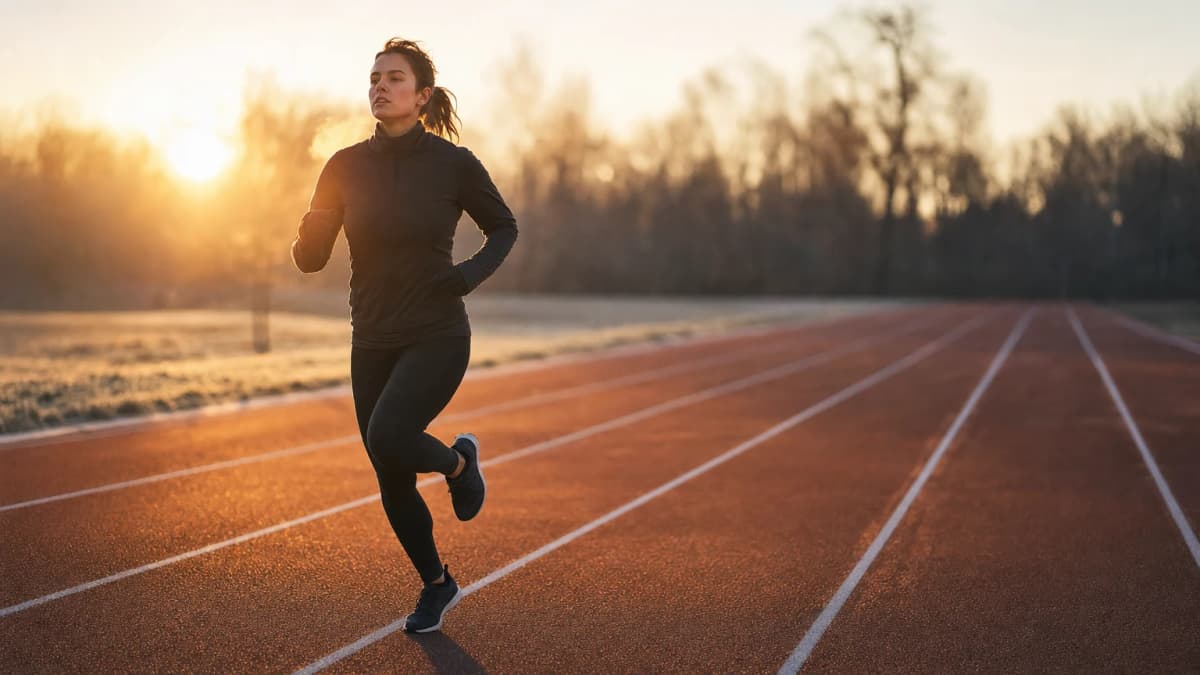 4 to 10 seconds
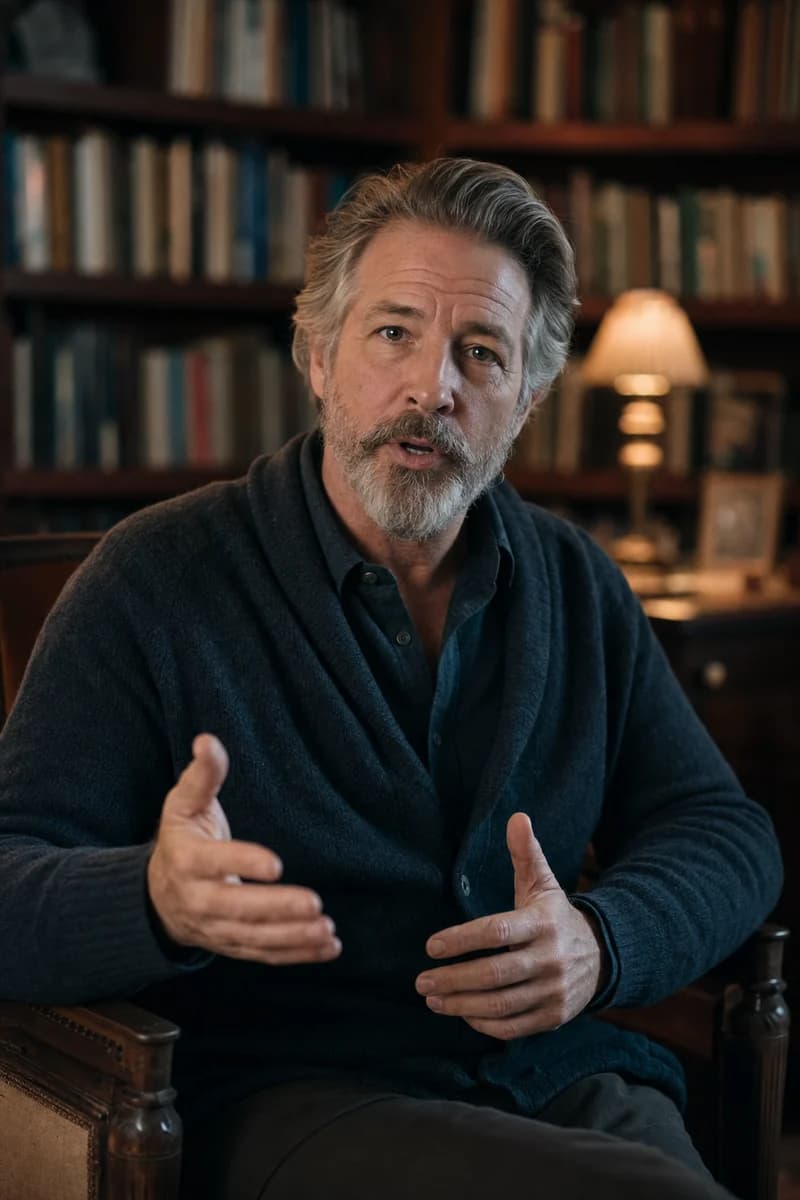 Your photoOr a saved twin or avatar
I have the right to animate this likeness.
Made with KyndrifyThe same face, moving the way your reference clip moves.
Guide the movement with a reference clip.
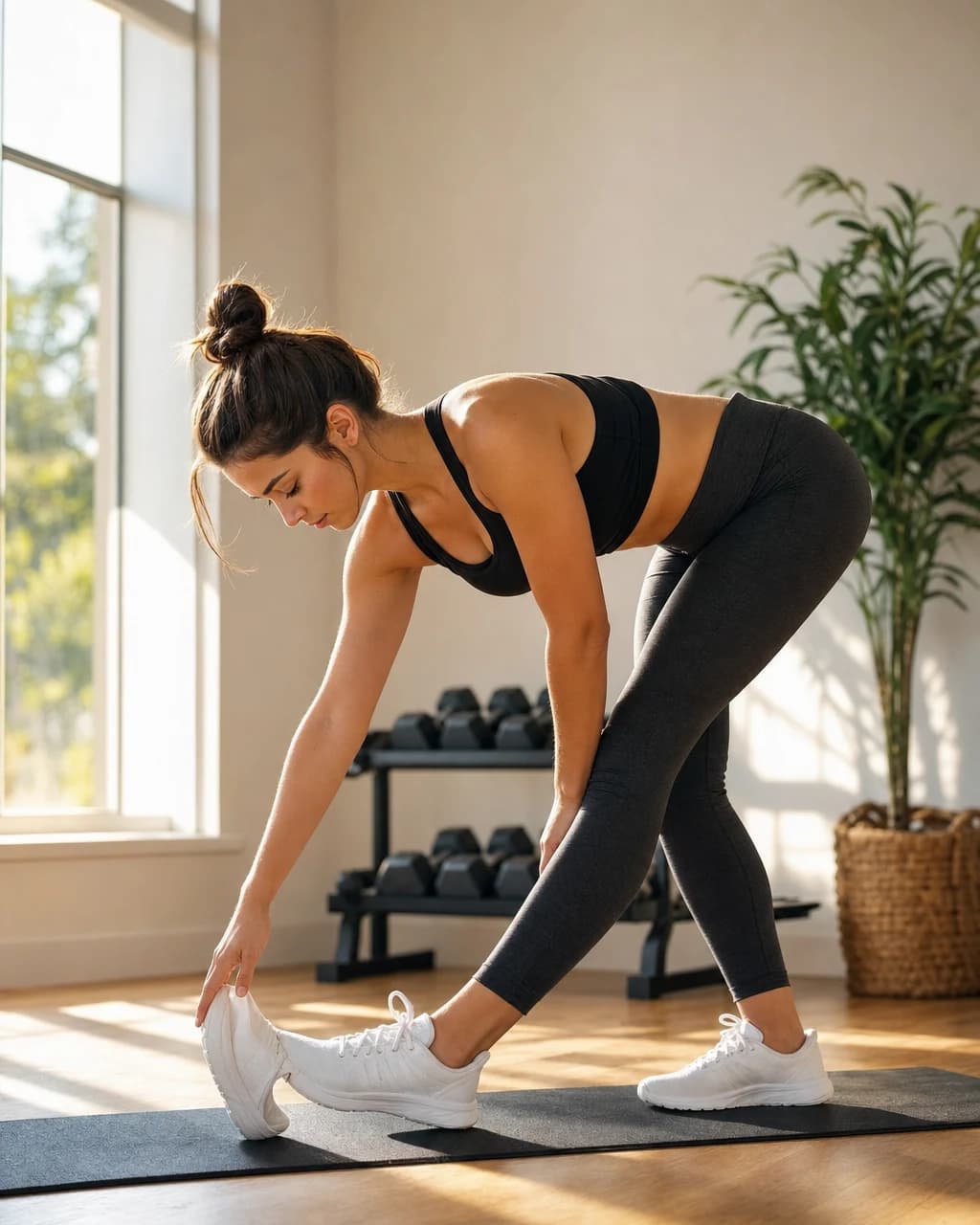 The movementYour character performs it
Transfer a performance
Use a reference clip to guide the pose, gesture, and movement of a character still. The source image provides the subject while the video provides the motion.
 A photo
 Your twin
 An avatar
Reuse a saved character
Start from a clear character photo, a saved Digital Twin, or an Avatar. Match its framing to the reference video to give the render a stronger starting point.
 9:16Trim it, place it
Build short cutaways
Render a compact motion clip that you can review, trim, and place into a social post, an ad, or a longer edit.
From idea to finished, in minutes.
- UploadUse a twin
 One clear photoHalf body or full body01
Choose your character
Upload one clear half-body or full-body photo, or select a saved Digital Twin or Avatar. Confirm that you have the right to animate the likeness.
Drop the clip with the movement
4 to 10 secondsOne clear subject02Add reference motion
Upload a video between four and ten seconds with one clear subject and continuous movement. Similar framing and proportions give the render better guidance.
- StandardProMatches video
I have the right to animate this likeness.
Render motion03Set and render
Choose whether the framing follows your photo or the reference clip, pick Standard or Pro quality, review the credit cost, and render. Inspect the result before you publish.
Same photo. Same script. Not the same video.
Both clips below start from one photo, one script, and one voice. The only thing we changed is the engine underneath. Press play on each one and judge it for yourself.
Kyndrify
One photo, our engine
Other AI tools
The same photo elsewhere
Same photo, same script, same voice in both clips. The typical example was rendered in August 2026 with a widely used open-source avatar model at its highest settings. No competitor product is shown.
Bring a photo to life
Turn a still into a moving shot with a camera move from the catalog. Motion transfer from a reference clip is getting an upgrade and will be back soon.
Learn moreReady-made avatars
Pick from a library of polished presenters, ready to talk for you right away.
Learn moreYour Digital Twin
Add authorized photo and voice references, complete consent, and reuse your Digital Twin across supported renders.
Learn moreA still photo, brought to life
One photo
Turn a flat image into a short, moving clip.
Wherever you create.

Education & training
Teach without filming
Lessons, courses, onboarding, and SOPs. Update the script, re-render, done.
See use case

Marketing & ads
Ads that look shot, never filmed
UGC, product videos, photos, and copy. A whole campaign, no shoot.
See use case

Sales
Prospect videos that stand out
Personalized intros, follow-ups, and recaps at scale.
See use case
Agencies
Client work, multiplied
A Digital Twin per client, one Workspace, billed your way.
See use case
What people are saying.
From clients of the studio behind Kyndrify. First names and last initials, so people keep their privacy.
We've tried a few AI video tools and this is the one our team kept using. It's fast and the videos look good.
Sarah L.
Creative Director
I don't miss setting up my camera every time I have a new listing lol. This is way easier.
Michael T.
Real Estate Agent
I had to update one lesson after a policy change. Changed the script, made a new video, done.
Emily C.
Course Creator
We use it to explain treatments before appointments. Patients seem to come in with fewer questions now.
Dr. James P.
Dentist
The product changes all the time, so recording new demos was getting old. Kyndrify fixed that problem for us.
Alex R.
Customer Success Manager
Honestly just makes onboarding easier. Everyone gets the same message and we don't have to record new videos all the time.
Nicole V.
HR Manager
It still feels weird seeing an AI version of me, but my clients have been really positive about it.
David M.
Financial Advisor
We've been making quick product videos for launches. It's been working better than I expected.
Olivia S.
Store Owner
Our team is tiny, so anything that saves us time is a win. We've already used it for volunteer updates and donor messages.
Rachel A.
Communications Lead
One small change used to mean re-recording a whole training video. Now we just update it and move on.
Kevin H.
Training Manager
Your face, your voice and your work, handled with care.
Works with
Quick answers.
- Can I use Motion today?
- Motion is getting an upgrade and will be back soon; the Motion tab in the studio says so and takes no credits until it reopens. If you want a still to move today, the Freeform page renders a moving shot from a photo, with a camera move from the catalog.
- What is image to video?
- Image to video uses a still image as the visual source for a moving clip. Kyndrify's Motion tool also needs a short reference video, which guides how the subject and camera should move.
- How do I animate a photo?
- Upload a clear character photo or choose a saved Digital Twin or Avatar, then add a short reference-motion video. Choose whether the framing matches your photo or the clip, pick Standard or Pro quality, confirm that you have the right to animate the likeness, review the credit cost, and render.
- What kinds of photos work best for image to video?
- Use a clear half-body or full-body photo with one subject. Match the framing and body proportions of the reference video as closely as you can. Review every result for changes to the subject's face or appearance, unexpected motion, and visual artefacts.
- How long are the animated clips?
- The current Motion tool accepts reference videos from four to ten seconds. The output length is derived from that reference clip rather than set with a separate duration slider.
- Where can I use the animated clips?
- You can use outputs in your projects when you have the rights and consent for the source likeness and reference video, your plan permits it, and the use follows our Terms and Acceptable Use Policy. Review the clip and add any disclosure your channel or local rules require.
One still. A moving take.
Free to start. No camera, no crew, no credit card.