
Post every day. Never film again.
Post every day in your own face and voice, without filming.
Already have an account? Sign in
Free to start · no credit card required
Post every day. Never film again.
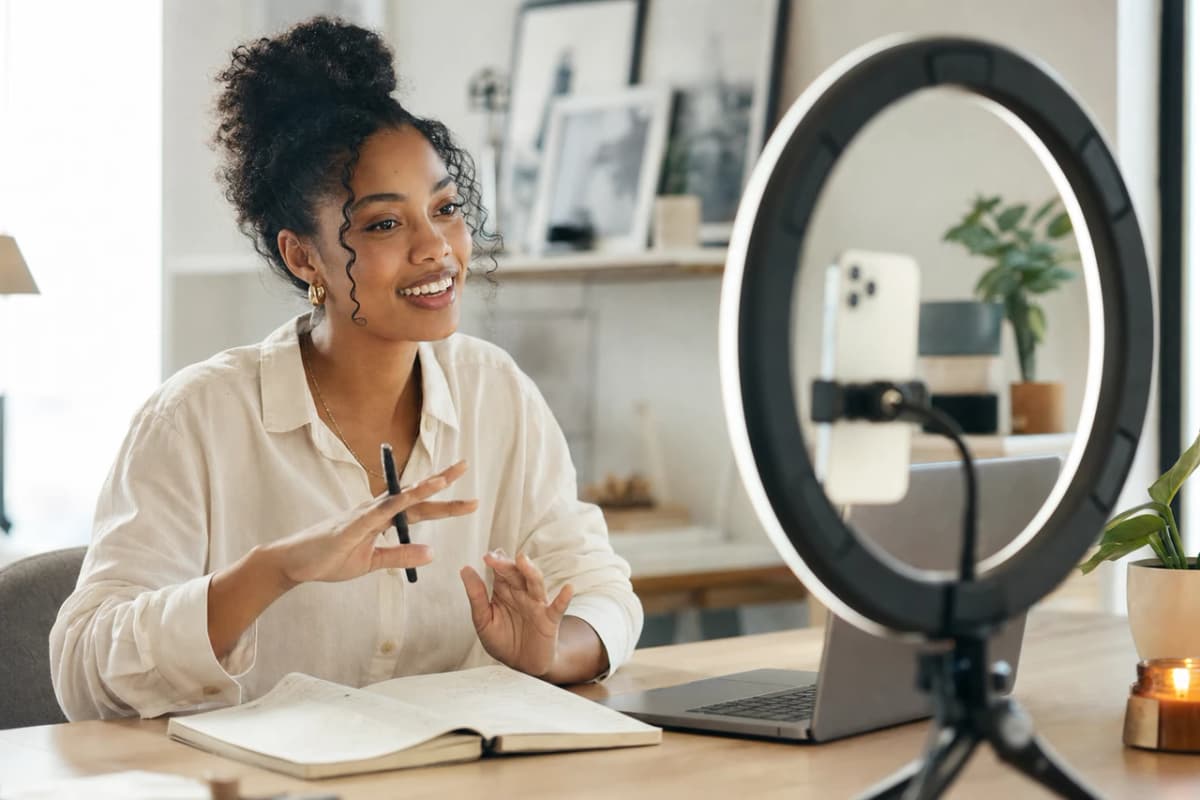
The algorithm rewards the people who show up every day, but you cannot film every day. One off day, one sick week, one busy stretch, and the posting stops. So build your Digital Twin once from a photo and a short voice clip. After that you write a script and get a finished video back in your own face and voice, with no camera, no crew, and no shoot to schedule around.
Free to start · no credit card required
Part of Use cases.
How much you can make at once
A whole week of posts
Write your scripts, render them all in your own face and voice, and line up the whole week in one sitting.
You cannot be on camera every day.
Growing a following means showing up over and over, week after week. But you are one person with a limited number of good days, and the moment you stop posting, the reach dries up.
- Filming every day is exhausting, and it burns you out before it grows anyone.
- You are tired of setting up lights and a camera just to talk for ninety seconds.
- One off day, one sick week, and there is nothing to post.
- Editing eats the hours you should be spending on the next idea.
- The algorithm punishes gaps, so the week you go quiet is the week you shrink.
- You want to be in more places and more languages, but you cannot be everywhere at once.
Two ways to keep showing up.
Filming it all yourself
- Set up the camera, the light, and the mic before every single clip.
- Get camera-ready, then run take after take until one lands.
- Sit through an editing session for each video you post.
- Miss a day, and there is a hole in your feed the algorithm notices.
Your Digital Twin
- Build your Digital Twin once from a photo and a short voice clip.
- Write a script and get a finished video back.
- Batch a whole week of posts in one sitting, on any day.
- Show up even on the days you are sick, busy, or just not feeling it.
Built for the work you do.
Show up without filming
You film nothing after setup. Every short, hook, and series is made from your Digital Twin, so a full posting week never costs you a shoot or an off day.
A week of content in one batch
Write your scripts, render them all in your own face and voice, and schedule the week in one sitting. No lights, no reshoots, no editing marathon.
Repurpose without redoing it
Turn one idea into a short, a hook, and a longer talking-head video without recording it three times. One script, however many cuts you want.
Reach past your language
Choose a supported language and the script is translated and read in your saved voice. You run it once for each language, so you can grow an audience in places you could never film for.
A month of posts, already waiting.
Every idea in your notes app is a video waiting to be made. Here is a starter shelf, all in your own face and voice.
Daily shorts
A quick take a day to keep your feed alive without living behind a camera.
Scroll-stopping hooks
Open the same idea five different ways and post the one that lands hardest.
A running series
Turn one topic into a numbered series people come back for, all in one batch.
Talking-head explainers
Break down the thing your audience keeps asking about, straight to camera.
Repurposed clips
Cut one long idea into a week of shorts, each with a fresh hook up front.
Videos in other languages
Say the same thing in a supported language and meet a whole new audience.
From idea to delivery.
- 1
Build your Digital Twin
From your Studio, add a photo of yourself and a short voice clip. That is everything we need to start building your Twin.
- 2
Approve it in about a minute
Record a quick consent video on your phone so we can verify it is really you. That is the only time you ever pick up a camera. Your Twin activates once it is confirmed.
- 3
Write and post
Write a script, render a finished clip in your own face and voice, and post it. Make as many as your calendar needs, whenever you need them.
What people are saying.
From clients of the studio behind Kyndrify. First names and last initials, so people keep their privacy.
I don't miss setting up my camera every time I have a new listing lol. This is way easier.
Michael T.
Real Estate Agent
I had to update one lesson after a policy change. Changed the script, made a new video, done.
Emily C.
Course Creator
We've been making quick product videos for launches. It's been working better than I expected.
Olivia S.
Store Owner
The doubts, answered.
“Will it look fake?”
Your Digital Twin is built from your real face and your real voice, so it looks and sounds like you. Take a look at the showcase and judge for yourself.
“Will my audience feel cheated that it is AI?”
It is genuinely your face and your voice, made with your consent, and every video carries a clear AI label by default. Being open about how you make it is what keeps your audience's trust, not what breaks it.
“I am not techy.”
You do not need to be. You add a photo and a voice clip, write a script the way you would write a social post, and get a finished video back. There is nothing to edit and nothing to configure.
“Is it worth what it costs?”
You pay for the videos you actually make, not a big monthly bill you barely use. Weigh it against the hours of filming and editing it gives back, and against every day you would have gone dark.
“Will it match my style?”
You write the script, so the words, the jokes, and the pacing are all yours. It is your own face and voice delivering your own lines, so it sounds like you because it is you.
“Does it work for short-form?”
Yes. Daily shorts and hooks are exactly what most creators make with it. Write a tight script, render it, and post it to any short-form feed.
Capabilities that matter.
Daily shorts on tap
Write a script and get a finished short back in your own face and voice, so you never miss a posting day.
Batch a whole week at once
Render every video for the week in one sitting and schedule them, instead of filming and editing one at a time.
Hooks and series without reshoots
Open the same idea five ways or spin one topic into a numbered series, all from scripts, with no re-recording.
Supported languages from one recording
Choose a supported language and the script is translated and read in your saved voice, so you can grow an audience past the one you could film for.
Consent-first by design
Videos are built to carry AI disclosure, and your consent is on file before your Digital Twin can be used.
Made for people like you.
A great fit if
- Creators and influencers who need to post every day without living behind a camera.
- Solo founders who want to be the face of their brand but do not have hours to film.
- Anyone whose reach stalls the moment they stop posting.
Maybe not yet if
- You want to make claims you cannot back up. Keep your scripts honest.
- You want to use someone else's face or voice. Your Digital Twin is built with real consent, and only yours.
Try it before you commit a thing.
- Free to start, with no credit card.
- You own every video you make.
- Your Digital Twin only works after you have said yes on camera.
- Cancel anytime, with no lock-in.
Your face, your voice and your work, handled with care.
Quick answers.
- Do I have to film to make videos?
- No. You record one short consent video on your phone so we can verify it is you, and after that your Digital Twin is built from a photo and a voice clip. Every video is made from your Twin, so you never set up a camera again.
- What kind of videos can I make?
- Daily shorts, scroll-stopping hooks, a running series, talking-head explainers, repurposed clips, and videos in supported languages, all in your own face and voice.
- Will my audience know the videos are AI?
- Yes. Videos are built to carry a clear AI disclosure, and it is genuinely your own face and voice, used only with your recorded consent. Being open about how you make it keeps your audience's trust.
- Does this work for short-form like reels and shorts?
- Yes. Short-form is what most creators make with it. Write a tight script, render it in your own face and voice, and post it to any short-form feed.
- How do I set up my Digital Twin?
- From your Studio, add a photo of yourself and a short voice clip, then record a quick consent video on your phone. That takes about a minute, and your Twin activates once it is verified as you.
- Can I make videos in other languages?
- Yes. Choose the language you want and the script is translated and read in your saved voice. You run it once for each language, so you can grow an audience in places you could never film for.
- Do I own the videos I make?
- Yes. Every video you render is yours to post and keep. You can use it commercially as long as you hold the rights to what is in it and you follow the Terms and the Acceptable Use Policy. There is no lock-in, and you can cancel anytime.
The tools that do this
Post every day, starting this week.
Build your Digital Twin once, then write a script and get a finished video back in your own face and voice. Free to start, no credit card.