

An AI avatar generator. The presenter is already made.
Every Avatar here is an invented character, not a real person, so there is no face of yours involved and nobody to ask. Pick one, write what it should say, and the video comes back with them saying it. Free to use on every plan.
Pick a presenter, write the script, and the video comes back.
These are the presenters we offer. To put a real face on screen, you build a Digital Twin, and that records consent before it renders anything.
Part of AI video generator.



What is an AI avatar generator?
An AI avatar generator makes a video of a presenter who is not a real person. On Kyndrify you pick a Featured Avatar from the catalog, write what it should say, choose a voice, and a finished video comes back. Nobody films anything, and no real person's face or likeness is used.
Who it is for
Anybody who needs a person on screen and would rather it were not them.
What you need
A script. No photo, no recording, no camera, no booking.
What it costs
The Avatar costs nothing on any plan. The video is priced per second of finished video, from 57 credits a second on the lighter rail to 152 credits a second on the best one, with a floor of 120 credits a video. The one-time 8,400 starter credits on Free cover a first video of up to 60 seconds.
What it does not do
It will not give you a presenter who looks like a particular real person, and on Free a video stops at 60 seconds at 720p.
Every presenter, on this page
Browse a growing library of presenters, sorted by what they are for. Filter by the kind of video you are making, then read the line under each one. It tells you the role that Avatar was built for, so you are picking a fit, not a face you like the look of.
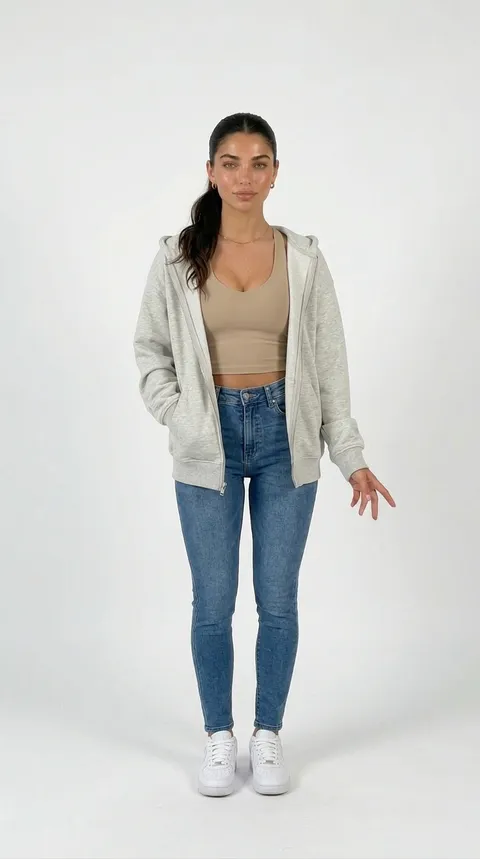
Aaliyah
casual
Energetic, athletic creator
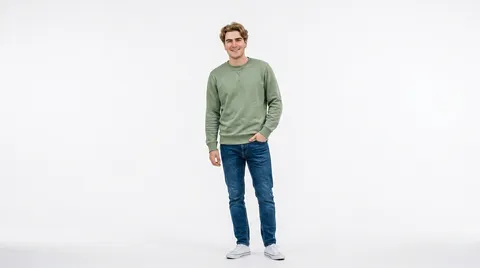
Ben
casual
Easygoing, friendly explainer
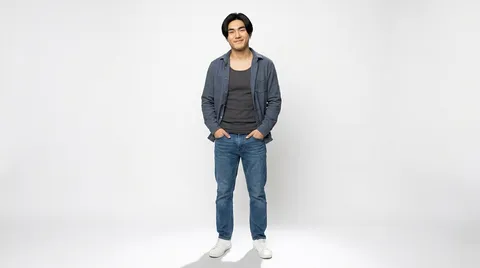
Kai
casual
Friendly, casual creator
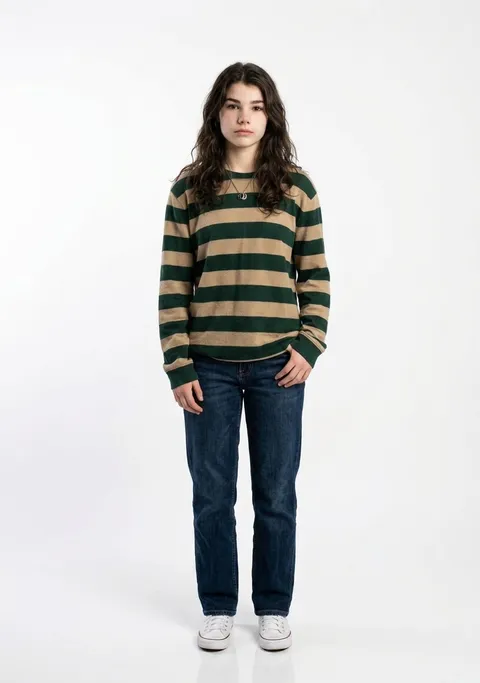
Noa
casual
Modern, youthful host
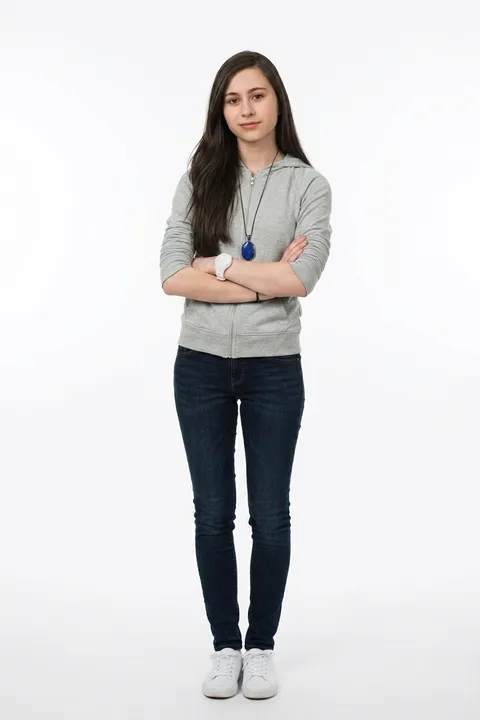
Priya
casual
Confident, direct explainer
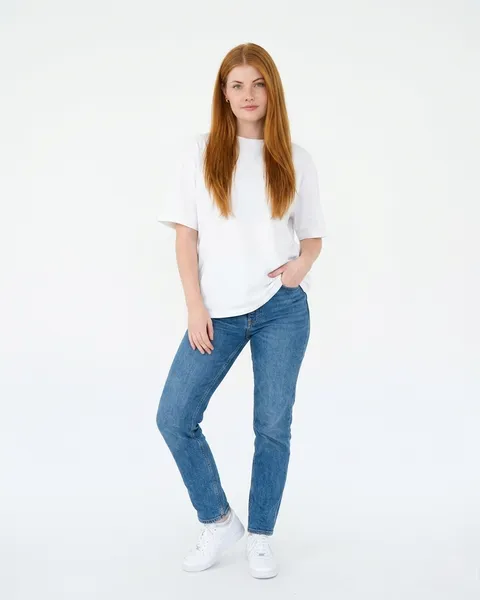
Ruby
casual
Fresh, relatable creator

Sam
casual
Approachable, outdoorsy host
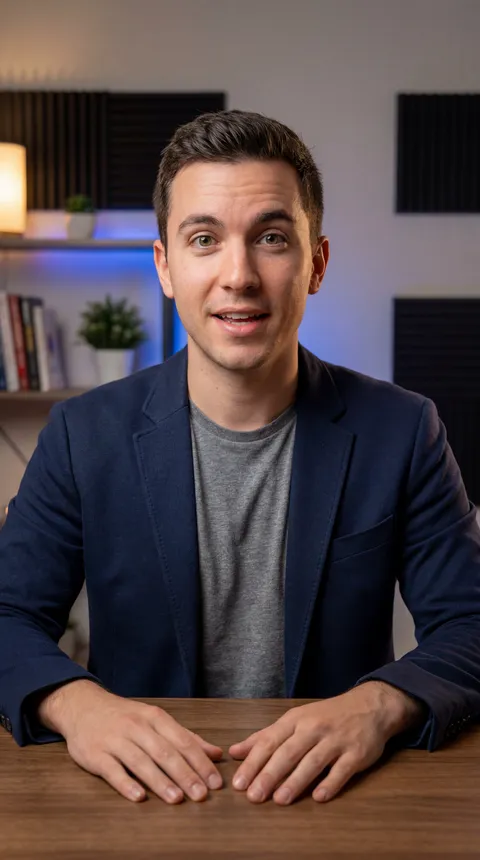
Leon
creator
Conversational educator
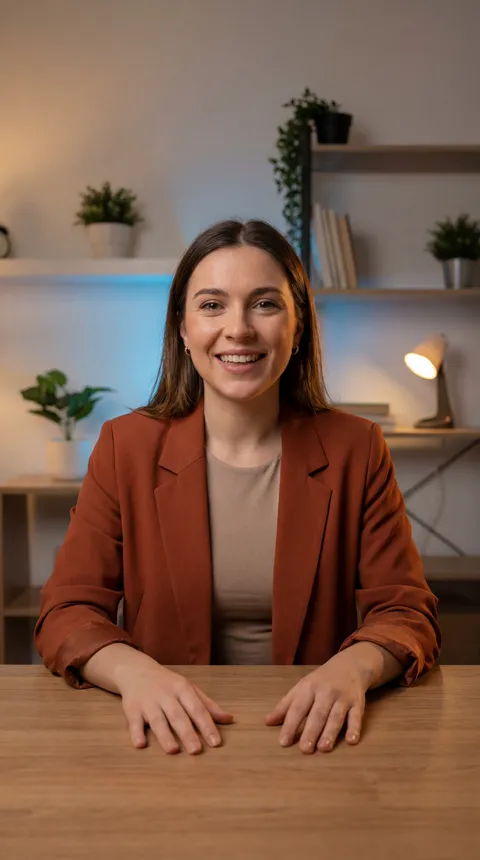
Zoe
creator
Energetic explainer creator
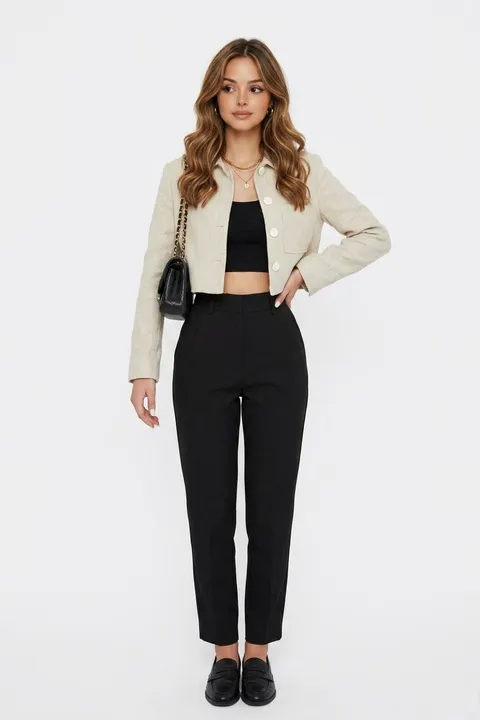
Zara
fashion
Stylish, on-trend creator
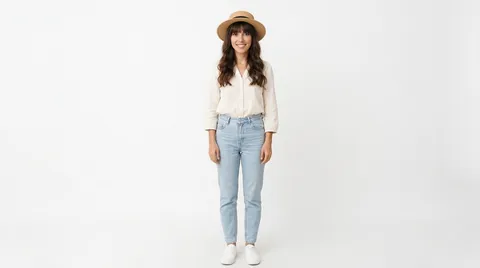
Bea
lifestyle
Relaxed, sunny presenter

Lena
lifestyle
Joyful lifestyle creator

Adam
presenter
Polished, smart-casual spokesperson
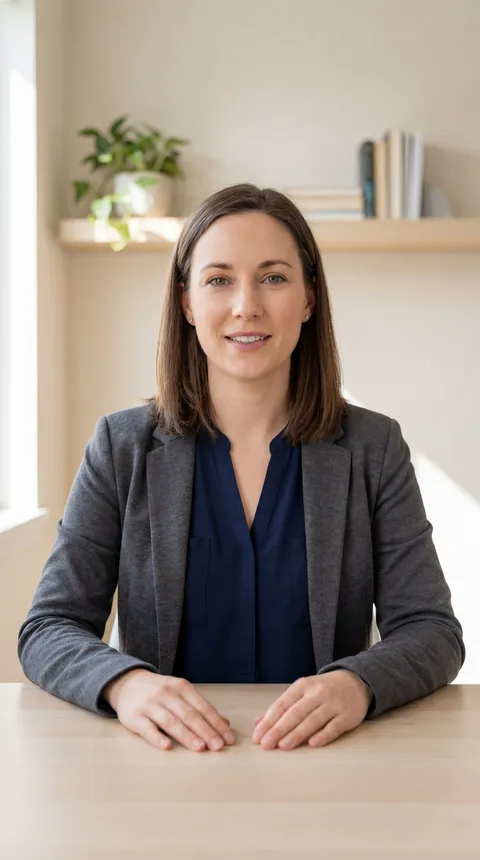
Anika
presenter
Clear online instructor

Chris
presenter
Solution-focused success rep
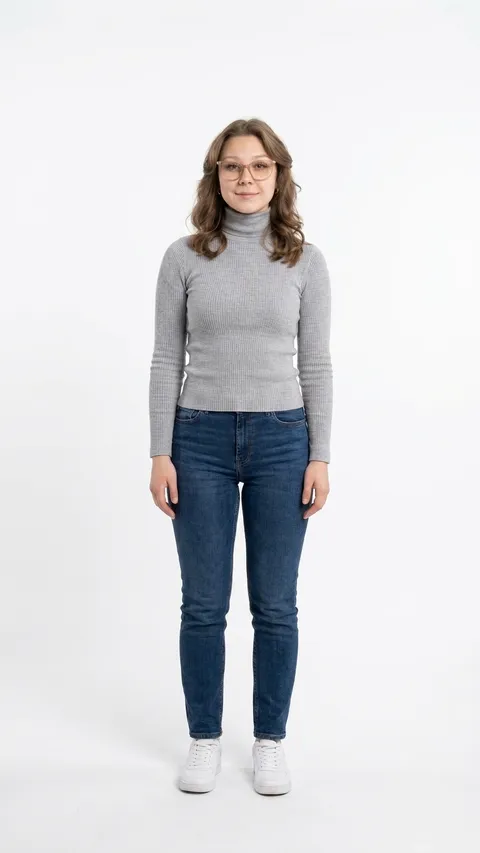
Claire
presenter
Warm, trustworthy educator

Daniel
presenter
Structured course instructor
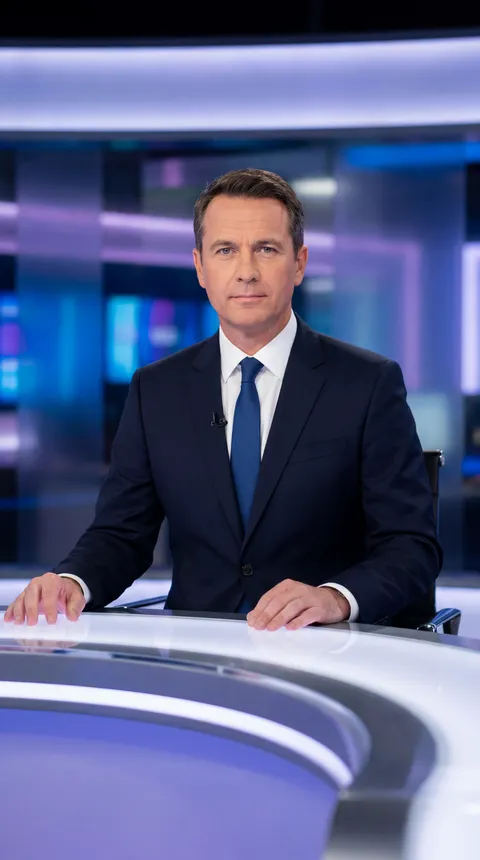
David
presenter
Formal news anchor
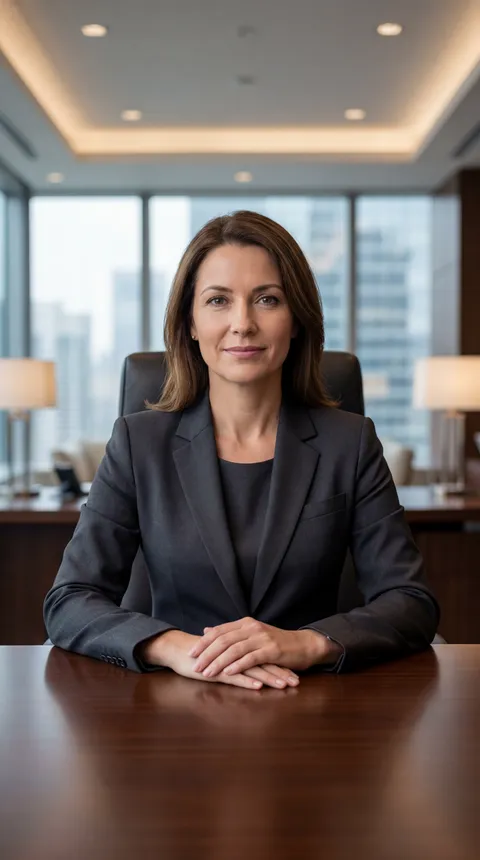
Diana
presenter
Calm corporate executive
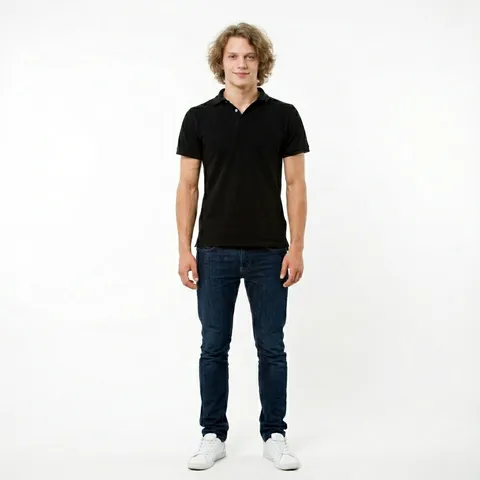
Erik
presenter
Calm, clean-cut presenter
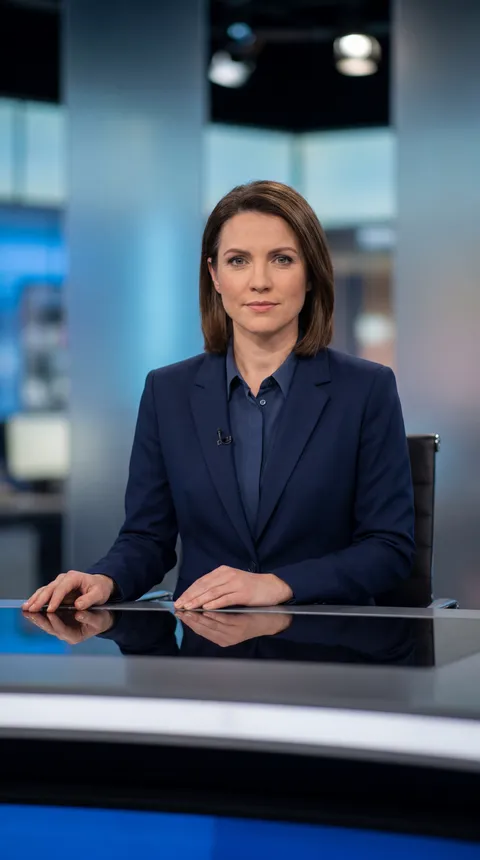
Grace
presenter
Composed news anchor

Marcus
presenter
Warm onboarding host

Maya
presenter
Polished corporate presenter

Mia
presenter
Friendly success guide
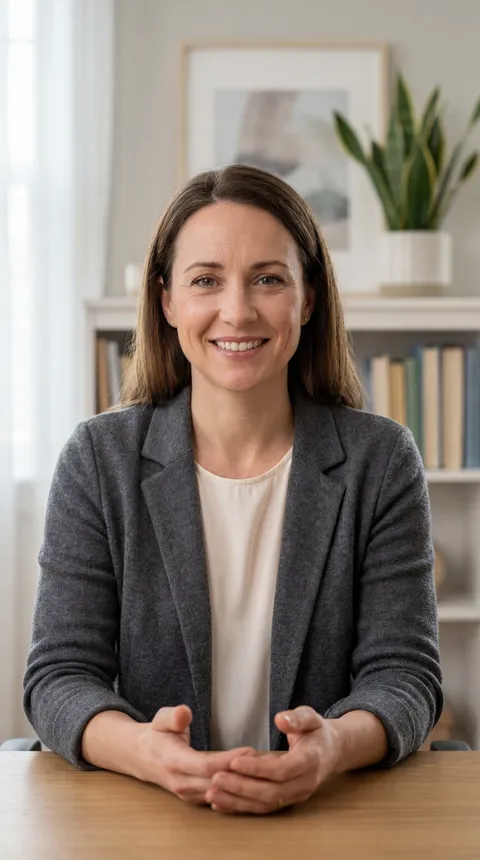
Olivia
presenter
Supportive consultant

Richard
presenter
Authoritative executive

Samuel
presenter
Strategic coach
Three steps, and none of them is a shoot.
- 1
Pick who says it.
Scan the catalog for someone who fits the audience. A finance explainer and a kitchen-table tip are not the same person, and the card tells you which is which.
- 2
Write what they say.
Paste the script. Write it the way you would say it out loud, not the way you would write it down, because the video is going to say it out loud.
- 3
Render.
Pick a voice, press the button, and the finished file comes back. If the presenter was wrong, swap them and render again. The script does not change.
A spokesperson for the brand, without hiring one
A spokesperson is a job, not a look. Somebody has to front the offer, read the disclaimer the same way every time, and turn up again next quarter when the price changes. Hiring a person for that means a day rate, a usage licence, a reshoot when a line moves, and a problem when they leave.
A Featured Avatar has none of that in it. Pick one, keep them, and the fourteenth video is the same presenter as the first. Change a line and re-render the one video, not the set. And because the presenter is invented, there is no likeness agreement to negotiate and nobody's career to tie to your brand.
Where people use this: product announcements, pricing updates, the welcome video on a landing page, the message the sales team sends when a deal stalls.
Talking-head video: a script becomes a video in your own face and voice
One presenter across a whole series
Training and support video breaks in a way marketing video does not: it is never one video. It is thirty short ones, made over six months, and every time the presenter changes, the series stops looking like a series.
Pick one Avatar and keep them. Same face at lesson one and lesson thirty, whoever on your team wrote lesson seventeen. The five pictures below are one presenter in five different rooms, doing five different jobs, which is the part a stock library cannot do for you.
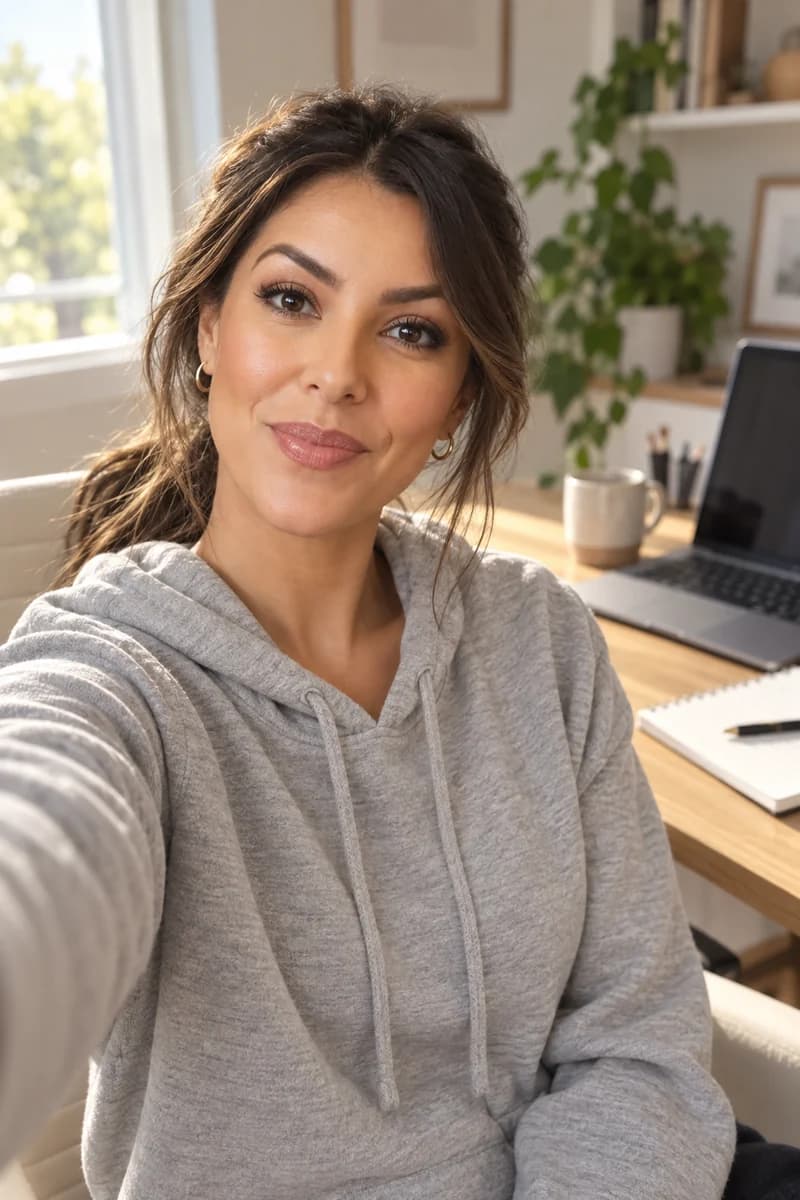
A home desk, for the update nobody books a studio for.

A kitchen table, for the tip that should sound offhand.

A sofa, for the welcome video on a landing page.

A whiteboard, for lesson four of thirty.

A city office, for the message a sales team sends.
Where people use this: onboarding sequences, help-centre walkthroughs, internal updates, the lesson you rewrite every term.
An Avatar speaks the language you write in
Write the script in the language you want, pick a voice that speaks it, and that is the video. One video speaks one language, so a second language is a second video, not a toggle.
If you already have a finished Kyndrify video and want the same one in another language, that is dubbing, and it works on a video we rendered rather than on a file you upload. It is included from the Plus plan up.
Dubbing and translation: the same video, in another language, in your own voice
How real does it look?
Honest answer: look at the output and decide. Videos render up to 1080p from the Plus plan up, and a Free video renders at 720p and carries a small visible mark. How good any one video looks depends on the script as much as the presenter, because a line nobody would say out loud does not start sounding natural because a face is attached to it.
What we will not do is tell you it cannot be told apart from a person. The showcase is full renders, start to finish, with nothing trimmed out of the awkward parts.
Showcase: real output, talking heads, ads, product photos, freeform clips
If you want a presenter nobody else has
Two routes, and they are genuinely different.
Build your own Avatar. Describe the character you want and we make the presenter, yours alone, saved to your Workspace. This is a paid feature: creating characters of your own is included from the Plus plan up. On Free you use the Featured ones, which cost nothing and take none of your own character slots.
Build a Digital Twin of a real person. That is a different thing with a different rulebook. It starts from one photo of a real face and a short recording, it records consent before anything renders, and that consent has to still be current every time it runs.
Create an AI version of yourself: a Digital Twin built from one photo, with your consent on record
An Avatar is nobody.
That is the whole point of the word. An Avatar is an invented character. A Digital Twin is a real person, and the difference is not cosmetic: a Digital Twin cannot render at all without a current consent record, and an Avatar has no consent record because there is nobody to ask.
We keep those two on opposite sides of a hard line on purpose. Real photographs of real people always go the Digital Twin route, with the consent step, and there is no path on this page that quietly turns a person's picture into a presenter.
What is true of every video either way: we do not use your scripts or your media to train a Kyndrify model. Videos on the Free plan carry a visible mark, paid plans do not. Machine-verifiable disclosure and provenance are still rolling out and are not guaranteed on every output yet.
Wherever you create.

Education & training
Teach without filming
Lessons, courses, onboarding, and SOPs. Update the script, re-render, done.
See use case

Marketing & ads
Ads that look shot, never filmed
UGC, product videos, photos, and copy. A whole campaign, no shoot.
See use case

Sales
Prospect videos that stand out
Personalized intros, follow-ups, and recaps at scale.
See use case
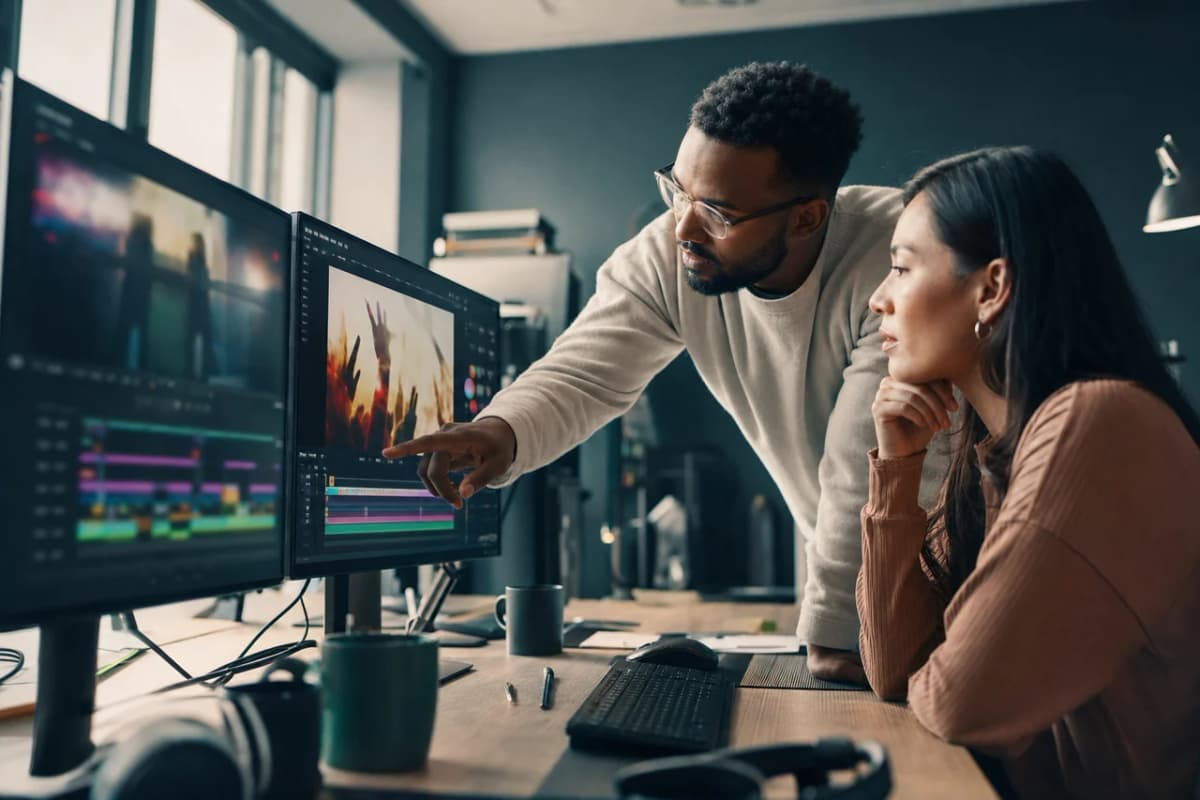
Agencies
Client work, multiplied
A Digital Twin per client, one Workspace, billed your way.
See use case
What people are saying.
From clients of the studio behind Kyndrify. First names and last initials, so people keep their privacy.
We've tried a few AI video tools and this is the one our team kept using. It's fast and the videos look good.
Sarah L.
Creative Director
I don't miss setting up my camera every time I have a new listing lol. This is way easier.
Michael T.
Real Estate Agent
I had to update one lesson after a policy change. Changed the script, made a new video, done.
Emily C.
Course Creator
We use it to explain treatments before appointments. Patients seem to come in with fewer questions now.
Dr. James P.
Dentist
The product changes all the time, so recording new demos was getting old. Kyndrify fixed that problem for us.
Alex R.
Customer Success Manager
Honestly just makes onboarding easier. Everyone gets the same message and we don't have to record new videos all the time.
Nicole V.
HR Manager
It still feels weird seeing an AI version of me, but my clients have been really positive about it.
David M.
Financial Advisor
We've been making quick product videos for launches. It's been working better than I expected.
Olivia S.
Store Owner
Our team is tiny, so anything that saves us time is a win. We've already used it for volunteer updates and donor messages.
Rachel A.
Communications Lead
One small change used to mean re-recording a whole training video. Now we just update it and move on.
Kevin H.
Training Manager
Your face, your voice and your work, handled with care.
Questions before you pick someone
- What is the difference between an Avatar and a Digital Twin?
- An Avatar is an invented character. Nobody is being represented, so there is no likeness to protect and no consent to collect. A Digital Twin is a real person, built from their photo and their voice, and it needs a current consent record before it can render anything at all. Both work the same way once you have picked one.
- Do the Featured Avatars cost extra?
- No. Every Featured Avatar is free to use on every plan, Free included, and using one takes none of your own character slots. What you spend credits on is the video itself, priced per second of finished video. Your one-time 8,400 starter credits cover a first video of up to 60 seconds.
- Can I get an Avatar that looks like me?
- Not from this catalog. A presenter who looks like a specific real person is a Digital Twin, and that route starts with a photo of that person and their consent on record. Start there instead, on the page about creating an AI version of yourself, which is linked from the section above.
- Can an Avatar speak another language?
- Yes. Write the script in that language and pick a voice that speaks it. One video speaks one language, so two languages means two videos. To re-voice a video you already made, dubbing does that from the Plus plan up, on a video we rendered rather than on a file you upload.
- How long can a video be?
- On Free, up to 60 seconds, at 720p, with a small visible mark. On a paid plan a single video runs to thirty minutes and renders up to 1080p with no visible mark.
- Can I use these videos in ads and on my own channels?
- Yes, on a paid plan, as long as you hold the rights to the script, the brands and the media involved and you follow the Terms and the Acceptable Use Policy. Every video is built to carry a clear AI disclosure, and you follow the rules of wherever you publish it.
The tools that do this
Pick someone and make the first one.
Free to start, with a one-time grant of 8,400 starter credits. No photo to upload. No credit card required.