

Pick the job you need done this week.
Five jobs. One setup underneath all of them. No camera after the first day.
Already have an account? Sign in
Free to start · No credit card
Pick the job you need done this week.
One video is not a channel. The work only pays when it repeats, forty times, on a schedule, and a camera is what makes that collapse the first bad week. So you set yourself up once, and after that every video is a script you write and a render you watch back. Five jobs are laid out below. The workflow under all five is the same one.

These pages are organised by job. For a clinic or a practice, start on the industries pages.
What do people actually use AI video for?
Almost all of it is one person talking to a camera. A daily post, an ad variant, a follow-up to one account, a lesson, a client deliverable. You build a Digital Twin of yourself once from a photo, with your consent on the record, then write a script and get a finished video back. Nothing gets filmed after that.
Who it is for
Creators, marketers, sales reps, trainers and agencies. The person on screen is usually the person making it, and that's who this hub is written for.
What you need
One clear photo of yourself, about a minute for the consent step, and something to say. The photo is what your Digital Twin looks like, and the recording is what puts your permission on the record.
What it costs
Starting costs nothing. The Free plan drops 8,400 credits into your Workspace once, which covers a full minute of video with a Featured presenter, and a free video runs to 60 seconds. A video in your own face starts on the Plus plan: it bills 152 credits a second, with a 120 credit minimum on any video with a person in it. Plus carries 28,000 credits a month for $49 a month billed yearly, or $59 month to month. The whole ladder is on the pricing page.
What it does not do
It does not post or schedule anything for you. It does not merge a list of names into a hundred copies of one video. And it does not import a slide deck or record your screen.
Five jobs, five pages.
Each one is written by someone who does that job. Read the one that sounds like your week.
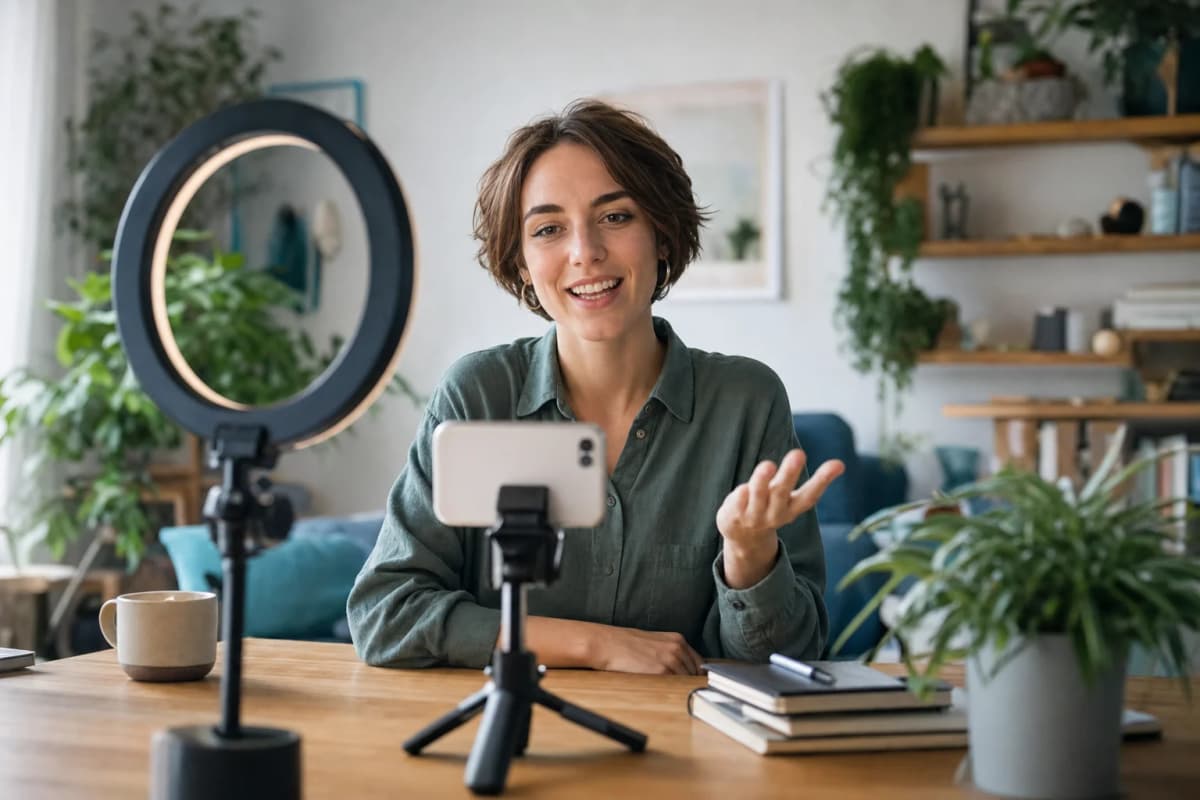



How the week actually goes.
Four steps. The first one happens once. The other three are the loop.
Set yourself up, once. Upload a clear photo of yourself. That photo is what your Digital Twin looks like. Then record the consent step, at least fifteen seconds of you saying the line on screen, which puts your permission on the record. Pick a voice from the Featured list, or save your own voice on any plan from ten seconds of clear audio. You're done with the camera.
Write five scripts in one sitting. Sit down once and write the whole week. Writing them together is what makes the rhythm survive a bad week, because Thursday's post was already written on Monday. If you don't know what to write, tell Kae what the week is about. She comes back with a plan and the cost before anything runs. Free includes five planning sessions a month.
Send them off, then close the tab. You send one script at a time, one after another. Each render runs on its own, and the Studio tells you when it lands. If the queue is busy a render waits in line and says roughly how long. You're not sitting there watching a bar. On Free you get three renders a day, so a five-script week lands over two sittings. Plus is ten a day, and the plans above it go higher.
Watch each one, then post it yourself. Play every video through before it goes anywhere. Check names, numbers and the one line you care most about. Then download it and put it wherever you already post. Nothing leaves your Workspace on its own, and nothing is scheduled for you.
Your own face, or not.
A Digital Twin is you. Your photo, your recording, your consent on the record, and only you can give it. An Avatar is a character with no real person behind it, and nobody needs to agree to anything. Both of them will say your script, you can hold both in the same Workspace, and they draw on the same pool of character slots.
Free includes one Starter Twin built from your own photo, plus the Featured avatars anyone can render with, which take no slot. Character slots come with the Plus plan and above, and you fill them with either kind: 3 on Plus, 10 on Pro, 25 on Max, 50 on Ultra. A Digital Twin and an Avatar you build yourself each take one. Extra slots are buyable from the Plus plan up.
Your voice is the other half. Cloning your own voice from one authorized recording is on every plan, Free included, and re-voicing a finished video into another language while it still sounds like you is on the Plus plan and above.
Before you post.
The face is genuinely yours, the voice is genuinely yours, and the consent for both is on the record. That's the part that matters if anyone ever asks.
Say that the video is AI made. Our own labelling is still rolling out across output types, so until it is everywhere, put one short line in the caption or the description yourself. It costs you nothing and it's the difference between being open and being caught.
One rule with no exceptions: the person on screen consents for themselves. You cannot agree on a colleague's behalf, a client's behalf or a friend's behalf, and the Studio will not let you try. What we do with a person's likeness, and what we refuse to do, is on the responsible AI page.
Three workflows written out.
Longer walk-throughs of three of these jobs, start to finish. They're our own product workflows. The web addresses are old placeholder names we haven't renamed yet, and no real company or person appears in any of them. Read all three workflow write-ups.
What this hub does not do.
A free video is a minute long, and it is marked.
On Free a video runs to 60 seconds and carries a small visible Kyndrify mark. On a paid plan one video runs to thirty minutes and the mark is gone.
Your own face starts on the Plus plan.
The Free grant covers a full minute with a Featured presenter, not a full minute of you. A video in your own face bills 152 credits a second from the Plus plan up, with a 120 credit minimum.
There is a ceiling on how many you send a day.
Free renders three videos a day and Plus ten, with the plans above it higher again. A week of scripts lands over more than one sitting on the lower plans.
One video at a time.
You send one script and get one video. There is no mail merge that swaps a name into a hundred copies, nothing pulls a list out of your CRM, and nothing here posts or schedules anything for you.
No slides, no screen recording.
There is no slide deck import, no course package, no quizzes and no screen recording. A course built around slides is still a job for your LMS.
What people say after the first one.
From clients of the studio behind Kyndrify. First names and last initials, so people keep their privacy.
We've tried a few AI video tools and this is the one our team kept using. It's fast and the videos look good.
Sarah L.
Creative Director
I don't miss setting up my camera every time I have a new listing lol. This is way easier.
Michael T.
Real Estate Agent
I had to update one lesson after a policy change. Changed the script, made a new video, done.
Emily C.
Course Creator
We use it to explain treatments before appointments. Patients seem to come in with fewer questions now.
Dr. James P.
Dentist
The product changes all the time, so recording new demos was getting old. Kyndrify fixed that problem for us.
Alex R.
Customer Success Manager
Honestly just makes onboarding easier. Everyone gets the same message and we don't have to record new videos all the time.
Nicole V.
HR Manager
It still feels weird seeing an AI version of me, but my clients have been really positive about it.
David M.
Financial Advisor
We've been making quick product videos for launches. It's been working better than I expected.
Olivia S.
Store Owner
Our team is tiny, so anything that saves us time is a win. We've already used it for volunteer updates and donor messages.
Rachel A.
Communications Lead
One small change used to mean re-recording a whole training video. Now we just update it and move on.
Kevin H.
Training Manager
More on this from the blog


Questions before you start.
- Five pages. Which one do I read?
- Pick by what repeats. If the same thing goes out every week, read creators. If you're testing messages against each other, read marketing. If you're writing to one person at a time, read sales. If the same lesson goes to new people over and over, read education. If you're doing any of this for somebody else and invoicing for it, read agencies. Most people match two. Start with the one that repeats most.
- Do I have to use my own face?
- No. There's a catalog of Featured avatars, and they are characters, not real people, so nobody has to consent to anything. Your own Digital Twin is better when the point is that it's you, which is most of sales, most of agency client work and most of anything with your name on it.
- Can I make a hundred versions with a different name in each one?
- No. You write one script and render one video. There's no mail merge here, and nothing pulls a list of names out of your CRM. If you send fifty videos, you wrote fifty scripts.
- Can I do this for someone else, like a client or my founder?
- Yes, and that's the agencies path. The one thing you cannot do is consent for them. They send you a photo, then record their own consent step, at least fifteen seconds of them saying the line on screen, and agree themselves. It takes about a minute of their day, and after that you do the rest. What the rules are for their profession is theirs to know, and a regulated field has its own page under industries.
- How long can a video be, how many a day, and how long until one comes back?
- On Free, up to 60 seconds a video, three videos a day, and each one carries a visible Kyndrify mark. On a paid plan, up to thirty minutes, the mark is gone, and the daily cap goes up: Plus is ten a day. On turnaround we won't print a number, because it moves with length and with how busy the queue is, and a figure we cannot stand behind is worse than no figure. The Studio shows you where each render is while it runs.
The tools behind these jobs.
Write the first script tonight.
The Free plan costs nothing and asks for no card. One photo, a minute for the consent step, and a script you already have in your head.