

A product shoot, minus the shoot day.
Free to start · No credit card
A product shoot, minus the shoot day.
Bring one photo of your product. Say where it should sit, pick a look, and get it back in that setting. Every result is a fresh interpretation, so check labels and fine detail before you publish.
Free to start · no camera, no crew · no credit card
 Your photo
Part of AI images.
What it looks like to use.
Your photo goes in the column on the left with the setting you want. The results sit beside it, ready to restyle, reframe or download.
Quality
Light
Trying an idea
Standard
Everyday work
Premium
What you publish
Your product photo
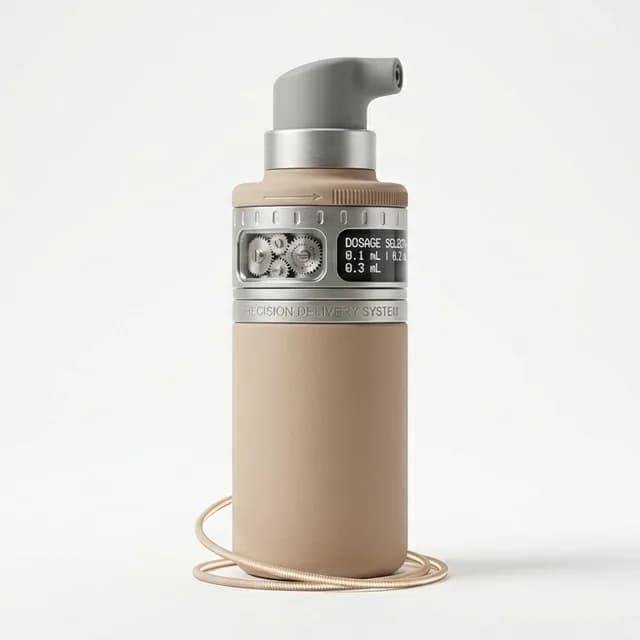
Drop a photo here, or pick one from your library.
 Freeform
 Restyle
Every result lands in your library, ready to restyle, reframe or download.
One product. More visual directions.
 Your photoWarm oak tableOverhead
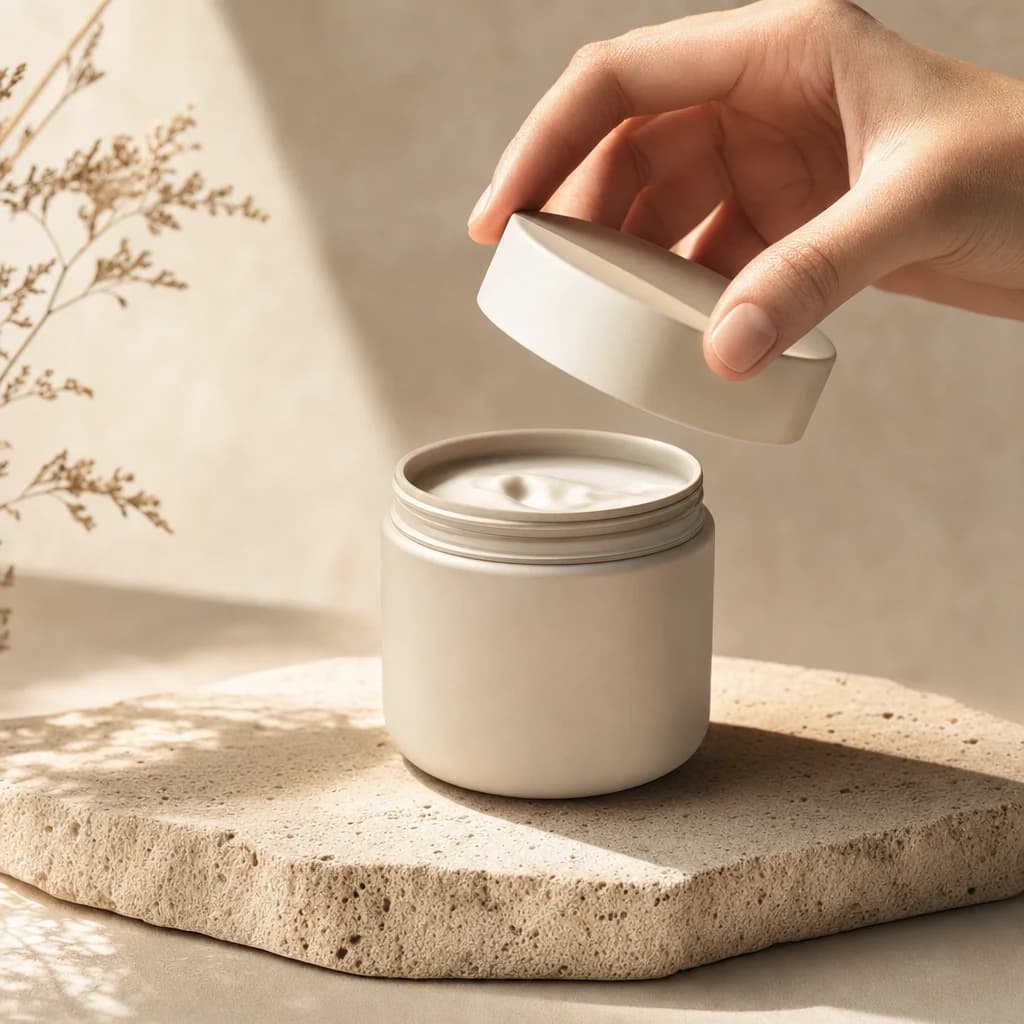
A new setting, same product
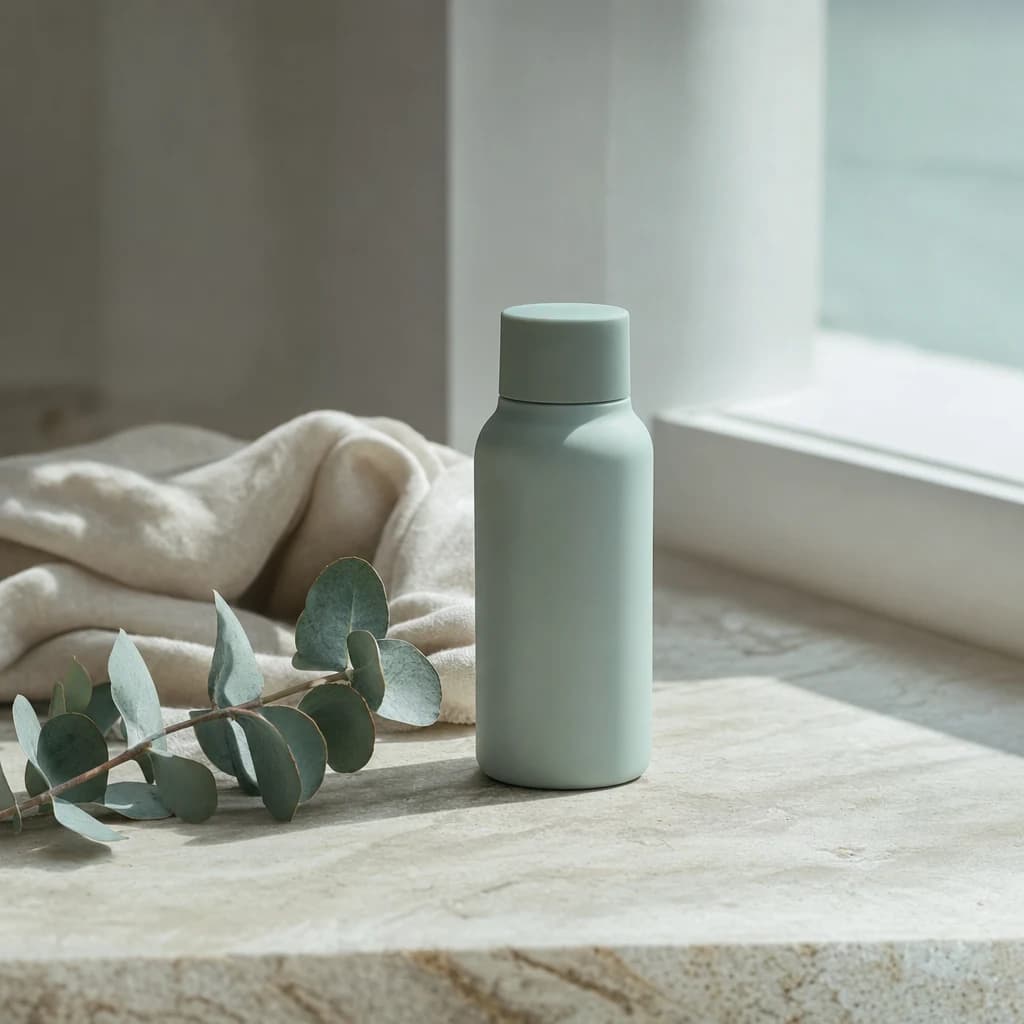
Drop in a photo of your product and describe where it should sit. A stone slab in morning sun, a linen backdrop, a kitchen counter. Nothing to build and nothing to book.
 RestyleFilm 35mmSame frame
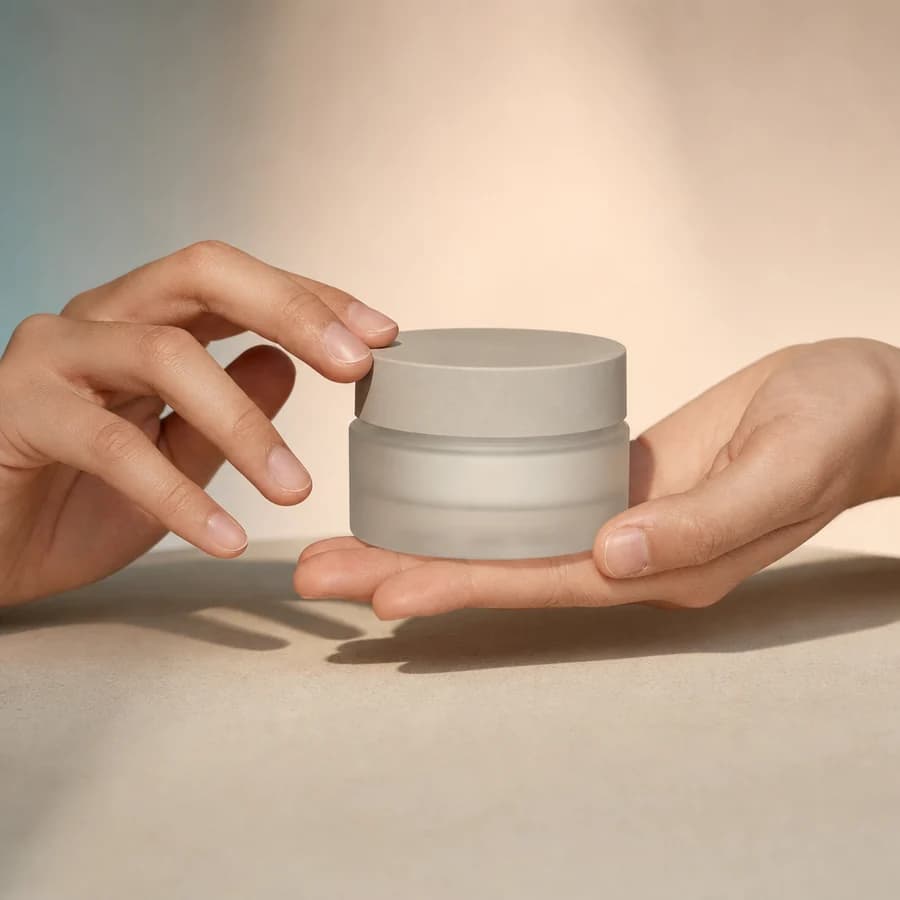
Another look, same shot
Restyle keeps the shot you already have and changes the look of it. Warm film, clean studio white, soft daylight. Keep the composition or let it move.
 Close-upLow angle85mm
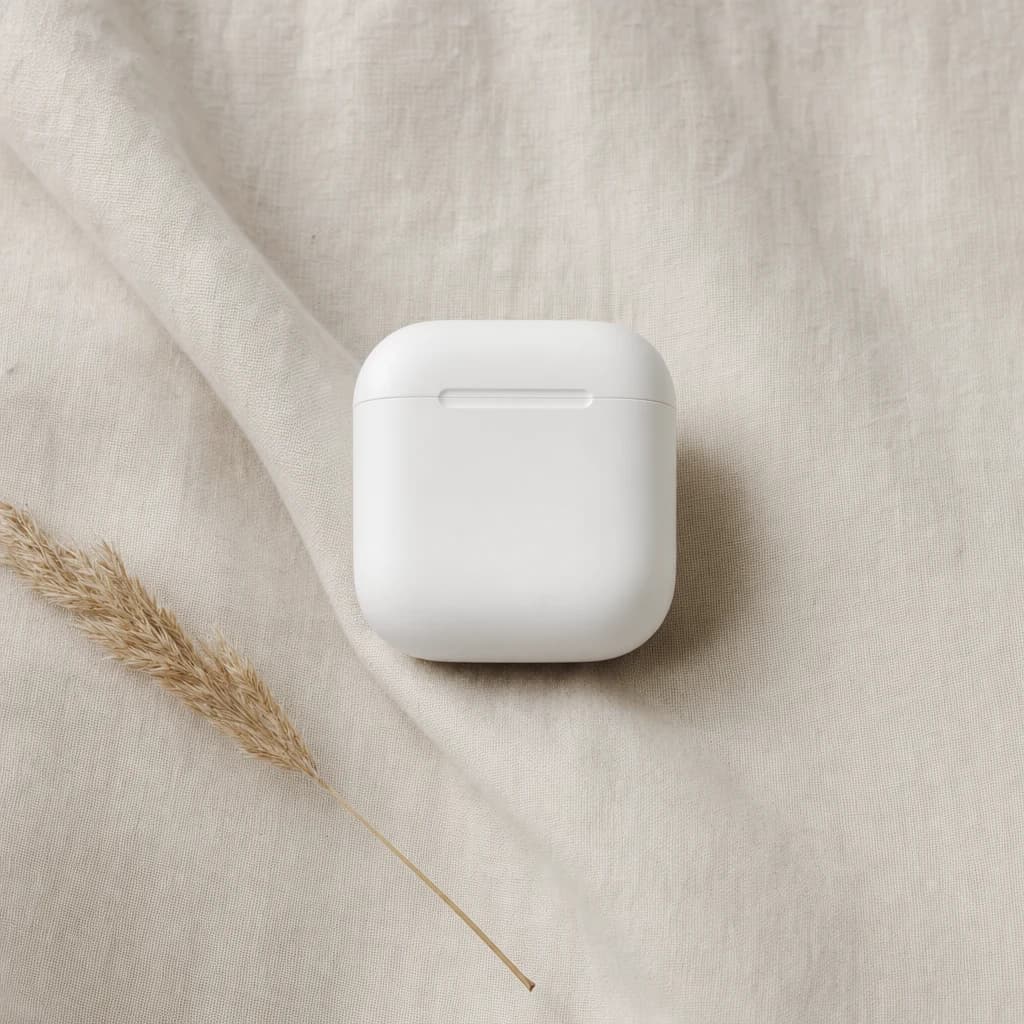
Closer, or from another angle
Reframe re-shoots a photo you already have as a close-up, from a lower angle, or on a longer lens. Pick a shot size, an angle, a lens, or any mix of the three.
See what it makes.
Real product shots made in Kyndrify from a single upload, with no studio and no photographer. Judge the quality for yourself.


From idea to finished, in minutes.
Drop your product photo
Up to four photos, or pick one from your library.
01Bring your product photo
Drop a clear photo into the Image Studio, or pick one from your library. Up to four reference images guide a single result.
On a linen backdrop, side light, one soft shadow.
ReferencesStylesPhotorealStudio PortraitGolden Hour02Say the setting, pick a look
Write the scene in plain words. Choose a look from the Styles panel, or leave the styles alone and let your own words carry it.
Ready
Saved to your library
DownloadRestyleReframe03Render and review
Pick the quality and the canvas, then render. Inspect text, labels, edges and product detail, and download the ones that hold up.
Professional product photos
No studio
Clean packshots, lifestyle scenes and close-ups without booking a photographer.
Wherever you create.

Education & training
Teach without filming
Lessons, courses, onboarding, and SOPs. Update the script, re-render, done.
See use case

Marketing & ads
Ads that look shot, never filmed
UGC, product videos, photos, and copy. A whole campaign, no shoot.
See use case

Sales
Prospect videos that stand out
Personalized intros, follow-ups, and recaps at scale.
See use case

Agencies
Client work, multiplied
A Digital Twin per client, one Workspace, billed your way.
See use case
What people are saying.
From clients of the studio behind Kyndrify. First names and last initials, so people keep their privacy.
We've tried a few AI video tools and this is the one our team kept using. It's fast and the videos look good.
Sarah L.
Creative Director
I don't miss setting up my camera every time I have a new listing lol. This is way easier.
Michael T.
Real Estate Agent
I had to update one lesson after a policy change. Changed the script, made a new video, done.
Emily C.
Course Creator
We use it to explain treatments before appointments. Patients seem to come in with fewer questions now.
Dr. James P.
Dentist
The product changes all the time, so recording new demos was getting old. Kyndrify fixed that problem for us.
Alex R.
Customer Success Manager
Honestly just makes onboarding easier. Everyone gets the same message and we don't have to record new videos all the time.
Nicole V.
HR Manager
It still feels weird seeing an AI version of me, but my clients have been really positive about it.
David M.
Financial Advisor
We've been making quick product videos for launches. It's been working better than I expected.
Olivia S.
Store Owner
Our team is tiny, so anything that saves us time is a win. We've already used it for volunteer updates and donor messages.
Rachel A.
Communications Lead
One small change used to mean re-recording a whole training video. Now we just update it and move on.
Kevin H.
Training Manager
Your face, your voice and your work, handled with care.
Works with
Quick answers.
- What is AI product photography?
- It renders new photos of your product from a photo you already have, so you do not set up a shoot for every idea. In Kyndrify you drop your product photo into the Image Studio, describe the setting you want, and review each result before you publish it.
- How do I make product photos without a studio?
- Upload a clear photo of your product, write the setting in plain words, choose a look and a canvas, then render. Inspect text, labels, edges and product detail, and download the ones you want to use.
- How many images do I get from one render?
- When you start from words alone you can ask for up to four takes at once. A product photo starts from your reference image, which the studio treats as an edit and returns as a single image, so you adjust the instruction and run it again.
- Do I need a photographer or a real product shoot?
- Not for every concept. Kyndrify is useful for exploring directions and producing routine visual assets. If packaging text, materials, dimensions, or regulated details must match the real product exactly, use a conventional product photo or a professional retouching pass.
- What looks can I choose from?
- The Styles panel groups looks as Popular, Photographic, Illustration and Stylized. The photographic group holds the ones product work usually wants, including Studio Portrait, Golden Hour, Film 35mm and Black and White. You can also skip the panel and describe the look in your own words.
- Can I use the product photos in ads and online stores?
- You can use outputs in your own content when you have the right to the source material, your plan permits it, and the use follows our Terms and Acceptable Use Policy. Review product claims, labels, and visual details, then add any disclosure your channel or local rules require.
More product directions, fewer shoot days.
Free to start. No camera, no crew, no credit card.