

The AI talking head generator that puts your real face on screen
Type a script. Your Digital Twin says it, in your own voice.
Already have an account? Sign in
Free to start · No credit card

The AI talking head generator that puts your real face on screen
Build your Digital Twin once from a photo, a short recording and a consent step. After that, any script you type comes back as a finished video of you saying it. Rendering in your own face is on the Plus plan and above; on Free you render with a Featured Avatar, a presenter from our library. No camera. No studio. No reshoots.
Free to start · no camera, no crew · no credit card
Your twin is built from a photo, and every video is rendered here. There is no door for lip-syncing footage you filmed somewhere else.
Part of Product.
What is an AI talking head generator?
An AI talking head generator turns a written script into a video of a person speaking it, framed from the chest up. In Kyndrify that person is your Digital Twin, built once from your photo, a short voice recording and a consent step. You type the script and render. It will not lip-sync footage you filmed somewhere else.
Who it is for
Anyone who has to be on camera regularly and would rather not film. Marketers, coaches, founders and trainers.
What you need
A clear photo of your face, about ten seconds of you speaking, and a script. Those three build your Digital Twin. A video in your own face is on the Plus plan and above; on Free you render with a Featured Avatar and a Featured voice.
What it costs
A second of talking-head video is 96 credits, with a floor of 120 credits per render. A lighter rail runs at 57 credits a second on any plan, and the Plus plan and above open a higher-quality one at 152. Free starts with 8,400 credits, once, which is a full minute of talking-head video with a Featured Avatar.
What it does not do
It will not lip-sync a video you filmed elsewhere, it will not build a twin from video, and a voice clip you upload is capped at sixty seconds.
Read the transcript
I haven't filmed a single video in three weeks and I've posted every day. This is me and so is this, except I'm not actually here right now.
I filmed myself once a while back. That's it. That's all I ever did.
Now I just type what I want to say and my twin says it for me. Same face, same voice, in whatever place, on whatever day I need it.
If you want a digital twin like this yourself, just click the link and get started.
From idea to finished, in minutes.
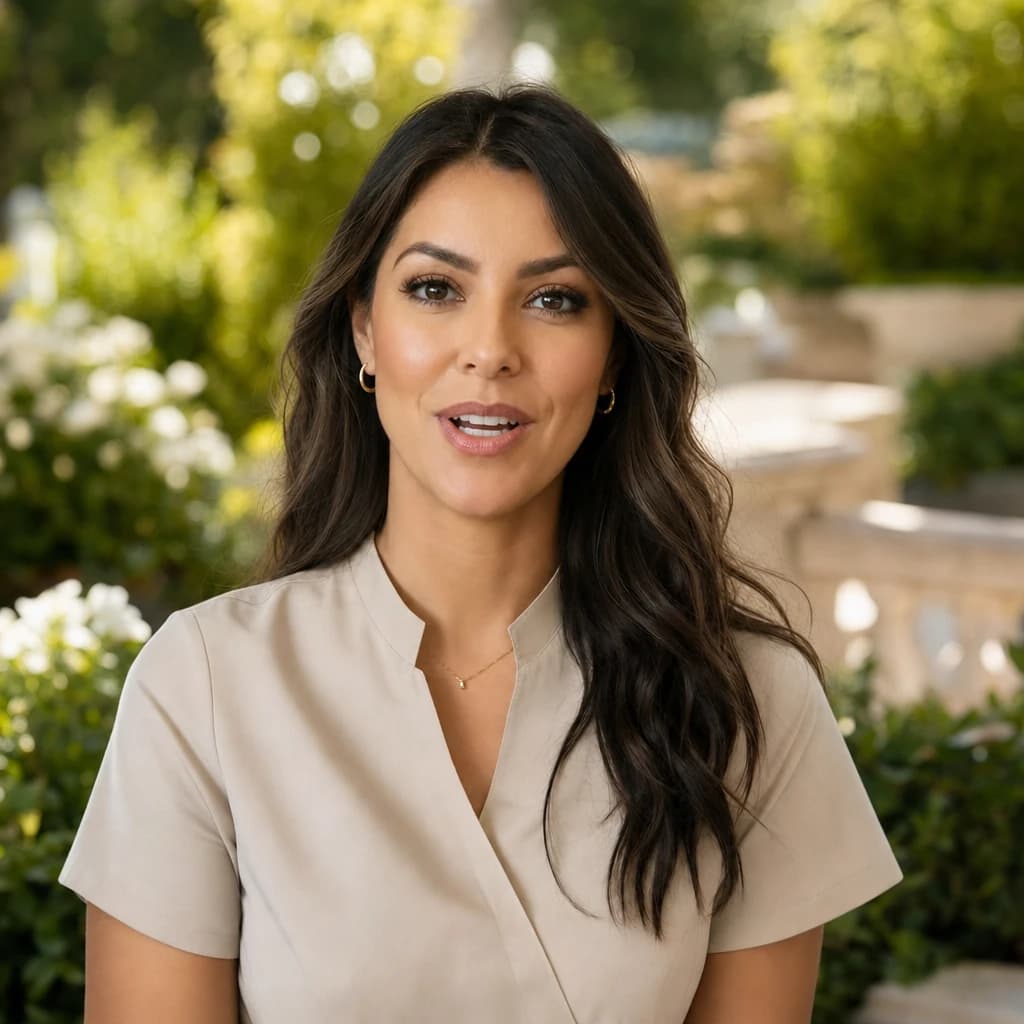 A short recordingIt is youConsent recorded01
Build your Digital Twin
Add a clear photo of your face and about ten seconds of you speaking, then record your consent so we can check the face in the photo is yours. The twin is saved to your Workspace and you reuse it for every video after this one. Its footage is prepared when you join a plan, which is why rendering in your own face is on the Plus plan and above. On Free you build one Starter Twin, see a short sample of it, and render with a Featured Avatar until you upgrade.
Script
Two minutes on the one question every new client asks us.
Your voiceSeated1080p02Write your script
Type it, paste it, or send in a voice clip instead. The form is three steps and it is always the same three: Character, Voice, Style. On Style you pick Seated or Standing, or open Advanced and write the motion direction in your own words. Your photo still sets the room, the clothes and the framing. There is no editor to learn and no timeline to fight.
 DownloadShare a linkSaved in your Library03
Render
Press once and walk away. The video lands in your Library when it is done, ready to download or share as a link. Nobody has to sit and watch a progress bar.
Be on camera for anything.

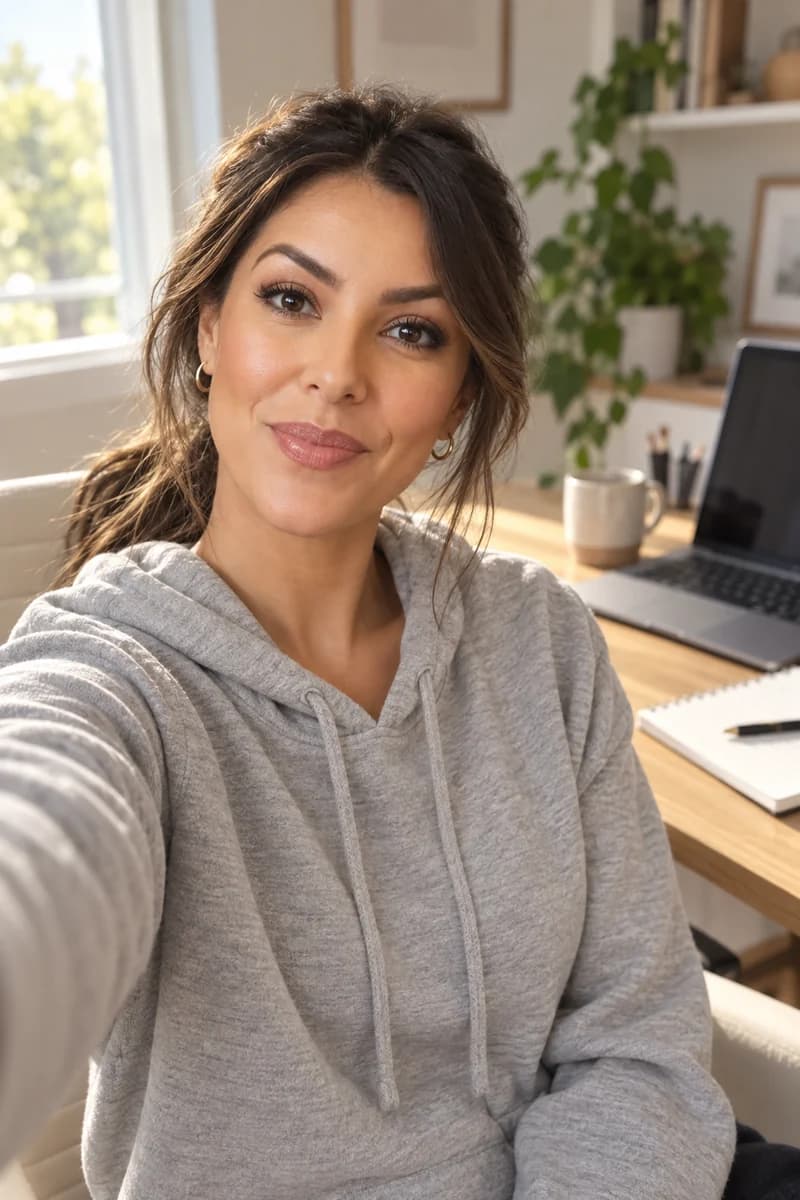
 One twin, every post
Everyday content
Weekly videos for YouTube, TikTok, LinkedIn, and your newsletter, all without setting up a single light.

- 1Welcome
- 2Set it up
- 3Your first week
Lessons & training
Course modules, onboarding, and how-tos. Update the script later and render again, with no new shoot.
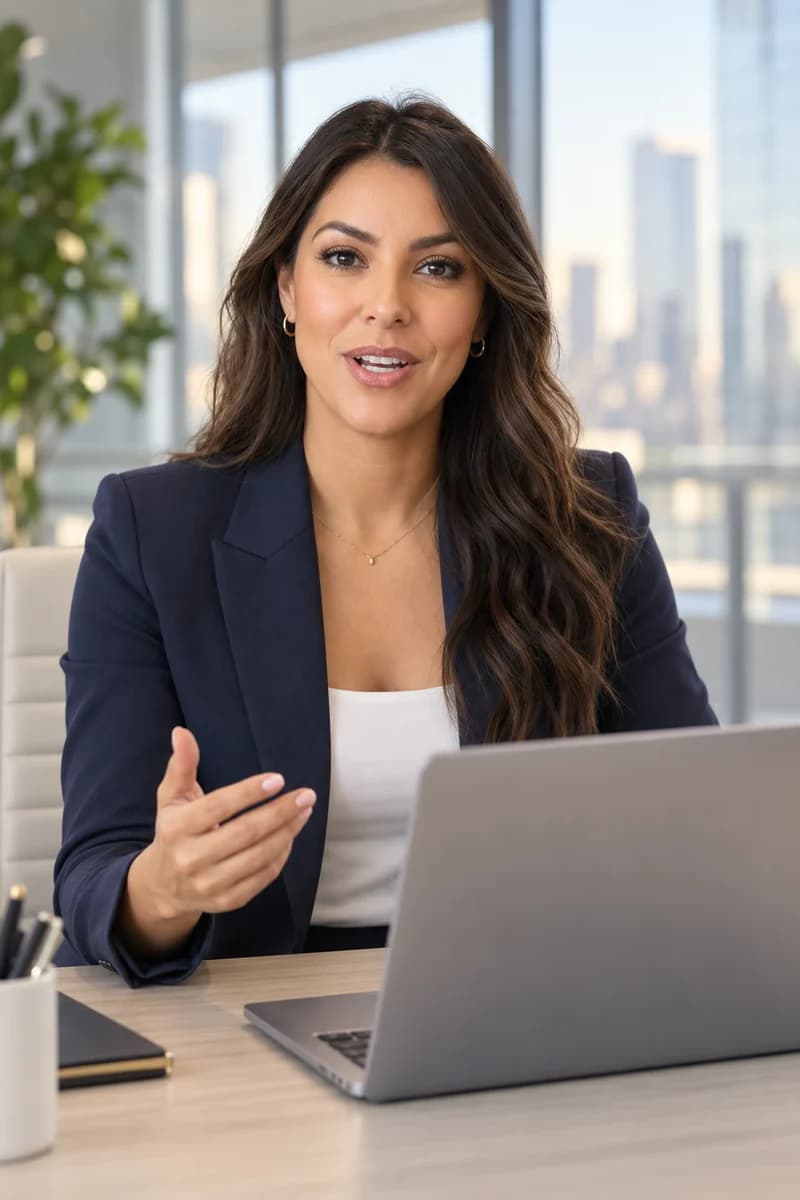
Here is what shipped last quarter.
Here is what shipped this week.
Render againSame twinSales & updates
Outreach, product updates, and announcements. Rewrite one line for the next audience and send a fresh video.
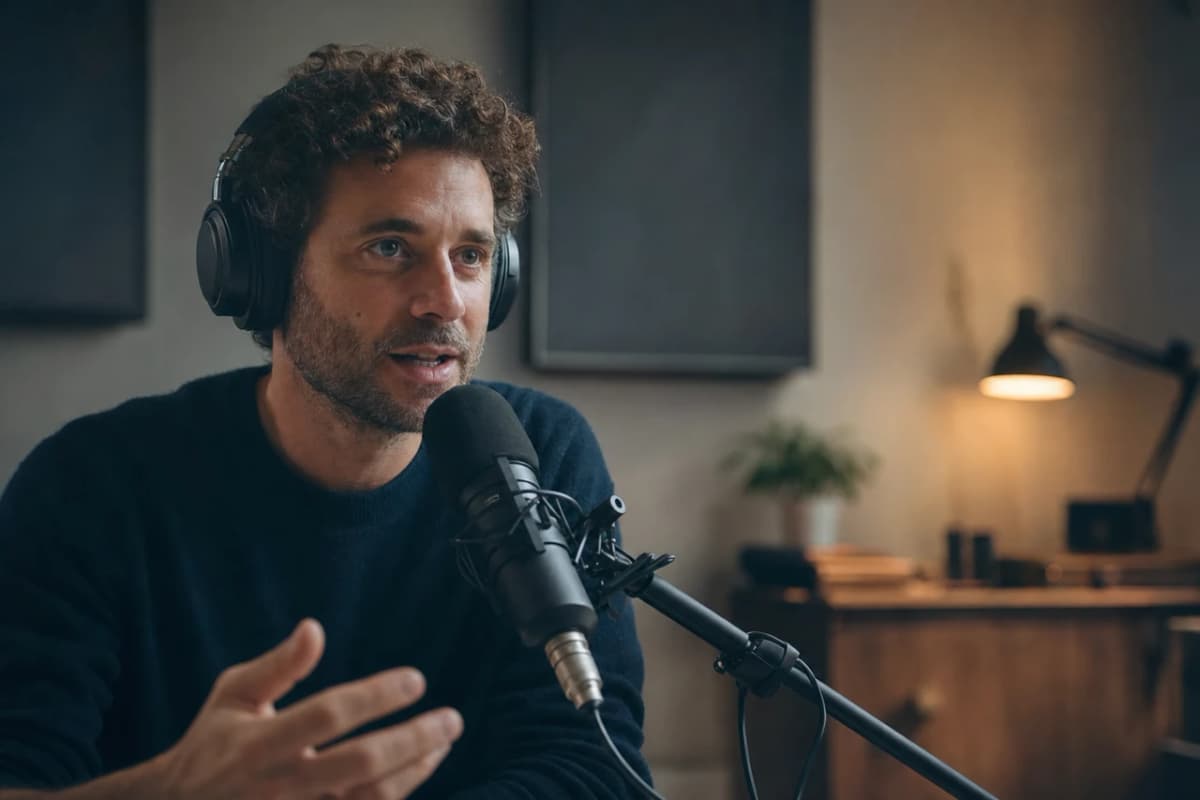
Three ways in, and they are not the same size
A render takes one audio source, never two: a script you type, a voice clip you already made in Voiceover, or an audio file you upload. On Free every door runs up to 60 seconds and the face on screen is a Featured Avatar. Your own face opens on the Plus plan and above.
- A script. Type or paste it and your voice reads it. This is the long door: one video runs to thirty minutes on a paid plan, and a script that long is spoken in pieces and joined back into a single file, so you never split it yourself.
- A voice clip you already made here. Anything sitting in your library goes straight into a render, instead of typing the words again.
- A recording you upload. Bring your own audio file and your twin mouths it exactly, pauses and all. This door is capped at sixty seconds. Use it for the take where the delivery matters more than the wording.

Say it in ten languages without re-recording anything
English, Spanish, Portuguese, French, German, Italian, Japanese, Korean, Russian and Chinese. Write the script in the language you want and the voice follows it. One twin covers all ten, so the Spanish version of Tuesday's update is another render, not another shoot. If the English cut already exists, dub it instead of writing it out again. Dubbing re-voices a finished Kyndrify render in another language and keeps your own voice, on the Plus plan and above.
Real videos, made without a camera.
Every clip here was made in Kyndrify from a script, with no camera and no crew. Judge the quality for yourself.


Wherever you need to show up.

Education & training
Teach without filming
Lessons, courses, onboarding, and SOPs. Update the script, re-render, done.
See use case

Marketing & ads
Ads that look shot, never filmed
UGC, product videos, photos, and copy. A whole campaign, no shoot.
See use case

Sales
Prospect videos that stand out
Personalized intros, follow-ups, and recaps at scale.
See use case
Agencies
Client work, multiplied
A Digital Twin per client, one Workspace, billed your way.
See use case
People who show up without filming.
From clients of the studio behind Kyndrify. First names and last initials, so people keep their privacy.
We've tried a few AI video tools and this is the one our team kept using. It's fast and the videos look good.
Sarah L.
Creative Director
I don't miss setting up my camera every time I have a new listing lol. This is way easier.
Michael T.
Real Estate Agent
I had to update one lesson after a policy change. Changed the script, made a new video, done.
Emily C.
Course Creator
We use it to explain treatments before appointments. Patients seem to come in with fewer questions now.
Dr. James P.
Dentist
The product changes all the time, so recording new demos was getting old. Kyndrify fixed that problem for us.
Alex R.
Customer Success Manager
Honestly just makes onboarding easier. Everyone gets the same message and we don't have to record new videos all the time.
Nicole V.
HR Manager
It still feels weird seeing an AI version of me, but my clients have been really positive about it.
David M.
Financial Advisor
We've been making quick product videos for launches. It's been working better than I expected.
Olivia S.
Store Owner
Our team is tiny, so anything that saves us time is a win. We've already used it for volunteer updates and donor messages.
Rachel A.
Communications Lead
One small change used to mean re-recording a whole training video. Now we just update it and move on.
Kevin H.
Training Manager
Your face, your voice and your work, handled with care.
Quick answers.
- Does it actually look like me?
- Talking-head video renders up to 1080p, from the Plus plan and above, and Free renders come out at 720p. How close it lands depends on your photo, your recording and the script, so results vary. Start on Free with a Featured Avatar to see how a render lands, then build your own twin on the Plus plan.
- What do I need to build my Digital Twin?
- One clear photo of your face, about ten seconds of clear audio of you speaking, and a consent recording. On Free you build one Starter Twin and we show you a short sample of it, so you see your own face before you decide. Rendering your own scripts in that face is on the Plus plan and above, and cloning your own voice is on every plan, Free included. Until then you render with any Featured Avatar and any Featured voice, which is the same flow with a different presenter.
- How long can one talking-head video be?
- On Free, a talking-head video runs to 60 seconds. On a paid plan a single video runs to thirty minutes, and you reach that by typing or pasting a script. A voice clip you upload yourself is capped at sixty seconds, whatever plan you are on.
- Can I lip-sync a video I already filmed?
- No. There is no door for uploading footage you shot somewhere else. A Digital Twin starts from a still photo, not from a video, and every render is made here from that twin. The nearest thing to what you are asking for is dubbing, which re-voices a video you already made in Kyndrify.
- What languages can my Digital Twin speak?
- Ten today: English, Spanish, Portuguese, French, German, Italian, Japanese, Korean, Russian and Chinese. Write the script in the language you want and the voice follows it. Run it once per language, or dub a finished render instead of writing it out again.
- Can I use these videos commercially?
- Yes, on a paid plan, when you hold the rights to the face, voice, script and source media involved. What you may and may not do with a render is set out in the Terms and the Acceptable Use Policy. Machine-verifiable disclosure and provenance are being rolled out and are not yet guaranteed on every output.
Be on camera without the camera.
Free to start. No camera, no crew, no credit card.