

AI video dubbing, in your own voice.
Your finished video, speaking a new language, in your own voice.
Already have an account? Sign in
Free to start · No credit card
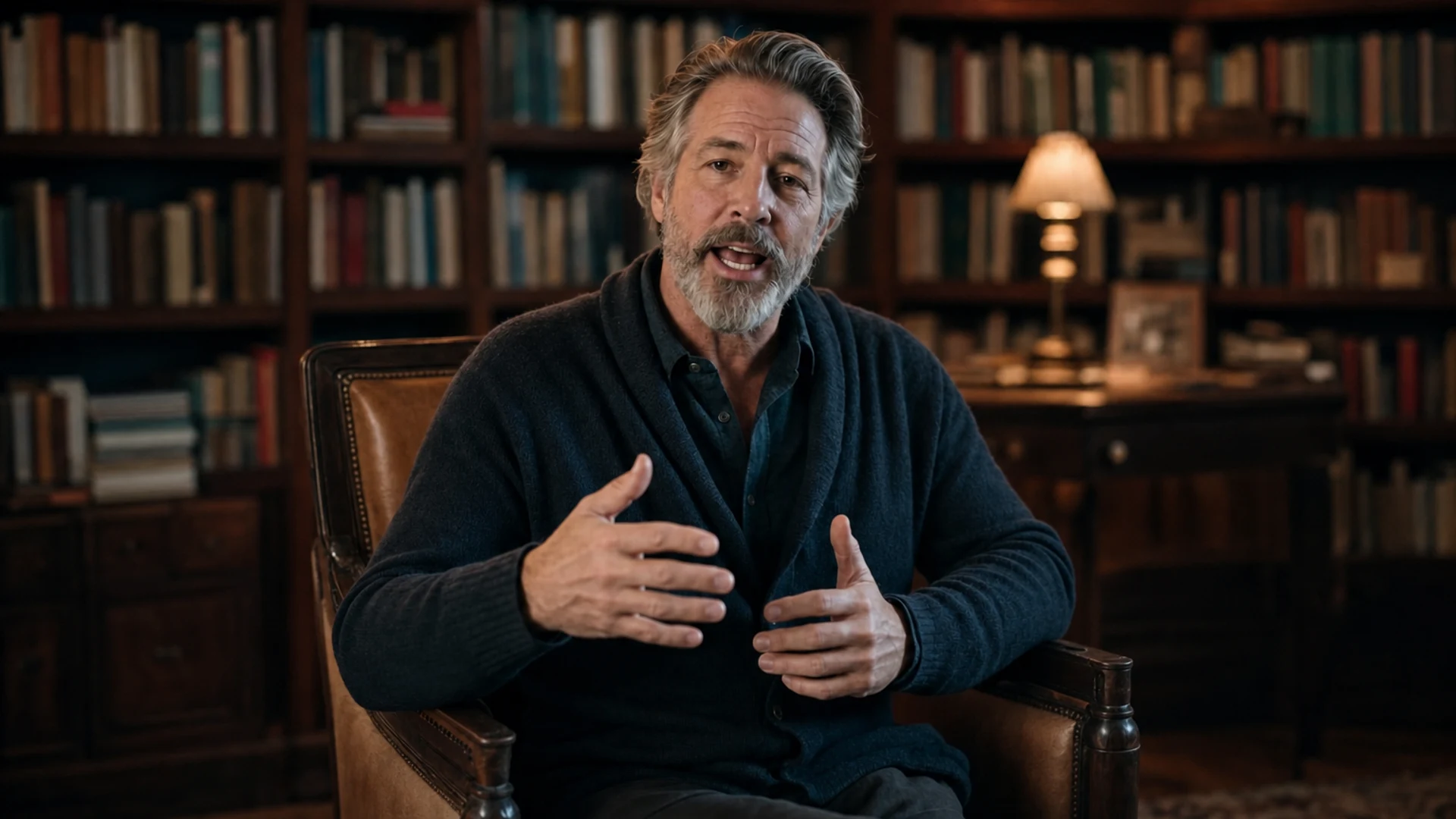 The original take,in English.
- The same take,dubbed in German.
- The same take,dubbed in Chinese.
- The same take,dubbed in Spanish.
AI video dubbing, in your own voice.
Take a video you already made here and get it back speaking another language. Pick your own saved voice and it is still you talking, with the mouth moving to the new words. Run it once for each language, so one recording covers every market you sell to.
Free to start · no camera, no crew · no credit card
Dubbing runs on a finished video from your Kyndrify library, not on a file you upload from your computer.
Part of Product.
What does AI video dubbing do?
AI video dubbing takes a video you already have and makes it speak another language. In Kyndrify you open a finished video from your library and pick a voice take of the new line. Pick your own cloned voice and the video comes back speaking the new language in that voice, with the mouth matched to the new words. One run per language.
Who it is for
People already making videos here who sell into more than one language.
What you need
A finished video in your library, a finished voice take of the new line, and the line written in the new language.
What it costs
80 credits per second of video on the Plus plan and above, with a floor of 120 credits a run. The voice take adds 3 credits a second, and the one-tap translation costs 10 credits. See the full credit menu on the pricing page.
What it does not do
It will not dub a file you upload from your computer. It does one language per run. And it is not a subtitle tool, so there is no caption file at the end.
Pick your own voice and the dub is still you.
The dub reads with whichever of your finished voice takes you pick. Pick the voice saved to your Digital Twin and the dubbed video is still you, so a customer in Berlin hears the same person a customer in Boston hears.
That is the argument for dubbing your own video instead of hiring a different voice for each market. Your tone is part of what people recognise, and it does not survive a hand off to a stranger. If you have not saved a voice yet, voice cloning makes one from one short recording.
Read the English take
Every customer hears you in their own language. Same face, same voice, same message.
Record your video once and it speaks to the whole world.
Go ahead, switch the language and watch it carry on.
The dubbing door, as you see it.
Open a finished video, pick the voice take that carries the new language, and the video comes back speaking it with the lips matched to the new words.
 English0:32
Any finished video in your library, with no reshoot and no new script.
- Casual meSpanish
- Casual meGerman
- Casual meJapanese
Pick a clip and we re-sync the lips to it.
EspañolLips in syncOne video, in their language.
 EnglishPortuguêsYour own voiceLips in sync
Dubbed videos
Take a finished Kyndrify video from your library and get it back speaking a new language, in whichever of your saved voices you pick, with the mouth movements matched to the new words.

One ad, four markets
EspañolDeutschFrançaisItalianoLocalized ads
Run the same ad in more of the markets you sell to. One shoot becomes a version for each language you pick, so your message lands in the language people think in.
 Lesson 3 · EnglishLesson 3 · 日本語Lesson 3 · 한국어Working
Lessons and clips
Teach a course or post a short clip to a wider audience. Each version comes back in one of the ten languages your saved voice reads, so more people can follow along.
Ten languages, and what each one supports.
Your saved voice reads ten languages. Eight of them also have a one-tap translation sitting beside the script field, so you do not leave the Studio to get the line. English is where most scripts start, so it is the source rather than a target. Russian is the one you translate yourself and paste in.
| Language | Your voice reads it | One-tap translation |
|---|---|---|
| English | Yes | The source language |
| Spanish | Yes | Yes |
| Portuguese | Yes | Yes |
| French | Yes | Yes |
| German | Yes | Yes |
| Italian | Yes | Yes |
| Japanese | Yes | Yes |
| Korean | Yes | Yes |
| Russian | Yes | Paste your own translation |
| Chinese | Yes | Yes |
The translation is a real rewrite, not a word for word swap. It comes back reading the way somebody would actually say it, at roughly the same length, which matters more than it sounds: a line that runs twice as long as the original does not sit on the same face.
The mouth moves to the new words.
A dub that leaves the old mouth movements on screen is a dub you can see. Kyndrify re-times the mouth to the new line, the lip sync step, so the picture is working with the new words instead of against them.
If all you need is the audio, stop after the voice take and publish that on its own. That is a voiceover, text to natural narration, audio only, and it costs a fraction of a dub because no video is touched.
From idea to finished, in minutes.


 From your video libraryPicked01
Pick a finished video
Open something you already made here, a talking-head video or a Freeform clip. No new camera setup, no lighting, and no second take.
- Spanish
“La mayoría de nuestros clientes llegan con la misma pregunta.”
Your own voice02Write the line in the new language
Translate the script with the Translate control in the video composer, then copy it across. Or paste a translation you already trust. Either way, open the Voice Room, pick your own voice, set the language, and make the take.
 EspañolLips in syncDownload03
Re-voice the video
Back on the finished video, press Re-voice and pick that take. It comes back speaking the new language with the mouth matched to the new words. Do it again for the next market.
What a run costs
80 credits a second
A dub is priced on the length of the source video, with a floor of 120 credits a run, so a very short clip costs at least that. Two smaller charges sit in front of it: 10 credits for the one-tap translation, and 3 credits a second for the voice take that reads it. Dubbing is on the Plus plan and above, and if a run does not finish the credits go back.
What people are saying.
From clients of the studio behind Kyndrify. First names and last initials, so people keep their privacy.
I had to update one lesson after a policy change. Changed the script, made a new video, done.
Emily C.
Course Creator
We use it to explain treatments before appointments. Patients seem to come in with fewer questions now.
Dr. James P.
Dentist
The product changes all the time, so recording new demos was getting old. Kyndrify fixed that problem for us.
Alex R.
Customer Success Manager
Honestly just makes onboarding easier. Everyone gets the same message and we don't have to record new videos all the time.
Nicole V.
HR Manager
One small change used to mean re-recording a whole training video. Now we just update it and move on.
Kevin H.
Training Manager
Your face, your voice and your work, handled with care.
The tools that do this
Quick answers.
- Can I upload a video file and dub it?
- No. Dubbing works on a finished video in your Kyndrify library, so the source has to be something you made here. If you have footage from somewhere else, the honest answer is that this tool cannot take it today.
- Does the dub keep my own voice?
- It can. The dub speaks with whichever voice take you pick, so choose your own cloned voice and the dubbed video still sounds like you rather than a stranger reading your script. That is the reason to dub your own video instead of hiring a voice per market.
- Which languages can I dub into?
- Ten today: English, Spanish, Portuguese, French, German, Italian, Japanese, Korean, Russian and Chinese. You pick one per run, so three markets is three runs from the same original. The script translator offers a few targets your saved voice cannot read yet, Hindi, Filipino, Indonesian and Arabic, and on those you get the words but not the dub.
- Does the mouth match the new words?
- Yes. The video comes back with the mouth re-timed to the new line, which is what keeps it watchable. If you only want the audio, stop at the voice take and publish that on its own.
- What does a dub cost, and which plan includes it?
- 80 credits per second of video, with a floor of 120 credits a run, plus the voice take at 3 credits a second and 10 credits for the one-tap translation. Dubbing is on the Plus plan and above. You can start free, make videos and hear the voices before you pay for anything.
- Can I dub the same video into more than one language?
- Yes. Each language is its own run against the same original, and you keep the original plus every version you make, so you can add a market whenever one turns up.
One recording. Every market you sell to.
Free to start. No camera, no crew, no credit card.