

An AI ad generator that uses your own face.

Make the ad, change the hook, make it again. Same face, no shoot.
Already have an account? Sign in
Free to start · No credit card
An AI ad generator that uses your own face.
Write what the ad should say, pick who says it, and get a finished video back. Change one line, render it again, and you have a second version to put against the first. No actors to book. No shoot day. No agency retainer.
Free to start · no camera, no crew · no credit card
The guided Ad Creator flow is not open yet. Everything on this page is made with the video, image, voice and editing tools, which are open today.
Part of Product.
What is an AI ad generator?
An AI ad generator turns a script and a product into an ad video, without booking a shoot. In Kyndrify the presenter is a character you own: your own Digital Twin, or a Featured avatar if you would rather not be on camera. Write the angle, render it, change the opening line, render it again.
Who it is for
Founders, marketers and small agencies who need more than one version of an ad and do not have a shoot day to give it.
What you need
A character to present, and what you want the ad to say. A photo of your product if the product is in the shot.
What it costs
A talking-head ad costs 57 to 152 credits a second, depending on the quality step you pick, and the top quality step is on the Plus plan and above. Every one of them bills a minimum of 120 credits. Short cutaway clips run 114 credits a second, and they render on every plan, at up to 720p on the free one. The free plan starts you with 8,400 credits and holds one video to 60 seconds. See what credits buy.
What it does not do
It does not put a garment on a body, it does not write a testimonial for a customer who has not given you their words, and it does not upload anything to an ad account for you.
These numbers cover the video work our team has delivered for clients since before Kyndrify launched.
What an ad looks like.
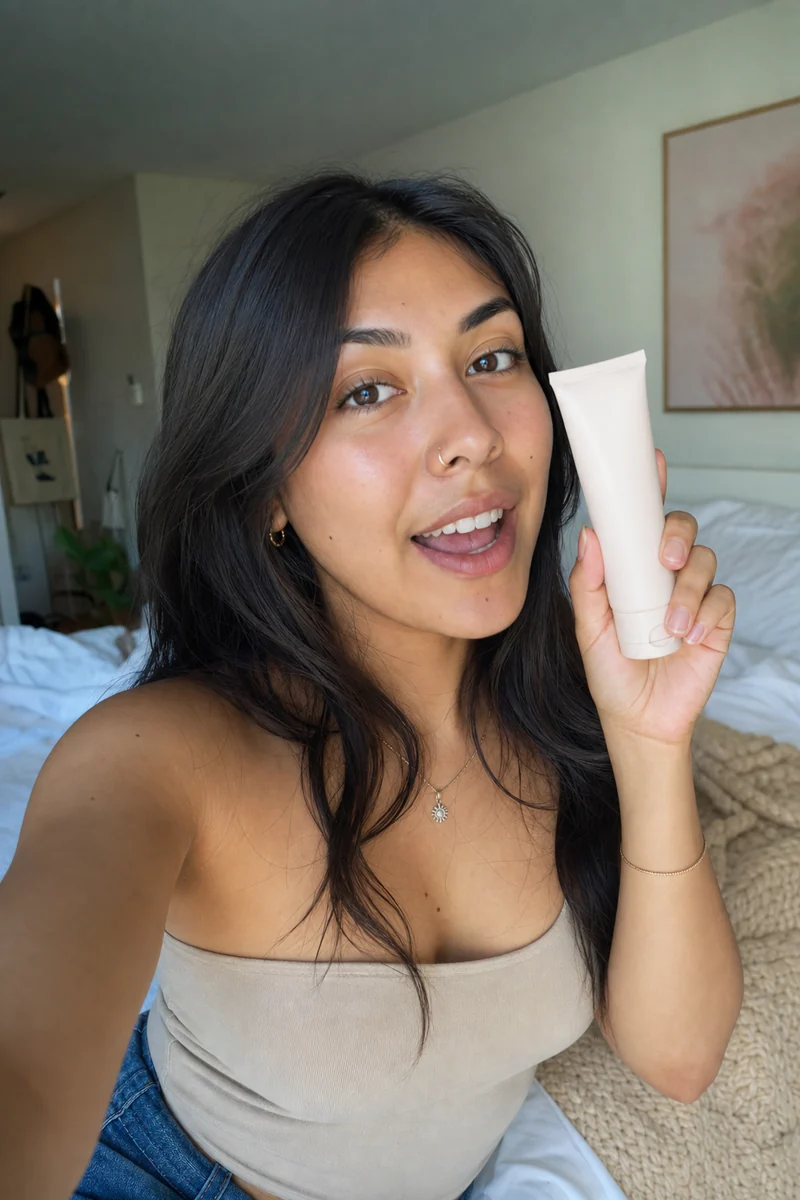
A creator-style review
One person, phone-height framing, talking about the thing the way somebody who bought it would.
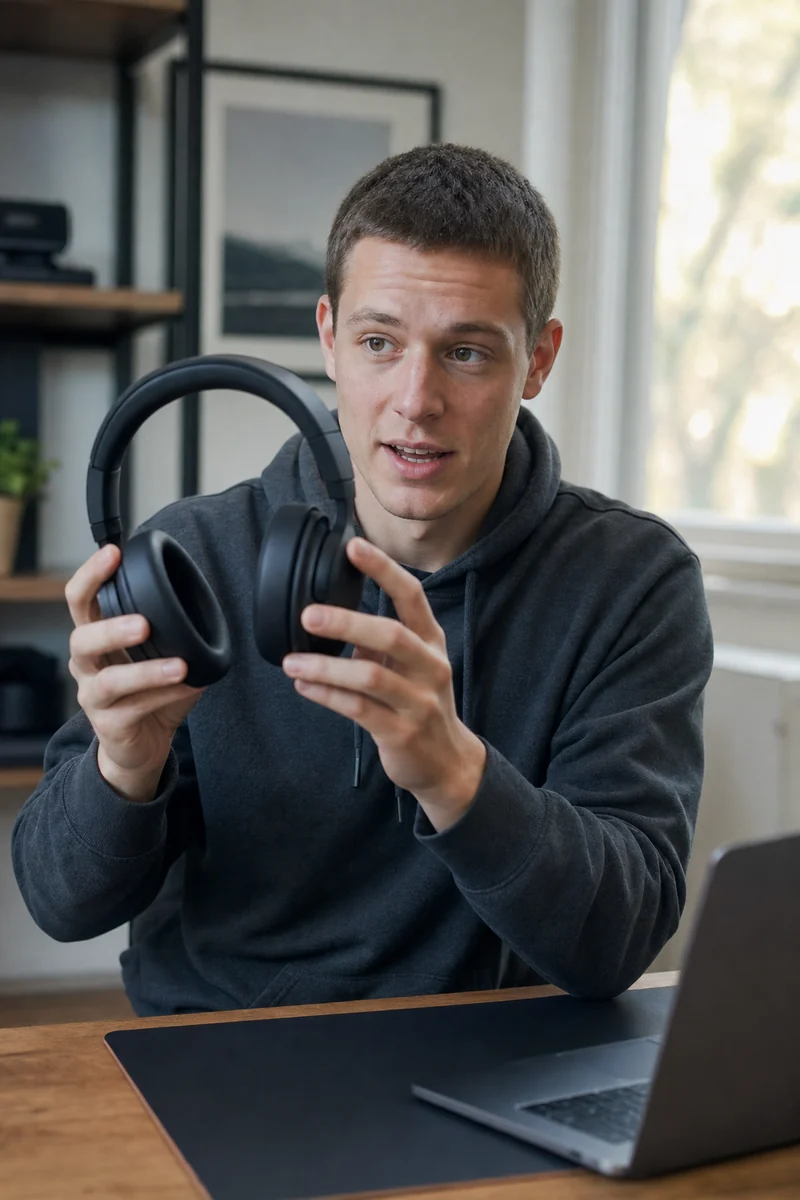
A product walk-through
Your presenter beside the product, saying what it does and why that matters to the person watching.

An unboxing talk
The honest version. Your presenter talking about what is in the box, not a pair of hands opening one.

A founder's pitch
You, on camera, saying why you built it. This is the one a made-up character cannot do for you.
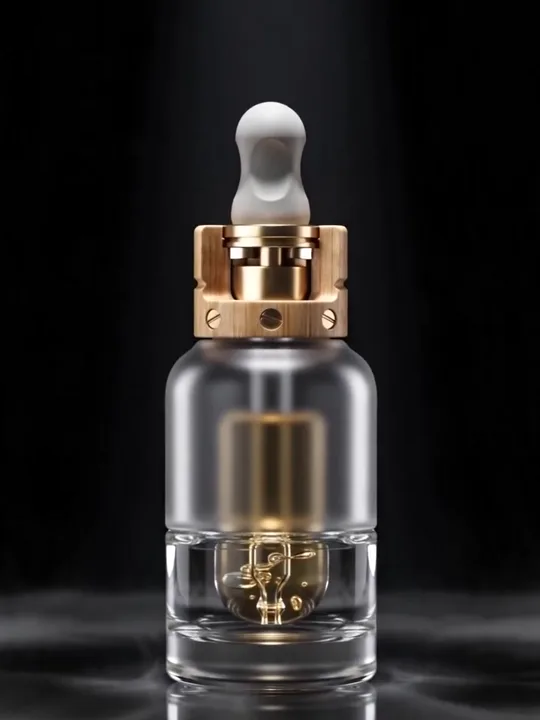
A polished spot
A cinematic look with cutaways cut in, assembled in the editor rather than rendered in one press.


See what it makes.
Ads made in Kyndrify from a product and a script, with no actors and no shoot. Judge the quality for yourself.


From idea to finished, in minutes.
- 1
Pick who presents.
Build a Digital Twin from a photo and a short consent recording, or start with a Featured avatar while you decide. It is a one-time setup, and the character is saved, so every ad after the first one starts here. The Free plan includes one Starter Twin per Workspace, for life. Characters of your own come with the Plus plan and above.
- 2
Say what the ad is selling.
Type the angle in plain words: what it is, who it is for, and the one reason to care. Bring your product photo in if the product should be in the shot. Pick the voice, then press render.
- 3
Change one thing and go again.
Rewrite the opening line and render the ad a second time. Now you have two versions to put against each other, and nothing about the first one had to be rebuilt.
One face. Five openings.
The first few seconds decide whether an ad gets watched, and a shoot only gives you the openings somebody thought of on the day. Here the body of the ad stays where it is and you rewrite the hook. Render it again and the second version costs the seconds it runs. Keep the same character across all of them and the set reads as one campaign instead of five unrelated clips. An ad is priced by the second, and the price sits on the button before you press it, so the sum is the same every time: seconds on screen, times the versions you want.
- Rewrite the first line, keep the rest of the script.
- Put the two versions against each other where you buy.
- Change the character and it reads as five different advertisers.
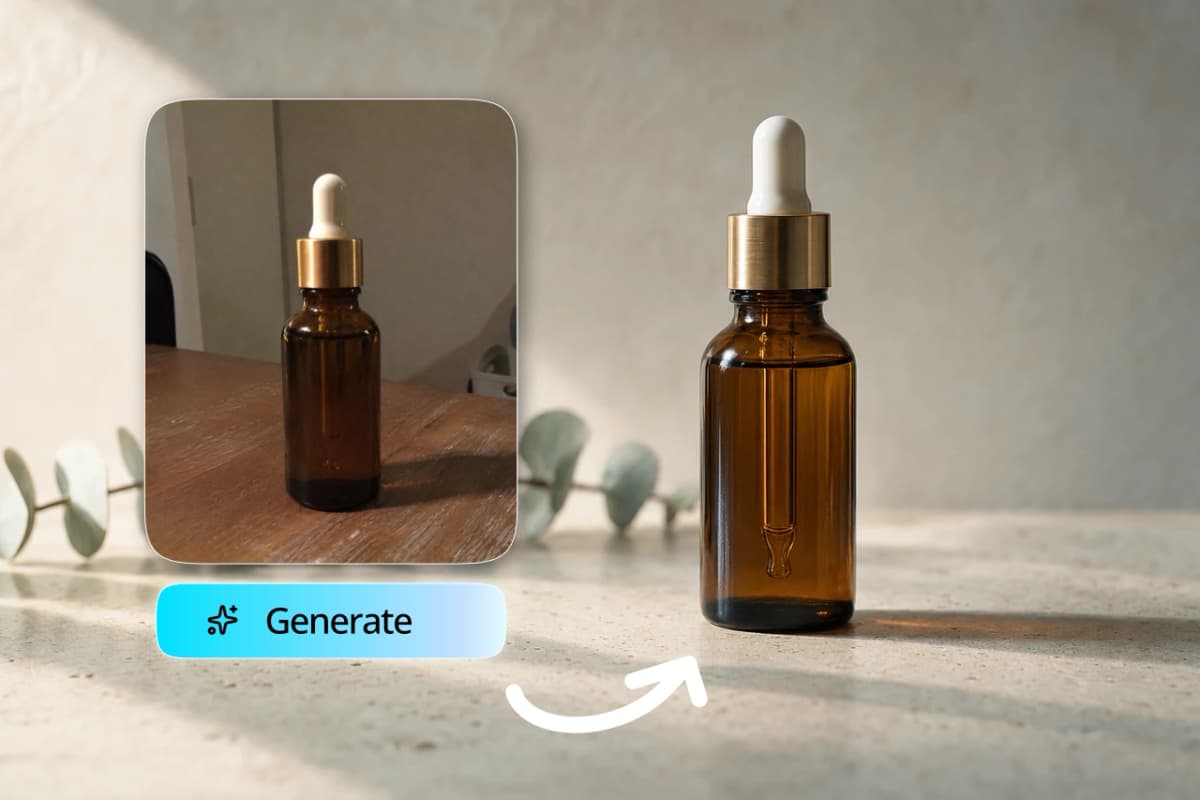
Your product, in the shot.
Start from the photo you already have. Open it in the image tools and put it where the ad needs it: a clean backdrop, a kitchen counter, a hand on a desk. Take the old background out and the subject comes back on a transparent PNG, ready to sit behind your presenter. Up to four reference images guide one image render, and a chosen character takes one of the four. So the bottle in shot six is the bottle in shot one. When you want the product moving rather than sitting still, a short cutaway clip renders from a description or from that same photo. Those clips run four to fifteen seconds, which makes them cutaways inside an ad rather than the whole ad, and they render on every plan, at up to 720p on the free one.
- Fine detail can drift: small text, a logo on a shirt, a label that has to read exactly right.
- Look at it before you publish and redo anything that moved.

Then cut out what drags.
A first take has dead air in it, a false start, and a run of filler words. The editor finds all three, shows you the list, and you wave through the ones you agree with. Captions burn onto the picture, and the export also hands you an SRT and a VTT file, so the same captions travel with the ad to a platform that wants its own. If you already have a long recording and want the ad-length version of it, the editor reads the talk track and proposes clips between 30 and 90 seconds that do not start or end mid-sentence. Exporting the finished cut costs 20 credits a second, with a floor of 60 credits.
- The filler list is English. A take in another language still gets its long pauses and its repeated starts found.
- Music sits underneath, and your cutaways drop onto the timeline where you want them.

Consent first, then the ad.
A Digital Twin is not made from a photo alone: the person records a short clip agreeing to it, and the face in that recording is compared with the face in the photo, so a mismatch asks for the consent again rather than letting it through. Consent can be withdrawn later, and the character stops rendering. That matters more in advertising than anywhere else, because an ad is a claim made in somebody's name. If the face in your ad belongs to a founder, a staff member or a customer, take them through the consent step before you render, not after. A testimonial nobody gave is not something to make here: if you want a customer's words in an ad, use their real words, with their permission, and say who is speaking.
- Kyndrify does not use your photos, voice, scripts or finished media to train a Kyndrify model.
- Built-in AI labelling is still rolling out across output types, so a publisher writes the disclosure line rather than assuming the file carries it.
- Every place you buy media has its own rules about disclosing generated video, and following them is yours to do.
Wherever you create.

Education & training
Teach without filming
Lessons, courses, onboarding, and SOPs. Update the script, re-render, done.
See use case

Marketing & ads
Ads that look shot, never filmed
UGC, product videos, photos, and copy. A whole campaign, no shoot.
See use case

Sales
Prospect videos that stand out
Personalized intros, follow-ups, and recaps at scale.
See use case
Agencies
Client work, multiplied
A Digital Twin per client, one Workspace, billed your way.
See use case
What people are saying.
From clients of the studio behind Kyndrify. First names and last initials, so people keep their privacy.
We've tried a few AI video tools and this is the one our team kept using. It's fast and the videos look good.
Sarah L.
Creative Director
I don't miss setting up my camera every time I have a new listing lol. This is way easier.
Michael T.
Real Estate Agent
I had to update one lesson after a policy change. Changed the script, made a new video, done.
Emily C.
Course Creator
We use it to explain treatments before appointments. Patients seem to come in with fewer questions now.
Dr. James P.
Dentist
The product changes all the time, so recording new demos was getting old. Kyndrify fixed that problem for us.
Alex R.
Customer Success Manager
Honestly just makes onboarding easier. Everyone gets the same message and we don't have to record new videos all the time.
Nicole V.
HR Manager
It still feels weird seeing an AI version of me, but my clients have been really positive about it.
David M.
Financial Advisor
We've been making quick product videos for launches. It's been working better than I expected.
Olivia S.
Store Owner
Our team is tiny, so anything that saves us time is a win. We've already used it for volunteer updates and donor messages.
Rachel A.
Communications Lead
One small change used to mean re-recording a whole training video. Now we just update it and move on.
Kevin H.
Training Manager
Quick answers.
- Can I use Ad Creator today?
- Not yet. The guided Ad Creator flow is not open yet, and the Studio shows it as coming soon. Everything on this page is made with the video, image, voice and editing tools, which are open today. Cutaway clips render on every plan, at up to 720p on the free one, voice cloning is on every plan, and the free plan starts you with 8,400 credits and one Digital Twin.
- How do I make an ad video without filming?
- Build a Digital Twin from a photo and a short consent recording, or pick a Featured avatar. Write what the ad should say, bring your product photo in if the product is on screen, choose the voice, and render. The character is saved, so the next ad starts at the script.
- Can I make vertical ads for TikTok, Reels and Shorts?
- Yes. A character keeps the shape of the look it was built from, so build a vertical one for vertical placements. Cutaway clips render tall or wide on every step, and square on the cinematic ones. Kyndrify does not post anything for you: download the file and upload it wherever you buy.
- How many versions of one ad can I make?
- As many as your credits cover. An ad is priced by the second, so the cost of the next version is the seconds it runs, not another setup. A talking-head ad is 57 to 152 credits a second depending on the quality step. The change that costs the least is the opening line, because the rest of the ad does not have to be rebuilt.
- Can I make a try-on ad?
- No. Putting a garment onto a body is not something Kyndrify does. What it can do is put your presenter beside the product and have them talk about it, and put the product itself into a new setting with the image tools.
- Can I use the ads commercially?
- Yes. Paid plans include commercial use when you hold the rights to the people, products, scripts and source media involved, and you follow the Terms and the Acceptable Use Policy. Follow the disclosure rules wherever you publish. Machine-verifiable disclosure and provenance are still rolling out and are not yet guaranteed on every output.
Make the ad. Then make it again.
Free to start. No camera, no crew, no credit card.