

AI Video for Seasonal Marketing Campaigns
Spin up holiday and seasonal campaign videos fast. Make variations, localize, and react to trends without a shoot. Try Kyndrify free.
AI Video for Seasonal Marketing Campaigns
Seasonal pushes move fast. Your video should too.
AI video lets you create holiday and seasonal campaigns in minutes. You skip the shoot. You make many versions. You ship before the moment passes.
Kyndrify helps you do this. Its motto is simple: "Be on camera. Without the camera." You record once. Then you reuse your twin again and again.
This guide shows you how AI video fits seasonal marketing. You will find practical ideas, clear answers, and comparisons with other tools below.
Why AI Fits Seasonal Pushes
Seasonal marketing runs on tight windows. A holiday sale lasts days, not months. AI video matches that pace.
Here is why it works so well:
- Speed. Renders happen in minutes, not weeks.
- No shoot. You skip cameras, crews, and reshoots.
- Variations. Make many cuts from one idea fast.
- Localization. Reach buyers in multiple languages.
- Trend response. React to a moment the same day.
Traditional video cannot keep up. A shoot takes planning and time. By the time it is done, the season may be over.
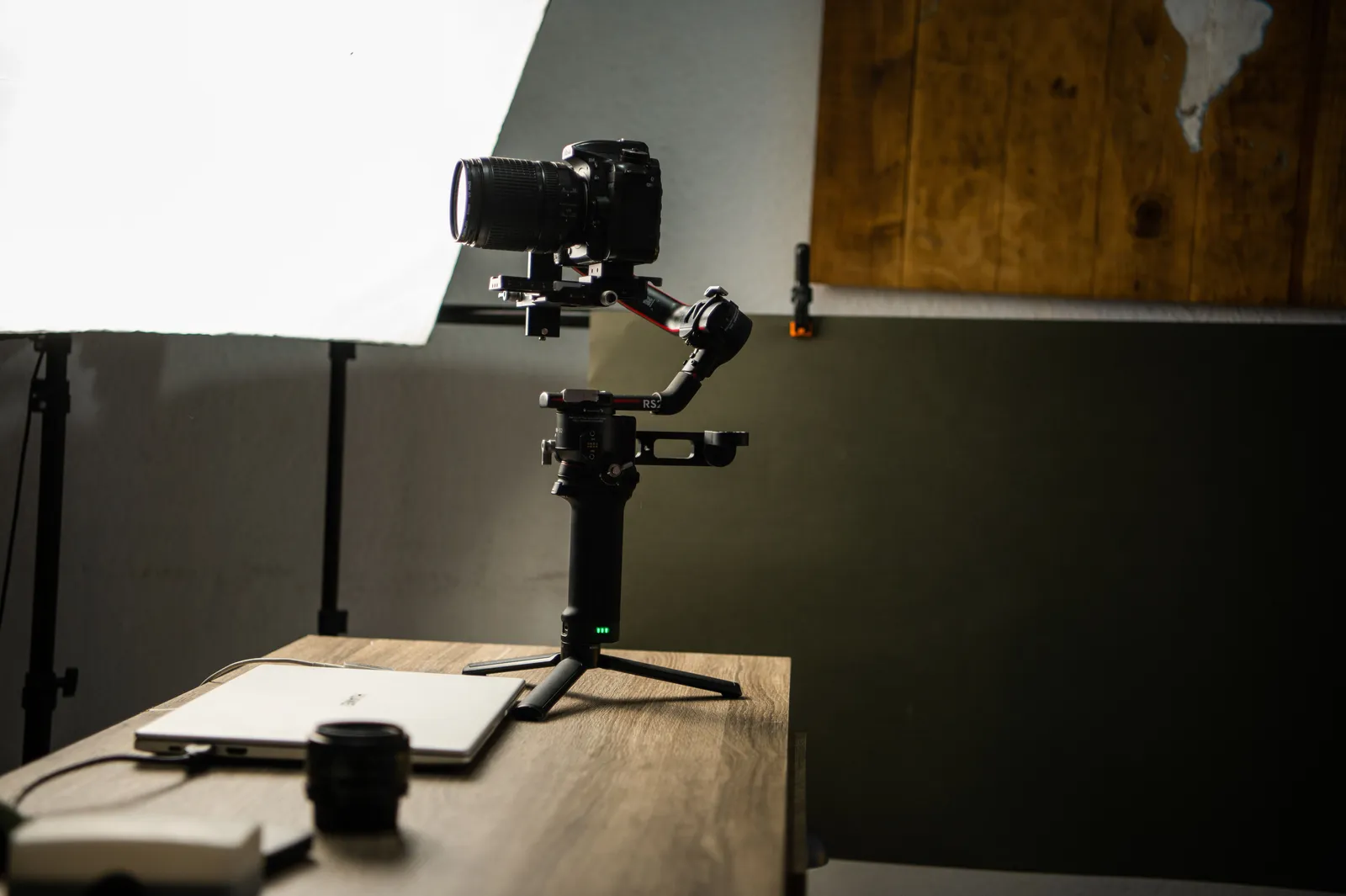
AI flips that. You build the video when the idea is hot. You publish while it still matters.
The Time-Value Advantage
Time is the real cost in seasonal work. A last-minute shoot is stressful and pricey. You may miss the date entirely.
AI removes that pressure. You write a script. You pick a template. You render.
There are no last-minute shoots. No waiting on editors. No scheduling around a crew.
This frees your team to focus on the message. You spend time on strategy, not logistics.
Seasonal Video Ideas
You can build many video types for a season. Each one fits a different goal. Here are ideas to start with.
Holiday Promos
Announce your holiday offer with a short clip. Keep it warm and clear. Match the tone to the season.
Example: An illustrative retail brand could use Kyndrify to create a 30-second holiday promo. It could show their gift bundles. They could render versions in English, Spanish, and French for key markets.
Sales Announcements
Tell people the sale is live. State the discount. Add a clear deadline.
Example: An illustrative e-commerce store could create a series of sale announcement videos. Each could have a different offer (like 20% off or free shipping). They could test variations to see which performed best.
Seasonal Product Spotlights
Feature a product that fits the season. Show why it suits the moment. Keep each spotlight under a minute.
Example: An illustrative skincare company could use AI video to highlight their limited-edition holiday sets. They could create short spotlights for each set. Each spotlight could emphasize seasonal ingredients.
Countdown Videos
Build urgency with a countdown. Make one for each day of the sale. Variations make this easy.
Example: An illustrative travel agency could create daily countdown videos. They could lead up to a Black Friday sale. Each video could feature a different destination deal.
Thank-You Messages
Thank your customers after a big season. A short, kind message builds loyalty. It also feels personal.

Example: An illustrative subscription box service could send personalized thank-you videos. They could send these to customers after the holidays. They could use Kyndrify to record and send messages quickly.
How AI Video Speeds Up Campaign Production
Most delay comes from production, not ideas. AI cuts that delay down. Here is the simple flow.
First, record your twin once. Kyndrify reuses it across every video. You never set up a camera again.
Next, keep an eye on the Ad Creator. Kyndrify shows it as coming soon. When it arrives, it should help you build campaign videos fast from templates, not a blank page.
Then make fast variations. Change the script, the offer, or the language. Render each one in minutes.
This loop fits seasonal work perfectly. You can test ideas and ship the best ones quickly.
How Do You Localize Seasonal Videos?
You localize by changing the language of your script. Kyndrify documents ten spoken languages: English, Spanish, Portuguese, French, German, Italian, Japanese, Korean, Russian, and Chinese. Your twin can speak those.
This matters for global seasons. A holiday may differ by region. You can tailor the message for each market.
The result is one campaign in many languages. You do not need separate shoots for each one. You just render new versions.
How Do You React to Trends Fast?
Trends appear without warning. A meme or moment can boost a sale. But only if you act fast.
AI video lets you respond the same day. You write a quick script. You render a clip. You post it while the trend is live.
No shoot means no delay. You catch the wave instead of missing it.
Example: An illustrative fashion brand could quickly create a viral challenge video. They could use Kyndrify when a new dance trend emerges. They could render and post it within hours.
What Makes Variations So Useful?
Variations let you test what works. You make several cuts of one video. Then you see which one performs best.
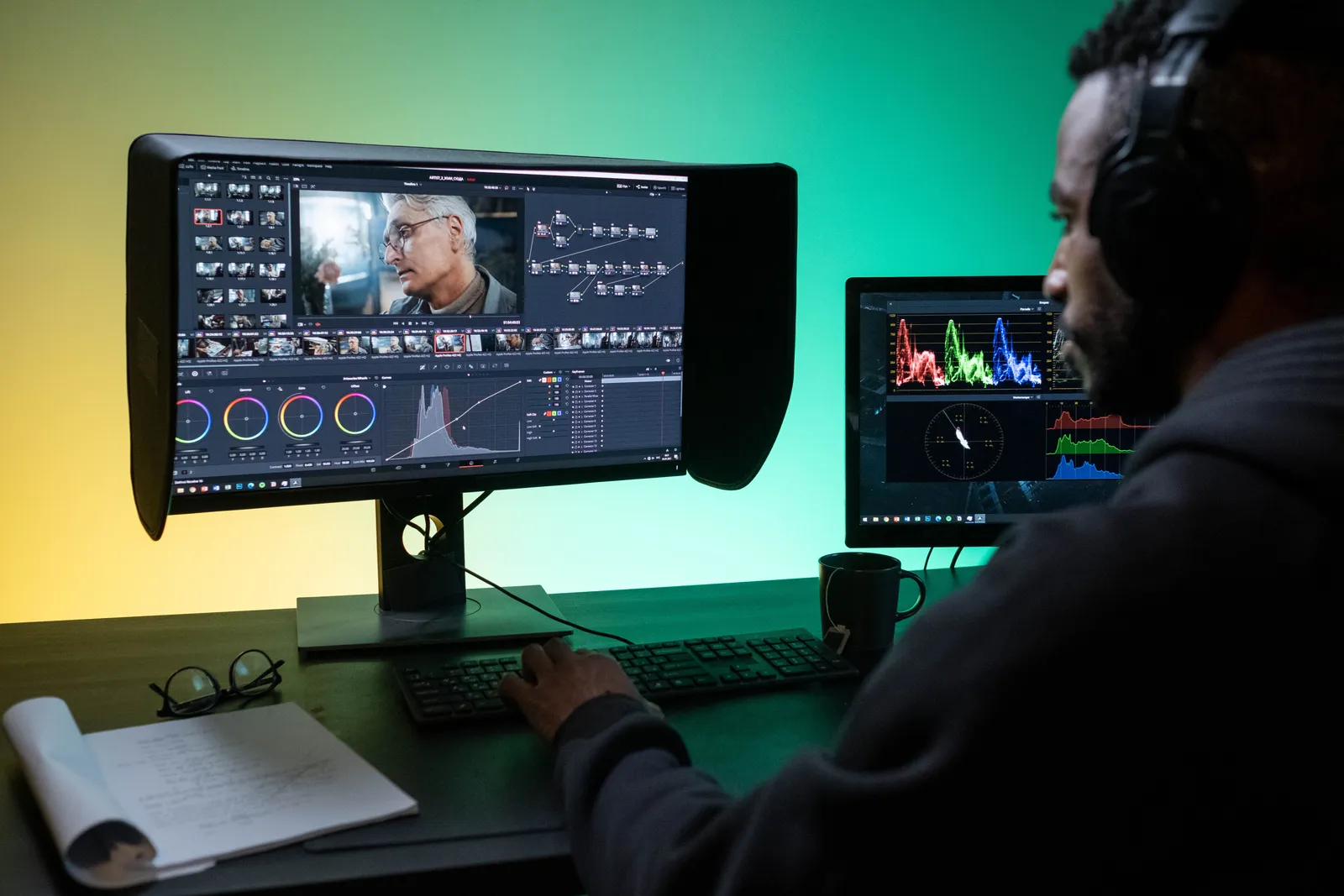
For seasonal pushes, this is key. You can:
- Try different offers in each cut.
- Test short versus longer versions.
- Match each video to a channel.
- Run versions in many languages.
Each variation takes minutes. So you test more and guess less.
Handling Sensitive Topics
Seasonal campaigns sometimes touch on sensitive topics, like cultural or religious celebrations. Here is how to handle them with care:
- Research Thoroughly: Understand the nuances of the holiday or event you are addressing.
- Consult Diverse Teams: Involve team members from different backgrounds in the creative process.
- Test Internally: Share drafts with a diverse group before publishing to gather feedback.
Example: An illustrative global brand could use Kyndrify to create Diwali-themed videos. They could ensure cultural accuracy by consulting Indian team members and local experts.
Budget Considerations
AI video is cost-effective. It is wise to think about your budget:
- Free Tier: Use it to test and run small campaigns with preset avatars and voices.
- Paid Plans: Custom Digital Twins and advanced features are available on eligible plans such as Plus. Check the pricing page for current details.
Many teams find AI video cuts production costs. It removes the need for multiple shoots, crew, and editing time.
Comparing AI Video Tools
Kyndrify is not the only AI video tool out there. Here is how it stacks up against some competitors:
- Synthesia: It offers realistic avatars. But it needs more setup. Synthesia says their tool works best for enterprises.
- HeyGen: It makes multilingual videos. But it has fewer options to customize than Kyndrify.
- D-ID: It works well for creative projects. It is less suited for quick seasonal campaigns.
Kyndrify stands out with its balance of speed, ease of use, and versatility for small teams.
Getting Started Without a Shoot
You can begin today with no camera setup. Kyndrify offers a free tier. No credit card is needed.
Record your twin once. Pick a seasonal template. Write your offer and render.
When you are ready to publish ads, you may want an eligible paid plan such as Plus. That plan adds custom Digital Twins and up-to-1080p talking-head video. See the pricing page for current details.
Kyndrify is built by Through the Glass Creatives. It is made to help small teams move fast.
Frequently Asked Questions
Can I make a holiday video without filming?
Yes. You record your twin once. After that, you create videos with no shoot. You just write and render.
How fast can I make a seasonal campaign video?
Very fast. Renders finish in minutes. You can build and ship a campaign the same day.
Can I make many versions of one video?
Yes. Fast variations are a core feature. You change the script or language and render new cuts.
Does Kyndrify support other languages?
Yes. It documents ten spoken languages: English, Spanish, Portuguese, French, German, Italian, Japanese, Korean, Russian, and Chinese. Your twin can speak those for global campaigns.
Is there a free way to try it?
Yes. There is a free tier with no credit card. Custom Digital Twins and up-to-1080p talking-head video are available on eligible plans such as Plus. Check the pricing page.
Ready for Your Next Season?
You do not need a shoot to win the season. You need speed, variations, and reach.
Kyndrify gives you all three. Try the free tier and build your first seasonal video today.
Disclaimer: The details in this article is for general informational purposes. It is not legal, financial, or professional advice. Always consult a qualified professional before making business decisions.
Related reading
More from Kyndrify


The tools that do this
Make your first video without filming.
Say what you need and the studio makes it: video, images, voices. Start free, no credit card.