

AI Video for Marketing: Ads & Social, No Shoot
Make UGC-style ads, product videos, and localized social content with AI video for marketing. Test more creatives, skip the shoot, stay brand-safe.
AI Video for Marketing: Ads, Social, and Product Video Without a Shoot
Marketing teams face a tough trap. Algorithms want fresh video all the time. But each video often needs a full shoot.
You book talent. You wait for edits. You spend thousands before one ad goes live. Testing ten hooks should be cheap. Instead, it takes weeks. Want to run a winning ad in five markets? You start over each time.
AI video for marketing changes this. With Kyndrify you record your face and voice once. You build a verified Twin. Then you turn a script into video in minutes. No camera crew. No studio. No reshoots.
The promise is simple: be on camera, without the camera. This page shows how it works, what you can make, where it shines, and what to watch for. It helps you choose the right tool for your team.
How does AI video for marketing work?
The process starts with one short recording of your face and voice. That capture becomes your Twin. You verify consent once. Kyndrify does not use customer photos, voice, scripts, or finished media to train a Kyndrify model. Service providers process data for requested jobs under applicable terms. Then you write a script, pick a tool, and generate.

There is no recurring shoot. The workflow has three steps:
- Build your Twin. Record a brief selfie video. Kyndrify verifies your consent. Your Twin is uniquely yours, not a stock avatar.
- Write the script. Paste ad copy, a product explainer, or a social hook. Templates help you move fast.
- Generate and ship. Kyndrify renders a clip in minutes. Make variants. Localize into supported languages. Export.
Your Twin uses your real face and voice. So every output stays on-brand. You skip the costs and delays of a traditional shoot.
AI video vs traditional marketing production
What changes when you switch from shoots to AI video?
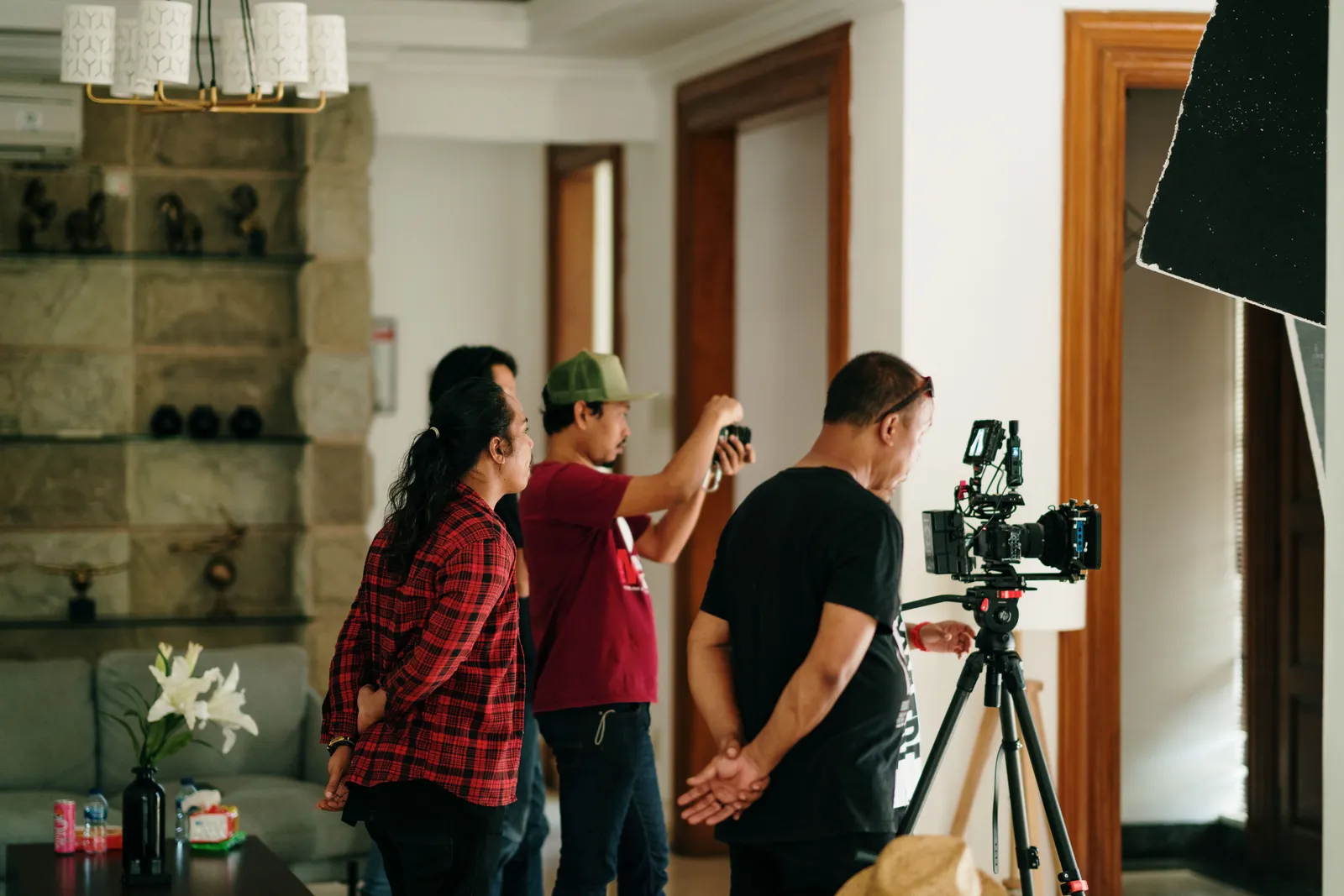
Time. A typical shoot takes weeks. You book talent. You find a location. You record, edit, and review. With AI, you rewrite a script and render in minutes. A small team can act like a full content studio.
Cost. Traditional production pays for talent, crew, gear, and location every round. AI video removes those costs after you build your Twin. You pay for the platform, not per shoot.
Creative testing. In paid social, winners test the most. Old methods make each variation costly and slow. AI video makes testing constant. Many teams try a dozen hooks where they once made two.
Localization. Recording a campaign for five markets meant five shoots or local talent. AI voice cloning with a Twin lets you generate localized versions in minutes. All in your own voice.
Formats. Old methods can capture any action. AI video excels at talking-head formats, product explainers, UGC-style ads, and simple demos. For very dynamic actions (like a live cooking demo or full-body product use), a real shoot still makes sense. Know where AI fits.
Kyndrify gives you a verified Twin, not a faceless synthetic actor. That helps you stay transparent and brand-safe. Many advertising platforms now expect this.
Limitations and drawbacks of AI video
AI video does not replace every marketing content type. Know its limits so you use it well.
Scripted, not spontaneous. Your Twin follows a script. Real user-generated content often captures spontaneous moments. An AI talking head might lack the raw feel of a live creator. If your audience trusts messy authenticity, pure AI clips could feel too polished.
Action scenes are hard. A Twin cannot do complex movements. It cannot handle physical products with two hands or run around. Think of it as a camera that shoots only your face and upper body. For demos needing real-world action, shoot that footage separately. Combine it with your Twin’s voice-over.
Emotional range. Lip-sync and expressions can be convincing. Yet some advertisers notice that Twin speech might miss the subtlest emotional shifts. Keep scripts to the tone your Twin can deliver naturally. For high-drama or deeply emotional stories, a live actor might still work better.
Platform rules. Some social platforms flag or restrict synthetic content, even when disclosed. Disclosure rules are tightening in 2026. Signed Content Credentials and invisible provenance are rolling out, but they are not guaranteed on every file. Always check each platform’s latest policies. Many advertisers find that clearly disclosed Twin content passes review when used as a branded spokesperson.
It starts with a real recording. “No shoot” means no recurring shoots. You still need a one-time, high-quality capture to build your Twin. A dim or muffled recording will hurt output quality. Record well, and your Twin will look and sound best.
These drawbacks do not make AI video a bad choice. They show where it fits and where a hybrid approach works better.
What can you make with AI marketing videos?
With a Twin, you can produce most video formats a marketing team ships each week. These include UGC-style ads, product videos, social clips, talking-head content, B-roll, and product photos. Kyndrify supports talking-head video, dubbing and translation, images, and voice tools for this work.

UGC-style ads with the Ad Creator
Kyndrify’s ad creator is shown as coming soon on current pricing, so it is not yet generally available. For now, you can make casual, creator-style talking-head ads and product videos from a script. You skip briefing a creator and waiting a week. You produce a batch of ad variations in one afternoon. That keeps your testing pipeline full.
Product videos and explainers
Turn a product description into a clean explainer or demo. Pair it with AI-generated product photos or images. Your whole product story comes from one workspace.
Social and talking-head content
Use the talking-head tool for founder updates, tips, announcements, or recurring series. Stay on camera without blocking off a recording day.
B-roll, product photos, and images
Kyndrify also creates B-roll, AI product photos, and images. (B-roll is the extra footage that fills out a clip.) These assets make any post feel finished. Everything lives in one place.
Localized variants
Voice cloning supports ten spoken and dubbing languages: English, Spanish, Portuguese, French, German, Italian, Japanese, Korean, Russian, and Chinese. Take a proven ad and ship it to new markets while keeping your own voice. No new talent or re-shoots needed.
How to fit AI video into your existing marketing strategy
Start small with high-impact use cases:
- Test paid ad hooks. Write several UGC-style openings and render them as short clips. Run them as separate ad variants. Double down on what works.
- Repurpose winning scripts. A top-performing product script can become a localized video for another market, a social teaser, or an email thumbnail.
- Build a consistent branded spokesperson. Use your Twin for a weekly tip or product update. Followers see the same face and voice every time, which builds recognition faster than a rotating roster of creators.
- Mix real and AI footage. Shoot actual product close-ups or customer reactions, then layer your Twin’s narration over them. The combination often feels more authentic than pure AI or pure stock.
These steps let you add AI video to your calendar without disrupting everything else. As you gain confidence, expand to more formats.

How to choose an AI video tool for marketing
Not all AI video tools work the same way. When evaluating a platform, look for these signs of quality and safety:
- Consent-verified Twin. Your face and voice should be recorded with explicit permission. Avoid tools that let anyone create a synthetic version of a person without consent.
- Disclosure built in. Choose a tool that is rolling out signed Content Credentials or similar AI provenance tags. This helps you stay compliant and transparent with platforms and viewers.
- Commercial rights. The plan you pay for should grant full commercial-use rights for ads. Confirm before you publish paid content.
- Realistic lip-sync and voice. Test samples. A mismatched avatar can hurt trust. Your Twin should move and speak as you do.
- Template variety. The tool should offer formats you actually need (UGC ads, explainers, social clips) so you do not waste time hacking outputs.
Kyndrify checks these boxes. Your Twin is built from your real, consent-verified capture, provenance is rolling out and not guaranteed on every file, and the Terms grant you ownership of your renders. Ownership is not blanket copyright clearance or proof of commercial-use entitlement, so confirm rights and current plan and Terms before publishing paid content.
Why marketing teams choose Kyndrify
Speed and volume
Renders take minutes, not weeks. That one change collapses your production timeline. A small team can now publish at the speed that paid and organic channels demand.
Test more creatives
Winners in paid social test the most. They try many hooks, angles, and CTAs. (CTA means call to action, like “Buy now.”) With AI, each variant is a script edit, not a shoot. Testing stops being a budget you ration. It becomes an everyday habit.
Save the shoot budget
You pay no per-video talent, crew, or studio fees. Those costs cause most teams to under-produce. With Kyndrify, they vanish.
Localization without re-shoots
Voice cloning plus supported languages lets a proven ad travel. What used to be a costly, separate project is now just another variant.

Brand-safe by design
Kyndrify is built on consent. Your Twin uses your own verified face and voice. Signed Content Credentials and invisible provenance are rolling out and are not guaranteed on every file. Kyndrify does not use customer photos, voice, scripts, or finished media to train a Kyndrify model. As you grow, your brand stays clear, not generic.
Save time on content
The goal is simple. We give marketing teams their time back. Less time making video means more time on strategy. You focus on the work that actually moves numbers.
Is AI video for marketing brand-safe and compliant?
Yes, it can be. Kyndrify is designed for this. AI-ad disclosure rules are tightening.
In 2026, new state laws and FTC guidance push for clear disclosure when ads use synthetic performers. Signed Content Credentials and invisible provenance are rolling out, but they are not guaranteed on every video. Your Twin comes from your real, consent-verified face and voice, not an anonymous synthetic actor.
That difference matters. Many new rules target hidden, faceless synthetic performers. Your Twin is built from you, with documented consent. Provenance is rolling out and is not guaranteed on every file. Transparency is built in, not bolted on. (This is not legal advice. Always confirm the rules for your markets.) Still, the foundation is brand-safe on purpose.
How much does it cost?
Kyndrify has a free tier. No credit card is required. You can try preset avatars and voices before you commit. Custom own-face Twins require an eligible plan such as Plus. For current details, see Pricing.
Frequently asked questions
How can AI help with marketing videos?
AI turns a script into a finished marketing video in minutes. There is no shoot. This cuts time and costs. You publish more. You test more creative. You can also make versions for other languages. No camera, crew, or studio.
Can AI make UGC-style ads?
Yes. Kyndrify’s ad creator is shown as coming soon on current pricing, so it is not yet generally available. For now, you can make casual, creator-style talking-head ads and product videos from a script. You can make a batch of variations. Test hooks and angles fast. You skip weeks of waiting for one creator.
Can I use these ads commercially?
Under the current Terms you retain ownership of your renders, subject to other rights and applicable law. Ownership is not a blanket commercial-use entitlement. Confirm rights and current plan and Terms before publishing paid content. See Pricing for what each plan includes.
Can I localize videos into other languages?
Yes. Voice cloning supports ten spoken and dubbing languages: English, Spanish, Portuguese, French, German, Italian, Japanese, Korean, Russian, and Chinese. Take a winning creative and ship localized variants in your own voice. You skip re-shoots and skip hiring talent for each market.
Is the video really my face, or a stock avatar?
It is your own real face and voice. Kyndrify builds a Twin from your consent-verified capture. It is not a stock avatar. Signed Content Credentials and invisible provenance are rolling out and are not guaranteed on every file. Kyndrify does not use customer photos, voice, scripts, or finished media to train a Kyndrify model.
Start making marketing videos today
Stop letting the shoot hold you back. Build your Twin. Make your first UGC ad or product video in minutes. Then test more creative for less. Try Kyndrify free with no credit card needed. Also see all use cases for more ways to use your Twin.
Related reading
More from Kyndrify


The tools that do this
Make your first video without filming.
Say what you need and the studio makes it: video, images, voices. Start free, no credit card.