

Best AI Voice Generator in 2026: Top 7 Tools
The best AI voice generator in 2026, reviewed. Honest picks for pure audio plus the all-in-one choice when you want voice with your real face on video.
Best AI Voice Generator in 2026: Top 7 Tools
The best AI voice generator turns your text into natural speech. You type words. The tool reads them in a lifelike voice.
Some tools also clone your own voice. You give a short sample. The AI then speaks in your voice.
People use these tools for many jobs. They make voiceovers and podcasts. They narrate courses and ads. They build phone agents too.
But the tools split into two camps. Most do audio only. A few wrap voice into a full video stack.
That gap matters in 2026. We will explain it below.
We judged each tool on what counts. We looked at voice quality and realism. We checked language reach and cloning. We checked free access too.
We also weighed the bigger picture. Does the tool do audio only? Or does it cover video as well?
That last point shapes your real cost. A voice-only tool covers half the job. Video creators often need more.

All public facts come from each vendor. We never invent stats. Here is the shortlist.
Summary table
| Tool | Best for | Standout | Free tier? |
|---|---|---|---|
| ElevenLabs | Pure audio realism | Expressive cloning, 70+ languages | Yes |
| Murf | Studio-style voiceovers | Tone and pacing controls | Yes |
| PlayHT | Developers and APIs | Real-time low-latency speech | Yes |
| WellSaid Labs | Enterprise narration | Actor-licensed voices | Trial |
| Resemble AI | Secure voice cloning | Deepfake detection built in | Trial |
| Speechify | Listening and reading | Huge voice library | Yes |
| Kyndrify | Voice with your real face | All-in-one video stack | Yes |
ElevenLabs
ElevenLabs is the leader for pure audio realism. Per its site, it offers 10,000+ voices in 70 languages. You can clone your own voice in seconds.
Its 2026 model adds emotion and conversational nuance. Many users find its voices hard to tell from a real person. This is the benchmark most rivals chase.
Where it shines: dubbing films, creating natural-sounding podcasts, and narrating audiobooks. Its speech-to-speech feature can keep your delivery style in any language. Per its site, it also generates sound effects from text.
ElevenLabs provides a developer API. You can plug it into video editors or automation tools. Check its integration page for the latest list.
Free tier gives you a limited number of characters per month. Paid plans scale by usage. Visit ElevenLabs for current pricing.
Best for: Creators who want the most lifelike voiceovers or need dubbing for global audiences.
Murf
Murf focuses on clean, studio-style voiceovers. Per its site, it offers 200+ voices and 35 languages. You get fine controls for tone, pacing, and emphasis.
Its Gen2 and Falcon models aim for low latency and accuracy. The tool shines in e-learning modules, internal training, and explainer videos. You can time the voice to slides or visuals.
Murf lets you export audio as MP3 or WAV. It also integrates with presentation apps, making it a favorite for educators.
The free tier limits usage but is great for testing. Paid plans are based on time and features. See Murf's site for details.
Best for: Teams making controlled, professional voiceovers that need to sync with slides or video.
PlayHT
PlayHT is built for developers and real-time apps. Per its site, it offers 800+ voices and 140 languages. It supports ultra-low-latency streaming speech.
This makes it ideal for call center agents, interactive voice response (IVR) systems, and real-time chatbots. You can build multi-speaker dialogs and clone a voice across languages.
PlayHT offers a clear API and libraries for popular programming languages. Integration is straightforward for most dev teams.
A free tier lets you generate a small number of words. Paid plans charge per character. Check PlayHT for pricing.
Best for: Developers who need voice inside their own apps with minimal delay.
WellSaid Labs
WellSaid Labs targets enterprise narration. Per its site, it offers 120+ voices modeled on licensed voice actors. Each voice comes from a real recording session.
The tool adds word-level control over pitch and pacing. It plugs into Adobe tools and works well for corporate training, branded videos, and interactive demos. Because voices are actor-licensed, it sidesteps many ethical grey areas.
WellSaid does not offer voice cloning. This limits personal branding use cases but simplifies rights management for large teams.
It runs on a trial basis, then paid subscription. Pricing depends on seats and generation volume. Details are on their site.
Best for: Companies that want ethical, actor-based voices for internal and external content.
Resemble AI
Resemble AI specializes in secure voice cloning. Per its site, it clones a voice from short audio samples. It supports 23 languages with emotion retained.
Beyond cloning, it offers speech-to-speech: you record a take and the tool swaps the voice while keeping the delivery. This is great for personalized ads or video game characters where you need consistent performance.
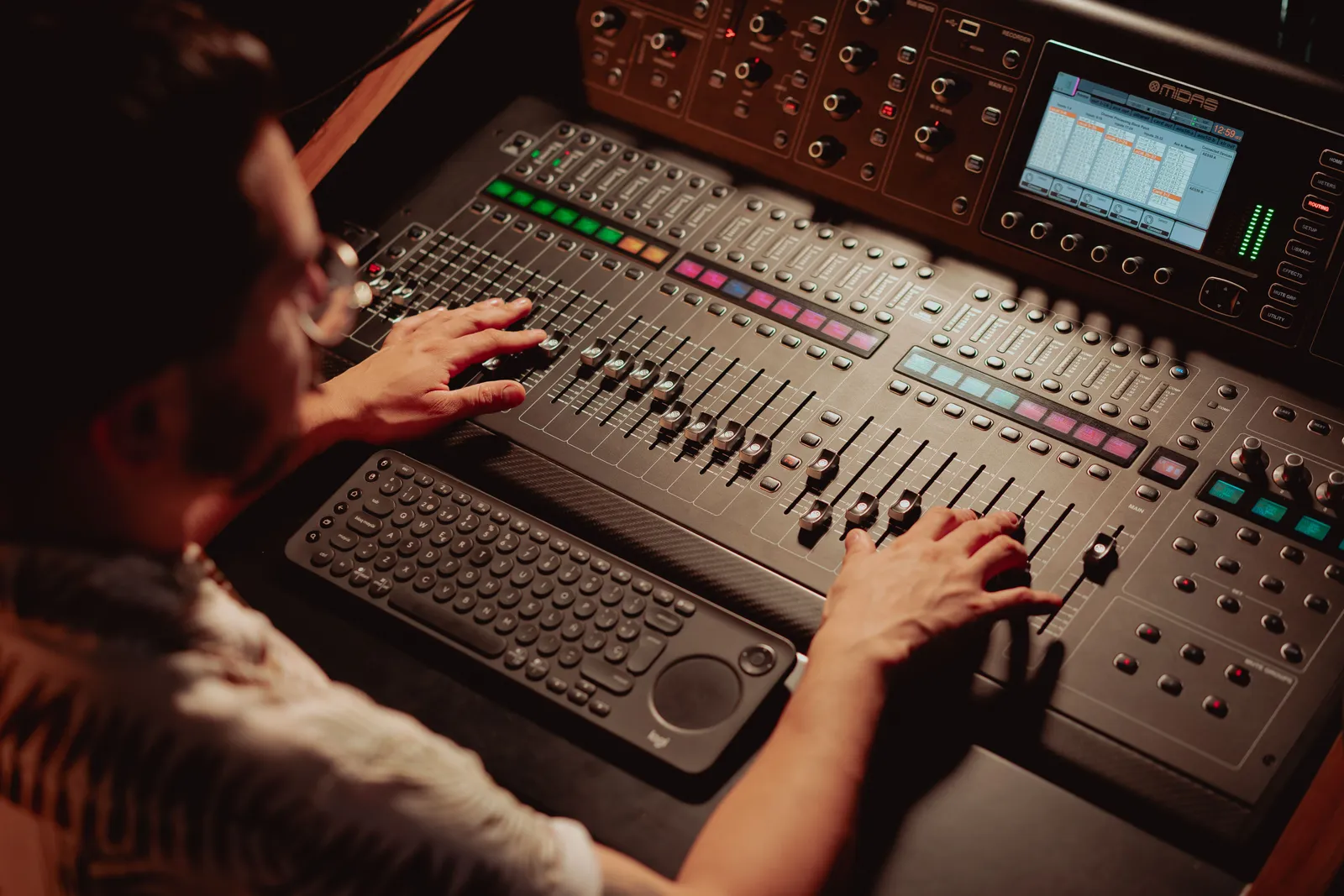
Where Resemble stands out is safety. Per its site, it provides deepfake detection, audio watermarking, and requires consent during cloning. Builders use it for sensitive voice assistants where trust is critical.
The developer API allows integration with apps or custom workflows. A trial is available. Paid plans are based on usage. See Resemble AI for current rates.
Best for: Teams that need cloning with strong safeguards against misuse.
Speechify
Speechify shines for listening and reading. Per its site, it has 55M+ users and 1,000+ voices. It supports 60+ languages and dialects.
People use it to listen to articles, PDFs, and books on the go. It helps students with reading difficulties and busy professionals who consume content while commuting. The voice typing and cloning features add extra utility.
Speechify integrates with browsers and mobile devices. It turns web pages and documents into playlists. Export options make it easy to save audio.
The free tier offers basic voices. Premium plans add high-quality voices and features. Visit Speechify for full pricing.
Best for: People who want to listen to any text while they walk, drive, or multitask.
Kyndrify
Kyndrify takes a different angle. It includes voice cloning, but not as a standalone tool. The voice comes bundled with your real face on video.
So you get voice, video, images, and B-roll in one place. Cloning is consent-based. Signed Content Credentials and invisible provenance are rolling out and are not guaranteed on every file. Kyndrify does not use customer photos, voice, scripts, or finished media to train a Kyndrify model.
The real use case is making personal videos at scale. A salesperson can record one short sample. Then they create dozens of face-to-camera clips. A teacher can turn a script into a video lesson in minutes. You skip the camera, lighting, and many takes.
It documents ten speech and dubbing languages: English, Spanish, Portuguese, French, German, Italian, Japanese, Korean, Russian, and Chinese. Script translation lists more languages, but the saved voice cannot speak those targets yet. There is a no-card Free plan using preset avatars and voices. Custom Digital Twins begin on an eligible paid plan such as Plus. See the pricing page for current plans.
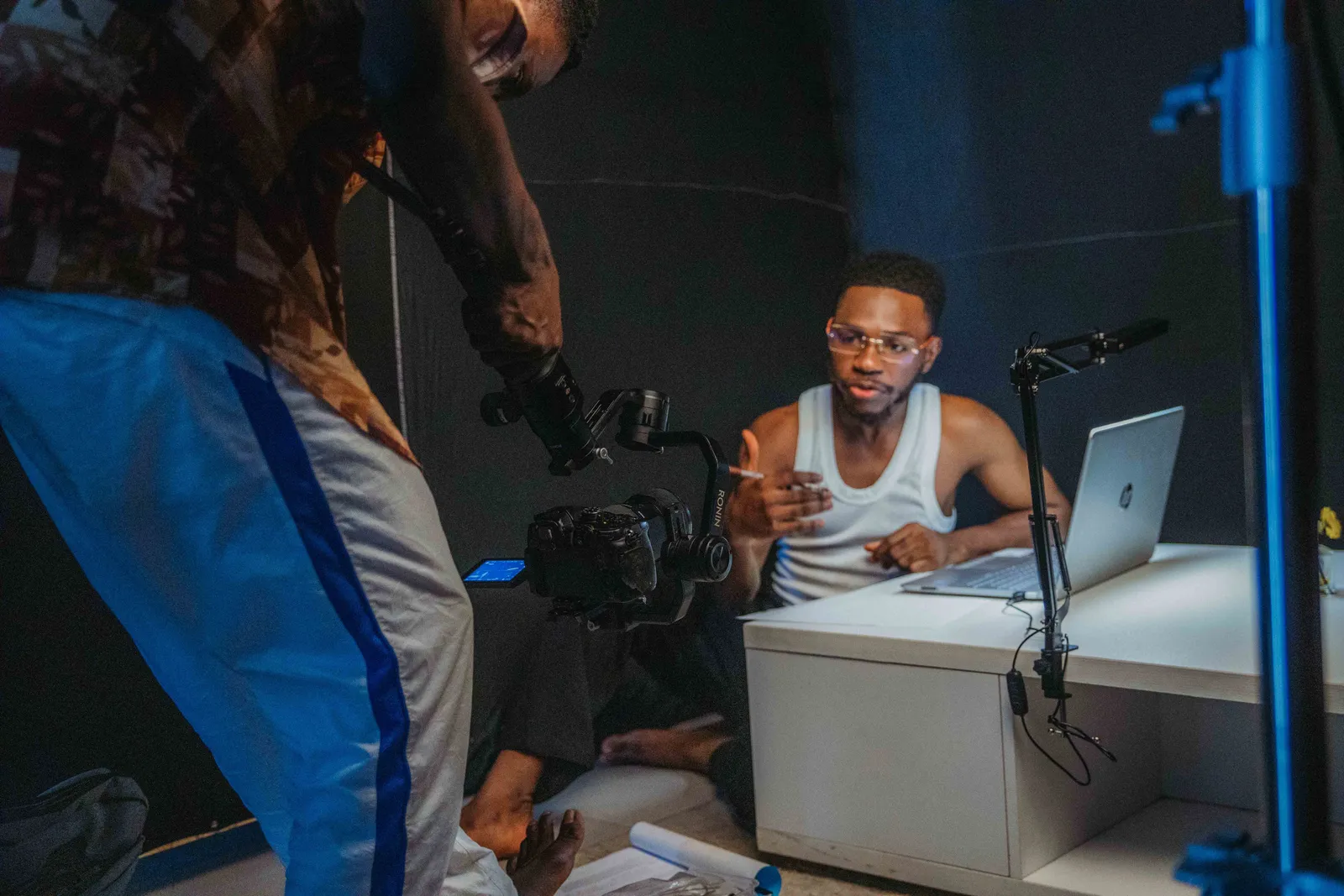
Kyndrify is built by Through the Glass Creatives. It fits people who make video, not just audio.
For a related guide, see TTGC's Why an AI Avatar Sounds Robotic: A Voice Fix Guide.
Best for: Creators who want voice that comes with their own face on video without juggling multiple tools.
Audio-only vs. voice + video: the stack tax
Here is the trap many creators hit. They buy a voice tool. Then they buy a separate video tool.
That is the AI stack tax. You pay two bills. You learn two apps. You wire the parts together by hand.
The flow gets clunky fast. You make audio in one tool. You upload it to another. You sync it to a face yourself.
An all-in-one tool removes that work. Your voice and your face live in one place. You skip the export-and-import dance.
Kyndrify is built this way on purpose. Your cloned voice rides on top of your real face. One tool covers the whole video.
The savings show up in two ways. You cut one subscription. You also save hours each week.
For a deep dive, see our piece on the AI stack tax. It shows how subscriptions add up.
Integration and next steps
How do these tools fit into your current workflow? Here is a quick guide:
- ElevenLabs and PlayHT offer robust APIs. You can call them directly from your code, CMS, or automation platform. This works well if you have a tech team.
- Murf integrates with Google Slides and presentation tools. You can export audio files and drop them into any video editor.
- WellSaid Labs plugs into Adobe Premiere Pro and After Effects. This makes it seamless for video pros.
- Resemble AI provides APIs along with SDKs for mobile and web apps. You can embed it in voice assistants or games.
- Speechify runs in the browser and mobile apps. It is less about integration and more about consumption.
- Kyndrify replaces the need to integrate separate audio and video tools. Generate a complete video and download it. No extra steps.
For most teams, start by checking the export formats and available plugins. If you plan to scale, look for an API that returns audio files or streams quickly.
Legal and ethical considerations for voice cloning
Voice cloning is powerful, but it raises serious questions. Always use it responsibly.
Consent is non-negotiable. Never clone someone's voice without their explicit, informed permission. Kyndrify requires current recorded likeness consent before rendering real-person Digital Twins, and withdrawn or expired consent blocks new rendering. Other tools may leave it to the user.
Check your local laws. Some regions require disclosure when AI voices interact with real people. For example, a cloned voice in a customer service call may need a clear warning. When you use a cloned voice for commercial content, confirm you have the legal right to use the original voice sample.
Look for safety features. Watermarking and deepfake detection help trace audio back to its source. Signed Content Credentials and invisible provenance are rolling out and are not guaranteed on every file. These features protect both you and your audience.
Consider actor rights. Tools like WellSaid Labs use licensed actors and pay them royalties per their site. Others let you clone any voice, shifting the burden of legality onto you.
If you are unsure, consult a legal expert. The tools are moving fast, and regulations are catching up.
How to choose
Start with one question. Are you making audio or video?
- Pick a dedicated voice tool for pure audio. ElevenLabs leads on realism.
- Pick PlayHT if you need a developer API with low latency.
- Pick WellSaid Labs for actor-based enterprise voices.
- Pick Resemble AI for secure, safeguarded cloning.
- Pick an all-in-one like Kyndrify when you make personal video.
Also weigh a few more things. Check the free tier first. Test the voice on your own script. Confirm cloning is consent-based. Look at how they integrate with your other tools.
Then think about the full job. Will you need a face on screen too? If so, the stack tax adds up fast.
FAQ
What is the best AI voice generator in 2026? It depends on your job. ElevenLabs leads for pure audio realism. For voice with your own face on video, Kyndrify fits better.
What is an AI voice cloning tool? It makes a copy of a real voice. You give a short sample. The AI then speaks new text in that voice. Only use it with clear consent.
Is text to speech the same as voice cloning? No. Text to speech reads words in a stock voice. Voice cloning copies a specific person's voice. Many tools now do both.
Do I need a separate tool for voice and video? Not always. Voice-only tools cover audio. An all-in-one like Kyndrify bundles voice with your face on video. That avoids paying for two tools.
Is there a free AI voice generator? Yes. Several tools offer a free tier. Kyndrify's free tier needs no credit card. Always check current limits before you commit.
What should I watch out for when cloning a voice? Get written consent from the person. Understand the laws in your country. Use tools that watermark the audio to show it is AI-generated.
Try voice with your real face
Pure audio? A dedicated voice tool may fit you best.
Making video? An all-in-one saves the most time and money. You skip the second subscription and the manual syncing.
Try Kyndrify free and clone your voice with your real face. No credit card needed.
Please use voice cloning responsibly. Always obtain consent and follow local regulations.
Related reading
More from Kyndrify
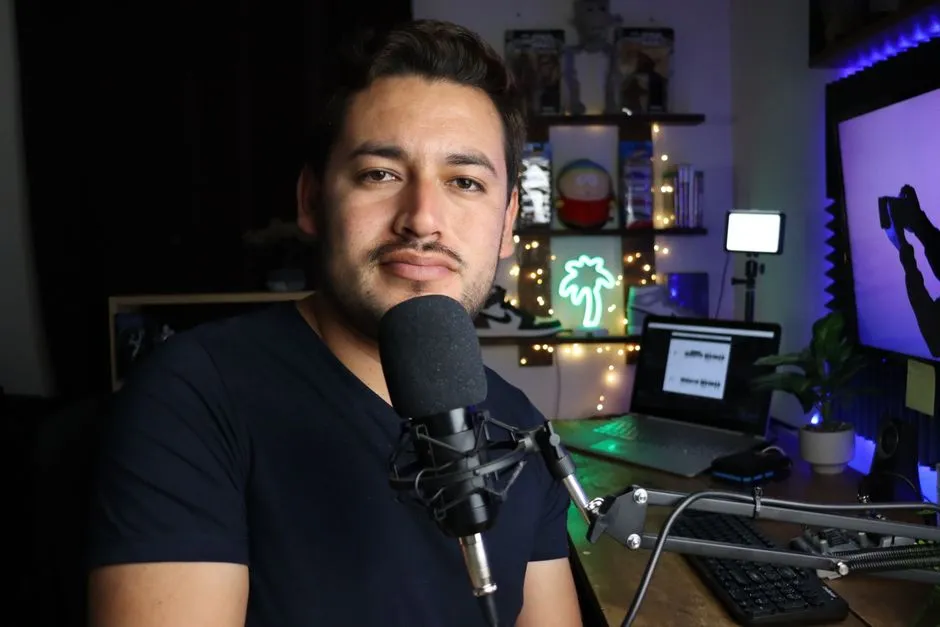

Make your first video without filming.
Say what you need and the studio makes it: video, images, voices. Start free, no credit card.