

Best AI Video Generator for TikTok (2026)
The best AI video generators for TikTok in 2026, compared by use case, with vertical-ready output, fast renders, and TikTok AI labeling explained.
Best AI Video Generator for TikTok (2026)
TikTok loves one kind of video. It stands tall, not wide. It grabs you in under two seconds. It feels made for the feed. The best AI video generator for TikTok in 2026 is the one that fits your goal. Maybe you want a clip with your own face. Maybe you want many UGC-style ad versions. Or maybe you just want fast captions on old footage.
UGC means user-generated content. It looks like a real person, not an ad.
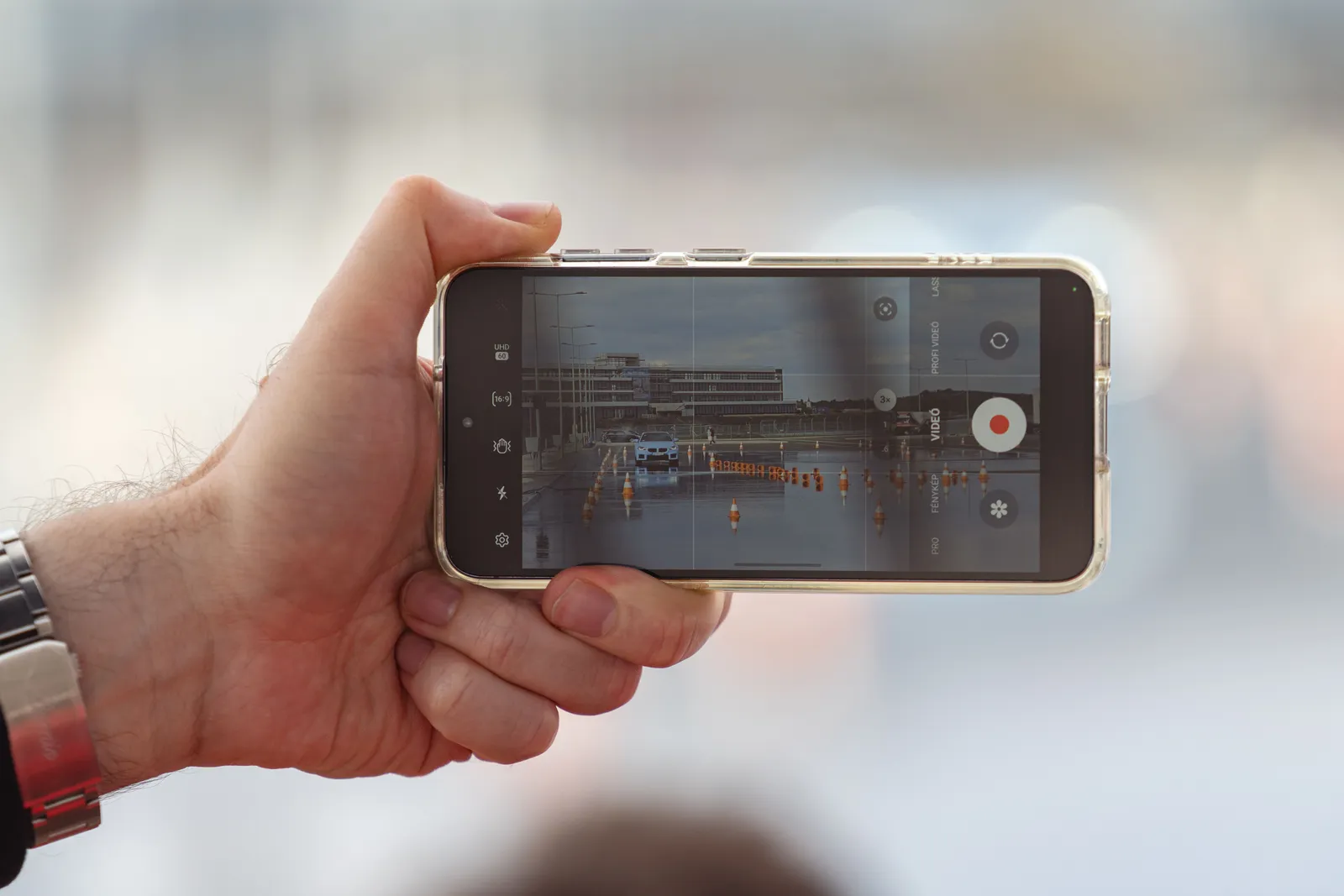
This guide compares the tools worth your time. Each one gets an honest "Best for" pick. We judged them on three things. First, do they make tall 9:16 video by default? Second, how fast are they? Third, does the result look real? We also answer a question that confuses many people. When does TikTok make you label AI content? And which tools make that easy?
Summary table
| Tool | Best for | Standout | Free tier? |
|---|---|---|---|
| Kyndrify | Authentic short-form and UGC ads in your own face, disclosed | Twin from your real face and voice with C2PA disclosure rolling out | Yes (no credit card, preset avatars and voices) |
| HeyGen | Polished avatar talking-heads at scale | Realistic lip-sync that holds in vertical close-ups | Yes (limited) |
| Creatify | Fast product-to-video ad automation | URL-to-video for e-commerce ads | Trial/limited |
| Arcads AI | High-volume UGC ad testing | Large AI actor library and hook-variation workflow | No (paid) |
| Captions | All-in-one creator editing on mobile | AI captions, eye contact, and editing in one app | Yes |
| CapCut | Editing and captioning existing footage | Free auto-captions and editing toolkit | Yes |
| Synthesia | Enterprise multilingual avatar video | 130+ languages, custom avatars | No (paid) |
| Pictory | Repurposing long content into clips | Blog/podcast to short vertical video | Trial/limited |
Kyndrify
Kyndrify's promise is "Be on camera. Without the camera." You do not pick a stock avatar. You build a Twin from your own real face and voice. This needs a one-time consent check. Then you turn a script into clear video. The person on screen is really you, not a generic model. So it suits creators and brands who want real short-form video.
The platform holds several tools. You get talking-head video. You also get voice cloning, product photos, AI images, B-roll, and templates. It supports languages including English, German, Chinese, and Spanish. Renders take only minutes. Some tools, like the ad creator, are shown as coming soon on the pricing page, so check there for current availability.
Two things stand out for TikTok. First, signed C2PA Content Credentials and invisible provenance are rolling out. C2PA is a hidden tag that proves the video used AI. That matches TikTok's labeling rules (more below). Second, your face and voice are consent-based. Kyndrify does not use your photos, voice, scripts, or finished media to train a Kyndrify model. That matters if your face is your brand.
There is a free tier. No credit card is needed. It uses preset avatars and voices. Custom Twins begin on an eligible plan such as Plus. See the pricing page for current details.
Best for: Creators and brands who want authentic, disclosed short-form video and UGC ads in their own face and voice.
HeyGen
HeyGen is one of the best-known AI avatar tools. Many rank it top for talking-head video. That video looks good even in tall TikTok close-ups. Its avatars and lip-sync are sharp. The library lets you make presenter clips fast. An avatar is an AI person who speaks for you. HeyGen is a strong pick if you are fine using one.
Best for: Brands and teams that want polished AI avatar talking-heads at volume.
Creatify
Creatify turns products into short video ads. You paste a product URL. It pulls the details and builds ad clips fast. E-commerce sellers love this. They get many TikTok ads without filming. It is built for ads, not personal creator videos.
Best for: E-commerce sellers automating product video ads from a URL.
Arcads AI
Arcads AI is made for marketers who run UGC ads. It has a big library of AI actors. You can take one script and test many openings. A hook is the first line that stops the scroll. Testing hooks helps you find what sells. It is a paid, ad-focused tool. It fits teams already running paid TikTok ads.
Best for: Marketers testing high volumes of UGC ad hooks.
Captions
Captions is an app built for creators. It puts AI captions, editing, eye-contact fixes, and avatars in one place. It works well on your phone. It helps a lot if you film yourself. You get fast, styled captions and quick cleanup. You stay in one app. It has a free plan. Paid plans cover heavier use.
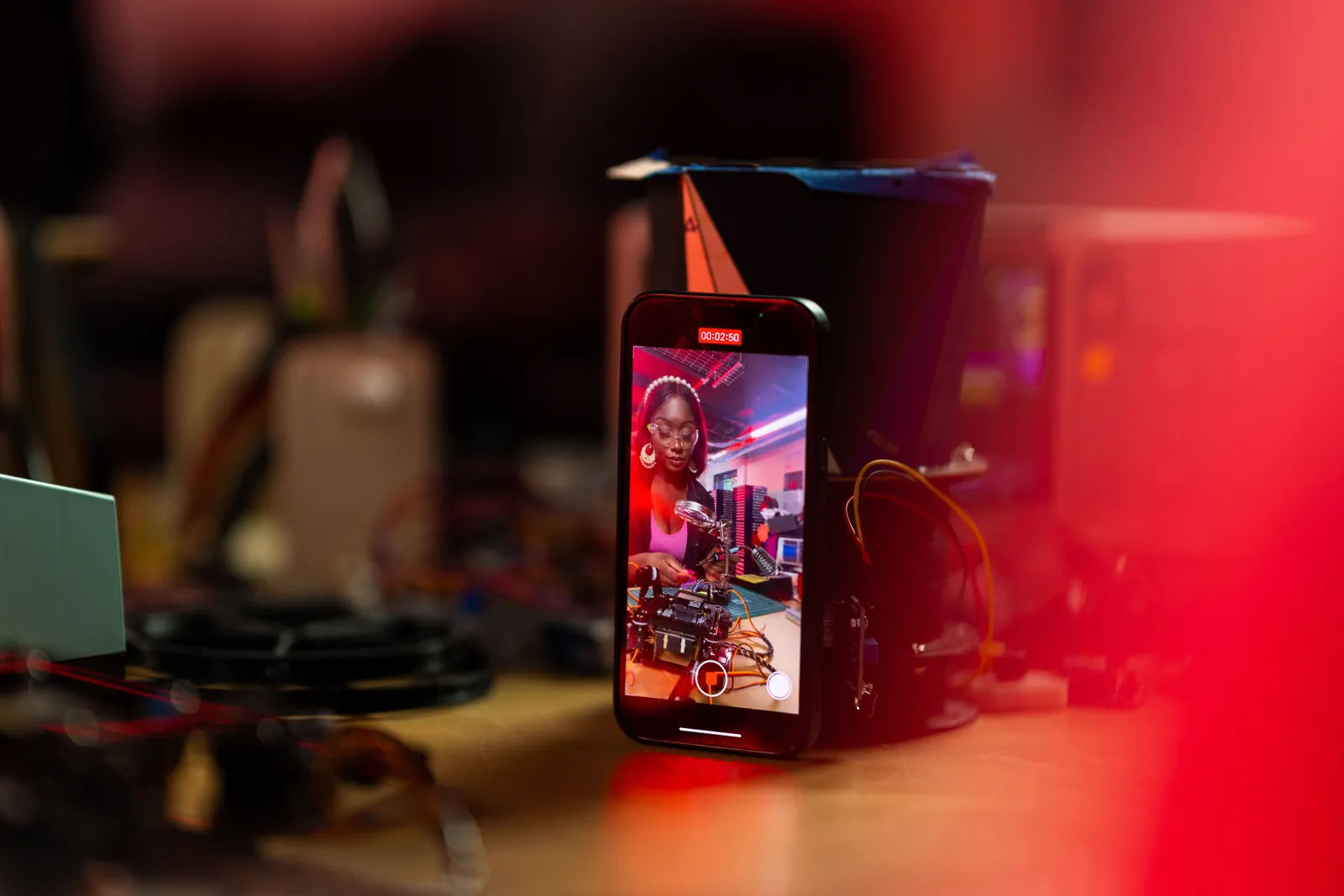
Best for: Solo creators who film themselves and want all-in-one editing on the go.
CapCut
CapCut is the go-to editor for many TikTok creators. Its free tier does a lot. You get AI auto-captions in many languages. You get auto-cut, background removal, and 1080p export. But it edits video. It does not make video from scratch. So it shines when you already have footage. Its top AI features need paid plans and a separate credits pool.
Best for: Editing and captioning footage you have already shot.
Synthesia
Synthesia is an avatar tool built for big companies. It supports 130+ languages. You can also build custom avatars. It is made for teams that sell in many countries. It leans toward work and training video. It is not really made for TikTok-style feeds. Still, its language reach is huge. It is a paid product with no standing free tier.
Best for: Enterprises producing multilingual avatar video at scale.
Pictory
Pictory turns long content into short clips. It works on blog posts, webinars, and podcasts. You get accurate auto-captions and tall formatting. Do you have a big back catalog? Pictory mines it for TikTok-ready clips. It is not built for face-led talking-head video.
Best for: Repurposing long-form content into short vertical clips.
Does TikTok require labeling AI content?
Yes, often. TikTok's rule is simple. You must disclose AI content a viewer could mistake for real. TikTok says "when in doubt, disclose."
You must label content that is fully AI-made. You must also label content changed a lot by AI. That includes changing what a real person says or does. It includes changing how someone looks. It includes adding fake elements.
Small edits usually need no label. These include color grading, light cropping, or noise cleanup. Helper tools are usually fine too. These include AI captions, descriptions, hashtags, or script help.
TikTok gives you an "AI-generated content" toggle when you upload. It also reads C2PA Content Credentials. So it can detect and label AI content for you. TikTok says the AI label does not lower your reach by itself. Your video just has to follow Community Guidelines. But hiding a big AI role is risky. It can get your video removed or your account limited. This is why a tool with C2PA disclosure helps. The tag travels with the file.
For a related guide, see TTGC's AI Avatars for YouTube and TikTok: A Practical Guide.
How to choose
Start with the job, not the tool. Want to be on camera without filming each time? A face-and-voice tool like Kyndrify fits. It helps most when disclosure matters. Want to scale a generated presenter? Try HeyGen or Synthesia. Want product ads at volume? Creatify and Arcads are built for that. Already film yourself? Captions and CapCut edit and caption your clips.
Then weigh three things:
- Tall video by default, so you skip black bars.
- Fast renders, so you post on time.
- A real feed look. App-made clips can feel fake.
Last, think about TikTok's labeling rules. Pick a tool that makes disclosure easy.
FAQ
What is the best AI video generator for TikTok in 2026? There is no single winner. It depends on your goal. Want real, disclosed video in your own face? Kyndrify is a strong fit. HeyGen leads for polished avatar talking-heads. CapCut is best for editing footage you have.
Do I have to label AI-generated videos on TikTok? Often, yes. TikTok wants a label when content is fully AI-made. It also wants one when AI changes content a lot. The test is whether a viewer could mistake it for real. TikTok gives you an in-app toggle. It also detects C2PA tags on its own.
Will adding an AI label hurt my reach? No, not by itself. TikTok says the AI label does not lower your reach. Your video just has to follow Community Guidelines. The real risk is hiding a big AI role. That is what can cause penalties.
Which tool is best for TikTok UGC ads? For high-volume ad testing, try Arcads AI and Creatify. They are built for that. Want UGC in your own real face and voice? Kyndrify's talking-head video can help, while its ad creator is shown as coming soon on the pricing page.
Can I make TikTok videos in my own face and voice? Yes. Kyndrify builds a Twin from your own real face and voice. You verify consent first. Then you turn a script into video. The person on screen is really you, not a stock avatar.
Ready to make authentic TikToks?
Want short-form video in your own face and voice? It is made in minutes. Provenance tools are rolling out, and you stay responsible for required disclosure. Try Kyndrify free, with no credit card. See what fits you on the pricing page.
Related reading
More from Kyndrify

Make your first video without filming.
Say what you need and the studio makes it: video, images, voices. Start free, no credit card.