

Best AI Video Generator for YouTube (2026)
The best AI video generators for YouTube in 2026, compared by use case: talking-head, cinematic B-roll, editing, and voice. Fair reviews and a free-tier guide.
Best AI Video Generator for YouTube (2026)
The best ai video generator for youtube depends on what you make. By 2026, AI video tools are normal gear. But “best” is not one answer. A daily talking-head channel needs one kind of tool. A film channel needs another kind. A faceless explainer feed needs a third type. This guide ranks the top picks by use case. You get fair notes on each one. We cover strengths, trade-offs, and free tiers.
Here is what matters most for YouTube:
- On-screen presence. Can you show up as a real, known person? Or do you use stock avatars and fake footage?
- Output quality. Aim for 1080p or higher. That is the floor for a clean upload.
- Speed and length. YouTube scripts run long. Auto-stitch and fast renders keep you posting.
- Languages. Many languages mean you can dub. Dubbing opens up a global crowd.
- Disclosure and honesty. YouTube allows AI content. But it wants real-looking AI media to be labeled. It also rewards fresh, useful work. It does not reward copy-paste output. More on this below.
- Free tier and license. A no-card free plan is easy to test. Commercial-use rights matter once you earn.
Summary table
| Tool | Best for | Standout | Free tier? |
|---|---|---|---|
| Kyndrify | Appearing as yourself on camera without filming | Twin built from your own consent-verified face + voice; C2PA disclosure rolling out | Yes (no credit card, preset avatars and voices) |
| HeyGen | Talking-head + avatar video at scale | Large avatar library and 175+ language dubbing | Yes (limited) |
| Synthesia | Corporate/training talking-head video | 140+ avatars, 120+ languages | Limited/trial |
| Google Veo | Cinematic, realistic generated scenes | Top-tier text-to-video realism | Via Google plans |
| Runway | Creative B-roll and VFX | Character consistency, intentional camera moves | Yes (limited) |
| Seedance / Pika | Fast B-roll prototyping | Rapid text-to-video clips | Yes (limited) |
| CapCut | Editing short-form + auto-captions | Watermark-free desktop export | Yes |
| VEED | Browser-based editing + subtitles | All-in-one online editor | Yes (limited) |
| ElevenLabs | AI voiceover and dubbing | Lifelike multilingual TTS and voice cloning | Yes (limited) |
Always check each vendor's current pricing and license yourself. Plans change often.
Kyndrify
Kyndrify's pitch is simple. Be on camera, without the camera. You build a Twin from your own face and voice. You verify consent once. Then you make video straight from a script. Paid talking-head plans support up to 1080p.
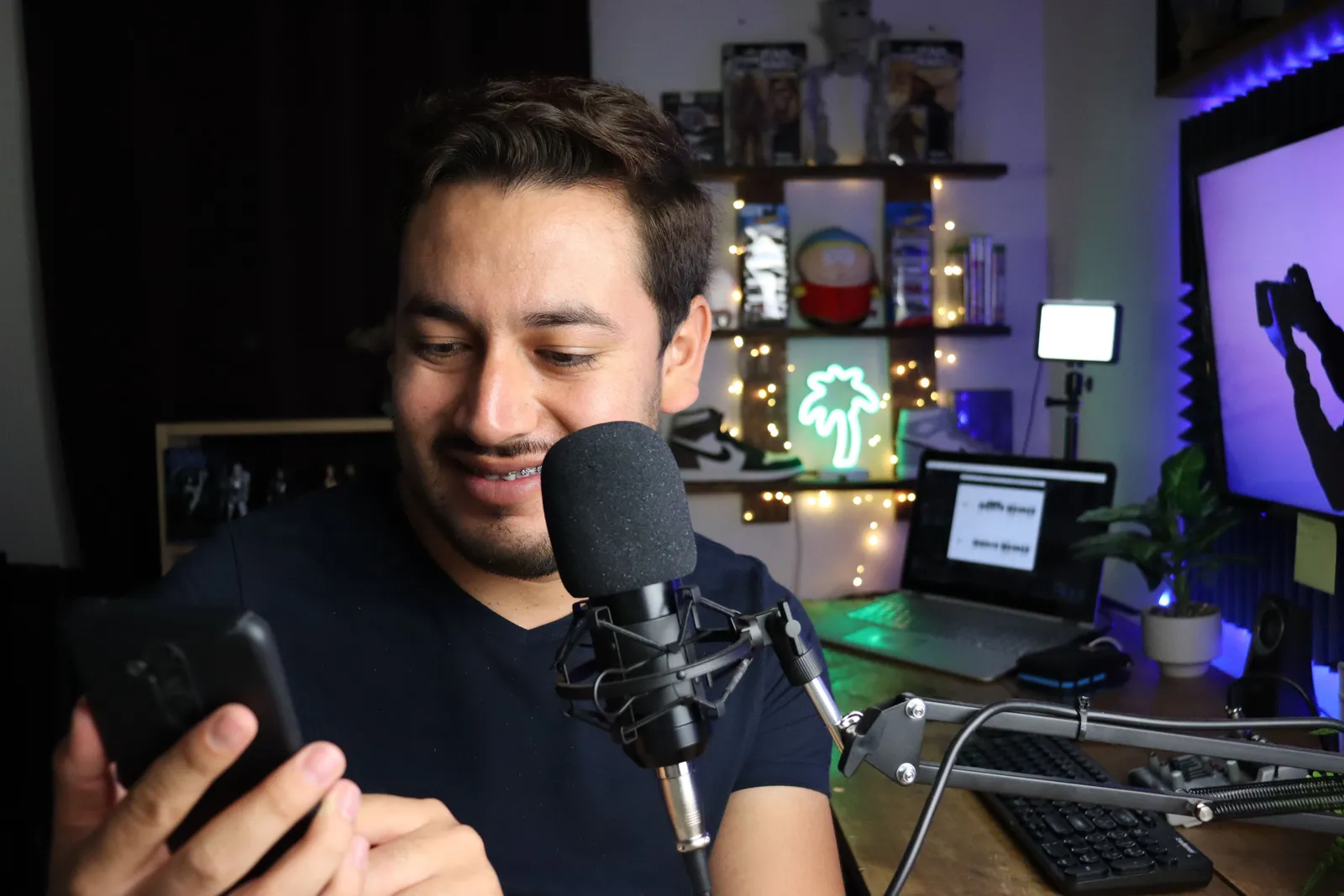
The big plus is honesty. It is truly you on screen. It is not a stock or fake persona. Signed Content Credentials and invisible provenance are rolling out, so they are not guaranteed on every file. You can label it the right way.
Kyndrify states it does not use customer photos, voice, scripts, or finished media to train a Kyndrify model. Necessary service providers process data for requested jobs under applicable terms. Long scripts auto-stitch. Renders finish in minutes.
The platform packs nine tools in all. These cover voice cloning, product photos, AI images, B-roll, templates, and more. Ad Creator is shown as coming soon. There is a free tier with no credit card that uses preset avatars and voices. Custom own-face Twins begin on Plus, not on every paid plan. It is newer and smaller. It serves one maker well. That is the person who wants to show up as themselves without a shoot.
Best for: Creators who want to appear as themselves on YouTube without filming, with disclosed, consent-based AI.
HeyGen
HeyGen is a leading talking-head and avatar platform. Per HeyGen's site, it leans hard into YouTube. Its Avatar IV/V models make lifelike talking avatars. Its translation tool dubs videos into 175+ languages. Lips stay synced.
It is a strong pick for two needs. You may want a big library of ready-made avatars. Or you may want to scale fast across languages.
Best for: Talking-head and avatar video at scale, plus multilingual dubbing.
Synthesia
Synthesia is widely used for corporate and training videos. It also handles explainer video well. It makes video from a text script. It uses lifelike avatars. Per Synthesia's site, it supports 120+ languages. It has 140+ pre-built avatars. Custom avatars are cloned from a real person. You get them on higher tiers. It leans more enterprise than creator-first. You see that in its polish and its price.

Best for: Professional training, onboarding, and corporate explainer videos.
Google Veo
Google's Veo (3.1 generation in 2026) is often called the bar for realism. It shines at film-like scenes from text. Those scenes feel believable. So it is a great source for fresh footage. It is also good for dramatic B-roll. It builds scenes, not a presenter. So it pairs well with a separate voice layer. It also pairs well with a talking-head layer.
Best for: Cinematic, photorealistic generated scenes and establishing shots.
Runway
Runway has been in AI video longer than almost anyone. Its Gen-4 models show that. You get the same character across frames. You get planned camera moves. You get clean motion. The quality is good enough for a pro edit. Makers love it for control. It gives control over B-roll and VFX. It does not push copy-paste output.
Best for: Creative B-roll, VFX, and shots that need character and camera consistency.
Seedance / Pika
Two tools stand out for fast B-roll and quick tries. ByteDance's Seedance 2.0 (released February 2026) is well liked. Pika is also well liked. Pika is often called one of the fastest text-to-video tools. It is great for quick drafts. Seedance won fans in the AI video crowd for its quality. Both fill cutaways fast. That works when you do not need full film-like footage.
Best for: Fast B-roll generation and quick text-to-video prototyping.
CapCut
CapCut is the go-to free editor for short-form YouTube. Per CapCut's site, the desktop app exports with no watermark. You get that on the free plan. Its auto-caption accuracy is strong. It also bundles a live background remover. It ships a text-to-video maker too. It is an editor first. So it adds to a tool. It does not replace one.

Best for: Editing Shorts and short-form video with reliable auto-captions, free.
VEED
VEED is a browser-based, all-in-one editor. It is popular for quick subtitles. It handles trims and joins clips. You need no install. It works as an online editing suite. It is not a pure tool. So it is handy for finishing videos from many AI tools. The free tier is usable. But it limits length and shows a watermark.
Best for: Browser-based editing, subtitles, and assembling multi-source footage.
ElevenLabs
ElevenLabs is the standout for AI voiceover. It makes lifelike, expressive speech. It works in dozens of languages. Many faceless YouTubers lean on its voice cloning. Documentarians use its AI dubbing tool. It handles the audio layer only. So makers pair it with a video tool. They also pair it with an editor.
Best for: AI voiceover, narration, and multilingual dubbing.
Is AI content allowed and monetizable on YouTube?
Yes. AI-assisted content is allowed. And you can make money from it. But two points matter.
Disclosure. YouTube asks you to disclose AI-made or heavily altered content. This applies when it could pass for real footage. It covers footage of a real person, place, or event. You add this label in YouTube Studio. The label does not cut your reach. It does not cut your right to earn. As of 2026, YouTube also rolled out auto-detection. It can add AI labels even when makers do not. Skipping disclosure again and again can get you removed. It can also cost you your Partner Program standing. Tools that embed C2PA provenance make accurate disclosure simple. Kyndrify's signed Content Credentials and invisible provenance are still rolling out and are not guaranteed on every file.
Originality. A July 2025 Partner Program update clarified a rule. It covered “inauthentic” content. That means mass-made or copy-paste videos. They have little change and little author input. Such content cannot be monetized. This clarifies old rules. It is not a ban on AI. Videos that add real value stay eligible. Videos with real takes or a true point of view stay eligible. The takeaway is simple. Use AI to make your content faster. Do not use it to churn out bland clips.
For a related guide, see TTGC's AI Avatars for YouTube and TikTok: A Practical Guide.

How to choose
- If you want to be the face of your channel without filming: Pick Kyndrify (your real face and voice). Or pick HeyGen/Synthesia (stock or cloned avatars).
- If you need cinematic or fresh footage: Veo is best for realism. Runway is best for control. Seedance/Pika is best for speed.
- If you mainly need to edit and caption: CapCut is best for short-form. VEED is best for browser-based work.
- If you need narration in many languages: ElevenLabs is best for voice. Or pick a talking-head tool with built-in dubbing.
Most serious makers end up mixing two or three tools. That means a presenter or voice layer. It means a B-roll tool. And it means an editor. Pick the tool that handles your main format first. Then add the rest around it.
FAQ
What is the best ai video generator for youtube in 2026? There is no single winner. It depends on your format. To appear as yourself without filming, use Kyndrify. For avatar talking heads at scale, use HeyGen. For film-like footage, use Veo or Runway.
Can I make money from AI-generated videos on YouTube? Yes. The content must be fresh and add value. You must also disclose real-looking AI media in YouTube Studio. Mass-made, copy-paste content has long been off-limits. That is true no matter how you make it.
Do I have to label AI content on YouTube? You must disclose AI-made or heavily altered content. This applies when it looks real enough to pass for real footage. Clearly stylized or animated content is exempt. The label does not cut your right to earn.
Is there a free AI video generator for YouTube? Yes. Kyndrify and CapCut both offer free tiers. Kyndrify's needs no credit card and uses preset avatars and voices. HeyGen, Runway, Pika, and ElevenLabs offer limited free plans. Free tiers usually cap length, resolution, or commercial use.
Which AI tool lets me use my own real face and voice? Kyndrify builds a Twin from your own face and voice with current recorded consent. It is not a stock avatar. Signed Content Credentials are rolling out and are not guaranteed on every file. Some avatar platforms offer cloned avatars on higher tiers too.
Ready to show up as yourself?
Want to publish on YouTube as the real you, with no shoot? Kyndrify makes disclosed, consent-based video from a script in minutes. Start on the free tier (no credit card) with preset avatars and voices. Own-face rendering requires an eligible plan such as Plus. Compare plans on pricing.
Related reading
More from Kyndrify

Make your first video without filming.
Say what you need and the studio makes it: video, images, voices. Start free, no credit card.