

AI Video for Farms & Agritourism
A source-checked workflow for farm and agritourism videos, including live visitor facts, safety owners, media rights, disclosures, and rapid updates.
AI Video for Farms & Agritourism
A farm or agritourism operator can use an approved AI Twin for a checked visitor welcome, seasonal update, pickup route, or event reminder. The Twin reads a script you supply. It does not verify weather, crop readiness, stock, hours, directions, access, prices, booking, food, animals, hazards, or emergency steps. Those facts need live sources and named owners. Approve each claim before the video goes live.
USDA categories and your duty
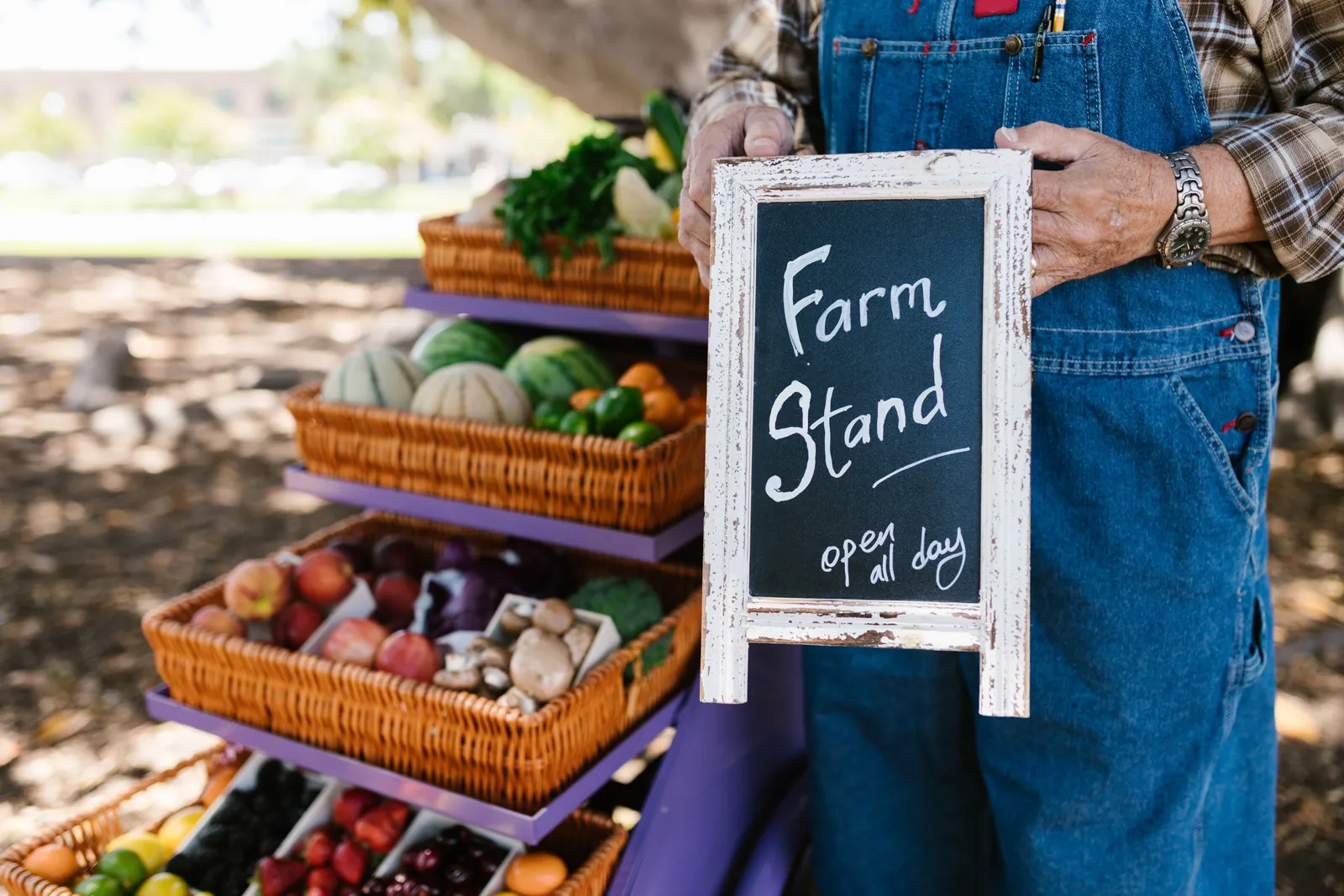
The USDA Agritourism Resource Manual groups agritourism into direct sales, education, hospitality, outdoor recreation, and entertainment. Examples include pick-your-own sites, farm stores, tours, farm stays, hunting, hiking, crop mazes, hayrides, festivals, and receptions.
The manual says agritourism is not right for every operation. It calls for a careful review of resources, lifestyle, market potential, conservation, and business needs. A video does not replace the farm's safety, liability, food, animal, land-use, access, or visitor plan.
How the AI presenter works
The Kyndrify talking-head video page documents a verified face-and-voice Twin that reads a user-supplied script. Setup uses a headshot and a short voice clip. Each Render provides a download and hosted link. Longer scripts can be split and stitched. The Kyndrify Responsible AI page documents recorded consent and AI disclosure. Signed Content Credentials and invisible provenance are rolling out and are not guaranteed on every file.
The cited pages do not document farm templates, booking, weather or harvest feeds, inventory, maps, tickets, waivers, food or animal safety controls, directory publishing, captions, languages, analytics, render speed, or commercial rights. Treat each undocumented item as unconfirmed. Supply every visitor fact from the farm's current records.
Building a visitor-video workflow
Start with a single operation. Pick one activity. Pick one date range. Freeze the official visitor record for that window. Verify every claim with the people who own that information. The steps below keep your video accurate.
- Choose one activity and date range. State the audience and channel.
- Freeze the visitor record. Confirm the season, weather dependency, hours, location, route, parking, admission, booking, and availability with their owners.
- Check the visit details. Verify access, clothing, equipment, food, animal, child, hazard, and emergency information.
- Review all media. Document the rights or permission for land, visitors, workers, and children shown in the clip.
- Review endorsements. Keep the original quote and context. The FTC endorsement guide says endorsements must be truthful and not misleading. A material connection may need clear and conspicuous disclosure.
- Set the platform notice. YouTube's altered-content policy requires disclosure when altered or synthetic content appears realistic. Its examples include realistic generated footage of a real place or changing what happened there.
- Approve and render. Watch the full output against the approved record.
- Publish and monitor. Save the version, set an expiry, and plan a rapid takedown when facts change.
Build a live-condition gate
Some farm facts can change in a few hours. Rain can close a field. Heat can change a tour plan. A crop may not be ready. A road or gate may close. A video cannot sense any of this. Treat each live fact as a gate.
Give each gate an owner. The weather owner checks the source used by the farm. The crop owner checks the field or the farm log. The stock owner checks what can be sold that day. The site owner checks roads, lots, paths, gates, and signs. Do not merge these roles unless the same person truly owns them.
Set a check time for each gate. A fact checked last week may not support a post today. Put the source time in the release record. If the source has no time, add the time when your team checked it.
Choose words that match the source. A crop note is not a promise that each guest will find the same amount. A forecast is not proof of the weather at the farm. A stock count is not a hold for a guest. State the limit near the claim.
Plan the stop path before launch. List each page, post, email, ad, and hosted clip that uses the live fact. Name who can hide or change each one. Test that access. If a gate fails, remove or replace the stale claim. Save the time and proof of the change.
Test the visitor route
Read the video as if you had never been to the farm. Start with the road or transit point. Check the turn, gate, sign, and lot. Then check the path from the lot to the place named in the clip. Do not assume that a map pin is the same as the guest entrance.
Test the route at the time guests may arrive. A gate may be shut early. A path may be dark at night. A busy event may use a new lot. Work sites and farm gear may change the safe path. Use the current visitor plan, not an old staff route.
Check the wording for access needs. Do not call a route easy, safe, or accessible without the right review. State known facts from the approved source. Give guests a current contact route for needs that the video cannot answer.
Check the final clip on a phone. Make sure the address, link, and contact route can be read. Read the words with sound off. If the plan calls for captions or a transcript, test the real output. Log who ran the test and when.
Release record template
Keep one release record for each video. List the operation, activity, version, audience, and channel. Record each source owner and timestamp. Include the date, hours, location, weather, harvest, availability, admission, and booking sources. Name the access and safety owners. Save the food, animal, and child review. Record land, people, and media permissions. Keep the testimonial context, material connection, platform notice, approval, expiry, archive, replacement link, and takedown owner. Update the record when a source changes.
Example visitor-reminder script
This script is fictional. It uses placeholders only. No real farm appears. No real person appears. No child appears. No animal appears. No crop appears. No food appears. No hazard appears. No route appears. No real date appears. No weather appears. No price appears. No availability appears. No testimonial appears. No visitor count appears. No revenue claim appears.
"Hello from [operation name]. This is an update for [activity]. The current visitor record lists [verified date range and hours] at [verified location and route]. Use [verified admission or booking route] for current availability. Review [verified access, clothing, food, animal, child, hazard, and emergency route] before you travel. Conditions may change, so check [official live update route] as of [source timestamp]."
Fill every placeholder from current approved sources. Add a clear source date and a route to live information when that fits the channel and visitor plan.

What disclosure does and does not cover
C2PA Content Credentials carry provenance data. An AI or platform label identifies the disclosed AI use. Neither proves current conditions, harvest readiness, food or animal safety, visitor consent, accessibility, directions, availability, or platform compliance. Each check needs its own current source and approval.
Cost inputs for planning
Kyndrify plans use shared credits, and pay-as-you-go credit packs are also available. Estimate direct cost from the planned render count and current price. Add fact review, permissions, script work, editing, access work, output review, and record keeping as separate inputs. Do not add assumed visits, bookings, yield, time saved, margin, or revenue. Check current pricing before approval.
Decision framework for farm operators
Answer these questions before you use an AI presenter.
- Is the message a one-way announcement you can script in advance?
- Can you trace every fact to a named owner and a dated source?
- Will the video carry a visible date and a link to live information?
- Will the video carry a clear disclosure?
- Have you secured land and visitor footage rights?
- Have you secured worker and child footage rights?
- Do you have a takedown process for changing conditions?
If any answer is no, resolve that gap first. You might choose a different method. A live briefing can serve visitors better. A text update can serve them better. A phone call can serve them better. Fluid conditions demand flexibility.
Frequently asked questions
Can an AI presenter replace my farm's live updates? No. The presenter reads a script you supply. Weather and crop readiness must come from your live sources. Product availability must come from them. Hours and safety information must come from them. The video is a snapshot. It is not a real-time feed.
Do I need to appear on camera myself? The documented setup uses a headshot and short voice clip to create the Twin. The Twin then reads a user-supplied script. You still need to approve the source material, presenter, final render, and planned use.
What should I check before publishing a farm video? Verify every fact with its owner. Confirm the season and hours. Confirm the location and route. Confirm parking and admission. Confirm booking and availability. Confirm access and clothing needs. Confirm food information. Confirm animal rules. Confirm child policies. Confirm hazard warnings. Confirm emergency instructions. Review consent for any people shown. Set the platform disclosure. Record the version.
Does the AI tool handle booking or payments? The cited Kyndrify pages do not document booking, ticketing, payment, or inventory features. Use the farm's approved booking or visitor-information route and keep that source current.
How do I keep my farm's directory listing accurate? The USDA Local Food Directories include agritourism, CSA, farmers-market, food-hub, and on-farm market listings. Operators control and update their business information. Use the same current source for the video's location, season, products, and visitor details, then review stale media when the directory record changes.
Related reading
This article is for informational purposes only and does not constitute professional advice. Farm operators should consult qualified legal, safety, and marketing advisors for their specific circumstances. Always verify current vendor features and pricing on the official website before making a purchase decision.
More from Kyndrify



The tools that do this
Make your first video without filming.
Say what you need and the studio makes it: video, images, voices. Start free, no credit card.