

What does an AI headshot generator do?
An AI headshot generator makes new photographs of you from pictures you already have. Kyndrify does it through a Digital Twin: you add one clear photo and record a short consent clip, and we check the same face runs through both. Then you pick a setting and a look, and each render gives back one photograph of you.
Who it is for
Anyone who needs a current photograph of themselves and does not want to book a photographer. Founders, consultants, advisers, anyone whose profile picture is years out of date.
What you need
One clear photo of your face in good light, and a short consent recording on whatever camera you have. The photo can be JPEG, PNG or WebP up to 10 MB.
What it costs
The first run shoots three sets of looks and spends no credits. After that a square headshot costs 40 credits on Light, 152 on Standard and 600 on Premium. A wide or tall canvas costs half again as much. Premium is on the Basic plan and above. See plans and pricing.
What it does not do
It will not make photographs of somebody else's face, it gives back one picture per press once your face is bound, and fine detail like glasses, earrings or teeth can drift, so look at the full-size file before you use it.
A Digital Twin is you, with consent on file. An Avatar is a character we generated, with no real person behind it. For a headshot you want the first one.
The photo you have is the wrong photo.
It is years old, or it was cropped out of a wedding picture, or it is a selfie taken in a car with the seatbelt still in frame. You have been meaning to fix it since the last time somebody asked you for a photo at short notice.
Booking a photographer costs a morning and a fee, and what comes back is four near identical frames against one backdrop. The free tools that answer this search want a folder of selfies, hand back a face that is nearly you, and keep no record of who agreed to any of it.
What a working professional actually wants is narrower than that: one face they recognise as their own, in two or three settings, with a square crop for the profile and a wider one for the bio page.
Three steps, and you have a photograph.
- 1
Add your photo.
One person, facing the camera, in good light. The photo you would send a friend is usually the right one. A blurry crowd shot is not.
- 2
Record the consent clip.
A short recording on whatever camera you have. This is the part that makes the face yours, and it only happens once.
- 3
Pick a setting and press.
The first run shoots you three sets of looks before it asks for anything. Then you go and make the square one on purpose.
What you have now, and what comes back.
What you are working with
- A selfie in the car, cropped down to your head.
- The one good picture, taken several years ago.
- A wedding photo with somebody's shoulder still in it.
- A booked morning, one backdrop, a row of near identical frames.
What comes back
- The same face in four settings, each with its own room and clothes.
- A square one for the profile, a wide one for the bio page.
- Takes you can look at, then shoot again the same day.
- A record of you agreeing to photographs of your own face.
Four settings, one face.
They come with the look ladder, and each one brings its own room and its own clothes. A set is a few takes of one setting, so you see the same idea a few ways and keep the one you like, and the first run gives you three sets. Every card says the same thing underneath, because it is true of all of them. Your hair, clothes and the room. Your face, exactly as it is.
Executive office
A desk, shelves, the kind of room a partner meeting happens in.
Outdoors at golden hour
Late light, outside, softer edges. Good for a speaker page.
Clean studio
A plain backdrop and even light. This is the one most profiles want.
Home office
A working desk with your own things on it. Warmer, and less formal.
We ask before we photograph you.
Most tools that make headshots want a folder of selfies and nothing else. No record of who agreed, and no way to tell your face from a picture of somebody who never said yes.
Kyndrify asks first. You record a short clip on your camera saying you agree, and we check that one clear face runs through the whole of it and matches the photo you brought. That pair becomes your Digital Twin, and it is the only way a real person's face is allowed here. Bring somebody else's photograph instead and the studio tells you no, in those words, before you upload.
It takes about a minute, and it is the reason you can put the result on a profile without wondering. The same twin sits for moving pictures too, which is what talking-head video is for.
Read the biometric information privacy notice for what we keep and how long we keep it, and responsible AI for how we handle disclosure. Your photos, your recording and your results belong to your Workspace, and they are not used to train a Kyndrify model. Machine-verifiable disclosure and provenance are still rolling out and are not yet guaranteed on every output, so follow the disclosure rules wherever you publish.
The square one is its own shot.
Here is the part nobody tells you. The looks from your first run come back tall, framed from the waist up, because they are built to become video. That is the wrong shape for a profile picture, where the crop is square and the face fills most of it.
So make the square one on purpose, on the Restyle tool. Choose your twin, pick the Studio Portrait look, and set the canvas to square. The subject is kept and the look is what changes, which is the whole job of a headshot. If you would rather put yourself somewhere specific, the Scene tool is the one that asks for a room: choose your twin, describe the setting rather than yourself, and pick the canvas there too.
Then re-shoot the frame. Reframe takes one picture you already have and moves the camera, and three of its framings are where a portrait is actually taken from. Close-up: the frame holds the face and a little of the shoulders. Eye level: the camera sits at the subject's eye height and looks straight across. 85 mm portrait: a portrait lens that keeps the face sharp and softens the background.
One more habit worth copying from a real shoot: make the square one for the profile and a wide one for the bio page at the top of your website. Same face, same day, two shapes. It takes one more press.
What you bring, and what comes back.
Files in: JPEG, PNG or WebP up to 10 MB. Shapes out: square, wide or tall, so a square one for a profile, a wide one for a bio page and a tall one for a story or a poster. Quality runs Light for trying something, Standard for regular work and Premium for what you publish, and Premium is on the Basic plan and above. Up to four reference pictures shape one render, and your chosen face takes one of those slots.
Once your face is bound to a render, one picture comes back per press. That is on purpose, not a limit we forgot to lift: the reference has to be read every time, so every headshot is its own shot rather than one guess out of a pile.
A free-plan image carries a small visible mark. It comes off from the Basic plan and above.
Fine detail is where these things go wrong, so look before you publish. Glasses and their reflections, earrings, teeth, a hairline, small printing on a shirt. If one of them is off, change the setting and shoot again rather than settling, or take that one picture into the background remover if the only thing wrong is behind you.
Two neighbours, so you land in the right room. A photograph of a thing rather than a person is product photos. The same character turning up across a whole set of pictures is consistent characters. This page is the one good photograph of you.
What this page does not promise.
Your face has to be a Digital Twin first.
One photo and a short consent recording, and only of yourself or somebody who has agreed on the record. There is no path where you upload a stranger.
The first run's looks come back tall.
They are framed from the waist up and cropped tall, because they are built to become video. A square profile photo is its own render, on the Restyle tool with the canvas set to square.
One picture per press.
Binding your face makes the submit an edit, and an edit returns one image. There is no pile of forty to sift through afterwards.
Fine detail can drift.
Glasses, earrings, teeth, a hairline, printing on a shirt. Look at the full-size file before you use it anywhere.
Free-plan images carry a visible mark.
It comes off from the Basic plan and above. Nothing else about the picture changes.
There is no retouching pass.
No skin-smoothing slider, no eraser, no manual selection. You describe a change, or you paint an area and describe it.
Questions people ask before they start.
- How many photos do I have to upload?
- One. A clear picture of your face in good light is enough to build the twin, and the consent recording does the rest. You can add more reference photos to the twin later if you want, but nothing here asks you to go hunting through your camera roll first.
- Will it actually look like me?
- That is the whole design of it. Your face is held while the clothes and the room move, and every still is checked against your own photo before it is shown to you. Fine detail can still drift, so look at glasses, teeth and your hairline at full size before you use a picture anywhere.
- Why do I have to record a consent clip?
- Because we are making photographs of a real person, and the only real person we will do that for is one who said so on camera. It also means the face in the result can be traced back to a recording of you agreeing, which is a better answer than trusting whoever uploaded the file. It happens once, and then it is done.
- Can I make headshots of my team, or of a client?
- Each person records their own consent clip, on their own face. There is no path where you upload a colleague's photograph and get headshots of them, and the studio refuses it in plain words before the upload. What you can do is have each of them build their own Digital Twin inside your Workspace, so the photographs are theirs and the record is right.
- What does it cost?
- The first run shoots three sets of looks and spends no credits. After that a square headshot costs 40 credits on Light, 152 on Standard and 600 on Premium. A wide or tall canvas costs half again as much. The Free plan starts you with 8,400 credits that do not expire.
- Can I get a whole batch of headshots in one press?
- No. Once your face is bound to a render, one picture comes back per press. A batch is a different trade: a pile of near misses to sift through afterwards. Here you pick a setting, look at the takes that come back, and press again when you want a different one.
The tools that do this
More on this from the blog
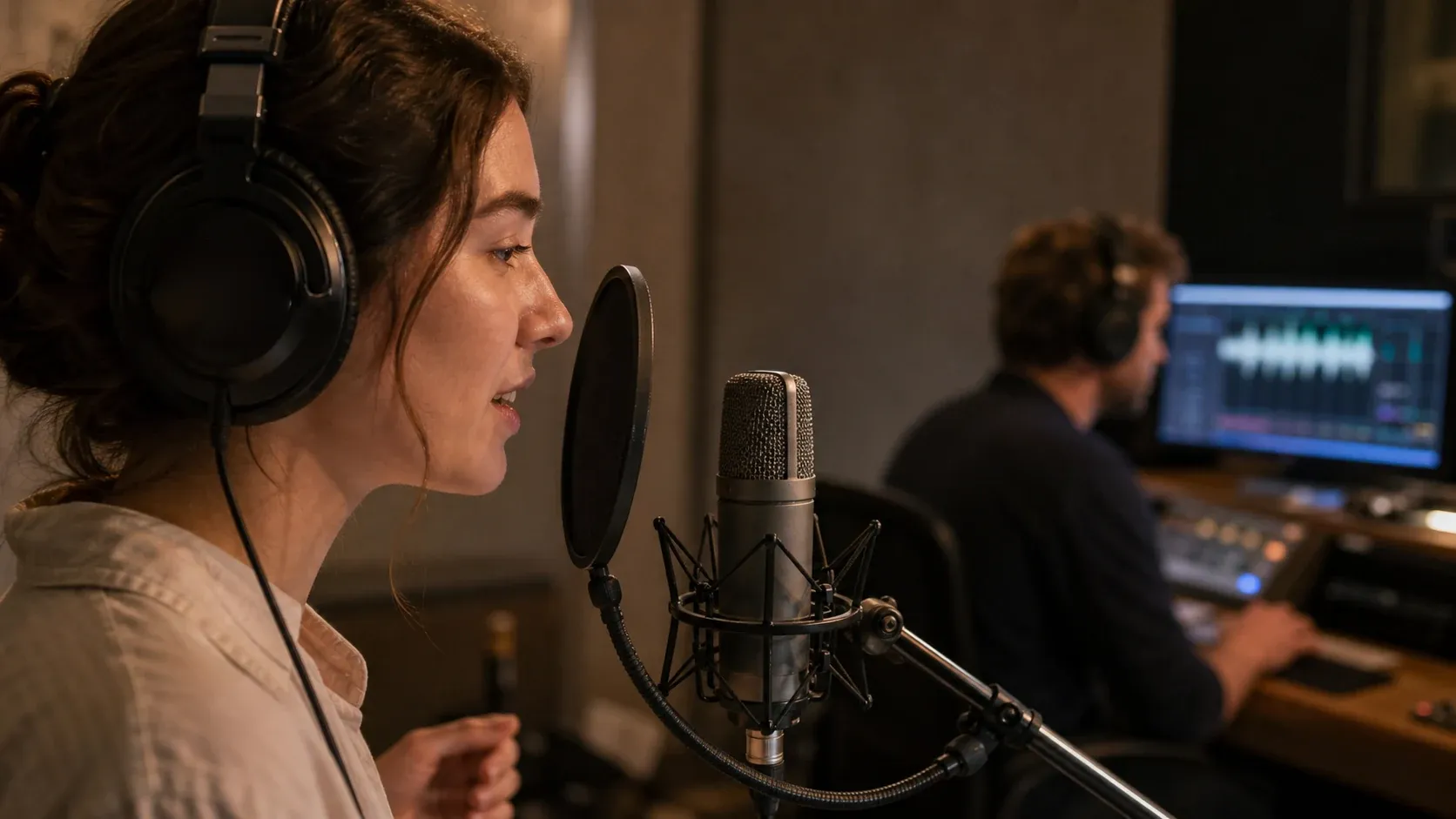

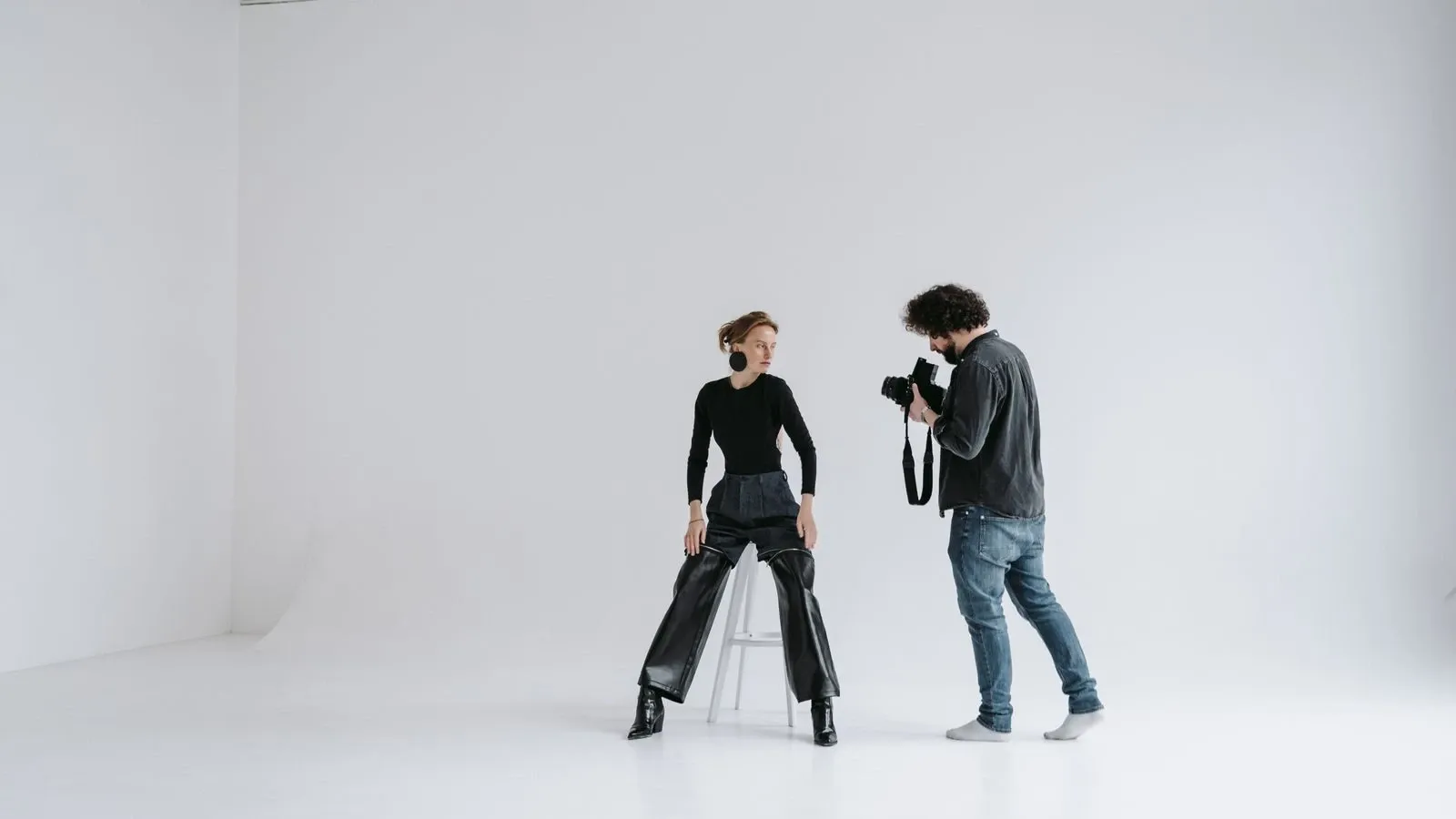
One photo, one recording.
Bring a clear picture of yourself and a short recording on your camera. The first run shoots you three sets before it asks for anything, and the Free plan starts you with 8,400 credits that do not expire.