

What Makes an AI Video Look Professional?
Discover the key elements that make an AI video look professional and realistic, from scriptwriting to honest AI disclosure.
What Makes an AI Video Look Professional?
A professional AI video looks real. It acts like a human. You need a clear script first. Then you need a natural voice. You also need clean lip-sync. Good framing helps a lot. So does steady pacing.
What is a Professional AI Video?
A professional AI video looks human-made. It moves smoothly. The audio sounds clear. The expressions feel real. Creators often use advanced AI tools. The goal stays simple. They want lifelike results.
The Role of a Clear Script
A strong script holds everything together. Use short sentences. Keep your message simple. Stay away from complex words. A clear script helps the AI voice. It sounds more natural that way.
Natural Voice Matters
AI voices can sound robotic. This happens with poor setup. Use high-quality voice models. Adjust the tone carefully. Adjust the speed too. Match the sound of a human speaker. This makes the voice more realistic.
Clean Lip-Sync is Key
Lip-sync errors ruin the illusion. They make AI videos look fake. Use tools that sync lips well. The sync must match speech accurately. Kyndrify requires current recorded likeness consent for real-person Digital Twins, but consent verification does not guarantee clean lip-sync or a natural look. Lip-sync quality depends on the selected tool, script, and output.
Good Framing and Lighting
Framing sets the stage for your video. Lighting does the same. Use simple backgrounds. Ensure good lighting across the scene. This helps you avoid harsh shadows. The AI-generated face will look more real.
Steady Pacing Keeps It Engaging
Fast cuts feel choppy in AI video. Keep a steady pace instead. Let each scene play out naturally. This makes the video easier to watch. It also feels more professional.
Honest AI Disclosure Builds Trust
Transparency is important. Signed Content Credentials and invisible provenance are still rolling out and are not guaranteed on every file. Kyndrify currently states Free videos and images receive a visible Kyndrify mark while paid outputs omit that mark. Publishers remain responsible for required disclosure.
Current Limits of AI Video
AI videos are not perfect. They struggle with complex emotions. They also struggle with complex actions. Know these limits ahead of time. Use AI tools to enhance your work. Do not replace human creativity.
A Professional AI Video Quality Checklist
Review the export in this order:
- Message: Is every claim accurate? Is each one approved? Is the message easy to understand?
- Voice: Are all names pronounced correctly? Does the pace match the topic?
- Face: Do the eyes stay stable? Does the mouth? Do the teeth? Do the expressions hold?
- Sync: Does speech match the visible mouth? Check from start to finish.
- Frame: Is the subject placed safely? Think about the final platform interface.
- Captions: Are the words accurate? Are they readable? Are they timed to the speech?
- Brand: Are logos consistent? Are colors consistent? Check type and calls to action.
- Disclosure: Can viewers understand where you used AI?
- Export: Does the file play correctly on the target device? Does it work on the target connection?
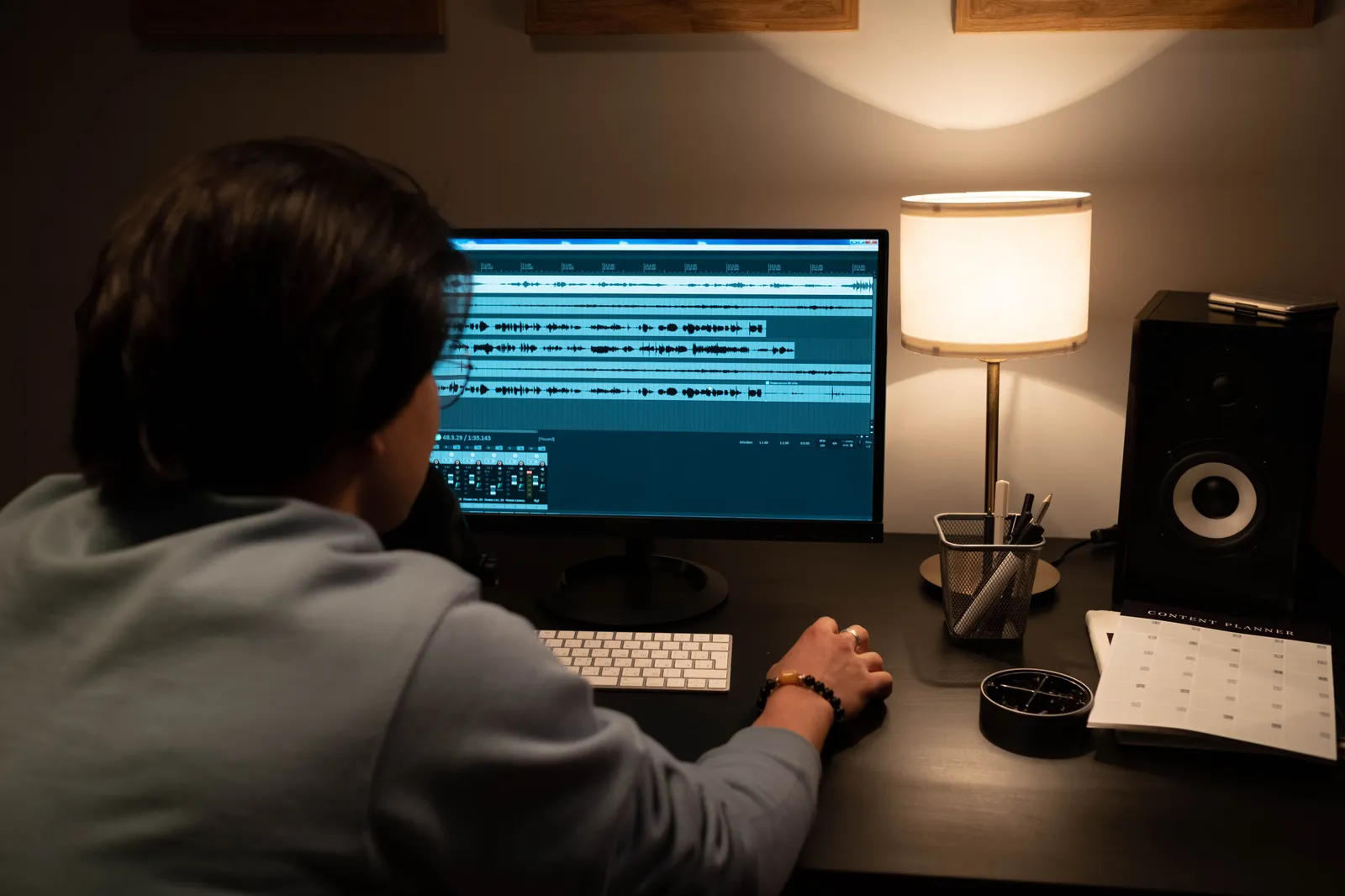
Do not review only in the generation tool. Watch the downloaded file on a phone. Then watch it on a larger screen. Use headphones at least once. Then listen through ordinary speakers. Small sync problems can hide. Audio issues may only appear outside the editor.
For a related guide, see TTGC's How to Make an AI Avatar Look Real: A Safe QA Plan.
Common Signs That an AI Video Needs Another Pass
A video feels unfinished sometimes. The voice changes tone between scenes. The face drifts without reason. Captions cover the mouth. A background changes for no clear cause. Long pauses appear. Phrases sound rushed. Even a clean render can feel synthetic.
Fix one issue at a time. Rewrite a difficult sentence first. Do not regenerate the whole scene. Shorten a caption before you shrink text. Replace a distracting background. Do not add more effects. A restrained correction often looks more professional. It beats another layer of polish.
Keep Quality Consistent Across a Series
Save the approved script format. Save the pronunciation notes. Save the voice settings. Save the framing details. Save the caption style. Save the disclosure wording. Use the same review checklist. Apply it to every episode.
Consistency has a clear meaning here. Every video does not need to look identical. Viewers should not have to relearn the brand. They should not question quality changes. Keep a master reference clip handy. Reviewers can compare new exports against it. They need an agreed standard.
Frequently Asked Questions
Question: How do I make my AI video look real?
Use a clear script and natural voice. Ensure clean lip-sync and good lighting. Keep the pacing steady. This creates a professional result.
Question: What tools help with AI video quality?
Tools like Kyndrify offer all-in-one solutions. They handle voice, face, and lip-sync. They handle images. They handle more in one place.
Question: Why is AI disclosure important?
Honest disclosure builds trust. It lets viewers know your video uses AI. This keeps things transparent.
Question: Can AI videos replace human actors?
No. AI videos are tools. They enhance content. They should not fully replace human creativity or performance.
Question: How do I improve lip-sync in my AI video?
Use advanced tools. They sync lips with speech accurately. Kyndrify requires current recorded likeness consent for real-person Digital Twins, but no product page guarantees clean, natural lip-sync. Lip-sync quality depends on the selected tool, script, and output.
Question: What is the best background for an AI video?
Simple backgrounds work best. Avoid busy or distracting scenes. Good lighting also helps. The AI-generated face will look more real.
Ready to compare options? Check the current Kyndrify pricing page and test the full workflow before using it for important production.
Related reading
More from Kyndrify


The tools that do this
Make your first video without filming.
Say what you need and the studio makes it: video, images, voices. Start free, no credit card.