

Plan Camera Motion for an AI Product Video
Plan static, pan, tilt, dolly, and orbit shots for AI product videos. Includes a three-shot worksheet, fictional example, and edge cases.
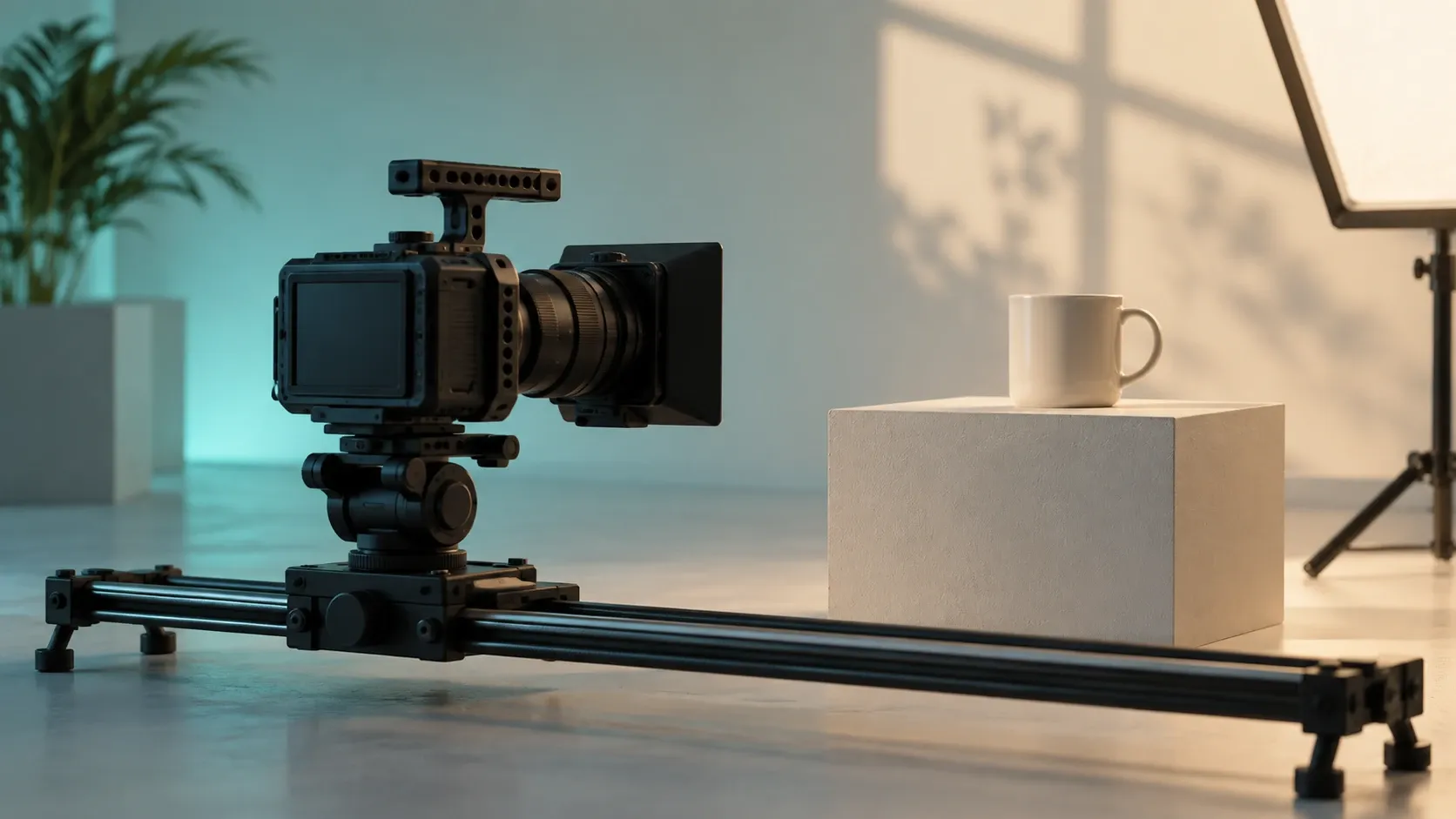
Write down what the camera does in each shot before you generate any AI product footage. A short camera move brief keeps your product readable and your review focused. This guide covers five basic moves, a three-shot worksheet, one fictional worked example, edge cases, and three FAQs.
Start with the five basic moves
Pick the move that serves the product detail you need to show.
Static. The camera does not move. Use this for exact product details, label text, or a clean hero shot. A static frame is the easiest to review for accuracy.
Pan. The camera rotates horizontally from a fixed point. Use a pan to reveal a wide product or a row of items. Keep the speed slow enough for viewers to read what passes through the frame.
Tilt. The camera rotates vertically from a fixed point. Use a tilt to move from the top of a tall product down to its base, or the reverse.
Dolly. The camera travels toward or away from the subject. A dolly-in draws attention to one feature. A dolly-out reveals context. In a dolly, the apparent image size of the product should change as the camera moves. Check that the product proportions stay physically consistent in the output.
Orbit. The camera circles the subject. Use an orbit to show multiple sides of a product. An orbit can reveal surfaces missing from the source images. The model may invent them. Supply accurate reference views where supported, or choose a move that avoids the unseen area.
Camera motion is separate from subject motion. A product can rotate on a turntable while the camera stays static. Or the camera can orbit while the product stays still. Write both in your brief so the AI tool receives clear direction.
Zoom and travel are not the same. A zoom changes the lens focal length without moving the camera. A dolly moves the camera through space. AI tools may interpret "zoom in" as either one. If the distinction matters for your shot, write "dolly in" or "lens zoom" explicitly.
Camera move worksheet
Fill this table before you generate. It forces you to name the move, the reason, and the start and end frames.
| Shot | Camera move | Subject motion | Reason for this move | Start frame | End frame | Duration (proposed) |
|---|---|---|---|---|---|---|
| 1 | ||||||
| 2 | ||||||
| 3 |
How to fill each column:
- Camera move: static, pan, tilt, dolly, or orbit. Use one move per shot.
- Subject motion: none, turntable rotation, product open or close, or another action. Keep it separate from camera motion.
- Reason: what product detail or story beat this move supports.
- Start frame: what the viewer sees at the first frame.
- End frame: what the viewer sees at the last frame.
- Duration: a proposed timing. Three to six seconds is one possible test range, not a performance benchmark. Adjust based on how much detail the viewer needs to absorb.
Fictional worked example: a ceramic pour-over coffee dripper
This example is fictional. It shows how the worksheet turns into a three-shot plan.
Product: a matte white ceramic pour-over dripper with a ribbed interior and a wooden collar.
| Shot | Camera move | Subject motion | Reason for this move | Start frame | End frame | Duration (proposed) |
|---|---|---|---|---|---|---|
| 1 | Static | None | Show the full product shape and brand mark | Eye-level front view, dripper centered on a light wood table | Same frame, held | 4 seconds |
| 2 | Tilt down | None | Reveal the ribbed interior from the top rim | Camera above the dripper, looking at the rim | Camera tilted down to show the interior ribs and the exit hole | 5 seconds |
| 3 | Orbit left to right | None | Show the wooden collar and the side profile | Side view, collar visible on the left | Side view from the opposite side, collar still visible | 6 seconds |
This plan does not show the bottom of the dripper. The brief should state that the underside is not covered. Do not write a shot list that implies full product coverage when the camera never reaches a surface.
Edge cases
Hidden product surfaces. An orbit may never show the back, bottom, or inside of a product. State in your brief which surfaces remain unseen. Do not claim the video shows the full product. If you need to reveal a hidden surface, use a real side or back photo as a source asset, or avoid revealing that surface entirely.
Text-heavy products. If the product has label text, a moving camera can blur it. Use a static shot for any frame where the text must be readable. If the text is essential visual information, plan for an accessible alternative. The W3C Web Accessibility Initiative explains that pre-recorded video with visual information needed to understand the content requires audio description or a descriptive transcript at Level A, and audio description at Level AA under WCAG. See the WAI planning page for the full checklists.
Motion sensitivity. Fast pans, tilts, and orbits can cause discomfort for some viewers. Offer a stable alternative. A static hero shot with the same product information is often the simplest accessible version. Do not rely on a moving shot as the only way to see a key feature. A static alternative alone does not satisfy WCAG requirements if the visual information is essential; you still need audio description or a descriptive transcript where applicable.
AI tool limits. AI video tools do not guarantee that a requested camera move will render exactly as written. Treat the brief as a direction, not a promise. Review the output against your start and end frames. If the move drifts, regenerate or simplify to a static shot.
Advertising claims. If your product video makes a claim, the claim must be truthful and you must have evidence before the ad runs. The US FTC advertising guide states that advertisers must have a reasonable basis for objective claims. Camera motion does not change that. A dramatic orbit does not make an unsupported claim acceptable.
Proposed flexible timings
Use these as starting points, not rules.
- Static hero shot: 3 to 5 seconds
- Pan across a product line: 4 to 6 seconds
- Tilt down a tall product: 4 to 6 seconds
- Dolly-in to a feature: 3 to 5 seconds
- Orbit around a product: 5 to 8 seconds
Adjust based on how much detail the viewer needs to absorb. A product with fine texture may need a slower move. A simple shape can move faster.
How this fits your wider AI video workflow
Camera motion is one layer of a product video plan. You still need the product visuals, the script, and the edit. If you are generating supporting footage, see How to Generate B-Roll With AI. If you are building product visuals first, see How to Make Product Mockups With AI. For the overall quality bar, see What Makes an AI Video Look Professional?.
Frequently asked questions
Should every shot have camera motion?
No. Static shots are often the best choice for product details and label text. Use motion only when it serves a reason you can name.
What is the difference between a pan and an orbit?
A pan rotates the camera from a fixed point without moving around the subject. An orbit moves the camera around the subject in a circle. Write the correct term in your brief.
How do I make a moving product video accessible?
Plan a stable alternative that shows the same essential product information. If visual details are needed to understand the content, provide audio description or a descriptive transcript. The WAI planning page lists the requirements by level.
Actionable ending
Pick one product. Fill the three-shot worksheet with one static shot, one tilt or pan, and one orbit or dolly. Write the start and end frame for each. Then generate the static shot first. Review it against your brief before you spend credits on the moving shots. If the static frame is not accurate, fix the product prompt before adding motion.
Disclaimer: This article describes general planning techniques for AI product videos. It does not promise specific output quality, tool behavior, or sales results. Verify every generated frame against your real product specifications and legal requirements before publishing.
More from Kyndrify

Make your first video without filming.
Say what you need and the studio makes it: video, images, voices. Start free, no credit card.