

How to Repurpose Video With AI in Minutes
Turn one video into many assets fast using AI tools. Learn how busy teams repurpose content for social media, ads, and more.
How to Repurpose Video With AI in Minutes
You can turn one video into multiple assets fast using AI tools. This saves time and helps you reach more people with less work.
AI makes it easy to cut short clips, make vertical versions, translate videos, and refresh old content. Here’s how busy teams do it.
Why Repurpose Video With AI?
Repurposing video with AI saves time. You can create many assets from one piece of content. This helps you reach more people on different platforms like Instagram, TikTok, or LinkedIn.
AI tools also help you translate videos into other languages. This lets you connect with global audiences without needing a big team.
How to Repurpose Video With AI
Here’s a simple workflow to repurpose your video:
- Choose your main video. Pick one long-form video that you want to turn into many assets.
- Cut short clips. Use an AI tool to find the best moments in your video and cut them into short clips.
- Make vertical versions. Turn horizontal videos into vertical ones for Instagram Reels or TikTok.
- Translate your video. Use AI tools to translate your video into other languages.
- Refresh with a new script. Update old content with fresh information using an AI tool.
Cut Short Clips With AI
AI can help you find the best moments in your video. Some AI tools can cut short clips from long videos. These clips are perfect for social media posts or ads.
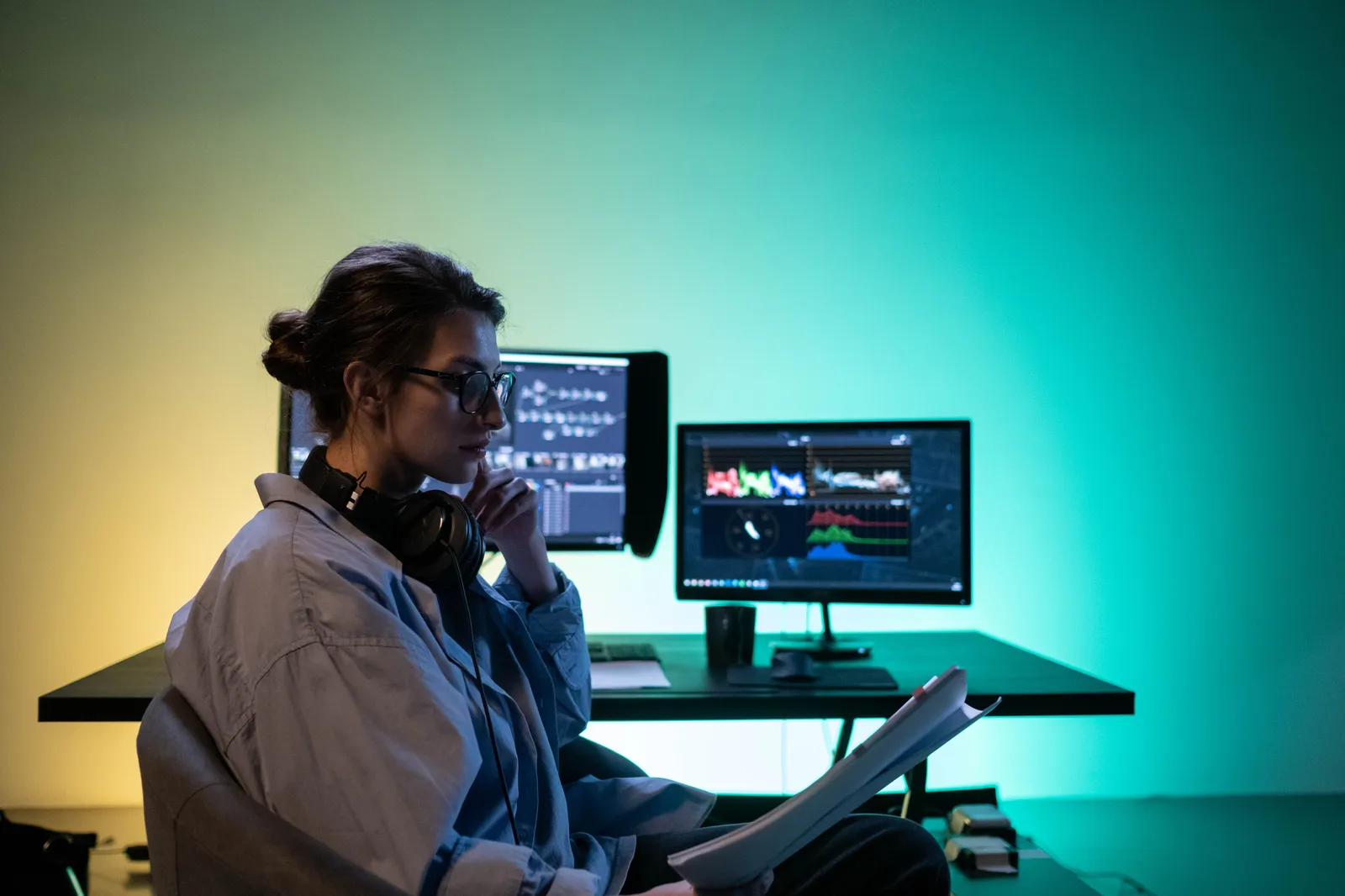
Kyndrify’s documented tools focus on talking-head video, images, and voice. Check the current talking-head video page to see what it can do before you plan a clip-cutting workflow.
Make Vertical Versions
Vertical videos work well on platforms like Instagram Reels and TikTok. You can turn horizontal videos into vertical ones with AI tools.
Kyndrify does not currently document an aspect-ratio conversion feature. Use a video editor that supports resizing for this step.
Translate Your Video With AI
AI translation tools help you reach global audiences. You can translate your video into other languages without needing a translator.
Kyndrify’s multilingual feature can dub finished Kyndrify-generated videos into ten spoken languages: English, Spanish, Portuguese, French, German, Italian, Japanese, Korean, Russian, and Chinese. This helps you connect with people all over the world.
Refresh Old Content With AI
Old videos can feel outdated. But you can refresh them with new information using AI tools.
Kyndrify can turn a script into a new talking-head video. It does not document uploading an existing external video and regenerating it with a new script.
Use AI for B-Roll and Product Photos
AI tools can also help you create product photos and other visuals. Kyndrify’s current product pages cover video, images, and voice tools, but do not document b-roll footage generation.
You can use these assets in your repurposed videos. They help make your content look more professional.
Share Your Videos on Multiple Platforms
Once you’ve repurposed your video, share it on different platforms. Post short clips on Instagram and TikTok. Use vertical versions for Reels. Share translated videos with global audiences.
This helps you reach more people without making new content from scratch.
Frequently Asked Questions
Question: What is the best way to cut short clips?
Use an AI tool that documents clip-cutting. Kyndrify’s current product pages cover talking-head video, images, and voice tools, not automatic clip-cutting from long videos.
Question: Can I turn horizontal videos into vertical ones?
Yes, you can change the aspect ratio of your video with AI tools. Kyndrify does not currently document an aspect-ratio conversion feature, so use a video editor that supports resizing for platforms like Instagram Reels.
Question: How do I translate my video with AI?
Kyndrify can dub finished Kyndrify-generated videos into ten spoken languages: English, Spanish, Portuguese, French, German, Italian, Japanese, Korean, Russian, and Chinese. It does not document dubbing externally uploaded video footage.
Question: Can I refresh old videos with new information?
Yes, update the script of your old video using an AI tool. Kyndrify can create a new talking-head video from a script, but it does not document refreshing uploaded footage.
Question: What platforms can I share my repurposed videos on?
You can post short clips on Instagram and TikTok. Use vertical versions for Reels. Share translated videos with global audiences.
Learn more about how to repurpose video with AI by checking out Kyndrify’s pricing. Through the Glass Creatives makes it easy to turn one video into many assets fast.
Related reading
More from Kyndrify



The tools that do this
Make your first video without filming.
Say what you need and the studio makes it: video, images, voices. Start free, no credit card.