

How to Make Professional AI Headshots
A practical workflow for creating AI headshots from your own photos, with a likeness checklist, privacy questions to ask first, and guidance on when a real photographer is the better choice.
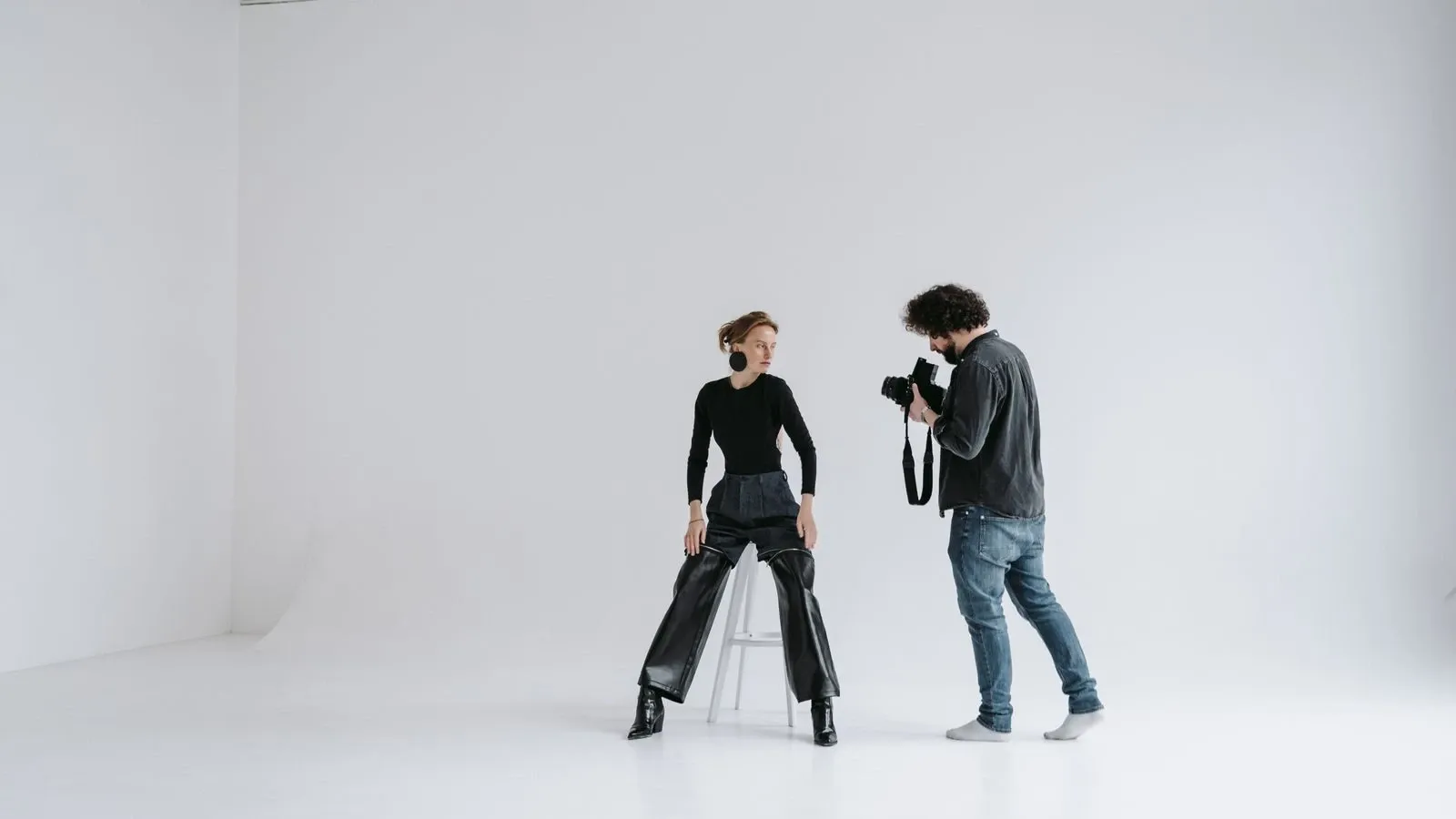
An AI headshot is a synthetic portrait generated from photos you upload. It is not a camera photograph. The software uses your reference images to produce new pictures that aim to preserve your likeness while changing details such as lighting, clothing, or background. The result can work well for a LinkedIn profile, a resume, or a company directory. But it is not the same as a real portrait and is not suitable for every purpose.
This guide walks through a practical workflow: preparing source photos, choosing a style, generating results, reviewing them for likeness, and exporting at the right size. It also covers privacy questions to ask before you upload facial images, when a real photographer is the better choice, and how to handle team pages and official documents.
How AI headshot generators work
The exact method varies by tool. Some services fine-tune a model on your photos. Others use reference-based generation or face-swapping techniques. Some tools let you save a character or identity and reuse it across renders. Others treat each generation as a fresh request. Do not assume every service works the same way.
In general, you provide source images that show your face clearly. The system uses those images as visual references. It then produces new images that try to keep your key features while applying the style you selected. The tool may return one image or several options. You review them and keep only the results that look like you.
Not every tool trains a bespoke model on your face. Some simply guide a general image model with your reference photos. That distinction matters because it affects consistency across a set of images. If you need several headshots that look like the same person, ask whether the service supports saved characters or reusable references.
Step 1: Prepare strong source photos
Your source photos shape everything that follows. Use recent images that show your current appearance. Make sure your face is well-lit and in focus. Soft daylight from a window works well. Avoid harsh shadows and heavy filters.
Take photos from a few angles. One straight on, one slightly turned, and one with a natural expression. Keep the background plain so the system can focus on your face. Do not use group photos.
If you normally wear glasses, keep them on in at least some of your reference photos. The same applies to mobility aids, head coverings, or other features that are part of how you look. The goal is to preserve your identity, not to strip away the things that make you recognizable. A headshot should look like you as you actually appear.
Do not remove a hat or head covering just because a generic guide says to. If you wear one daily for cultural, religious, medical, or personal reasons, include it in your reference set. Check that the output preserves it as part of your appearance.
Step 2: Choose a style that fits the destination
Most AI headshot tools offer style options such as business, casual, or creative. Think about where the photo will appear. A corporate job board usually calls for a formal look. A personal blog or portfolio can be more relaxed. A team page benefits from a consistent style across everyone.
Match the style to the context, not just to what looks attractive in isolation. A dramatic studio backdrop may look impressive but feel out of place on a resume. A casual outdoor shot may be perfect for a creative portfolio but wrong for a law firm directory.
Step 3: Generate and review with a likeness checklist
AI can produce images that look polished but do not look like you. Review every result carefully before you use it. Work through a simple checklist:
- Eyes. Are they sharp and the right color? Do they sit naturally?
- Teeth. If teeth are visible, do they look like yours?
- Ears and hairline. AI often blurs or reshapes these areas.
- Hands. If hands appear, check the fingers carefully.
- Skin texture. Does the skin look natural, or overly smooth?
- Background. Are there artifacts, warped lines, or odd objects?
- Overall likeness. Would a colleague recognize you immediately?
If a result makes you look like a different person, discard it. A headshot must be honest. Small imperfections are less important than identity fidelity. A slightly imperfect photo that looks like you is better than a flawless one that does not.
Step 4: Light touch-ups and export
You can fix small flaws after generation. Crop the image to frame your face well. Adjust brightness or contrast slightly. But avoid over-editing. A headshot that looks too smooth or too perfect can feel synthetic, which defeats the purpose.
For print, verify the actual pixel dimensions against the physical size you need. Do not assume an AI image will print well just because it looks sharp on screen. Check the resolution at the intended print size before you commit. A real camera photo is not automatically better. It depends on the source resolution, the output size, and the specific tool.
When AI headshots work well
AI headshots are a good fit for online profiles where a quick refresh helps. Profiles, email avatars and portfolio pages are possible uses when the destination permits them. They are also useful when you want to test a look before committing to a real change, such as a new hairstyle or outfit.
For team pages, agree on framing, background and lighting. People do not need to use the same generation method. A unified style keeps the page from looking uneven. If one person uses an AI photo and others use real ones, the difference can be noticeable.
When a real photographer is better
AI has limits. It cannot capture your personality the way a skilled photographer can. A photographer sees your best angles, helps you relax, and catches a genuine expression. That human element still matters in high-stakes contexts.
Acting and casting headshots are one example. Casting work may need a current, camera-taken portrait that accurately shows your appearance. Check the specific requirements before you submit. Corporate executive portraits are another case where a real shoot often makes sense. The stakes are high, and the photo needs to convey authority and warmth. AI can miss those subtle cues.
If you need a large print, verify the resolution carefully. AI output can look soft when enlarged, but so can a low-resolution camera photo. The key is to check the actual pixel dimensions, not to assume one method is always better.
Consent, privacy, and disclosure
Use your own photos unless another person has given clear permission. Uploading someone else's face can violate consent, platform terms, or local rights. Facial images are sensitive. Treat them that way.
Before you upload anything, ask the service a few questions:
- How long does it retain uploaded photos?
- Can you delete your photos and generated images yourself?
- Does the service use your photos to train its models?
- What commercial rights do you receive for the output?
- Does the service offer refunds or revisions if results are poor?
- What resolution and file formats does it export?
Read the privacy and retention terms before you send facial images. Some services state clearly that they do not train on your uploads. Others are less transparent. The answer should shape your choice.
Disclosure matters too. Some platforms and employers expect you to label AI-generated images. Check the destination policy before you publish. If you are unsure, err on the side of disclosure.
Official documents
Do not use an AI headshot for a passport, visa, driver's license, or other legal ID unless the issuing authority explicitly permits it. In the United States, the State Department requires an original, unedited photo without filters or digital changes for passports. That is US-specific guidance. Other countries and agencies have their own rules. Always check the exact photo requirements for the document you need.
Fictional example: a profile-photo refresh
Suppose you need a new LinkedIn photo. You have a recent phone photo taken by a window, plus two more from slightly different angles. You upload all three to an AI headshot service. You select a business style with a neutral background.
The tool returns four options. Two look like you. One has oddly shaped ears. One makes your skin look unnaturally smooth. You discard the two bad ones. You crop the best one, brighten it slightly, and export it at the size LinkedIn recommends.
Before publishing, you check the service's terms. In this fictional example, the retention and training terms meet your needs. Check those terms before uploading, not just before posting. Ask someone who knows you whether the portrait preserves your likeness.
Decision table: AI headshot or real photographer
| Situation | AI headshot | Real photographer |
|---|---|---|
| LinkedIn or resume refresh | Often works well | Also works |
| Team page with consistent style | Match visual style; offer a real-photo option | Works well |
| Acting or casting submission | Check specific requirements first | Usually safer |
| Executive portrait for a board page | Possible, but review likeness carefully | Often preferred |
| Large print or billboard | Verify resolution at print size | Usually safer |
| Passport or legal ID | Not appropriate unless explicitly permitted | A compliant camera-taken photo is needed; a professional shoot may not be required |
| Quick test of a new look | Good fit | Overkill |
Frequently asked questions
How many photos do I need to upload?
There is no universal number. Some tools work with a handful of clear images. Others accept up to four references per render. Check the tool's guide for its specific requirements. What matters more than the count is variety: different angles, clear lighting, and an unobstructed face.
Will the AI headshot look exactly like me?
It can come close, but small details may differ. The shape of your ears, the exact color of your eyes, or the texture of your hair might shift. Always check that the result feels true to you before you use it.
Are AI headshots safe to use?
Safety depends on the service and your choices. Read its privacy and retention terms. Learn how it stores, uses, and deletes uploads before you send facial images. If a service is vague about data handling, choose a different one.
Do AI headshots work for team pages?
They can, but consistency matters. If one person uses an AI photo and others use real ones, the page may look uneven. Agree on a shared visual style rather than requiring everyone to use AI. Make sure everyone consents to the process and has the option to use a real photo instead.
Should I disclose that my headshot is AI-generated?
It depends on where you publish. Some platforms and employers expect disclosure. When in doubt, disclose. A synthetic headshot presented as a real photo can create trust problems if discovered later.
Disclaimer
This article offers general guidance. It is not legal or professional advice. Rules for official photos vary by country and agency. Always check local requirements. AI tools change quickly. Review a tool's current terms before you upload personal images.
Related reading
More from Kyndrify


Make your first video without filming.
Say what you need and the studio makes it: video, images, voices. Start free, no credit card.