

How to Make a Welcome Video (Simple Guide)
Learn how to make a welcome video that builds trust and reduces drop-off. A short, friendly, step-by-step guide for any audience.
How to Make a Welcome Video
A welcome video greets new people warmly. It helps them feel seen from the start. You can make one in five simple steps. Pick your audience, write a short script, and record in your own face. Keep it under 60 to 90 seconds. Then reuse it for each new person.
This guide walks you through every step. The whole process is fast and friendly. You do not need fancy gear or skills. You will also learn how to pick the right tools, get good lighting and sound, and measure what works.
Why does a welcome video matter?
A warm welcome builds trust right away. People feel like a real person is there. That feeling lowers fear and doubt.
It also reduces drop-off. New customers and students often quit early. A clear welcome shows them what to do next. That keeps them moving forward.

A face on screen feels personal. Text alone can feel cold. A video says, “We are glad you are here.” That small moment makes a big difference.
Later in this guide you will see how to measure that difference. You can check whether your video truly helps people stay and act.
Step 1: Who is your welcome video for?
Start by picking one audience. Each group needs a different tone. A video for students differs from one for staff.
Common audiences include:
- New customers who just bought from you.
- New subscribers who joined your list.
- New students starting a course.
- New team members joining your company.
Choose one group per video. This keeps your message clear. You can make more videos later. One focused video beats one that tries to do everything.
Step 2: How do you write a welcome video script?
Write a short, warm script before you record. A good welcome video script has four parts. Keep each part simple and kind.
Use this easy structure:
- Greet them. Say hello and use a warm tone.
- Set expectations. Tell them what to expect next.
- Give the first step. Show one clear action to take now.
- Point to help. Tell them where to get support.
Here is a short example for a new customer:
“Hi, and welcome! We are so happy you joined us. In the next few days, you will get your login and a quick guide. Your first step is to set up your account. Need help? Just reply to this email anytime.”
Keep sentences short. Read it out loud once. If it sounds stiff, make it warmer.
Step 3: How do you record the video?
You have two main paths. You can record a traditional video with a camera and mic. Or you can use a tool that creates a lifelike twin of you without a camera. Both work. Pick what matches your time and comfort.

Traditional recording (with a camera)
If you record yourself, a few simple tips make a big difference.
Lighting basics. Face a window or a soft lamp. Avoid having a bright light behind you. That makes your face dark. Natural light from the front gives a clean, friendly look.
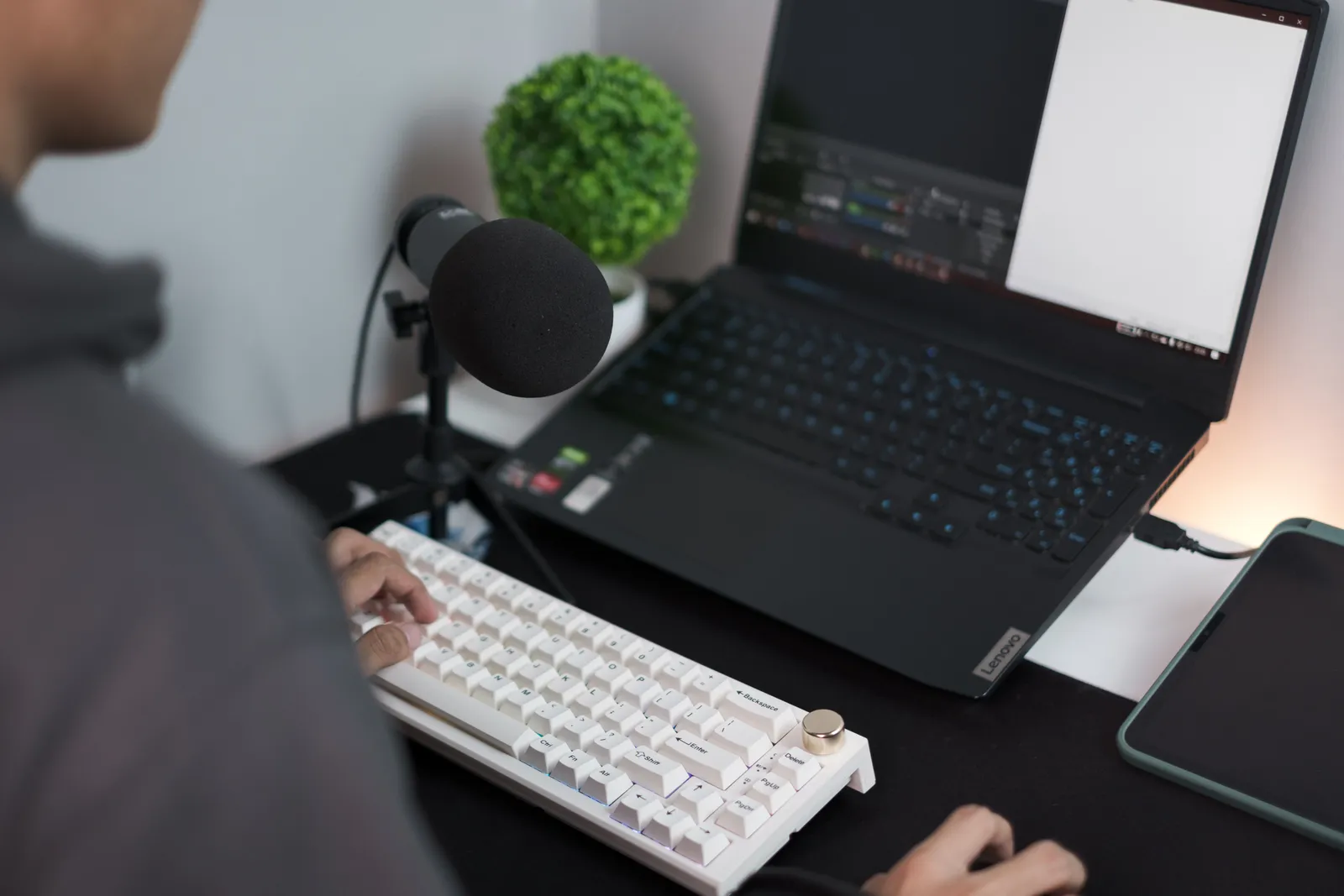
Sound quality. Use the mic on your phone or a simple USB mic. Record in a quiet room. Close doors and windows. Turn off fans and notifications. Test with a short clip and listen for echo or noise.
Editing basics. Trim the start and end so the video begins on your first word. Most smartphone apps let you cut extra seconds. You do not need fancy transitions. Keep it simple. If you want to add a soft title with a person’s name, that is enough.
Tools for traditional recording. You can use your phone’s camera app, Loom, Zoom (local recording), or free tools like QuickTime. These are quick and free. They work well if you just need one video.
Recording without a camera (Kyndrify twin)
With Kyndrify, you can be on camera without the camera. On an eligible plan such as Plus, it creates a twin in your own face. Your twin reads your script as a talking-head video. The Free plan uses preset avatars and voices, and it lets you build one Starter Twin and view a short preview.
Here is how it works:
- Set up your twin one time.
- Paste your welcome script into Kyndrify.
- Let the tool render your video.
For a detailed walkthrough of the avatar setup process, see TTGC's article on The AI Avatar Setup Process, Step by Step.
Prompt engineering is built in. So you do not need to write tech-heavy instructions. You just write a friendly script. The tool handles the hard part.
Renders take only minutes. This means you can test ideas fast. Change a line and render again. You stay in control the whole time.
This path removes all the lighting, sound, and editing work. It is ideal if you want a polished result with minimal effort and no gear.
Step 4: How long should a welcome video be?
Keep your welcome video under 60 to 90 seconds. Short videos hold attention better. People want to know the key points fast.
A long video can feel like a chore. New people may click away. A tight video respects their time.
Use this quick checklist:
- One main message only.
- No long intros or jargon.
- End with one clear next step.
If your script runs long, cut it down. Trim words that do not add value. Shorter almost always wins.
Step 5: How do you reuse and personalize your welcome video?
Make your welcome video work harder. Reuse it across many channels. One video can serve in several spots.
Place it in these key moments:
- Your welcome email to new sign-ups.
- The first screen of your course or app.
- Your onboarding page for new staff.
- Your thank-you page after a purchase.
You can also personalize each version. Kyndrify documents ten speech and dubbing languages: English, Spanish, Portuguese, French, German, Italian, Japanese, Korean, Russian, and Chinese. So you can greet people in their own tongue. That makes the welcome feel even warmer.
Swap a name or a detail when needed. Then render a fresh version in minutes. This keeps every welcome feeling personal and current.
How do you measure your welcome video’s impact?
Once your video is live, check if it helps. Simple numbers tell you a lot. You do not need complex analytics.
Watch views and completion rate. If you host the video on a platform like Vimeo or use Kyndrify’s dashboard, check how many people watch the whole video. A high drop-off in the first 10 seconds often means the opening could be tighter.
Track the next step. The whole point of a welcome video is action. Count how many people take the first step you asked for. For example, if you said “Set up your account,” look at how many accounts get created after the video is sent.

Compare before and after. If you send a welcome email with a video, compare open rates and link clicks to a plain text version. Many teams see better engagement when a face is present. Note the trend, not an exact number.
Watch support requests. A good welcome video answers common early questions. If you see fewer “How do I get started?” tickets, the video is doing its job.
Ask directly. After the first few days, send a one-question email. “Was the welcome video helpful?” Simple yes or no. Use the feedback to tweak your script.
Advanced next steps. Once you have a baseline, try small tests. Change the greeting or the first step and compare results. You can also place your video in a new spot, like inside your app dashboard, and see if that lifts activation.
Real-world welcome video ideas
You do not need to start from scratch. Here are three common approaches that work well.
The founder hello (for new customers). A short video from the business owner. It says “Thank you,” shows the product dashboard briefly, and ends with “Head to your account and try this feature now.” This builds personal trust fast.
The course kickoff (for students). An instructor records a 60-second clip inside the learning platform. The video shows where to find lessons, how to ask questions, and what to do today. Students who watch it often stay more engaged.
The new hire welcome (for staff). A team lead records a friendly video sent before day one. It introduces the team, shares the first-week schedule, and says “We are excited you are here.” It eases first-day nerves.
You can adapt any of these to your audience. The structure remains the same: greet, set expectations, give a step, and offer help.
Frequently asked questions
How much does it cost to make a welcome video?
Kyndrify has a free tier with no credit card needed. So you can try it at no cost. Commercial use depends on your rights and the current plan and Terms, so confirm those before business use. Check the current plans on the pricing page.
Do I need a camera or studio?
No. Kyndrify lets you be on camera without the camera. On an eligible plan such as Plus, it builds a twin in your own face. The Free plan uses preset avatars and voices, with one Starter Twin and a short preview. You only need your script to get started.
What tools can I use to create a welcome video?
You can record with your smartphone, webcam, Loom, or Zoom. These are free and easy. Kyndrify offers a different approach. It creates a talking-head video from your script, so you do not need any recording gear. Choose based on how much control you want over lighting and editing.
What should a welcome video say?
Greet the person and set expectations. Then give one clear first step. Finally, tell them where to get help. Keep the whole message short and warm.
Can I make a welcome video in other languages?
Yes. Kyndrify documents ten speech and dubbing languages: English, Spanish, Portuguese, French, German, Italian, Japanese, Korean, Russian, and Chinese. So you can welcome people in their own language. This helps a global audience feel at home.
How long does it take to create one?
Not long at all. Renders take only minutes with Kyndrify. You write a short script and the tool does the rest. You can test and update versions fast.
How do I measure if my welcome video works?
Look at three simple things: views and completion rate, the number of people who take your suggested next step, and any drop in beginner support requests. Even a quick yes-or-no survey helps.
Ready to make your welcome video?
A warm welcome video builds trust and keeps people engaged. You can make one today in your own face. Start free with Kyndrify and greet your new people well. Built by Through the Glass Creatives.
Related reading
More from Kyndrify


Make your first video without filming.
Say what you need and the studio makes it: video, images, voices. Start free, no credit card.