

How to Make a Promo Video (Fast, Step by Step)
Plan a promo video with a verified offer, focused script, rights check, production path, accessible captions, platform cut, release gate, and measured test.
How to Make a Promo Video (Fast, Step by Step)
A promo video supports one offer and one action. You hook viewers, show the relevant value, then ask for the next step. This guide shows you how to make one in seven steps. It works for a product, a sale, or an event. Your assets and production path determine what equipment you need.
What is a promo video?
A promo video is a video built around a marketing action. It can promote a product, sale, or event. A focused brief gives the video one main point and one measurable next step.
Step 1: Define one goal and offer
Pick a single goal first. Do you want sales, signups, or attendance? Choose one. One video, one job.
Next, write your offer in one line. Make it clear and specific. For example: "20% off this weekend only." A sharp offer beats a vague one every time.

Write the goal at the top of your notes. Keep it in view as you build.
Step 2: Write a punchy script
Use a simple three-part script. It follows a hook, then value, then a call to action.
Start with the hook. This is your first line. Grab attention fast. Ask a question or name a pain point.
Then share the value. Tell people why it matters. Show the main benefit. Skip the long feature list.
End with a clear call to action. Tell viewers exactly what to do. For example: "Shop the sale now." Keep your whole script short. Aim for 50 to 90 words.
Read it out loud. Cut any word you stumble on. Simple beats clever here.
Step 3: Pick a format
Choose a format that fits your message. Common options include:
- Talking-head: A person delivers the offer to camera.
- Product footage or photos: Licensed assets show the item or service.
- Screen recording: A captured workflow shows an app or website.
- Text overlay: Words carry the message when little footage is available.
You can mix them too. A talking-head hook with product shots works well. Pick what matches your goal from Step 1. Let the message choose the visual.
Step 4: Produce the video
Now you create it. The path depends on your budget and skills.
Phone or live action: Record clips with your phone. Use natural light. Keep the phone steady. This needs no money. It needs your time.
Template or editor: Use a template tool or timeline editor. Add licensed clips, text, and music, then export. Check current feature and license terms.
Script-based verified Twin: Kyndrify documents a verified face-and-voice Twin with recorded consent. A user provides a script, and each Render returns a download and hosted link. Disclosure and provenance controls are rolling out and may not appear on every Render. Check the Responsible AI page and current Terms before you rely on them.
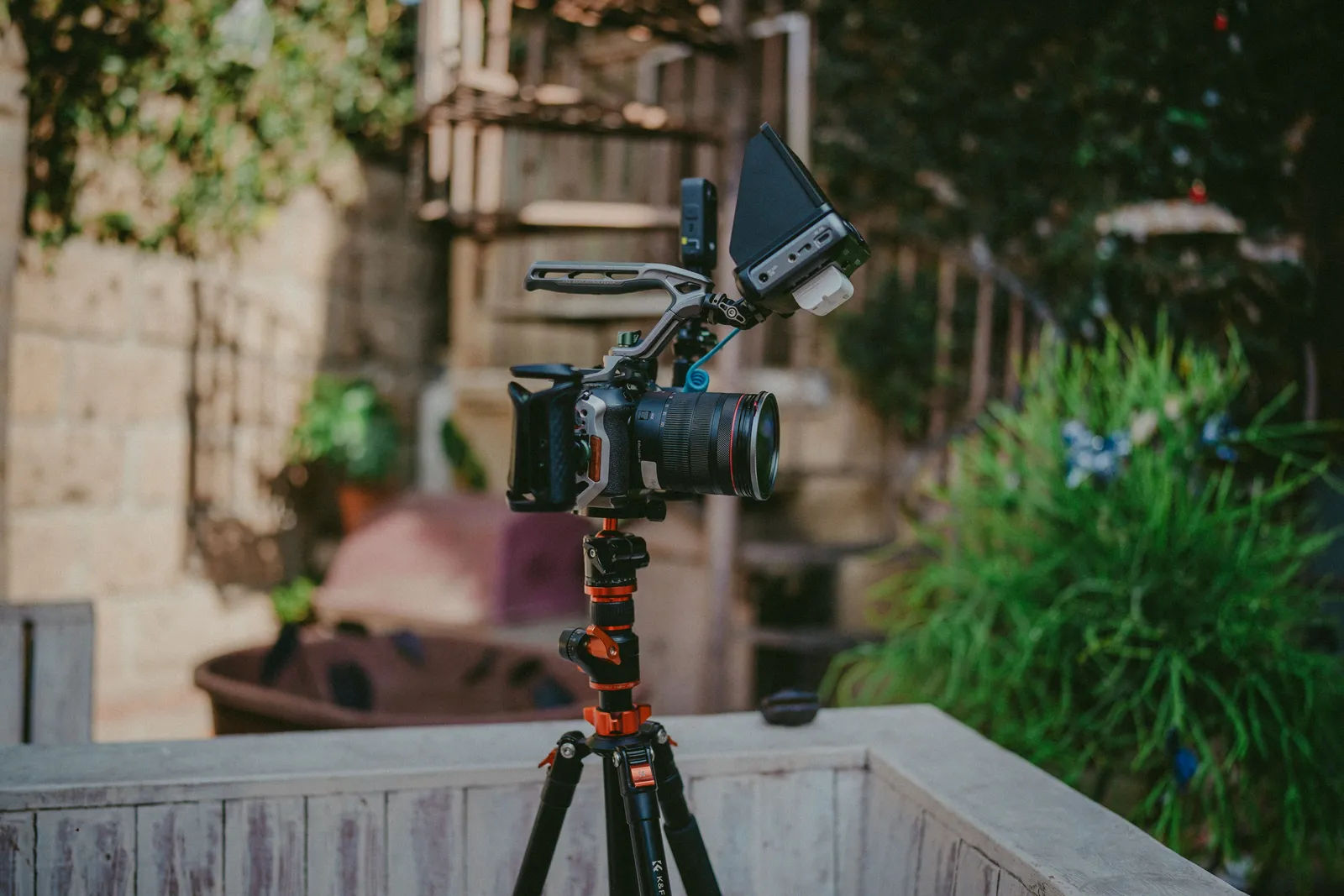
Managed production: Hire a freelancer or agency. You provide the brief, agree on scope and rights, and review the work. Cost and control depend on the contract.
Pick the path that fits your time, budget, and assets.
Step 5: Add captions, audio, and disclosure
Layer in extras to lift your video. Each one adds polish.
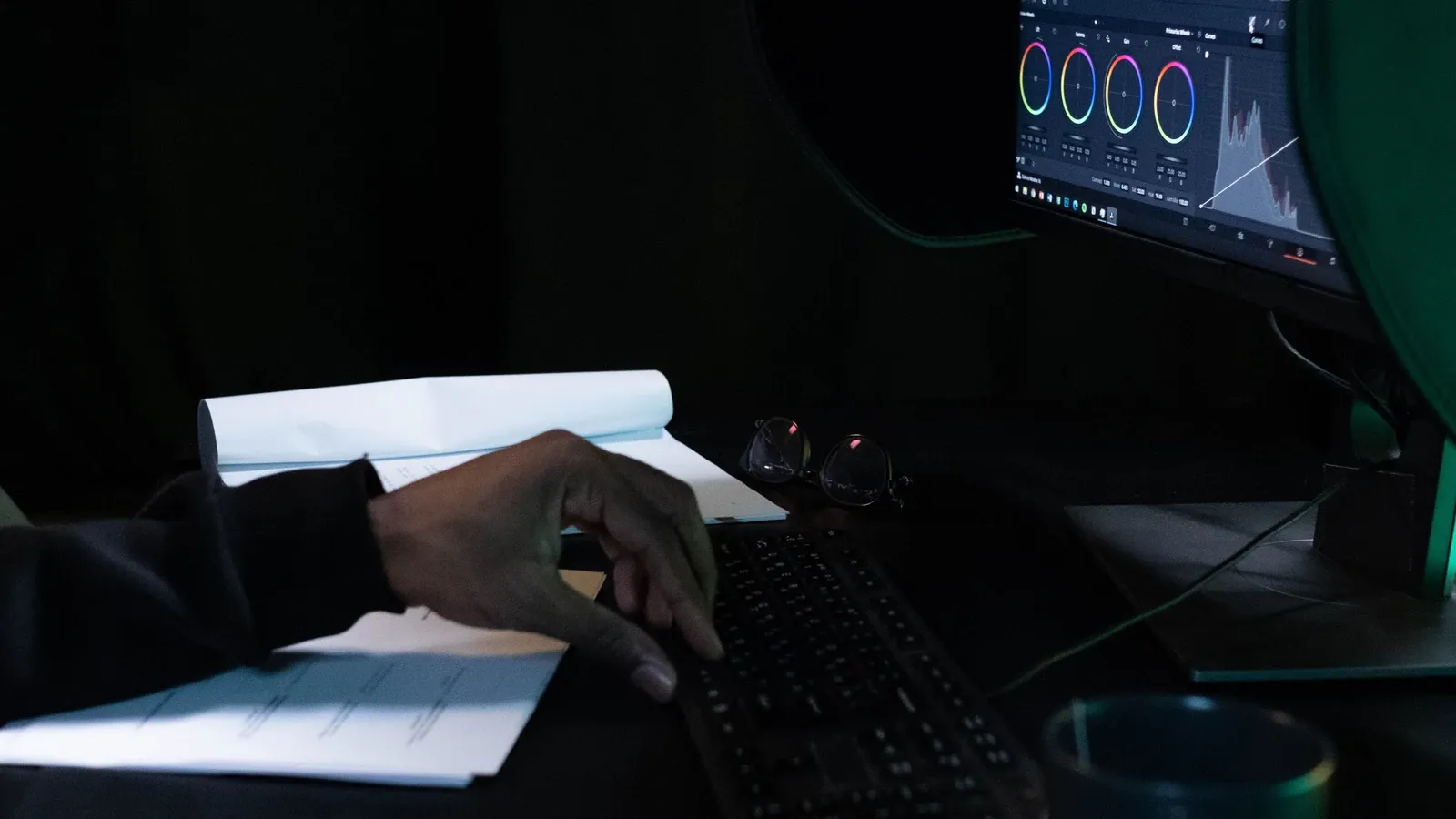
Add captions. The W3C media accessibility guide says captions should provide speech and needed non-speech audio for people who are Deaf or hard of hearing. Review automated captions before release.
Add audio. Pick a track that fits the mood. Keep it low under your voice. Check you have the right to use the music.
Add disclosure. If you show an endorsement, FTC guidance says it must be truthful and not misleading. Endorsers should not claim an experience they did not have. Claims needing proof need proof. Disclose material connections that affect evaluation. Legal needs depend on context and jurisdiction.
For a rights-safe process when using an AI avatar, see TTGC's How AI Avatars Are Made: A Rights-Safe Production Guide.
Keep audio, captions, and disclosure legible and free from competing elements.
Step 6: Make platform cuts
One video rarely fits every platform. Each one has its own shape.
- Vertical (9:16): TikTok's current ad guidance recommends 9:16, at least 720p, and keeping key content in the UI safe zone.
- Square (1:1): Use only where the destination's current specifications accept it.
- Horizontal (16:9): Use only where the destination's current specifications accept it.
Make a cut for each destination's current specifications. Keep the offer and call to action intact in every cut. Recheck captions, safe zones, links, and disclosures after each crop.
Step 7: Test and improve
Test before you scale. Post your best variation first. Then watch the numbers.
Choose the metric that matches the goal. It might be qualified views, watch time, clicks, signups, or verified sales. A metric can reveal where to investigate, but it does not prove a single creative element caused the result.

Use the result to form the next hypothesis. Keep, stop, or revise based on the decision rule you set before the test.
For a more formal test, declare a hypothesis. Change one material variable. Pick a named metric. Set a minimum decision window your team chooses. Then decide to stop, keep, or revise. Do not guess results.
A worked example
Let's walk through a fictional example. A coffee shop wants more weekend traffic.
Goal: Increase Saturday walk-ins. Offer: "Free pastry with any coffee this Saturday." Proof: The offer is approved in the point-of-sale system, and stock is reserved for the stated period. Audience: Local adults within three miles. Script: "Saturday mornings just got better. Get a free pastry with any coffee this Saturday only. Stop by before noon." Shot list: 1) Barista pouring coffee. 2) Pastry in a case. 3) Text overlay with the offer. 4) Shop exterior with hours. Disclosure: No endorsement. Offer date is clear. Price is clear. Variants: One version with a voiceover. One with just text and music. QA check: Captions are correct. Music is licensed. Offer date matches the live page. CTA link works. Measurement: Count Saturday walk-ins versus the prior Saturday. No outcome is promised.
Production-path matrix
| Path | Required inputs | Control | Dependencies | QA focus |
|---|---|---|---|---|
| Phone/live action | Script, phone, light | High | Your time, weather | Audio, steady shot |
| Template/editor | Script, tool, assets | Medium | Tool limits, stock rights | Captions, music rights |
| Script-based verified Twin | Script, recorded consent | Medium | Render service, script quality | AI disclosure, provenance |
| Managed production | Brief, budget | High | Freelancer, timeline | Rights, brand match |
This matrix compares inputs, control, dependencies, and QA focus. It does not rank quality.
Budget tiers
Use these categories to estimate your cost. Do not treat these as current vendor prices.
- Asset-light: Existing phone, approved in-house assets, and staff time.
- Template-led: Editor access, licensed stock, music rights, and staff time.
- Render-led: Render fees, approved source assets, review time, and any external editing.
- Managed: Agreed production scope, talent, locations, assets, revisions, and distribution support.
Estimate cost per approved master. Include attempts, labor, assets, talent, music, captions, and distribution.
Claim-and-rights register
Before you publish, check every claim and right. Use this list as a gate.
- Offer dates: Are they current and correct?
- Pricing: Is it accurate and not misleading?
- Stock footage: Do you have a valid license?
- Testimonials: Are they real and verifiable?
- Endorsements: Are connections disclosed? Are claims truthful?
- Likeness: Do you have consent from every visible person?
- Music: Does your license cover this use, territory, term, and platform?
- Footage: Did you shoot it or license it?
- Captions: Are they accurate and complete?
- CTA destination: Does the link work and match the offer?
- Disclosure: Is AI use or material connection disclosed?
- Platform policy: Does the cut meet each platform's rules?
Clear this gate before you export.
Platform-specific guidance
For Google Ads, the ABCD guidance covers Attention, Branding, Connection, and Direction. Get to the story quickly. Use audio and text without competing elements. Brand early. Focus the message. Give a clear call to action. This is creative guidance, not a guarantee of conversion.
For TikTok ad campaigns, current creative guidance recommends 9:16, at least 720p, and the UI safe zone. It also recommends a hook, an early proposition, captions or text, a clear CTA, and tests with meaningfully different creatives. This applies to TikTok ad campaigns only.
Frequently asked questions
How long should a promo video be? Use the destination's current format rules and the time needed to support one clear action. Google Ads formats can have different limits, so there is no universal promo length.
Do I need to be on camera? No. You can use licensed product assets, screen recordings, animation, or text-led formats. A verified Twin is another possible workflow when its documented controls and your consent fit the use.
Can I make a promo video for free? You may already own enough approved equipment and assets, but staff time, rights, captions, distribution, and review still have costs. Check current tool terms before assuming a free export or commercial license.
How many versions should I make? Make enough meaningfully different versions to test your declared hypothesis within the approved budget. TikTok suggests several creatives for its ad groups, but that is platform-specific guidance, not a universal count.
How do I get my video in front of more people? Choose distribution that reaches the stated audience. Follow each platform's current format and ad rules, set tracking before launch, and measure the action named in the brief. No metadata or engagement tactic guarantees reach.
Ready to make your promo video?
You now know how to make a promo video step by step. The next move is simple. Pick your goal and write your hook. Then bring it to life with the tool that fits your needs.
Related reading
More from Kyndrify


Make your first video without filming.
Say what you need and the studio makes it: video, images, voices. Start free, no credit card.