

How to Make a Case Study Video (Step by Step)
Learn how to make a case study video that builds trust. Follow a simple structure, script tips, and rules for using real, consented data.
How to Make a Case Study Video
To make a case study video, follow a clear story arc. Start with the client and their problem. Show what you did. Share the real results. End with a takeaway. Then script it, record a host, and add on-screen data and quotes.
A case study video proves your work. It shows real outcomes from real clients. This builds trust faster than any sales pitch. B2B teams and agencies use these videos to win deals.
This guide walks you through each step. You will learn the structure, the script, and the production flow. You will also learn one rule that matters most. Use only real, consented data.
What is a case study video?
A case study video tells one client success story. It follows a simple path. First the problem. Then your solution. Then the proof. Then the lesson.
The video uses a host to narrate. On-screen text shows data and quotes. B-roll adds visual interest. Together, these parts tell a story buyers believe.

The case study structure
Every strong case study video uses the same four parts. Keep them in order. This order keeps viewers engaged.
- Client and problem. Name the client. Describe their pain.
- What you did. Explain your solution in plain words.
- Real results. Show the numbers that changed.
- Takeaway. Share the lesson other buyers can use.
This arc mirrors how people think. They want context first. Then they want proof. Then they want a reason to act.
How to script and produce your video
Follow these steps in order. Each one builds on the last.
Step 1: Pick the right client story
Choose a client with a clear win. Look for measurable results. A strong story has a before and an after. Avoid stories with vague outcomes.
Ask the client if they will take part. Get their agreement in writing. This consent step protects you both.
Step 2: Gather the real data
Collect the actual numbers. Pull them from reports or shared records. Confirm each figure with your client. Never round up to look better.
You also need real quotes. Ask the client what changed for them. Use their own words. Save these for on-screen text.
Step 3: Write the script
Write in short, simple sentences. Aim for one idea per line. Read it aloud to test the flow.
Use the four-part structure for your script:
- Open with the client and their problem.
- Explain what you did to fix it.
- State the real results clearly.
- Close with the takeaway.
Keep the script tight. Most case study videos run two to three minutes. Cut any line that does not move the story.
Step 4: Plan your on-screen elements
Decide where data appears. Place key numbers on screen as the host speaks. Show client quotes as text cards. This pairs words with proof.

List your B-roll needs. You might show a product, a workspace, or a process. B-roll keeps the eye busy while the host talks.
Step 5: Record the host
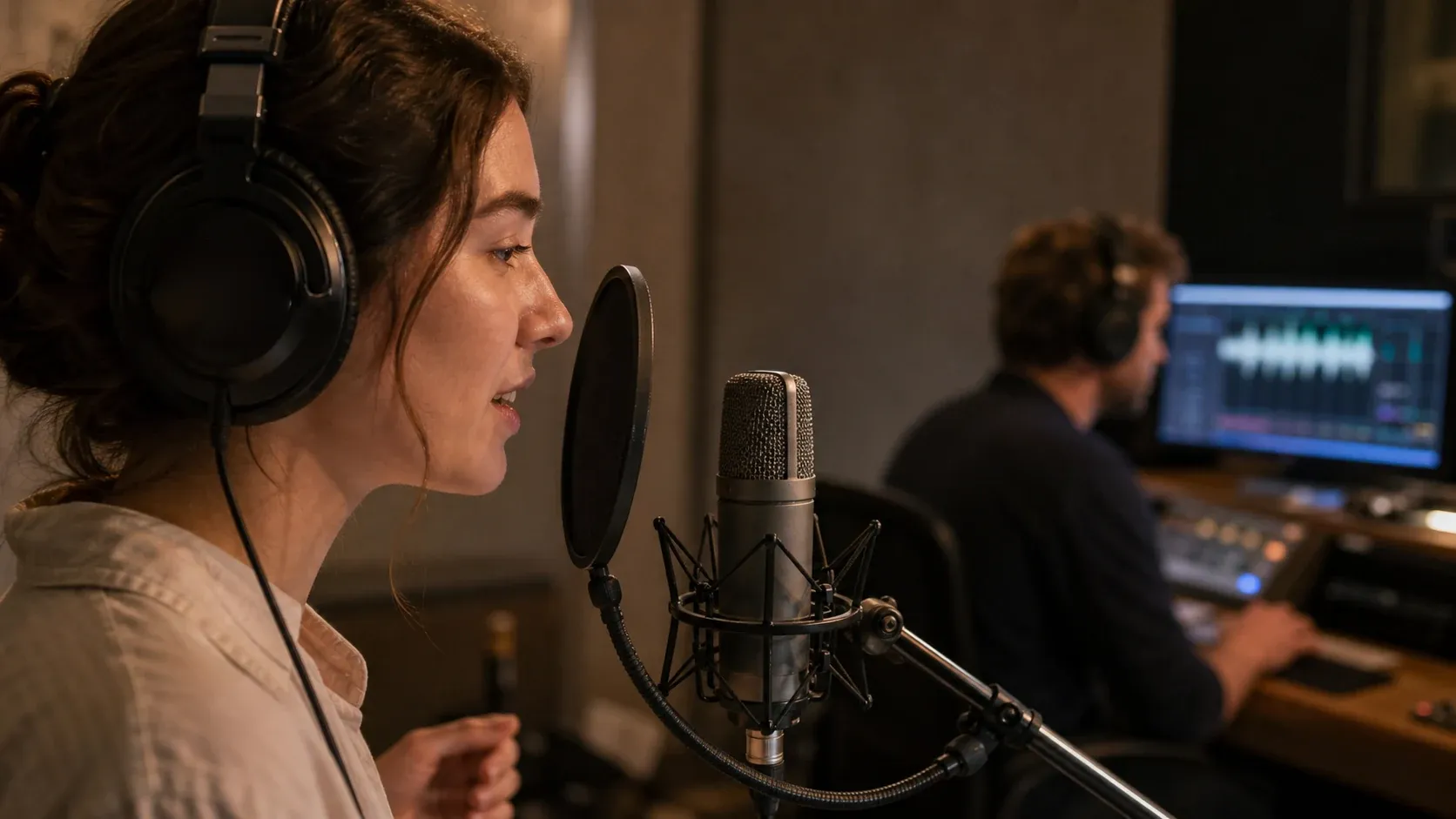
Record a talking-head host to narrate. The host guides viewers through the story. A real face builds trust and warmth.
With Kyndrify, you can be on camera without the camera. You create a talking-head video using your own face. You can also mix narrated slides and B-roll. This saves you a full shoot.
Kyndrify documents ten speech and dubbing languages: English, Spanish, Portuguese, French, German, Italian, Japanese, Korean, Russian, and Chinese. So you can publish one case study for many markets.
Step 6: Edit it together
Combine the host clips with your slides and B-roll. Drop in the data cards at the right moments. Add the quote cards near the results.
Check the pace. Trim long pauses. Make sure each number stays on screen long enough to read.
Step 7: Review consent and publish
Do a final check before you share. Confirm every number is accurate. Confirm the client approved their quotes. Then publish and promote.
A note on real data and consent
This rule is not optional. A case study must use real results. Never invent numbers. Never make up quotes.
You also need the client's consent. Ask before you film their story. Ask before you show their data. Get it in writing.
Fake stats break trust the moment they unravel. Real, consented data wins deals and protects your name. When in doubt, leave a claim out.
Tips for B2B and agency teams
Match the case study to your buyer. Pick a client like the one you want to win. The story should feel familiar to them.
Lead with the result in your title. Buyers scan for outcomes. A clear number pulls them in.
Reuse your case study video everywhere. Add it to sales emails. Embed it on your site. Share it on social. One video can serve many goals.
Frequently asked questions
How long should a case study video be? Keep it to two or three minutes. Shorter videos hold attention. Cut any part that does not add proof.
What if my client will not share exact numbers? Ask for a range or a percentage instead. You can also use a direct quote. Never invent a figure to fill the gap.
Do I need a film crew to make one? No. You can create a host-led video with your own face using Kyndrify. You can also blend narrated slides and B-roll without a shoot.
Can I make the video in more than one language? Yes. Kyndrify documents ten speech and dubbing languages: English, Spanish, Portuguese, French, German, Italian, Japanese, Korean, Russian, and Chinese. Script translation lists additional text-only languages such as Hindi, Filipino, Indonesian, and Arabic, but the saved voice cannot speak those targets yet. You can still reach many markets with one core story.
Is it free to try? Kyndrify has a no-card Free plan that uses preset avatars and voices. Own-face rendering requires an eligible plan such as Plus. Commercial use depends on your rights and current plan and Terms confirmation. See the pricing page for current details.
Ready to film your story?
You now know how to make a case study video. Pick a client, gather real data, and follow the four-part arc. Then bring it to life with a host, data cards, and B-roll.
Want to be on camera without the camera? Try Kyndrify free and create your first case study video today. Kyndrify is built by Through the Glass Creatives.
Related reading
More from Kyndrify


Make your first video without filming.
Say what you need and the studio makes it: video, images, voices. Start free, no credit card.