

How to Make a Product Launch Video With AI
Learn how to make a product launch video with AI. Follow simple steps to script, film, localize, and schedule launch-ready clips fast.
How to Make a Product Launch Video With AI
You want a launch video. You have little time. AI makes this easy.
This guide shows you how to make a product launch video with AI. You will nail your message. You will write a tight script. You will create a host, product shots, and B-roll. Then you will cut teaser, launch, and follow-up versions. You will localize and schedule them too.
The best part? AI renders in minutes. You can launch fast with many assets.
With Kyndrify, you can "Be on camera. Without the camera." Let's begin.
What is an AI product launch video?
An AI product launch video promotes a new product. AI builds the visuals for you. You do not need a film crew. You do not need a studio.
You write your message. AI creates the talking-head host. It adds product shots and B-roll. It mixes in AI images too.
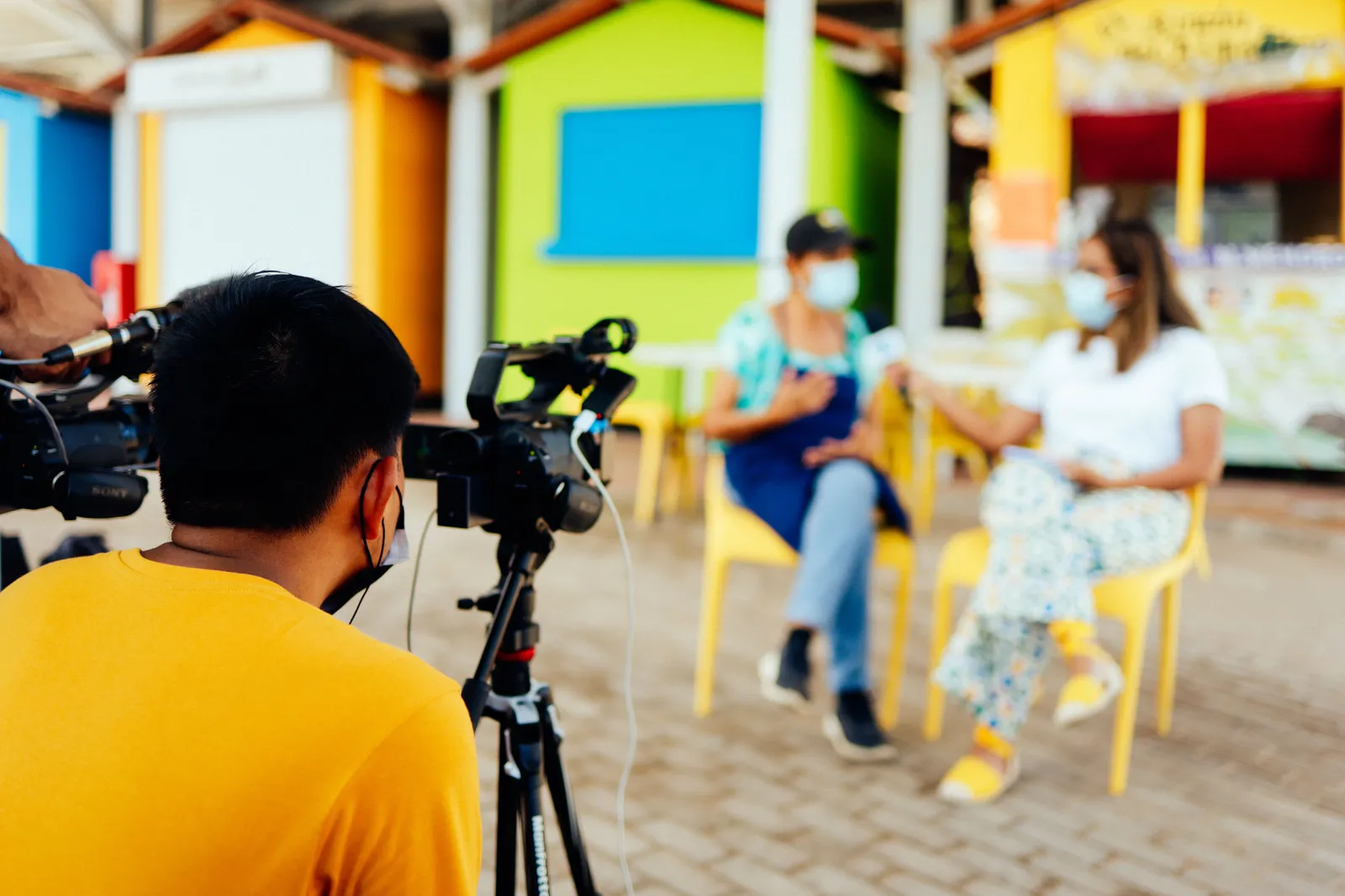
The result looks polished. The process stays fast. That is the power of an ai product launch video.
Step 1: How do you nail the core message?
Start with one clear idea. Ask what your product does best. Then say it in one sentence.
Keep it simple. Avoid jargon. Focus on the buyer.
A weak launch tries to say everything. A strong launch says one thing well. Pick your single biggest benefit.
Write that benefit down. This becomes your anchor. Every later step builds on it.
Step 2: How do you write a tight script?
Use a simple four-part flow. It works every time:
- Problem. Name the pain your buyer feels.
- Product. Introduce your new product as the fix.
- Benefit. Show the clear result they gain.
- CTA. Tell them exactly what to do next.
Keep each part short. Use plain words. Read it aloud to test the flow.
Aim for 60 to 90 seconds of speech. That is roughly 150 to 220 words. Trim anything that does not earn its place.
Your call to action must be clear. "Start your free trial today." "Visit our site now." One action only.
Step 3: How do you create the talking-head host?
Now bring your script to life. Use the Kyndrify talking-head tool. It creates a host who speaks your words.
You do not film yourself. You do not hire an actor. The AI host delivers your message on camera.
This founder or host clip builds trust. People connect with faces. A talking-head makes your launch feel personal.
Paste your script. Pick your host. Let AI render it in minutes.
Step 4: How do you add product shots and B-roll?
A host alone is not enough. You need to show the product. Visuals make claims feel real.
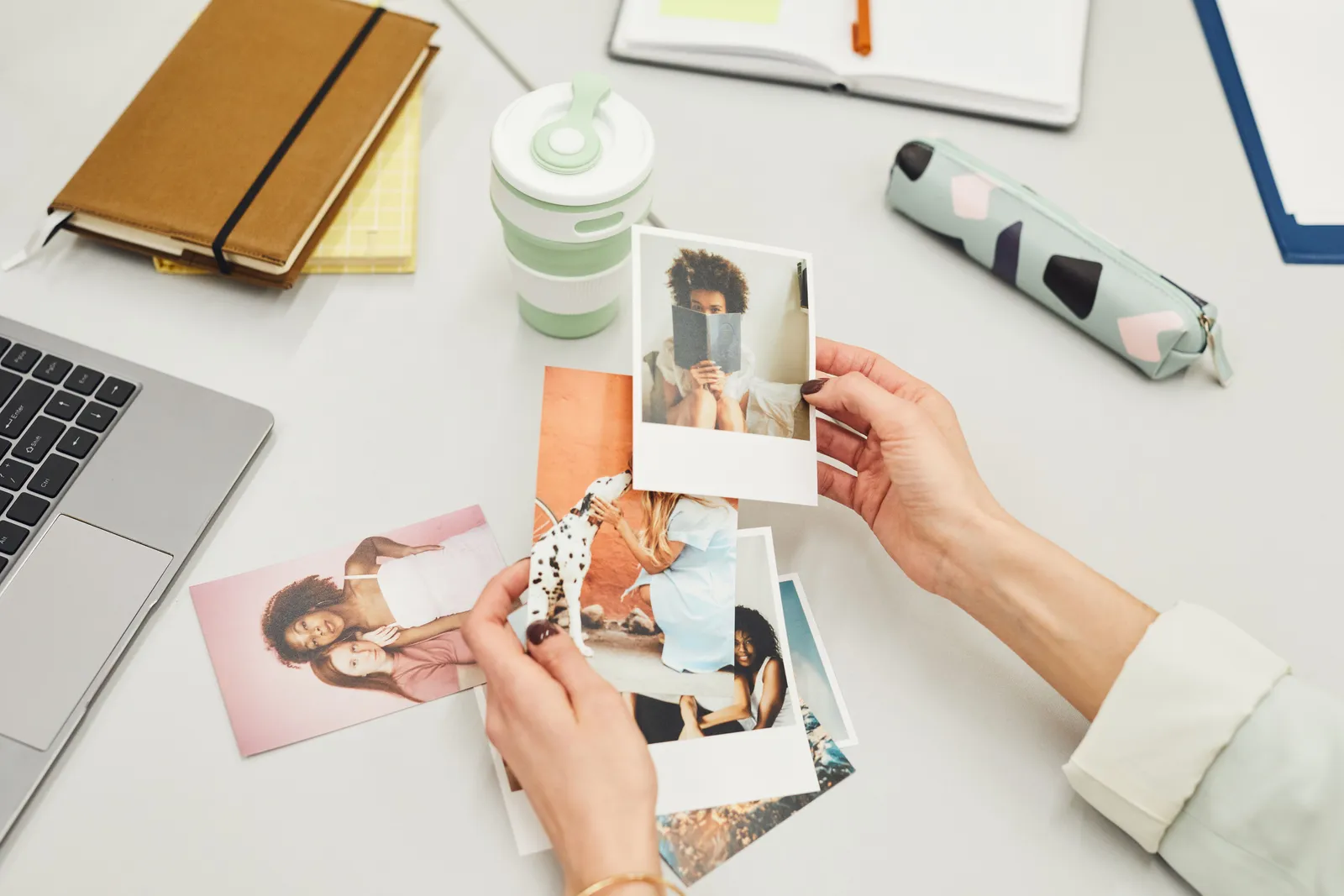
Add your product photos. These show the real item. Buyers want to see what they get.
Next, add B-roll. This is supporting footage. It keeps the eye moving and holds attention.
Then layer in AI images. Use them for backgrounds or concepts. They fill gaps when you lack footage.
Kyndrify's pricing page lists the Ad Creator as coming soon. For now, assemble your host, product shots, B-roll, and AI images with the tools that are live in the Studio.
Step 5: How do you create teaser, launch, and follow-up cuts?
One video is good. Three is better. A strong launch uses a sequence.
- Teaser. A short clip that builds hype before launch day. Keep it under 15 seconds. Hint at the benefit. Do not reveal everything.
- Launch. Your full video on the big day. This is the main event. It tells the whole story.
- Follow-up. A reminder clip after launch. Address questions. Repeat your call to action.
AI makes this simple. Reuse your host and assets. Create fast variations from one source.
You do not start over each time. You remix what you already built. This saves hours of work.
Step 6: How do you localize for more reach?
Your buyers speak many languages. Speak to them directly. Localized video wins more attention.
Kyndrify documents ten speech languages. Turn one script into many versions. Your host speaks each one.
This opens new markets. You reach buyers worldwide. You do not need a separate shoot per region.
Localize your teaser, launch, and follow-up too. Now every market gets the full sequence.
Step 7: How do you schedule your launch?
Plan your rollout in advance. Timing drives results. A clear schedule keeps you on track.
Try this simple plan:
- Days before: Post the teaser. Build curiosity.
- Launch day: Drop the full launch video. Push it hard.
- Days after: Share the follow-up. Catch anyone who missed it.
Spread your cuts across channels. Use email, social, and your site. Each asset has a job.
Because AI renders fast, you stay flexible. Need a new version? Make it in minutes.
Why does AI let you launch faster?
AI removes the slow parts. No crew. No studio. No reshoots.
You get many assets from one effort. Teaser, launch, and follow-up come from the same source. Variations take minutes, not days.
You can test ideas quickly. Try a new hook. Try a new CTA. Pick the winner.
This speed matters at launch. Markets move fast. AI helps you keep up.
Frequently asked questions
How long should a product launch video be?
Keep your main launch video to 60 to 90 seconds. Make your teaser under 15 seconds. Shorter clips hold attention better.
Do I need to be on camera myself?
No. Kyndrify creates a talking-head host for you. You can "Be on camera. Without the camera." Just provide the script.
Can I make versions in other languages?
Yes. Kyndrify documents ten speech languages. Turn one script into many localized videos. This helps you reach more buyers.
How fast can I create a launch video?
AI renders your video in minutes. You can also make fast variations. This lets you launch quickly with many assets.
Is there a free way to try it?
Yes. Kyndrify offers a free tier. No credit card is needed. Free renders use preset avatars and voices. Commercial use depends on your rights and current plan terms, so check the pricing page and Terms before you publish.
Ready to launch?
Now you know how to make a product launch video with AI. You can script, film, localize, and schedule with ease.
Start for free today. No credit card required. Build your launch sequence in minutes.
Kyndrify is built by Through the Glass Creatives. Try it and launch with confidence.
Related reading
More from Kyndrify


Make your first video without filming.
Say what you need and the studio makes it: video, images, voices. Start free, no credit card.