

How to Get Your Team to Adopt AI Video
A simple rollout guide to get your team to use AI video. Pick a champion, start small, set guidelines, train in an hour, and measure adoption.
Want your team to start using AI video? Start small. Pick one champion. Choose one use case. Set a few simple rules. Then train everyone in about an hour. That is the whole plan. This guide walks you through each step, tackles common objections, and helps you avoid the pitfalls that stall rollouts.
AI video tools let your team appear on camera, without the camera. A tool like Kyndrify, for example, lets each person build their own video Twin. They record once, then make videos by typing. But even the best tool fails without a thoughtful rollout. This guide shows you how to make adoption easy, whether you use Kyndrify or another AI video platform.
Why does AI video adoption stall?
It often stalls because people feel uncertain. They worry about looking unnatural, using complex tools, or breaking rules. Some folks simply do not want to be on video. Others think the tool will be expensive or hard to fit into current workflows. And some fear the output will feel impersonal or low-quality.

These are all real concerns. A good AI video tool (like Kyndrify) removes some of these barriers on the software side. Its built-in prompt engineering and intuitive design mean non-technical staff can start fast. But the human side, resistance, and practical integration are still your job. The steps below show you how to address both.
Step 1: Pick a champion
Choose one person to lead the rollout. This champion should be curious and patient. They do not need deep tech skills. They need energy, approachability, and the willingness to test the tool first.
Your champion will build their own Twin (or whatever the tool’s equivalent is). They will become the go-to person for questions. They also play a key role in handling objections early. When a teammate says, “I don’t want to be on camera,” your champion can show them how easy it is, and maybe even share their own first, imperfect attempt. That relatability defuses resistance. A single champion beats a big committee. Keep it light and personal.
Step 2: Choose the first use case
Start with one use case. Only one. Avoiding scope creep is critical. A common pitfall is trying to change multiple processes at once. That overwhelms people and muddles the message.
Pick something with clear, quick value. Good first choices include weekly team updates, client onboarding videos, personalized sales follow-ups, or short training clips for new hires. Choose the one that saves the most time and feels safe. A narrow start builds quick wins. Quick wins build trust. Once the team sees the value, you can expand to SOPs or compliance training later. But prove the value once, first.
Step 3: Set simple guidelines (including sensitive content)
Write a one-page guide that is dead simple. Keep it to three or four bullet points. Cover these areas:

Consent. Each person must consent before a video Twin is created. Never make a Twin of someone without their explicit yes. This not only respects individuals but also keeps you legally safe.
Brand and tone. List your key colors, approved language style, and any do’s and don’ts. For example: “Keep it friendly but professional. No slang. Use the company logo intro.”
Sensitive content. If your videos might touch on confidential topics, health information, or financial data, set clear boundaries. Never put personally identifiable information (PII) in the script unless it is absolutely necessary and approval has been given. Check that your AI video tool handles data in line with your organization’s privacy policies. For Kyndrify, the Twin videos are based on a recording you control, and you decide who can view each video. That gives you a layer of control. Still, if content is extremely sensitive, consider a review step or avoid it altogether.
AI disclosure. Decide when and how to tell viewers a video uses AI. Many teams add a small text note like “Made with AI” or “Powered by Kyndrify.” Pick a rule and stick to it. Consistency builds audience trust.
Step 4: Make templates
Templates remove the blank-page problem and make adoption fast. Build three or four simple templates for your first use case. For example, a sales follow-up template might include:
- A warm greeting using the prospect’s name
- One value point that matters to them
- A clear next step (book a meeting, check the attachment)
Your team fills in the blanks instead of starting from scratch. This saves time and keeps videos consistent. If your tool is all-in-one like Kyndrify, the templates live alongside the video maker. No juggling of separate apps. That reduces friction.
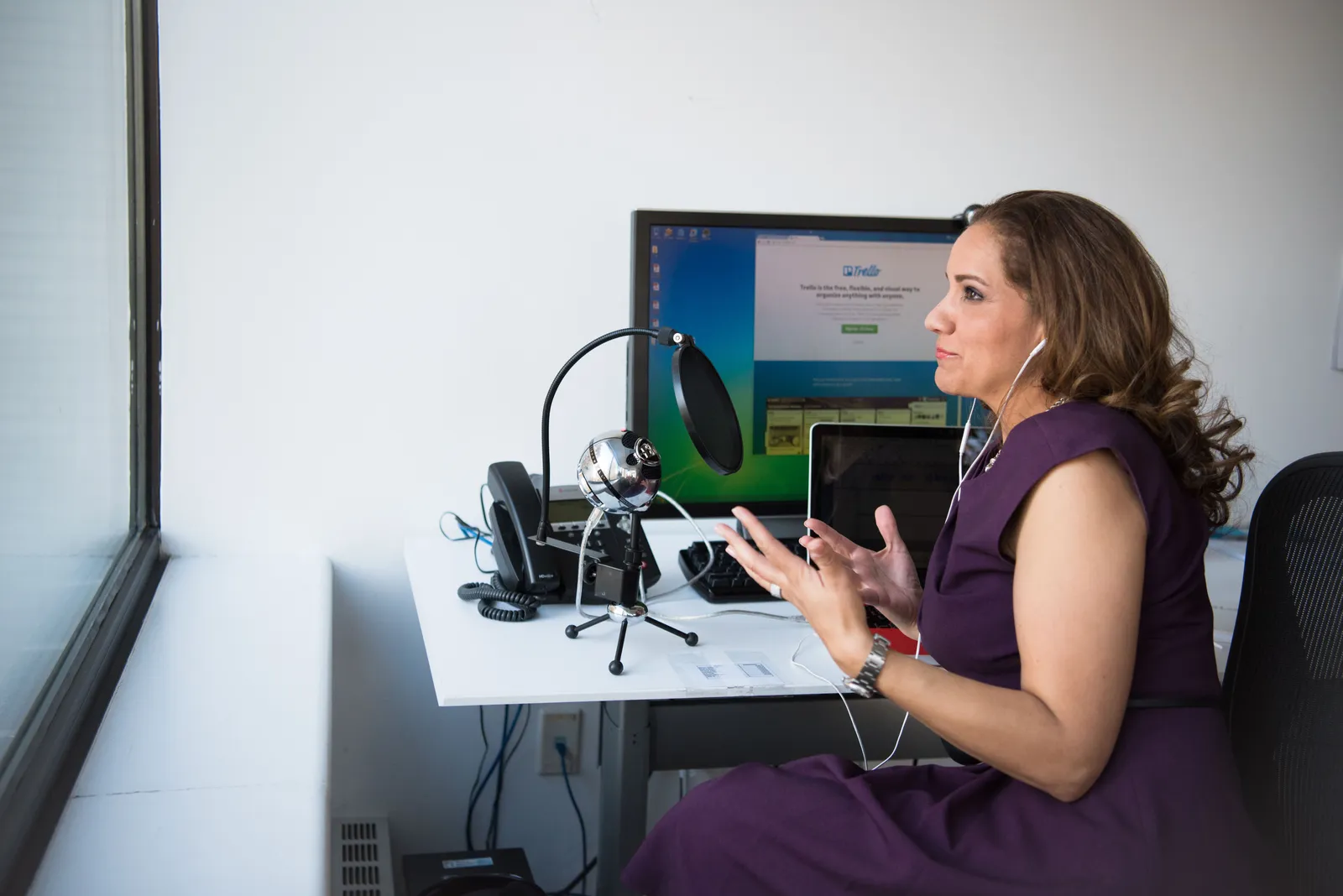
Step 5: Train the team in about an hour
A one-hour live session is all you need. Make it hands-on, not a lecture. Follow this flow:
- Show how to record the AI Twin or similar avatar (5 minutes). Use your champion’s own Twin as the example.
- Walk through one template together (10 minutes). Create a simple video on screen.
- Let each person make a real video (20 minutes). They can use a pre-written script or a short message. This demystifies the process.
- Answer questions (15 minutes). This is when objections surface. Address them warmly.
- Share the one-page guide (5 minutes).
Keep it supportive. Tell everyone it is okay to make a silly first video. The goal is to build confidence, not perfection. If your team is global, note that Kyndrify documents ten speech and dubbing languages, so people can train in a supported language.
Step 6: Measure adoption
Track a few simple numbers. You do not need a fancy dashboard. Watch three things:
- How many people built a Twin or created their account
- How many videos got made each week (not just viewed)
- Where the videos are used (sales, customer support, internal updates)
Check in weekly at first. Look for steady growth, but focus on usefulness, not just volume. Two high-impact videos a week beat ten low-effort ones. If numbers stall, ask your team, “What’s blocking you?” Common blockers include not seeing a clear use case, not having consent, or finding the output not yet polished enough. Fix those blockers rather than pushing harder.
Step 7: Celebrate wins
Celebration keeps momentum alive. Share a great video in your team chat. Praise the creator. Show a before-and-after time saving (e.g., “This used to take 30 minutes per client. Now it’s 3 minutes”). When people see real results, they want in. Your champion can fuel this energy by scouting early wins and spotlighting them.

How to handle common objections
Even with a smooth rollout, you will hear pushback. Here is how to handle the most frequent objections without getting defensive.
“I don’t want to be on camera.” Acknowledge that. Emphasize that the Twin is created once, and then they never have to appear live again. They can edit until it feels right. Many people find that easier than repeated live recordings.
“This will feel impersonal.” Counter with the personalization potential. AI videos can be tailored with the recipient’s name or a specific detail. When done well, they feel more human than a generic text email. Show an example.
“Is this tool secure?” Be ready to explain the tool’s privacy measures. If you use Kyndrify, point out that Twins are based on recordings the user controls, and access to videos can be restricted. For other platforms, share the key points from their privacy page.
“It looks robotic or awkward.” This fear often comes from seeing early AI tools. Show real examples from your team. If the output still feels stiff, adjust the script to sound more conversational. Short sentences, a natural pause, and a friendly tone make a big difference.
“It’s not worth the time.” This objection usually means the person doesn’t see the personal payoff. Connect the tool to their daily pain. “You spend three hours a week writing follow-ups. This could cut that to twenty minutes.”
“What about cost?” Many AI video tools, including Kyndrify, offer a free tier to test. Start there. When the team sees the time savings, the cost becomes an easy investment. And because rollout is gradual, you control the budget pacing.
Common pitfalls and how to avoid them
Here are the top mistakes teams make, and what to do instead.
Rolling out to everyone at once. Going company-wide on day one multiplies resistance. Start with a small, willing group. Let them succeed publicly. Expand only when the story is positive.

Choosing a champion who is too busy or not enthusiastic. The champion must have the energy to test, cheerlead, and troubleshoot. If the only volunteer is drowning in projects, that fails. Find the subtle enthusiast, not the boss.
Skipping guidelines. Without clear rules on consent, disclosure, or tone, confusion grows. A one-page guide prevents a thousand clarifications.
Ignoring the existing workflow. If the AI video output is hard to share, the tool gets abandoned. Make sure the final videos (links, embeds) drop easily into Slack, email, or your LMS. Show the team how to do that in training.
Expecting instant adoption. Behavior change takes weeks. Do not declare failure after a slow first month. Look at the trend. Celebrate micro-wins.
Overcomplicating templates. If a template is three pages long, it defeats the purpose. Keep templates shorter than a sticky note.
Not addressing sensitive content early. If someone accidentally publishes a video with a client’s account number, trust breaks. Include sensitive content rules in your guide right away.
A real-world rollout example
Picture a support team at a mid-size SaaS company. They were stuck answering the same five “how-to” questions over email, which ate up hours each day. They chose one use case: a short AI video for each common question. One support rep became the champion. She built her Twin and created three template responses. During a one-hour team session, each rep made their own version of the videos. Within two weeks, response times for those queries dropped noticeably, and the team recovered several hours a week. They then expanded to client onboarding. The key was starting tiny, proving value, and letting the wins spread organically.
What if your team is too busy?
Sometimes the team has no time to lead a rollout. That is normal. Kyndrify was built by Through the Glass Creatives. TTGC offers done-for-you help. They can set up templates, train your team, and manage the rollout for you. So you have a choice. Do it yourself with the free tier. Or let TTGC handle it. Pick what fits your team.
Try it free first
You can start today at no cost. The free tier needs no credit card. Test the tool with your champion. Free renders use preset avatars and voices, and you can build one Starter Twin to view a short preview. Custom own-face rendering and voice cloning require an eligible plan such as Plus. For commercial use, confirm current rights and plan terms rather than assuming a paid plan grants them. Check the pricing page for current options.
Ready to roll out AI video? Start small. Pick your champion. And celebrate every win.
FAQ
How long does it take to roll out AI video? Most teams start producing videos within a week. You can train everyone in about an hour. Full confidence and daily use often grow over a few weeks.
Do my staff need technical skills? No. Tools like Kyndrify build prompt engineering right into the platform, so non-technical staff can jump in quickly. The learning curve stays low.
Do we need consent to make a Twin? Yes. Each person must build their own Twin. Always get clear consent first. Never create a Twin of someone without their explicit yes.
Can a global team use it? Yes. Kyndrify documents ten speech and dubbing languages, so multi-language teams can work in a supported language. Some extra script-translation targets are not yet spoken by the saved voice.
What about costs? Many AI video tools, including Kyndrify, provide a free tier to test without a credit card. After proving the value, you can move to a paid plan that matches your volume and needs. Start free, then scale.
How do we integrate AI videos with our existing tools? Most tools generate a shareable link or embed code. You can drop that directly into Slack, email, or your learning management system. In training, show the team exactly how to pull that link.
How do we handle sensitive content? Set clear rules in your one-page guide. Avoid putting PII in scripts unless necessary and approved. Check your tool’s data privacy features and restrict video access where needed.
What if we are too busy to manage the rollout? Through the Glass Creatives offers done-for-you help. TTGC can set up templates, run training, and handle the entire rollout for you, so you stay hands-off.
More from Kyndrify



The tools that do this
Make your first video without filming.
Say what you need and the studio makes it: video, images, voices. Start free, no credit card.