

How to Customize an AI Avatar to Your Brand
Learn how to customize an AI avatar to your brand. Set tone, wardrobe, colors, voice, and B-roll for on-brand AI video.
How to Customize an AI Avatar to Your Brand
Want to customize an AI avatar to your brand? Start with your own real face and voice. Then match the tone, wardrobe, colors, and pacing to your style. This guide shows you each step. You will end with on-brand AI video that feels like you.
Your brand lives in small details. A consistent face builds trust fast. The same intro and colors make you easy to recognize. Below are nine practical tips. Each one moves your AI avatar closer to your brand.
Why use your own face for a brand avatar?
Your own face is the strongest brand fit. A generic stock avatar looks like everyone else. Your face looks like you. That builds instant trust with viewers.
Many teams find that using their own face also makes the content feel more personal and engaging. This is especially important if you are speaking to an audience that values authenticity, such as in coaching or consulting.
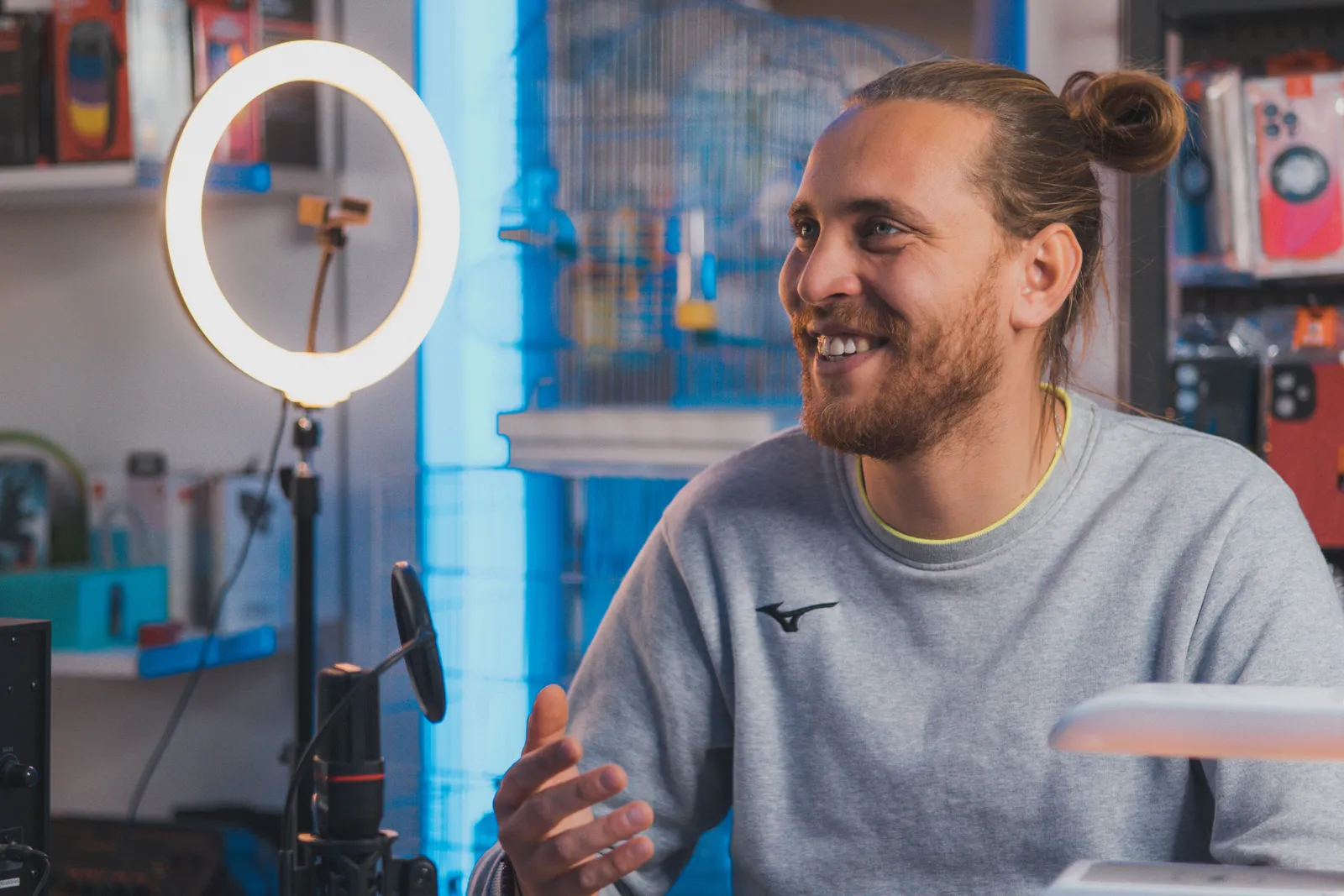
Kyndrify lets you build a Twin from your own real face and voice. The idea is simple. You get to "be on camera, without the camera." Your Twin gives you instant brand consistency. A stock avatar cannot match that.
The setup is consent-based. You record yourself once. After that, your Twin can speak any script you write.
How do you set your avatar's tone of voice?
Pick a tone that matches your brand. Are you friendly, bold, or calm? Write your script in that voice. The avatar speaks the words you give it.
Kyndrify has prompt engineering built in. You write a plain script. No prompt skills are needed. So you focus on the message, not the tech.
Keep your tone steady across videos. Use the same greeting each time. Use the same sign-off too. This makes your brand feel reliable.
How do you choose wardrobe and background?
Wardrobe and background carry your brand mood. Wear what your audience expects from you. A coach may dress casual. A finance brand may dress sharp.
Follow these steps:
- Pick two or three outfits that fit your brand.
- Choose a clean, simple background.
- Keep the lighting bright and even.
- Repeat the same look across a series.
Repetition is the goal. A familiar setting helps viewers recognize you. It also makes your content feel planned, not random.
How do you add brand colors and lower-thirds?
Brand colors make your videos instantly yours. Add your colors to titles and captions. Use them in your lower-thirds too.
A lower-third is the name bar near the screen bottom. It shows your name or topic. Keep its color and font the same every time. Small touches like this build a strong brand look.
Kyndrify includes AI images and B-roll. You can match these to your palette. That keeps every frame on brand.

How do you build a consistent intro and outro?
A repeatable intro and outro tie your videos together. They train viewers to know your brand. They also save you time.
Try this structure:
- Open with the same short greeting.
- State the topic in one line.
- Deliver your main content.
- Close with the same call to action.
Use your Twin for the intro and outro. Since it is your real face, the brand stays consistent. Write both lines once and reuse them.
How do you set voice and pacing?
Voice and pacing shape how your brand feels. A slow pace feels calm. A quick pace feels energetic. Pick one that fits your audience.
Kyndrify offers voice cloning from your own voice. So your videos sound like you, not a robot. The talking-head and lip-sync stay natural.
Keep your pacing even within a video. Pause between key points. This helps viewers follow along. It also keeps your brand voice clear.
How do you create on-brand B-roll and AI images?
B-roll and images fill the space around your message. They should match your brand mood. Off-brand visuals confuse viewers.
Use these tips for on-brand visuals:
- Match colors to your palette.
- Keep a consistent style across clips.
- Use AI images for scenes you cannot film.
- Add B-roll to show, not just tell.
Kyndrify is all-in-one for this. It includes B-roll, AI images, and product photos. Everything stays in one place.
How do you style captions for your brand?
Captions boost reach and accessibility. They also carry your brand style. Many viewers watch with sound off.
Style your captions with care:
- Use your brand font and color.
- Keep the text large and easy to read.
- Place captions in the same spot each time.
- Keep lines short for quick reading.
Consistent captions make your videos feel polished. They reinforce your brand on every clip.
How do you keep your brand consistent at scale?
Consistency at scale is where your Twin shines. Your real face appears the same in every video. You never wait for a film crew. You just write and publish.
Kyndrify documents ten speech languages: English, Spanish, Portuguese, French, German, Italian, Japanese, Korean, Russian, and Chinese. So your brand can reach global viewers. Your Twin keeps the same look across all of them.
Kyndrify is rolling out signed Content Credentials and invisible provenance. These signals are not yet on every file. Honest disclosure protects your brand trust. Viewers know what they are watching.
For a related guide, see TTGC's AI Avatar Ethics and Transparency: An Operations Guide.
How do you measure the effectiveness of your branded AI avatar?
To gauge success, track metrics like viewer engagement, retention rates, and feedback. Compare these to your previous non-AI content. Look for patterns in how viewers interact with your new AI videos.
Many teams find that A/B testing different avatars or styles can also provide insights. Use tools like Google Analytics or social media insights to gather data. Adjust your approach based on what resonates most with your audience.
How do you handle accessibility considerations?
Accessibility is crucial for reaching all viewers. Ensure your videos include closed captions and are screen-reader friendly. Provide transcripts for those who prefer text. Use high-contrast colors for better visibility.
Always double-check that your captions accurately reflect the spoken content. Consider adding descriptive audio for visually impaired viewers if your platform supports it.
What are common mistakes when customizing an AI avatar?
Common pitfalls include overcomplicating the design, ignoring brand guidelines, or not testing the avatar with a sample audience. Avoid using overly complex backgrounds or wardrobe choices that distract from the message.
Many teams find that starting simple and iterating based on feedback works best. Regularly review your avatar’s performance and make adjustments as needed to keep it aligned with your brand evolution.
Start customizing your brand avatar
You now have a clear plan. Use your own face for the strongest fit. Set your tone, wardrobe, colors, and voice. Add on-brand B-roll, images, and captions. Then repeat your intro and outro every time.
Kyndrify makes this simple. It is all-in-one and built for brand consistency. There is a free tier with no credit card. For commercial use, confirm your rights and current plan terms. Built by Through the Glass Creatives, it helps you stay on brand.
Frequently asked questions
Can I use my own face as a brand avatar?
Yes. Kyndrify builds a Twin from your own real face and voice. This is the strongest brand fit. It beats a generic stock avatar for trust.
Do I need prompt skills to customize my avatar?
No. Kyndrify has prompt engineering built in. You write a plain script. The tool handles the rest.
How do I keep my videos on brand?
Use the same face, colors, and intro each time. Match your B-roll and captions to your palette. Reuse your outro for a consistent close.
Does Kyndrify support more than one language?
Yes. Kyndrify documents ten speech languages: English, Spanish, Portuguese, French, German, Italian, Japanese, Korean, Russian, and Chinese. Your Twin keeps the same look across each one. This helps you reach global viewers.
Is there a free way to try it?
Yes. Kyndrify has a free tier with no credit card. For commercial use, confirm your rights and current plan terms. Check the pricing page for current details.
Ready to build your brand avatar?
Your brand deserves a face people recognize. Build your Twin and stay consistent across every video. Try Kyndrify free today.
Disclaimer: The information provided in this article is for informational purposes only. It is not intended to be a substitute for professional advice, diagnosis, or treatment. Always seek the advice of a qualified professional with any questions you may have regarding your specific situation.
Related reading
More from Kyndrify

Make your first video without filming.
Say what you need and the studio makes it: video, images, voices. Start free, no credit card.