

How to Clone Your Voice (Safely, With Consent)
Learn how to clone your voice with AI the right way: what you need, step-by-step instructions, recording tips, and the ethics of consent.
How to Clone Your Voice
To clone your voice, record a short, clean clip of yourself talking. Upload it to an AI voice tool. The tool learns how your voice sounds. Then it can speak any script you type. With Kyndrify, you clone your own voice one time. First you verify consent. After that, you turn written scripts into spoken audio and video. On an eligible plan such as Plus, own-voice video can go up to 1080p. It only takes minutes. This guide shows you each step. You will learn how to get a great recording. You will also learn the consent and disclosure rules that keep this ethical.
What is voice cloning?
Voice cloning makes a digital copy of a real human voice. An AI model listens to a sample of you talking. It learns what makes your voice yours. That means your tone, pitch, accent, pace, and style. Once trained, it can speak new words in your voice. It can even say words you never recorded.
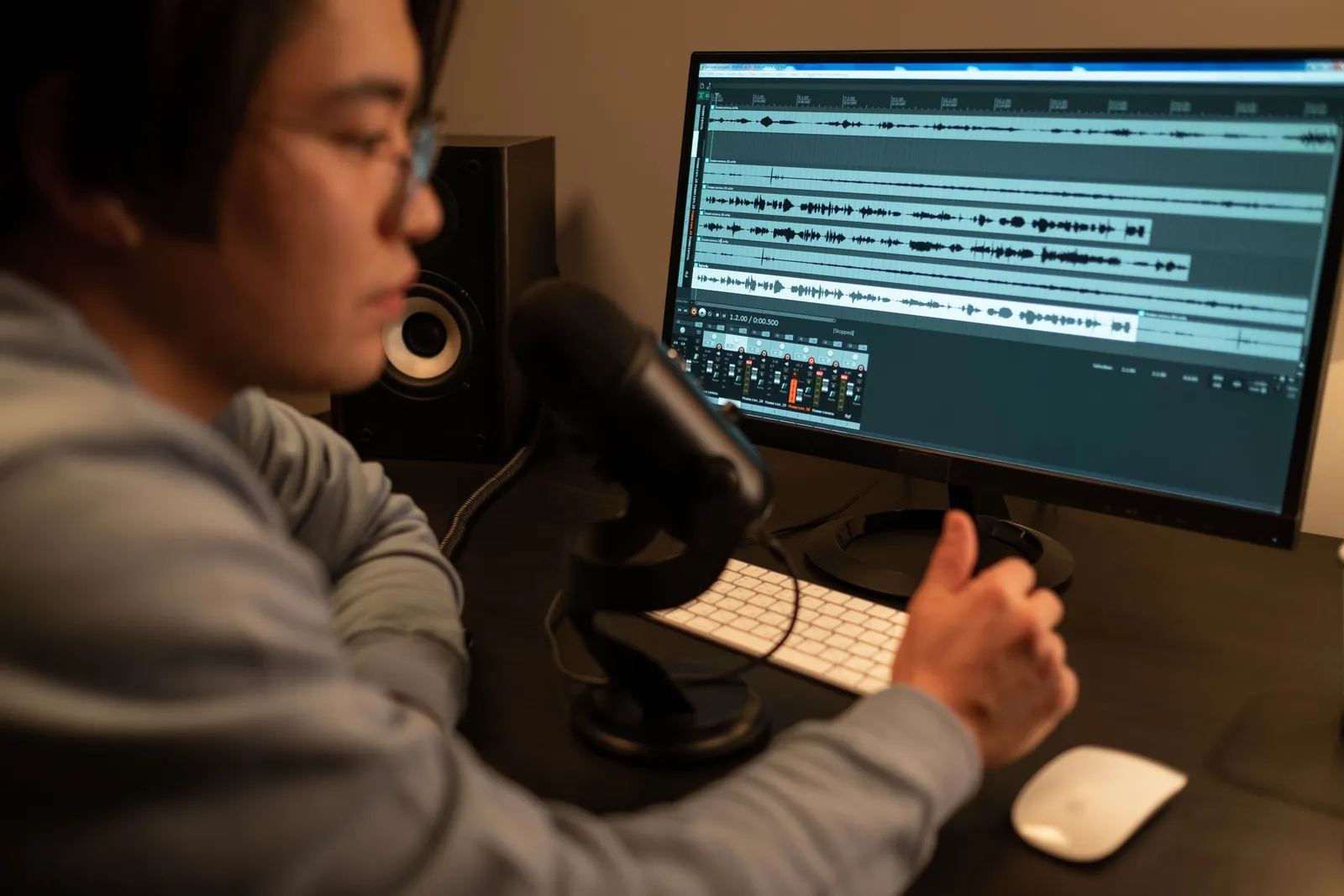
Modern tools are fast. They need very little audio to work. A clear clip of 30 to 60 seconds is often enough. Older tools needed hours. Behind the scenes, the audio becomes a sound map. The AI learns its patterns. Then a part called a vocoder turns the result into natural speech. (A vocoder simply rebuilds the audio so it sounds human.)
Voice cloning is a lot like text-to-speech. But it does not use a generic robot voice. The output sounds like one real person. That person is you, when you clone your own voice.
What you need
You do not need a studio. You only need three things.
- A clean audio sample. Use a quiet room. No background noise, no music, no other voice. A laptop mic works fine. A basic USB mic or a phone in a soft room sounds even better.
- Your own voice (or clear permission). Only clone a voice you have the right to clone. With Kyndrify, your Twin is built from your own real face and voice. Consent is verified one time up front.
- A script. After cloning, you make speech from text. So have your first script ready.
That is all. Kyndrify handles the training, the rendering, and the AI disclosure.
How to clone your voice with AI
Here are the steps to clone your own voice with Kyndrify.
Create your free account. Sign up for the free tier. No credit card is needed. Free renders use preset avatars and voices. You can build one Starter Twin and view a short preview. Own-face rendering and own cloned voice start on an eligible plan such as Plus.
Complete consent verification. Kyndrify builds a Twin from your own real face and voice. So you verify your consent one time. This step keeps the process ethical. It is required before any cloning starts.
Record or upload your voice sample. Give a short, clean clip of yourself talking. Read a few sentences in a normal, relaxed tone. Sound the way you want to sound on camera. (See the tips below.)
Let the model build your voice. Kyndrify studies your sample. It learns how your voice sounds. Your data is never used to train a Kyndrify model. It only builds your personal voice and Twin.
Write your script. Type or paste the text you want spoken. Keep sentences clear and friendly. The way you write shapes how natural the audio sounds.
Generate audio or video. Turn your script into audio in your cloned voice. Or pair it with your Twin for a full video. On an eligible plan such as Plus, talking-head video can go up to 1080p. "Be on camera. Without the camera." Renders finish in minutes.
Review the AI disclosure. Signed Content Credentials and invisible provenance are rolling out. They are not guaranteed on every file. Keep any disclosure marks in place when you publish.
Kyndrify has 9 tools and supports ten spoken languages: English, Spanish, Portuguese, French, German, Italian, Japanese, Korean, Russian, and Chinese. So you can reuse your cloned voice in many ways. Use it for narration, social clips, and other-language versions of the same script.

Tips for the best result
Your clone is only as good as your sample. A few minutes of care here pays off in every video.
- Record in a quiet, soft room. Carpet, curtains, and furniture soak up echo. Empty rooms and bathrooms add echo that muddies the clone.
- Stay close and steady. Keep the same distance from the mic. Do not turn your head away mid-sentence.
- Speak how you want to sound. Want a warm, friendly result? Then read warmly. The model copies your delivery.
- Avoid background noise. Turn off fans and notifications. Stop anything that hums. The gaps between sentences should be fully silent.
- Do not over-perform. A calm, natural read works best. A big "announcer" voice clones poorly.
- Watch your volume. Speak at a normal level. Do not whisper or shout. Clipping is when loud audio distorts. It is hard to fix.
Consent & ethics (do this right)
Voice cloning is powerful. That is why you must use it with care. One rule matters most. Only clone your own voice. Or clone a voice you have clear, written permission to use. Cloning someone else's voice without consent can fool people. It can break trust and cause real harm.
Kyndrify is built on this idea. Your Twin comes from your own real face and voice. Consent is verified one time. Your data is never used to train a Kyndrify model. Signed Content Credentials and invisible provenance are rolling out, so they are not on every file yet. Keep any disclosure marks in place when you publish.
Two habits make you a responsible creator.
- Get and keep consent. Is the voice not yours? Then get clear written permission before you clone it. Respect any limits on how it can be used.
- Disclose AI content. Keep any AI content credentials in place. Tell your audience when a voice is synthetic. Being open protects you and your listeners.
This guide is practical info, not legal advice. Voice and likeness laws differ by place. So check the rules where you live before you publish. This matters most for paid, commercial work.
For a practical ethics checklist covering consent, disclosure, data, and removal, see TTGC's AI Avatar Ethics and Transparency: An Operations Guide.

FAQ
Is voice cloning legal? Yes. Cloning your own voice with consent is legal in most places. Trouble starts when you clone someone else's voice without permission. It is also wrong to use a clone to deceive. Voice and likeness laws differ by region. So check your local rules. Treat this as general guidance, not legal advice.
Can I clone someone else's voice? Only with their clear, written permission. Kyndrify is made for cloning your own voice. It uses your real face and voice, with consent verified once. Cloning a person's voice without consent is wrong. It may also be illegal.
How much audio do I need to clone my voice? A short, clean clip is usually enough. Often under a minute works. Quality beats quantity. A quiet, clear recording makes a far better clone than long, noisy audio.
Will my voice data be used to train AI? No. With Kyndrify, your data is never used to train a Kyndrify model. Your sample only builds your personal voice and Twin.
Can I use my cloned voice in other languages? Yes. Kyndrify supports ten spoken languages: English, Spanish, Portuguese, French, German, Italian, Japanese, Korean, Russian, and Chinese. Script translation also lists Hindi, Filipino, Indonesian, and Arabic, but the saved voice cannot speak those targets yet.
Ready to clone your voice?
Start free, with no credit card needed. Free renders use preset avatars and voices. Verify your consent. Then make your first video in minutes. Want to publish for business? Check the current pricing page and Terms to confirm your rights and plan eligibility. Clone responsibly, disclose clearly, and let your voice do more.
Related reading
More from Kyndrify


Make your first video without filming.
Say what you need and the studio makes it: video, images, voices. Start free, no credit card.