

How to Combine AI and Real Footage
Learn when to mix real footage with AI video. A practical guide to hybrid video that keeps your look, tone, and audio consistent.
How to Combine AI and Real Footage
Real footage brings heart. AI video brings speed. A hybrid video uses both to tell a strong story without slowing you down. You film the human moments that matter. You let AI handle the parts that eat up your time.
This guide shows you when to use each type, how to keep everything looking and sounding like one piece, and how to plan a hybrid shoot that fits your goals. You will also see real-world examples and learn which AI video tools can help.
When Should You Use Real Footage?
Use real footage when trust and emotion sit at the center. A viewer can often sense what was shot live. That authenticity is hard to fake.
Film real footage for moments like these:
- Live events. The energy of a real crowd or stage is immediate.
- Product demos. Seeing your hands use the actual product feels honest.
- Customer testimonials. A real person’s face and voice build credibility.
- Behind-the-scenes clips. Raw, unpolished moments show your true culture.
- Emotional stories. Joy, gratitude, or vulnerability need a real face to land.
These shots prove you are human. They ground your brand in something viewers can trust.

A Real-World Example: Tech Product Launch
A software company used a hybrid approach to launch a new platform. They filmed the CEO unveiling the product on stage at a live event. The applause and the CEO’s energy made the opening feel electric. Next, they recorded close-up shots of the CEO navigating the actual dashboard. Those real-hand clips showed the tool in action.
For the feature breakdowns and benefit sections, the team turned to AI video. They cloned the CEO’s face and voice inside Kyndrify. Then they generated clear, on-camera explanations that would have taken a full day to film. Because the AI segments used the same face and voice, the video stayed personal from start to finish. The company later localized the entire piece into five languages using the voice clone, all without scheduling another shoot.
This mix saved days of production time and kept the CEO’s presence strong through the whole message.
When Should You Use AI Video?
AI video fits the parts that are slow to film and painful to redo. Reshoots can swallow a whole morning. AI gives you a way to iterate without setting up lights again.
With Kyndrify, you create a digital twin from your own real face and voice. The motto sums it up: “Be on camera. Without the camera.”
Use AI video for tasks like these:
- Talking-head segments. Deliver a script right from your desk, no crew needed.
- Frequent updates. Refresh a weekly message or course module in minutes.
- B‑roll fillers. Generate background visuals so you can skip stock libraries.
- Multiple languages. Reach a wider audience with your twin speaking ten documented speech languages.
- Quick corrections. Fix a single line without calling everyone back.
AI handles the repeat work. You still sound and look like you, and you free up hours for other creative work.
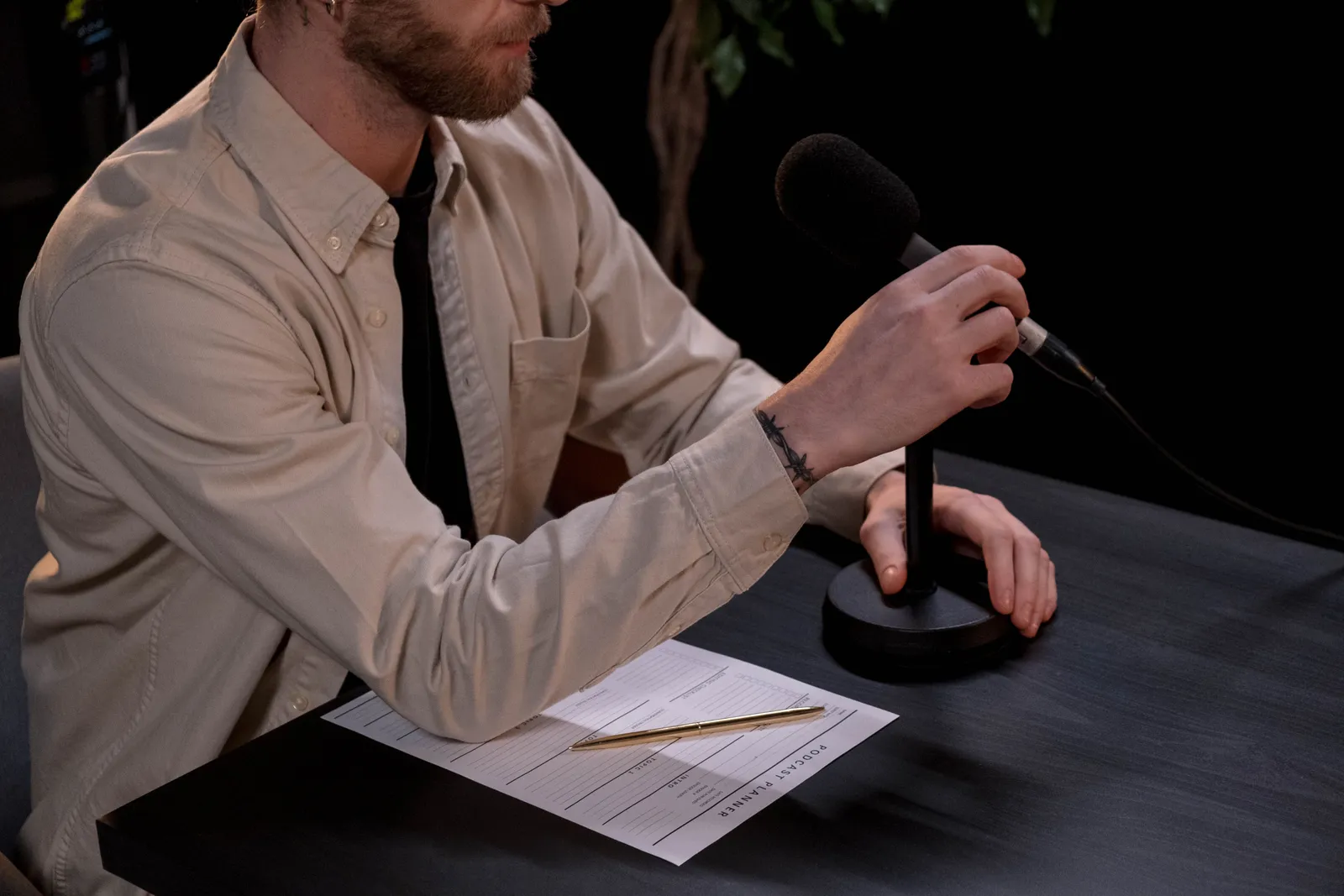
Tools for Creating Hybrid Video
Kyndrify is not the only option, but it is built specifically for hybrid workflows. Here is a quick look at three tools based on their public information.
- Kyndrify. Built around a free tier with no credit card needed. Free renders use preset avatars and voices, while own-face rendering starts on an eligible plan such as Plus. Check the current pricing page and Terms to confirm commercial-use rights and plan eligibility.
- Synthesia. Offers a wide library of AI avatars and voices. Per their website, they focus on team collaboration and multi-language video at scale.
- HeyGen. Known for customizable avatars and ready-made templates. Users can create a personal avatar from a short video recording, per their product page.
Each tool has its strengths. Your choice will depend on whether you want to use your own likeness, how much control you need over the look, and your budget for production.
How Do You Keep the Look Consistent?
A hybrid video should feel like a single flow. Mismatched shots break the experience. A few small decisions keep the viewer focused on the message, not the mechanics.
Try these five habits:
- Match the framing. Keep the same shot size for both real and AI clips.
- Use one background style. Stick to a similar tone and set of props.
- Wear similar clothes. Your twin should echo what you wore in real footage.
- Apply one color grade. A light overall grade ties all clips together.
- Keep one aspect ratio. Avoid mixing square, vertical, and wide shots in the same piece.
Consistency hides the seams. Viewers stop noticing the switch. The story just flows.
Step-by-Step Tutorial: Matching Framing
- Choose your framing. Decide on a medium shot for both real and AI footage.
- Set up your camera. Use a tripod and mark your distance from the lens.
- Position your twin in Kyndrify. Adjust the camera angle and zoom until it closely matches your real shot.
- Check side by side. Play a few seconds of each clip next to each other to confirm they look like the same person in the same setup.
How Do You Match the Lighting and Tone?
Lighting is often the first giveaway. A crisp AI clip standing next to a dim real shot feels jarring. Aim for an even, balanced look.
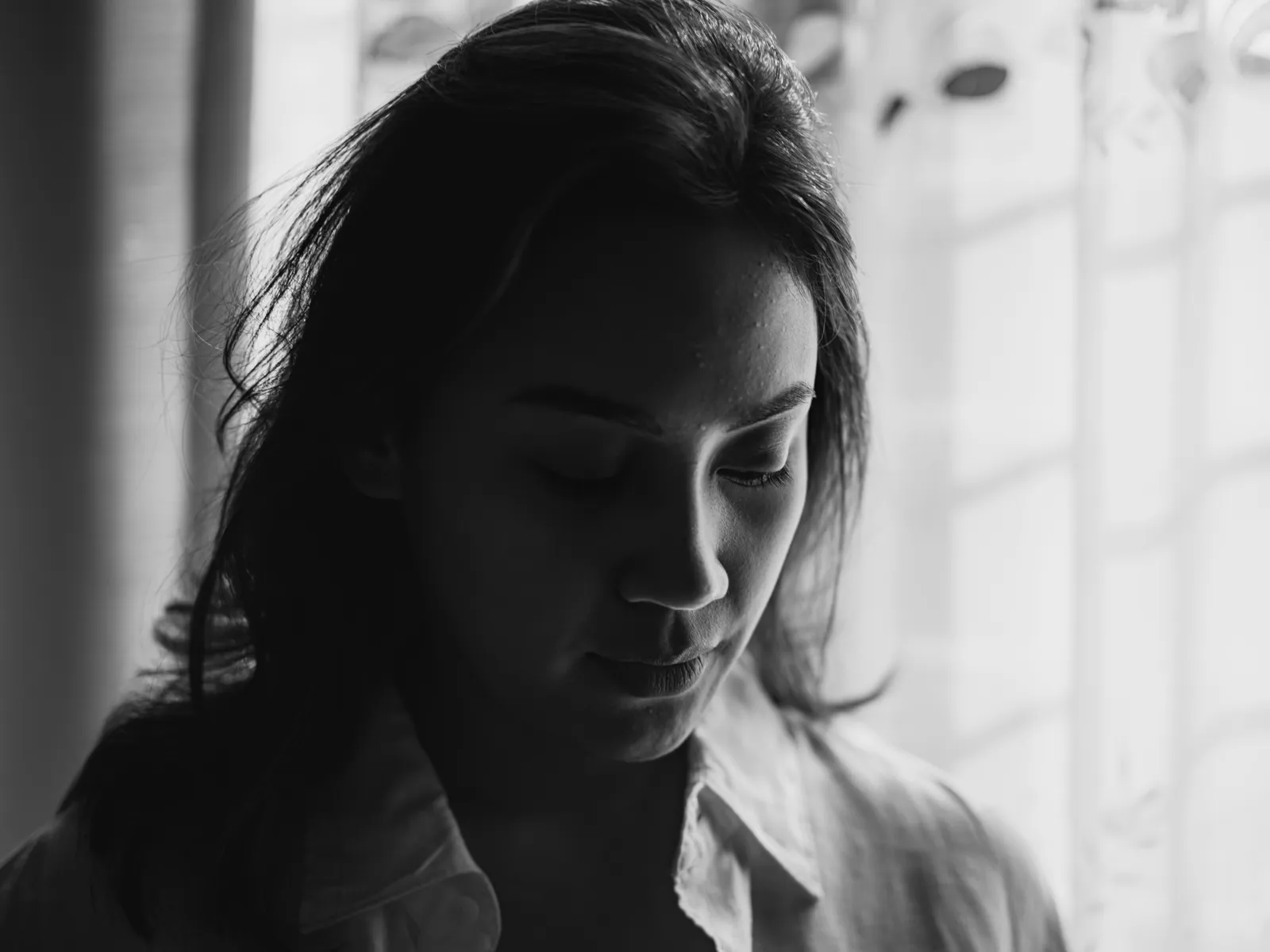
Follow these steps:
- Film with soft, even light. A large window or a diffused key light works well.
- Note your light direction. Keep the main light source on the same side for all clips.
- Use realistic-face models when generating AI segments for a natural look.
- Adjust shadows in post. Slightly tweak exposure or contrast so real and AI faces match.
- Watch the skin tones. Faces should read as the same person under the same light.
Tone matters just as much. A calm, steady mood in real footage should carry into the AI parts. Consistency here keeps your brand voice whole.
Step-by-Step Tutorial: Matching Lighting
- Choose a lighting setup. A simple three-point light or a single diffused source is easiest to replicate.
- Film your real footage. Use the same room and light placement you can recreate later.
- Recreate the feel in Kyndrify. Adjust the virtual lighting controls until the AI twin looks lit from the same angle.
- Check side by side. Play both clips next to each other to confirm the shadows and brightness feel connected.
How Do You Keep the Audio Consistent?
Audio glues the edit together. Bad sound can pull attention away in a second. Give it the care it deserves.
Use these practices:
- Record in a quiet room. Soft furnishings help soak up echo.
- Use your own voice twin so the spoken tone stays identical across clips.
- Match volume levels. No single clip should jump out louder than the rest.
- Add light background music. A subtle bed of music smooths the cuts between sections.
- Keep one pacing style. Speak at a steady, natural speed throughout.
When the audio matches, the cuts disappear. Your viewer stays with the message.
Step-by-Step Tutorial: Matching Audio
- Record your real audio. Use a decent external microphone and the same room for consistency.
- Create your voice twin in Kyndrify. This will deliver the same vocal character for AI segments.
- Level the clips. In your editor, set peak volume to roughly the same level across all pieces.
- Add a subtle music track. Pick a track that fits the mood and let it play under both real and AI sections.
How Do You Plan a Hybrid Video?
A little planning saves a lot of editing. A simple script becomes your map. It tells you what to capture live and what to generate.

Follow this order:
- Write your script first. Know your full message from start to finish.
- Mark the real moments. Highlight every part that needs a human on camera.
- Mark the AI parts. Note the talking-head sections and B‑roll that AI can handle.
- Use prompt engineering inside Kyndrify to guide the AI clips toward your vision.
- Edit it all together. Blend the two sources into one story.
A plan keeps you moving. You film less, finish sooner, and get a product that feels whole.
Common Hybrid Video Scenarios
Different projects call for different blends. Here are three practical scenarios and how to approach each.
Scenario 1: Weekly Team Update
- Goal: Share a quick internal update without a full shoot.
- Real footage: Film a short greeting or office shot to show the team.
- AI video: Generate the main talking points with your twin, placed over a simple branded background.
- Audio: Use your voice clone so the tone stays consistent. Layer light music under the whole piece.
- Result: A fresh update every week that still feels personal.
Scenario 2: Multilingual Customer Testimonial
- Goal: Publish a single testimonial in three languages.
- Real footage: Record the customer’s interview on camera. Their genuine expression is the anchor.
- AI video: Use your twin or a company spokesperson to introduce and close the video. Generate the localized versions with your voice clone in each target language.
- Audio: Keep the customer’s original audio. Match the intro and outro volume to the interview.
- Result: One strong story that reaches a broader audience without extra filming days.
Scenario 3: Product Feature Update
- Goal: Show a new feature quickly.
- Real footage: Capture screen recordings or a quick product demo with your hands.
- AI video: Create a short overview segment with your twin explaining the benefit. You can adjust the script later without re-shooting.
- Audio: Use your cloned voice to update the explanation if the feature evolves.
- Result: A clear, current video that is easy to refresh.
FAQ
What is hybrid video? Hybrid video mixes real footage with AI video. You film some parts and generate others. The two blend into one finished piece.
Is it hard to mix AI and real video? No, it is simple with a plan. Match your lighting, framing, and audio. Then edit both clip types together like normal.
Will AI replace my real footage? No, AI works best alongside real shots. Real footage proves you are human. AI handles the slow, repeat work.
How do I make the AI parts look natural? Use realistic-face models and a twin of your own face and voice. Match the lighting and tone to your real clips. The seams fade away.
Can I try this for free? Yes, Kyndrify has a free tier with no credit card. You can test hybrid workflows right away. Free renders use preset avatars and voices, while own-face rendering starts on an eligible plan such as Plus. Check the pricing page and Terms to confirm commercial-use rights and plan eligibility.
Ready to Try Hybrid Video?
Hybrid video lets you work smart. Capture the human moments that count. Generate the rest with your own twin.
Kyndrify is built by Through the Glass Creatives. Start free and see how it feels. Be on camera. Without the camera.
This article provides general advice for creating hybrid videos. For specific legal or medical advice, consult a qualified professional.
Related reading
More from Kyndrify


Make your first video without filming.
Say what you need and the studio makes it: video, images, voices. Start free, no credit card.