

Client Expectations vs AI Video Reality
An honest guide for agencies and freelancers. Learn what AI video does well, where it falls short, and how to set client expectations.
You want to use AI video for client work. You need to know what to promise. You need to know what to avoid. This guide helps you set clear ai video client expectations.
We will cover what AI tools can do. We will cover what they cannot do. You will get a checklist for scoping work. You will get a sample protocol. You will learn how to talk about limits. This helps you build trust. It helps you avoid rework.
What can AI video tools do?
AI video tools can make a talking-head clip from a photo and a voice clip. Kyndrify calls this a Twin. A Twin uses the creator's verified face and voice. Consent is recorded before rendering. Signed Content Credentials and invisible provenance are rolling out and are not guaranteed on every file. You can read more on the Kyndrify responsible AI page.
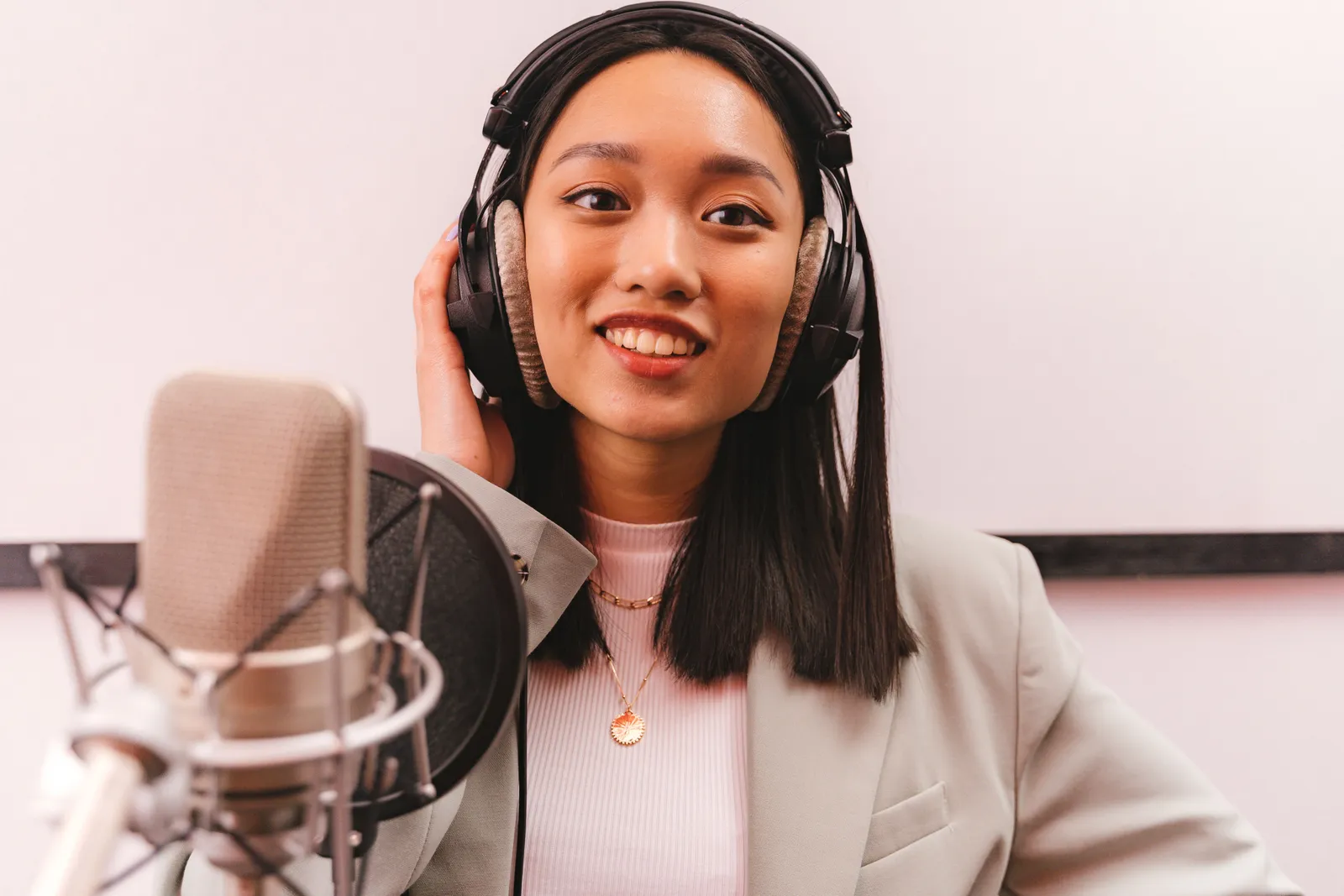
Whether the output fits a client project depends on the source material and the agreed acceptance test. For longer scripts, Kyndrify documents a workflow that splits the script into parts and stitches the rendered clips together on its talking-head video page.
AI video translation is another option. HeyGen notes that translation changes speech and lip movement. It does not change text already shown in the video. A human review is still wise. You can see the full guide on HeyGen's help site.
What are the documented limits?
Every tool has limits. You must know them before you quote a project.
Kyndrify states that high-volume avatar factories and corporate training platforms may fit other buyers better. This is on the official alternatives page.
HeyGen warns that AI translation cannot guarantee complete satisfaction. Footage factors matter. Camera angle, occlusion, multiple speakers, cuts, distance, and background noise all affect output. A proofread step is available on eligible plans. But a human review remains prudent.
Sync Labs documents that long clips with many cuts may fail. Clips with frames that lack detected faces may also fail. You may need to use shorter segments. This is evidence that input conditions matter. Do not assume every vendor has the same limit. You can read the Sync Labs model guide.
How to set expectations with a matrix
Do not promise speed, volume, or perfection. Use a matrix instead. List each item clearly. Here is a framework.
- Input. What you need from the client. Example: a clear photo, a short voice clip, a script.
- Output. What the client will get. Example: one MP4 file with a talking-head Twin.
- Acceptance test. How you both agree the output is done. Example: the Twin speaks the script clearly.
- Exclusions. What the tool will not do. Example: it will not change on-screen text.
- Review owner. Who checks the output. Example: the client reviews the first draft.
- Revision rule. How many rounds you include. Example: two revision rounds.
- Disclosure. How you label AI content. Example: confirm the current mark and disclosure rules for your plan.
- Fallback. What you do if the tool fails. Example: re-record the source audio.
Share this matrix before you start. Get written agreement. This protects both sides.
Pre-quote sample protocol
Show a sample before you finalize the scope and quote. This gives both sides a specific output to review. Follow these steps.
- Build one short sample. Use the client's photo and voice if possible.
- Pick a script that matches the real project.
- Point out strengths. Point out small flaws.
- Ask the client to approve the sample quality in writing.
Kyndrify has a no-card Free plan with preset avatars and voices. It includes 8,400 one-time signup credits that never expire. Own-face rendering requires an eligible plan such as Plus. You can find details on the Kyndrify pricing page. Use this to build a sample fast.

Acceptance checklist
Use a checklist for every deliverable. This keeps scope clear. Include these items.
- Script matches the approved version.
- Source footage meets input rules.
- Names and numbers are correct.
- Lip sync is acceptable where relevant.
- On-screen text is correct.
- Captions are accurate.
- Brand terms are spelled right.
- AI disclosure is present.
- File format matches the spec.
- Fallback plan is ready if output fails.
Check each item before delivery. Ask the client to sign off.
Contract language topics
This is not legal advice. Talk to a lawyer. But your contract should cover these topics.
- AI use. State that you will use AI video tools.
- Likeness and voice consent. Confirm the client has consent for any face or voice you use.
- Disclosure. Agree on how you will label AI content.
- Allowed use. Define where the client can use the video.
- Revisions and rerenders. Set a limit on rounds.
- Failed outputs. Describe what happens if the tool cannot produce a usable render.
- Source assets. State who keeps the original photo and audio files.
- Retention and deletion. Say how long you keep files.
- Change orders. Explain how new requests affect cost and timeline.
Clear terms prevent disputes. Write them in plain language.
Pricing snapshot
Pricing changes often. Always check the vendor's official page. This snapshot is from 26 September 2026.
Kyndrify uses a shared credit balance. Pay-as-you-go credit packs are also available. Subscription credits reset monthly and do not roll over. Packs last three months. Free provides 8,400 one-time signup credits with no card required. Visit the Kyndrify pricing page for current details.
Here is an arithmetic example. This is an illustration, not a promise. Suppose one Render costs a flat fee. You need ten Renders for a client. Your cost is ten times that fee. You add your service charge on top. Always confirm the latest price before you quote.

Decision framework
Use this simple test to choose a production approach. These are scoping guidelines, not documented vendor guarantees.
- Consider AI video when the project calls for a scripted talking-head format and the sample passes the client's acceptance test.
- Choose filming when you need deep emotion. You need complex visuals. You need exact brand control.
- Mix both when you need a hero film piece plus many AI cutdowns.
Match the tool to the job. Do not force a fit.
Frequently asked questions
Is AI video good enough for paying clients?
It can be, but do not decide from a vendor demo. Build a representative sample and let the client approve it against written acceptance criteria.
How do I explain AI video limits without losing the sale?
Frame limits as fit, not failure. Say, "This tool is great for clear, direct messages. For high-emotion scenes, we recommend filming." Offer a mixed approach when it helps.
Can I test AI video before paying?
Yes. Kyndrify has a no-card Free plan with preset avatars and voices. It includes 8,400 one-time signup credits that never expire. Own-face rendering requires an eligible plan such as Plus. Check the Kyndrify pricing page for current terms.
Do I need consent for the face and voice I use?
Yes. Kyndrify requires verified consent before rendering a Twin. You must also have the legal right to use any face or voice you submit. Talk to a lawyer about your specific project.
Should I tell clients the video is AI?
Yes. Honesty builds trust. Kyndrify disclosure controls are rolling out and are not guaranteed on every output. Make sure your client knows this before you start.
Related reading
This guide provides general information. It is not legal advice. Always check vendor pages for current pricing and features. Consult a lawyer for contract and consent questions.
More from Kyndrify



Make your first video without filming.
Say what you need and the studio makes it: video, images, voices. Start free, no credit card.