

AI Avatar Limitations: An Honest Guide
A candid look at the real limits of AI avatar videos, and where Kyndrify helps and where AI still falls short.
AI Avatar Limitations: An Honest Guide
AI avatars make business videos faster and cheaper. But they are not perfect. This guide gives you the straight facts.
We make an AI avatar tool at Kyndrify. We could only talk about the good points. But we want you to use this tech wisely. Knowing the limits helps you choose the right tool for the job.
What are the main limitations of AI avatars?
AI avatars work well for clear, steady talking-head videos. They struggle with high emotion and complex acting. Here are common problems.
- Deep emotions look flat. Subtle grief or joy can fall short.
- Complex performances fail. Big gestures or physical action rarely land right.
- Glitches appear. Hands, teeth, or face edges may flicker or distort.
- Output is unpredictable. The same prompt can give different results.
- Re-renders happen. You’ll often redo a clip to get it right.
- Style limits exist. Some creative looks need real cameras and actors.
- Disclosure is required. Viewers should know it’s AI-generated content.
- Input quality matters. Weak scripts make weak videos.
Let’s break these down with examples.
Why can’t AI avatars handle high emotion well?
AI learns patterns from data. It copies what it sees. But it does not feel emotions. This makes subtle cues hard to capture.
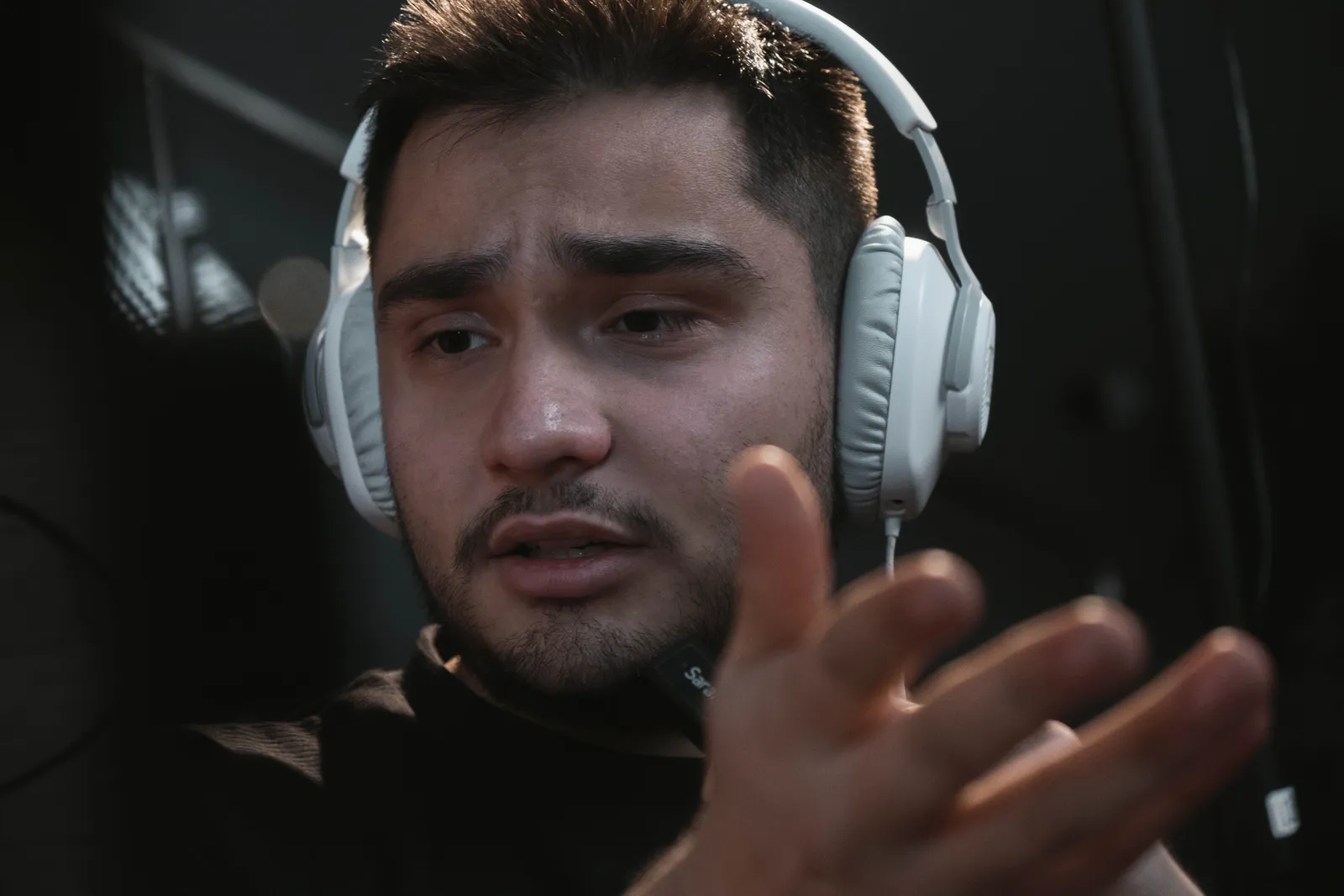
Human actors have lived experience. They pause at the right moment. They break eye contact just when needed. A tiny voice quiver can shape a word. AI avatars lack that inner world. They guess from averages. So timing and intensity often miss. Experts in affective computing say AI can mimic smiles or frowns. But it cannot capture the subtle micro-expressions that feel authentic.
For example:
- A real actor can hold a pause with meaning after bad news.
- An AI avatar might rush the beat and seem robotic, or hold it too long and feel glitchy.
This is fine for most marketing and training videos. They need clarity, not great acting. But if your video needs deep emotional storytelling, a human actor is still the better choice.
Why do artifacts and glitches still happen?
AI builds each frame from probabilities. Small errors can appear. You might see:
- Hands with too many fingers or fused together.
- Teeth that blend into gums or flicker inside a moving mouth.
- Face edges that warp against the background, especially with quick head turns.
- Asymmetrical blinking or a jaw that locks for a split second.
Faces have improved with realistic-face models. These models learn from high-resolution footage of real faces. They learn expression geometry, skin texture, and how light falls. This reduces distortion and the uncanny-valley feeling. But no model is perfect. Expect small glitches, especially with hand gestures or fast head turns.
A quick review fixes most of these. Watch the full clip before you publish.
Why is AI output unpredictable?
AI uses randomness to create variety. So results can vary.
For example:
- The same prompt may not repeat exactly.
- One render looks great, but the next looks off.
This happens with all AI video tools. Good inputs reduce surprises. But they do not remove them entirely.

Why might you need to re-render?
Re-rendering is part of the workflow. You try, check, adjust, and try again.
Common reasons to re-render:
- The tone felt wrong.
- A small artifact showed up.
- The pacing was off.
- The script needed an edit.
Plan for a few takes. It is faster than filming live. But it is not one-click perfect.
AI avatars vs. human actors: a business comparison
For a typical 2-minute talking-head video, hiring a local actor and crew can cost several hundred to a few thousand dollars. It can take days to schedule, shoot, and edit. An AI avatar can make a similar video in minutes. It costs a fraction of that. Speed and savings make AI avatars great for explainers, training modules, and regular updates.
However, human actors still win in emotional nuance, improvisation, and physical presence. They handle complex blocking. They react to a director’s live feedback. They bring a unique energy that AI cannot guarantee. When your video needs that real feel or a one-of-a-kind performance, a human shoot is the stronger option.
When is an AI avatar the wrong choice?
Some projects need real cameras and actors. Be honest about your goal.
AI avatars are a poor fit for:
- High-art brand films with unique visual styles.
- Action-heavy or physical scenes (e.g., sports, fights).
- Deep emotional drama (e.g., grief, intense joy).
- Live, unscripted moments (e.g., interviews, events).
For these, hire a crew or an actor. Use the right tool for the job.
Why does disclosure matter?
Trust matters more than ever. People want to know what is real. Hiding AI use can hurt you.
Honest disclosure protects your brand and meets ethical standards. Kyndrify includes consent-based creation, and signed Content Credentials and invisible provenance are rolling out. They are not guaranteed on every file yet, so check the current Responsible AI page for the latest coverage.

How does Kyndrify help (and where AI still falls short)?
Kyndrify helps you get good output more often. But it does not make AI perfect. Here is the honest split.
Where Kyndrify helps:
- Your own real-face Twin. You use your actual face, not a stock avatar. This boosts authenticity and trust. Own-face rendering requires an eligible plan such as Plus.
- Realistic-face models. These reduce distortion and odd-face issues by modeling skin, movement, and lighting more accurately.
- Built-in prompt engineering. This guides the AI for you to reduce wasted re-renders.
- All-in-one workflow. Script, voice, and video sit in one place.
- Ten spoken languages. You can reach a wider audience.
- Consent-based creation. Your videos are labeled honestly.
- Free tier, no credit card. You can test it with no risk.
Where AI still falls short:
- Deep emotion can still look flat.
- Rare artifacts can still appear.
- Some re-rendering may still be needed.
- A unique film style still needs a real shoot.
Kyndrify reduces common pain points. But it does not erase the limits of AI. That is the fair truth.
So, are AI avatar videos worth it?
For most business videos, yes. They save time and money. They scale across many languages.
They work well for explainers, training, ads, and updates. But they do not fit every creative dream. Match the tool to the task. You will win.
Frequently asked questions
Are AI avatars realistic?
They are more realistic than ever. Realistic-face models reduce distortion. Still, a close look may show small flaws. They suit talking-head video best.
Can AI avatars show real emotion?
They can show basic tone and warmth. Deep, subtle emotion is harder to capture because they lack lived experience. For heavy drama, a human actor is better.
Will I need to re-render my videos?
Sometimes, yes. AI is unpredictable by nature. Built-in prompt engineering cuts the number of redos but does not remove them entirely.
Do I have to disclose that I used AI?
Yes, disclosure is the honest path. It builds trust with viewers. Kyndrify is rolling out signed Content Credentials and invisible provenance, but they are not guaranteed on every file yet.
What videos are AI avatars best for?
They fit marketing, training, and internal updates well. They handle clear, scripted talking-head content. They are a weaker fit for cinematic or action work.
Try it for yourself
The best way to judge AI avatars is to test them. See where they help and where they fall short.
Start with the Kyndrify free tier. No credit card needed. Free renders use preset avatars and voices, and you can preview a Starter Twin. Own-face rendering requires an eligible plan such as Plus. Check our pricing when you are ready for more.
Disclaimer: This guide gives general information about AI avatars. It does not replace professional advice for your business. Always pick the best tool for your project.
Related reading
More from Kyndrify



Make your first video without filming.
Say what you need and the studio makes it: video, images, voices. Start free, no credit card.