

AI Video for Webinars
Create evergreen webinars, promos, and replay clips in your own face with AI. No filming each time. Update fast. Host on your platform.
AI Video for Webinars
AI video helps you create webinar content with your own face. You do not need to film each time. You can build evergreen webinars, promo videos, invites, replays, and follow-up clips. Record yourself once to create a Twin. Then you can generate any new video from a script.
Kyndrify creates the video. You still host it on your usual webinar tool.
This guide shows you how it works. It explains the create-vs-host boundary clearly. It also covers what you need before you start.
What does AI video for webinars mean?
It means you turn scripts into talking-head videos when you need them. The video shows your real face and voice. You do not set up lights or a camera each time.
Kyndrify builds a Twin from your own real face and voice. After that, you type a script. Kyndrify renders the video in minutes.
You can make many video types:
- Full evergreen webinar presentations
- Short promo and invite clips
- Replay intros and outros
- Follow-up videos after the event
How do you use AI for webinars?
The process is simple. Follow these steps.
- Build your Twin. Record a short sample of your face and voice. Kyndrify learns from it.
- Write your script. Use the built-in prompt engineering to write or polish your script.
- Pick a format. Choose talking-head, narrated slides, or B-roll.
- Generate the video. Kyndrify renders it in minutes.
- Host it. Upload the video to your webinar or registration platform.
Long scripts are no problem. Kyndrify auto-stitches them into one smooth video. This works well for full-length evergreen webinars.
You can also publish in ten spoken languages: English, Spanish, Portuguese, French, German, Italian, Japanese, Korean, Russian, and Chinese. One webinar can reach more markets.
What you need to record your Twin
The Twin quality depends on your first recording. You do not need a studio. You just need a few basics.
Camera: A modern webcam or smartphone camera works well. Keep the image sharp and well-lit. Avoid strong backlight.
Lighting: Use soft, even light on your face. Natural window light or a simple ring light is often enough. Harsh shadows can hurt the Twin quality.
Audio: Use a quiet room. Your laptop mic may work. A USB microphone gives cleaner sound. Kyndrify learns your voice from this recording. Clear audio matters.
Background: A plain background helps the AI focus on your face. You do not need a green screen.
Recording length: A few minutes of natural talking is usually enough. Speak at your normal pace. Look toward the camera. You do not need a perfect performance. A short, real clip works best.
Upload the recording. Kyndrify processes your Twin. Then you are ready to generate videos.
What webinar videos can you make?
Here are practical ideas to start with.
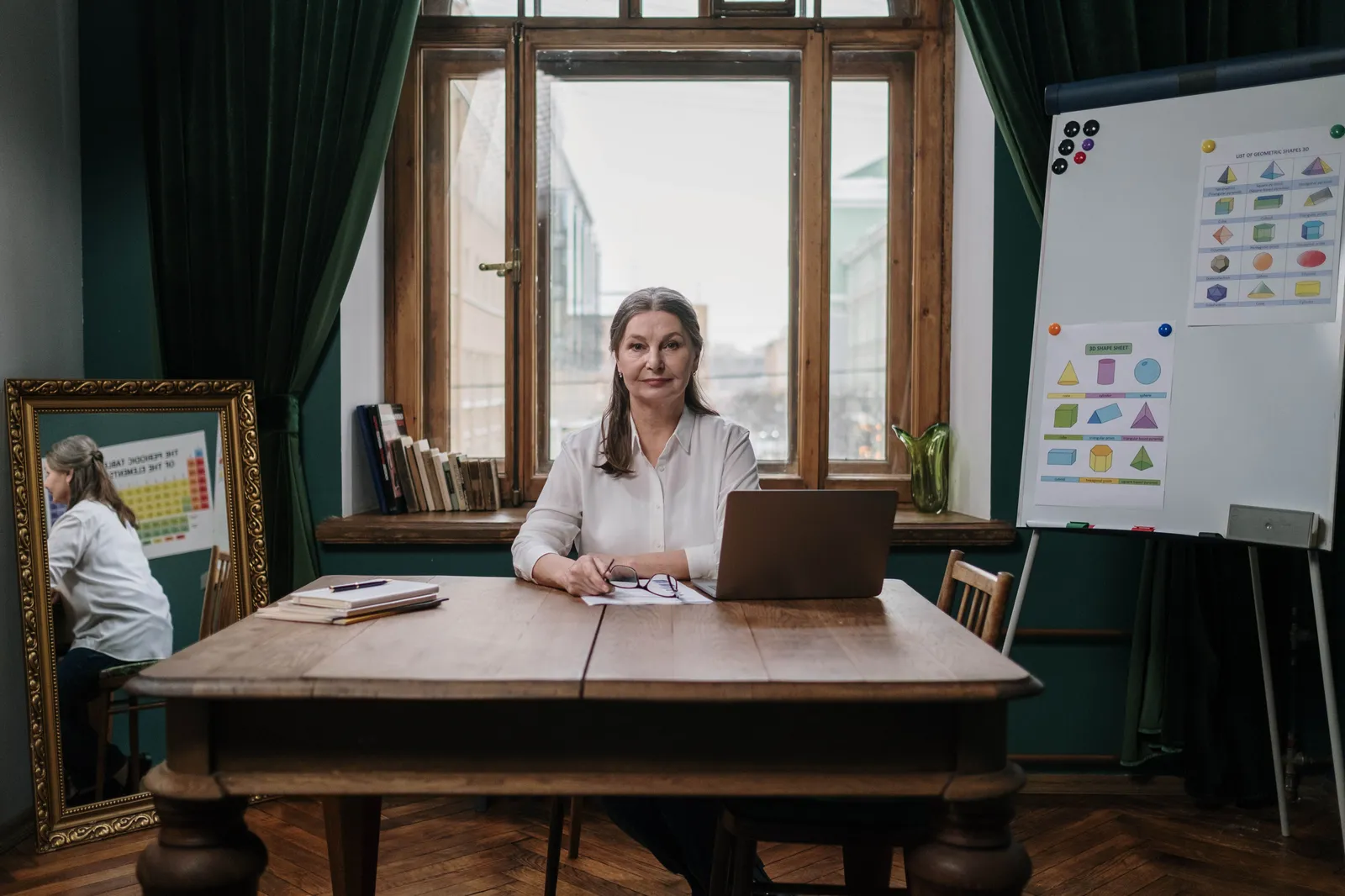
Evergreen webinar. Record your signature talk once. Run it on a schedule forever. Update the slides when your offer changes.
Promo video. Tease the topic in 60 seconds. Drive people to register.
Invite video. Send an invite by email that feels personal. Your face builds trust.
Replay package. Add a fresh intro and a clear next step. Make the recording feel current.
Follow-up clips. Answer top questions after the event. Nurture leads with short videos.
Localized versions. Translate your webinar for new regions. Reach more people fast.
Create vs host: the honest boundary
This part matters. Kyndrify creates video. It does not host live events.
Kyndrify makes pre-recorded, evergreen-style webinar video. It also creates promo clips and follow-ups. It is not a live-streaming or webinar-hosting platform.
So you still need your usual tools. Use your webinar platform to schedule and stream. Use your registration tool to collect sign-ups.
Here is the simple split:
- Kyndrify: makes the video content
- Your webinar platform: runs registration, hosting, and playback
This combo gives you the best of both. You get fast video and a proven host.
Why does updating content get easier?
Webinar content can go stale. Prices change. New features launch. Old footage looks dated fast.
With AI video, updates are quick. You just edit the script. Then you regenerate the clip.
You do not book a studio. You do not redo your makeup or lighting. You do not refilm the whole talk.
This keeps your evergreen webinar accurate. It stays useful for months.
Potential limitations and edge cases
AI video is powerful, but there are honest limits to know.
Twin quality depends on the source clip. If the original recording is blurry, too dark, or has echo, the Twin will carry those flaws. Spend a few minutes on good lighting and sound.
Lip-sync is not always perfect. For most scripts, the match is natural. Very fast speech or unusual words can sometimes look slightly off. Read the script aloud before generating. This helps you catch those spots.
Slide formatting matters. If you use the narrated-slides format, upload clean, well-designed slides. Avoid heavy animations and tiny text. Kyndrify will display what you give it.
It does not replace live interaction. Viewers cannot ask the AI Twin questions in real time. For Q&A or discussion, you need a live host or moderator. They work alongside the prerecorded video.
Long webinars need careful script prep. Kyndrify auto-stitches long videos. But you still need a well-structured script. Break the content into natural segments. This keeps the flow smooth for your audience.
None of these are dealbreakers. They are just things to plan for. This way your webinar looks professional from day one.
How much time does this save?
Look at it from a time-value view. Think about each step you skip.
Filming a webinar takes real effort. You plan, set up, film, and edit. A small change means doing it all again.
AI video removes most of that work. Consider the time you reclaim:
- No camera setup or lighting
- No multiple takes
- No long editing passes
- No reshoots for small edits
You spend minutes, not days. That time goes back into your business. You can launch more webinars with less effort.
How does Kyndrify compare to other AI video tools?
Many AI video platforms exist. Tools like Synthesia, HeyGen, and Hour One offer a mix of stock avatars, scenes, and integrations. Kyndrify takes a different approach.
Your own face and voice. Some platforms offer both stock and custom presenters; Synthesia explains the distinction in its current avatar guide. Kyndrify builds a Twin from your consented face and voice. This matters when a webinar depends on the presenter's established personal brand.

Built for webinar workflows. Kyndrify includes auto-stitching for long scripts. It also has built-in prompt engineering. This helps you write or polish webinar content. Many AI video tools make you split long scripts by hand. Or write them offline.
Narrated slides and B-roll natively. You can upload slides or use B-roll inside Kyndrify without switching tools. Some competitors focus mostly on talking-head only.
Consent and content provenance. Kyndrify includes built-in consent features. Signed Content Credentials and invisible provenance are rolling out and are not guaranteed on every file. For business webinars, proving the video came from you can be important.
Pricing approach. Kyndrify offers a no-card Free plan with preset avatars and voices. Custom own-face Digital Twins and own-voice rendering are on Plus and above, not every paid plan. Up-to-1080p talking-head video is listed on Plus. Other platforms often start with a free trial for limited minutes and then require a subscription. Check the pricing page for current details.
No tool does everything. If you need hundreds of stock avatars or deep enterprise sales integrations, explore wider platforms. If you want personal, updateable webinar videos fast, Kyndrify fits that use case.
Why do teams choose Kyndrify?
The tagline says it well: "Be on camera. Without the camera."
Teams pick Kyndrify for a few clear reasons:
- Your real face and voice. The Twin is built from you, not a stock avatar.
- Three formats. Talking-head, narrated slides, and B-roll.
- Built-in prompt engineering. Script help is built in.
- Auto-stitch for long scripts. Great for full webinars.
- Several languages. Reach wider audiences with ten spoken languages: English, Spanish, Portuguese, French, German, Italian, Japanese, Korean, Russian, and Chinese.
- Fast renders. Videos are ready in minutes.
- Consent and provenance. Built-in consent, with content provenance rolling out and not guaranteed on every file.
You can start on the no-card Free plan with preset avatars and voices. Custom own-face Digital Twins and own-voice rendering are on Plus and above, not every paid plan. Up-to-1080p talking-head video is listed on Plus. See the pricing page for current plans.
Kyndrify is built by Through the Glass Creatives.
Frequently asked questions
Can Kyndrify host my live webinar? No. Kyndrify creates the video content. You host it on your own webinar platform.
Do I need to film every webinar? No. You build your Twin once. Then you generate videos from scripts.
How fast can I update a webinar? Very fast. Edit the script and regenerate the clip in minutes.
Can I make webinars in other languages? Yes. Kyndrify supports ten spoken languages: English, Spanish, Portuguese, French, German, Italian, Japanese, Korean, Russian, and Chinese.
Is there a free option? Yes. There is a no-card Free plan with preset avatars and voices. Custom own-face Digital Twins and own-voice rendering are on Plus and above, not every paid plan. Up-to-1080p talking-head video is listed on Plus.
Ready to try it?
Make your next webinar video in your own face. Skip the camera and the reshoots. Start free, then host on your usual platform.
Related reading
More from Kyndrify


The tools that do this
Make your first video without filming.
Say what you need and the studio makes it: video, images, voices. Start free, no credit card.