

AI Video for Affiliate Marketing
Make review, comparison, and tutorial videos at volume without filming. Honest, disclosed, and built for affiliates.
AI Video for Affiliate Marketing
Affiliate marketing runs on trust and volume. You need many videos. You also need honest reviews. Filming every one the old way takes hours of setup, lighting, and retakes. AI video changes that arithmetic.
Many affiliates ask how AI video compares to traditional filming on cost and time, and what mistakes trip people up when they first switch. This guide covers all that. You will learn video types, creation steps, ethics, and how to make your videos easy to find. Kyndrify lets you be on camera, without the camera. You record your face once. Then you make new videos from a script.
What is AI video for affiliate marketing?
It is video made with your AI avatar. The avatar uses your own face. You type a script. The avatar speaks it for you. No camera, no lights, no endless retakes.
For affiliates, this is a productivity leap. You promote products often. You test new offers fast. Traditional filming would slow you down. AI video keeps your pace high without sacrificing the personal touch of your own face.
Kyndrify gives you live tools for talking-head video, images, and voice. An ad creator is shown as coming soon on the current pricing page. Together these cover most affiliate needs.
AI video vs. traditional filming: Which gives better ROI?
ROI isn't just a number. It is the total return on your time, money, and effort. Here is how AI video and traditional filming stack up.
Time investment. Filming a traditional review can take an afternoon. Set up the shot, check the light, record several takes, then edit out mistakes. AI video with Kyndrify changes hours into minutes. You write a script, paste it, and your avatar delivers it. Many affiliates find they can create five videos in the time they used to spend on one.
Cost. Traditional filming may need a camera, microphone, lighting, editing software, and maybe a quiet room. AI video uses your existing computer and a subscription. Even a free tier lets you start. For affiliates on a budget, the cost difference is often substantial. You skip the upfront gear and the ongoing editing time.
Output volume. More videos mean more ways to be found. AI video lets you run quick tests: change the hook, the product angle, or the call to action. You can publish a comparison video today and a tutorial tomorrow, all without rearranging your space. Traditional filming often caps how much you can publish.
For a related guide, see TTGC's AI Avatar vs Hiring: Build a Full-Cost Comparison.
Authenticity and trust. Traditional video can feel very personal. AI video keeps that personal feel because it still shows your face, your expressions, your tonality (as captured during your avatar recording). Viewers see you. Combine that with honest scripts, and trust can grow just as strong. The key is to avoid making the script sound robotic.
For most affiliates, the better ROI comes from the higher volume, lower cost, and faster testing that AI video enables.
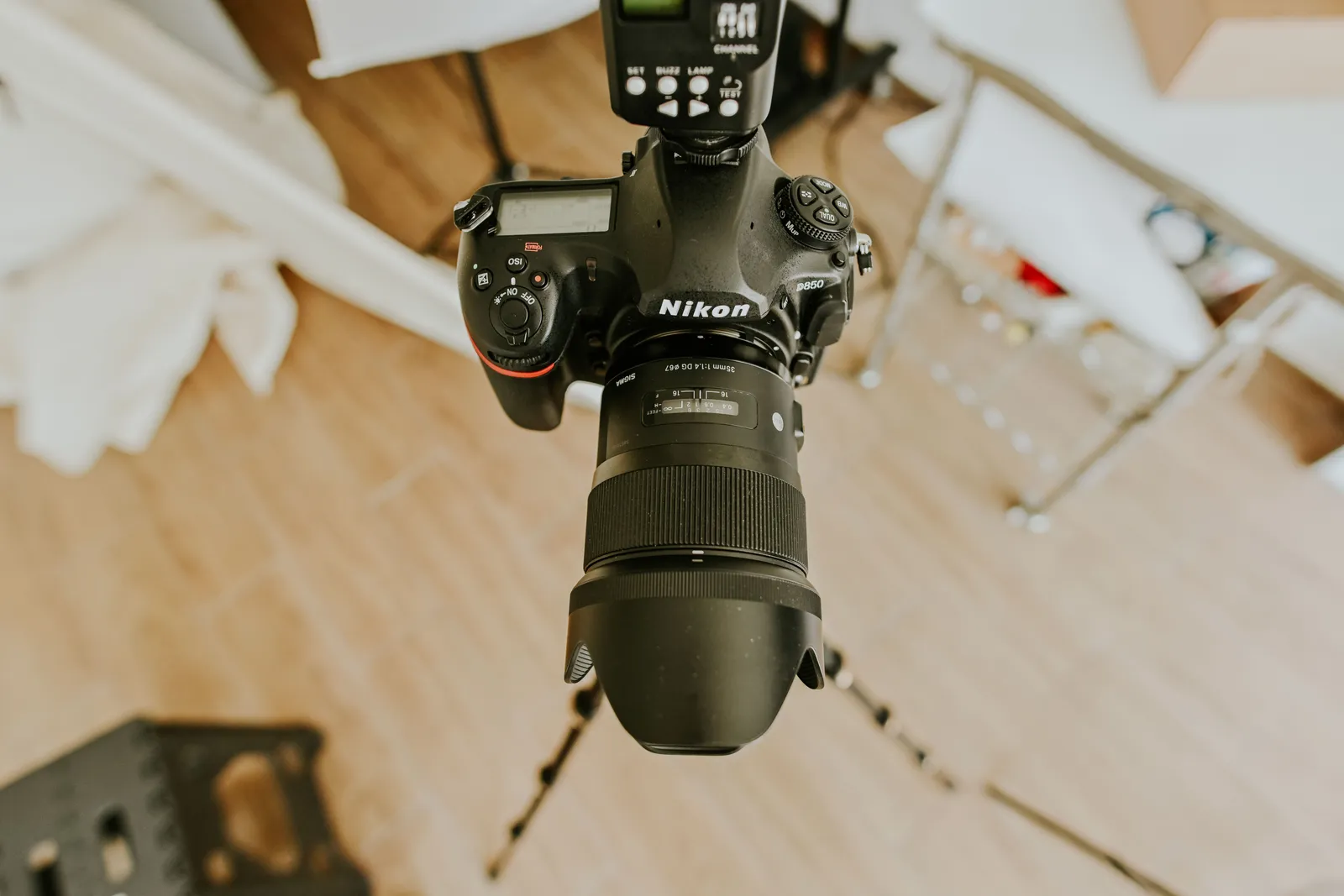
Video ideas for affiliates
Use these formats to start. Each one fits a clear buyer intent and works well for search.
- Product reviews. Share your honest take on one item.
- Comparison videos. Put two or three products side by side. These rank well for searches like "Product A vs Product B".
- Tutorials. Show how to set up or use a product. People search for "how to" keywords often.
- Top lists. Round up your best picks in a niche. Use keywords like "best X for Y".
- Quick tips. Answer one common buyer question.
- Ads. Short promos are a natural fit, and the ad creator is shown as coming soon on the current pricing page.
Each format can become many videos. Change the script. Make fast variations. Test which one converts.
You can also publish in multiple languages. Kyndrify documents ten spoken and dubbing languages: English, Spanish, Portuguese, French, German, Italian, Japanese, Korean, Russian, and Chinese. One review can reach more buyers. Your face stays the same across each version.
How do you make an affiliate video with Kyndrify?
Start with research, not filming. Good videos begin with honest input.
- Pick a product you trust. Only promote what you would use.
- Test it or study it well. Form a real opinion first.
- Write a clear script. State the pros and the cons. Include your primary keyword naturally.
- Add your disclosures. Note the affiliate link and the AI use.
- Choose a tool. Use talking-head video, images, or voice. The ad creator is shown as coming soon.
- Generate the video. Your avatar speaks your script.
- Make variations. Try new hooks, titles, and angles.
- Publish and track. Watch clicks and honest feedback.
This flow keeps you fast and fair. The avatar does the filming work. You keep full control of the message.
How to optimize your affiliate videos for search
Great content needs to be found. Even an excellent AI video benefits from basic SEO.
- Title. Put your main keyword early. For a review, try "Product X Review: Honest Pros and Cons".
- Description. Write 2-3 sentences that include your keyword and related terms. Tell viewers what the video covers.
- Tags. Use 5-10 tags that match the topic and your niche.
- Script. Naturally mention the target keyword a few times in the spoken words.
- Captions. Upload your script as a caption file if the platform allows. This adds keyword-rich text.
- Thumbnail. Use a clear, honest image. If your face appears, that helps recognition across all your videos.
Platforms like YouTube reward videos that keep viewers watching. Keep your message clear and your script tight. A well-optimized AI video can rank for competitive affiliate terms over time.

Disclosure and ethics for affiliates
Honesty is not optional. It builds the trust that sells. Here are simple rules to follow.
- Disclose affiliate links. Tell viewers you earn a commission.
- Disclose AI use. Say the video uses an AI avatar.
- Review honestly. Share real pros and real cons.
- Recommend with care. Only back products you believe in.
Follow FTC-style disclosure habits. Make the notice clear and easy to see. Place it early in the video or caption.
This is general guidance, not legal advice. Rules differ by region and platform. Check the current rules for your audience.
Kyndrify is built for consent-based video. Real-person Digital Twins need current recorded likeness consent before rendering, and synthetic avatars follow a different consent path. Consent records do not by themselves prove copyright or likeness clearance for commercial use. Check the current Terms and plan rights for your use.
Why affiliates use Kyndrify
Affiliates need speed and trust. Kyndrify supports both. Here is why it fits this work.
- Your own face. Own-face rendering and own cloned voice are on Plus and above. Free renders use Featured Avatars and Featured voices.
- No filming. Skip the camera, lights, and retakes.
- Live tools. Talking-head video, images, and voice are available now. The ad creator is shown as coming soon.
- Fast variations. Test many hooks in less time.
- Multiple languages. Kyndrify documents ten spoken and dubbing languages: English, Spanish, Portuguese, French, German, Italian, Japanese, Korean, Russian, and Chinese.
- Free tier. Start with no credit card. Free uses preset avatars and voices for renders and includes 8,400 one-time signup credits that never expire. It is not a seven-day trial and does not include unrestricted own-face rendering.
Compared to hiring a crew or buying equipment, Kyndrify keeps costs low and lets you publish on your own schedule. See current options on the pricing page.
Common pitfalls when transitioning to AI video
Moving from traditional filming to AI video can trip you up if you misplace your trust. Avoid these mistakes.
- Thinking AI replaces personal trust. Your avatar shows your face, but your knowledge still does the selling. Do not promote a product you have not researched.
- Skipping disclosures. Viewers can feel deceived if they learn later the video used AI. Always be upfront.
- Over-automating the script. A robotic script sounds dull and can hurt watch time. Write like you speak.
- Ignoring platform formats. A one-minute vertical video may work on Shorts, while a five-minute horizontal version fits YouTube. Tailor each video.
- Neglecting SEO. A good video still needs a search-friendly title and description. Otherwise it stays hidden.
- Making videos too long. Keep your message focused. A 15-minute unedited ramble loses viewers, whether filmed or AI-generated.
Treat AI video as a way to amplify your honest voice, not replace it. That mindset keeps your content trustworthy.

Does AI video really work for affiliates?
It works as a tool, not a shortcut. You still need a real audience. You still need honest reviews.
AI video removes the filming barrier. You can publish more often. You can test more ideas. That gives your honest work more reach.
But the basics stay the same. Build trust over time. Promote products you respect. Track what your audience values. Use SEO to help the right viewers find you.
Frequently asked questions
Do I need to disclose that I used AI?
Yes, be open about it. Tell viewers the video uses an AI avatar. This is good practice and builds trust. Always check your platform and local rules.
Can I use my own face in the videos?
Yes, on an eligible plan such as Plus. Own-face rendering and own cloned voice are on Plus and above. Free can build one Starter Twin and view a short preview, but it cannot render arbitrary own-face scripts.
How many videos can I make?
You can make many videos at volume. Change the script for each one. Make fast variations to test hooks and angles. The free tier lets you try this first.
Can I publish in other languages?
Yes. Kyndrify documents ten spoken and dubbing languages: English, Spanish, Portuguese, French, German, Italian, Japanese, Korean, Russian, and Chinese. Script translation also lists Hindi, Filipino, Indonesian, and Arabic, but the saved voice cannot speak those targets yet. You can turn one review into many versions to reach buyers in more markets.
Is there a free way to start?
Yes. Kyndrify has a free tier with no credit card. Free uses preset avatars and voices for renders and includes 8,400 one-time signup credits that never expire. It is not a seven-day trial and does not include arbitrary own-face rendering. See the pricing page for current details.
How does AI video compare to traditional filming in terms of ROI?
AI video skips the filming process, so you save time and equipment costs. You can create more videos and test more offers. Traditional filming often looks more polished but takes significantly more effort. The better ROI often comes from producing a higher volume of honest, helpful videos that build trust over time.
What mistakes should I avoid when using AI video for affiliate marketing?
Avoid using AI without real product knowledge. Do not skip affiliate or AI disclosures. A poor script that sounds robotic can lose viewers. Also, remember to optimize your video titles and descriptions for search, and keep each video focused on one clear topic.
Ready to scale your affiliate videos?
Start honest. Start simple. Make your first review today.
Try Kyndrify free and be on camera, without the camera. Kyndrify is built by Through the Glass Creatives.
Disclaimer: This content is for information only. Affiliate marketing rules vary by law and platform. Always follow your local regulations and platform guidelines.
Related reading
More from Kyndrify



The tools that do this
Make your first video without filming.
Say what you need and the studio makes it: video, images, voices. Start free, no credit card.