

AI Video for Pest Control
Use an approved AI Twin for source-checked service overviews, visit prep, treatment reminders, and seasonal notices.
AI Video for Pest Control
AI video can share an approved face and voice. An AI Twin reads a script you write. It can give a service overview. It can send a visit or treatment note. It can share a seasonal notice. The video does not name a pest. It does not confirm an issue. It does not choose a product or promise control. Those facts must come from the approved firm, exact label, and specific site.
This article explains what a Twin can do. It shows a controlled workflow. It lists checks before you publish. The facts come from EPA, Google, YouTube, and Kyndrify sources.
What a digital twin can do
A pest-control operator can use an approved Twin for scripted messages. Kyndrify lists a verified face-and-voice Twin. Setup uses a headshot and a short voice clip. Each Render gives a download and a hosted link. You can split and stitch longer scripts. Kyndrify talking-head video
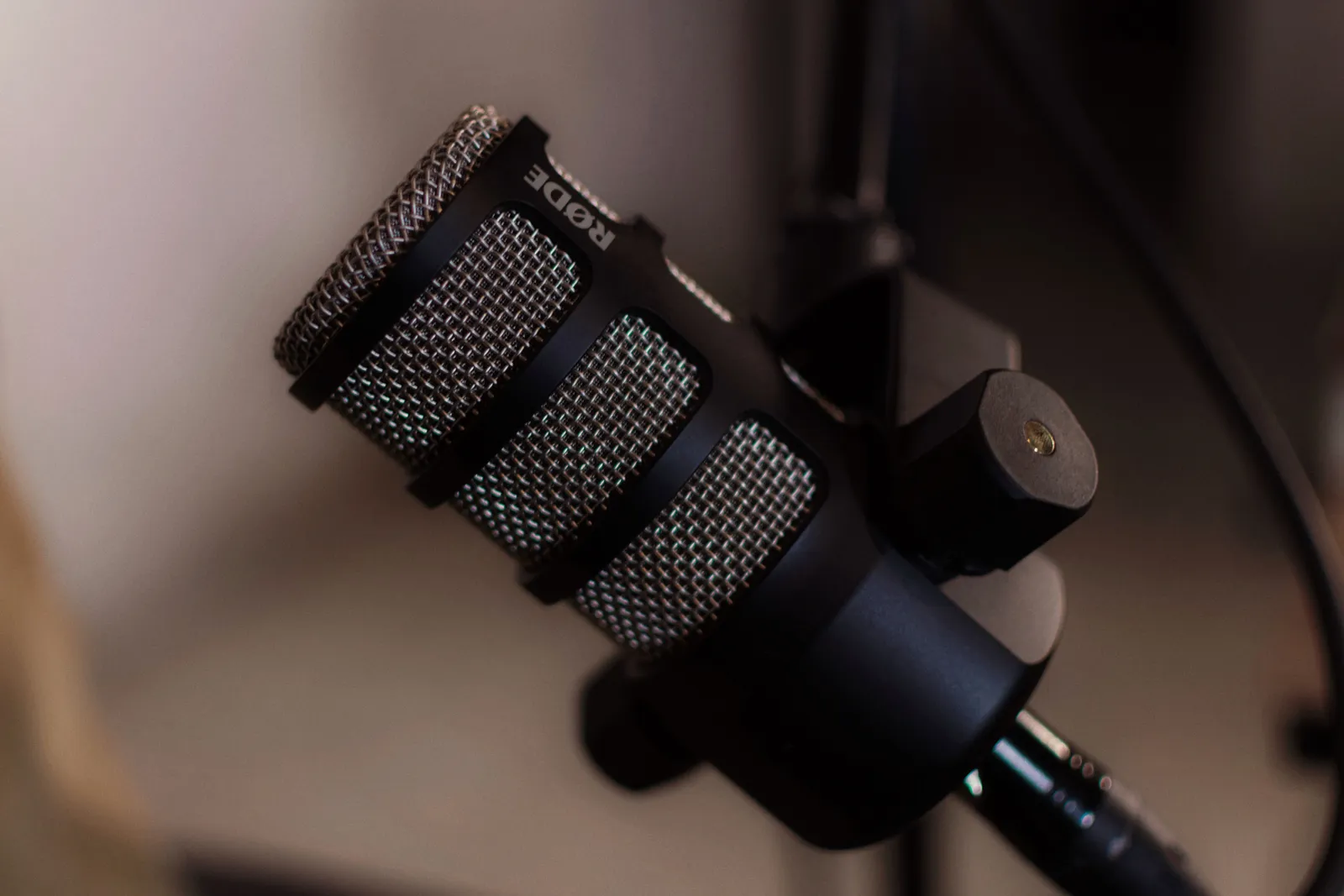
You control each word. You can explain an approved visit process. You can share a note drawn from the exact service record. You can issue a source-checked seasonal notice. Review each video before anyone sees it.
What a digital twin cannot do
A generated video is not a pesticide label. It is not an inspection or treatment record. EPA calls registration a license to market a pesticide in the United States. The label is a key risk-control document. EPA pesticide-label guide No service video replaces label directions or precautions.
Claims used to sell or distribute a pesticide must not differ in a major way from approved registration claims. EPA notes that service-only firms may face other federal ad rules. False or misleading service claims can still raise FTC issues. EPA pesticide-label Q&A Do not imply child or pet safety. Do not promise that a pest will be killed or kept away. Use only claims approved for the exact service, product, label, site, and location.
A Twin does not check licenses or insurance. It does not check property consent. It does not confirm a pest's identity. Google Local Services calls for accurate license and insurance facts. Google Local Services rules Your video claims must match your verified business facts.
YouTube calls for disclosure when altered or synthetic content looks real. YouTube AI-content disclosure A generated pest scene is not proof. A generated before-and-after scene is not proof. Label it clearly. Keep live clips separate from generated content.
How Kyndrify documents consent and disclosure
Kyndrify documents recorded consent during Twin setup. Signed Content Credentials and invisible provenance are rolling out and are not guaranteed on every file. The vendor lists AI disclosure. Kyndrify Responsible AI

Content Credentials, disclosure, and provenance signals can provide origin and AI-use signals. They do not prove the pest is right. They do not prove the product is approved for that use. They do not prove the script matches the label. They do not prove license, insurance, property consent, control, or platform compliance.
Kyndrify's public pages do not list pest-control templates. They do not list pest identification or label databases. They do not list license checks or booking tools. They do not list before-and-after validation. They do not list captions or multilingual output. Check any missing feature with the vendor.
A practical workflow for a service video
A clear workflow protects your firm. Freeze the video's scope before you write. Choose one service and one audience. Gather your exact sources. Record the pest and inspection method. Record the product name and EPA registration number. Add the current label and application rules. Add the preparation steps and reentry interval. Add the safety precautions. Add your license and insurance record. Add the property's consent. Add the current price and availability.
Review each piece of media. Confirm written consent for each property view. Confirm each person shown has agreed. Keep real proof separate from generated scenes. Mark each pest, room, treatment, and before-and-after image as real, altered, or generated. Label it clearly.
Review each customer quote. Confirm the customer and service date. Note any gift or other tie. Approve the final script and Render. Watch the full video before you post it. Record the version. Set a review date. Name the person who can take it down fast.
A sample release record
Keep a release record for each video. A simple record might include these fields:
- Service and property class
- Video version and date
- Script owner and sign-off date
- Audience and distribution channel
- Inspection and pest identification source
- Product name, EPA registration number, and label source
- Preparation, application, reentry, and safety owner
- License and insurance review date
- Price and availability source and effective date
- Property, person, and media consent records
- Before-and-after proof type and label
- Testimonial context and material-connection disclosure
- Platform disclosure method
- Final approval date and approver
- Expiry date
- Archive location and replacement link
- Takedown owner and contact
An illustration script: visit prep
This fictional script uses placeholders only. It does not name a real provider or property. It does not name a real pest or product. It gives no real application or safety steps. It has no real price or date.
"Hello, I am [Approved Owner Name] from [Approved Business Name]. This is a reminder for [Approved Service Route]. Follow [Approved Preparation Source] before the visit. Use [Approved Private Contact Route] for property facts or questions. Use [Approved Safety Route] for any safety concern. Check [Approved Service Source] for current time, price, availability, and next steps."
A real script needs review against the exact service, product label, property, and local rules. Do not add a pest, product, application step, safety step, person, pet, price, date, review, booking, or result unless it is approved for that release.
Cost inputs: an illustration, not a quote
An AI Twin tool has a cost. Kyndrify plans use shared credits, and pay-as-you-go credit packs are also available. Kyndrify pricing List the inputs that apply to your firm:
- Number of distinct Twins you need
- Number of scripts you plan to render per month
- Any stitching or splitting needed for longer scripts
- The current credit use for each render
- Time spent writing and approving each script
- Time spent reviewing each rendered video
- Cost of professional review
Do not multiply platform cost by assumed bookings or closed deals. Outcomes depend on your market and reputation. They depend on your pricing and local pest pressure. The platform provides a video. It does not provide a guaranteed sales result.
Five frequently asked questions
1. Can an AI video replace a pesticide label or a service report? No. EPA says the label is a key risk-control document. A service video can explain an approved process. The label, inspection report, and treatment record stay separate and current. EPA pesticide-label guide
2. Do I need to disclose that the video is AI-generated? YouTube calls for disclosure when altered or synthetic content looks real. Kyndrify lists AI disclosure and is rolling out Content Credentials. You must still meet each platform's rules. YouTube AI-content disclosure

3. Can I use a digital twin to show a before-and-after treatment result? Only if you label what is real and what is generated. A generated image of a pest-free room is an illustration. It is not proof. Showing it as an actual result could mislead a customer. It could break platform rules.
4. Does the platform check my license or insurance? Kyndrify's public pages do not list license or insurance checks. Google Local Services calls for accurate facts. You must verify your own records before you publish. Google Local Services rules
5. What happens if a pesticide label changes after I publish a video? You own the claims in your video. Review it at once if a label changes. Take it down or replace it. Your release record should name the takedown owner. It should show how fast they can act.
A decision framework for your next video
Before you render, ask these questions:
- Scope: What single service or message does this video cover?
- Sources: Are the pest, product, label, application, safety, license, insurance, price, and consent sources current and logged?
- Media: Is each image or clip real and approved, or clearly marked as generated?
- Claims: Does each claim match the approved label and your verified business facts?
- Disclosure: Does the video meet the disclosure rules of each platform?
- Review: Has a qualified person watched and approved the full video?
- Expiry: When will this video be reviewed again? Who can take it down urgently?
Pause if you cannot answer each question with a current source. Gather the missing piece before you publish.
Related reading
More from Kyndrify


The tools that do this
Make your first video without filming.
Say what you need and the studio makes it: video, images, voices. Start free, no credit card.