

AI Video for Martial Arts Schools
Use an approved adult AI Twin for source-checked instructor introductions, class orientation, schedule reminders, and general updates.
AI Video for Martial Arts Schools
A verified adult instructor can create a digital Twin. The school writes a script. The Twin reads it. The result is a short video. It can serve as an introduction or a schedule reminder. The school posts the clip on its website or a social channel.
This guide explains what a school can make. It also shows where a school must keep full control. Every capability comes from the vendor's pages. The vendor's product and pricing pages were checked on 26 September 2026; other research cited in this guide dates from July 2026. The vendor does not document martial-arts templates. It documents no class outcomes. A school must adapt the tool under its own policies.
What a school can produce
A school uses an approved adult Twin. The Twin reads scripts for an adult audience. A welcome video is one example. A walkthrough for a first visit is another. A school might share a belt-testing window. It could also share a seasonal update.
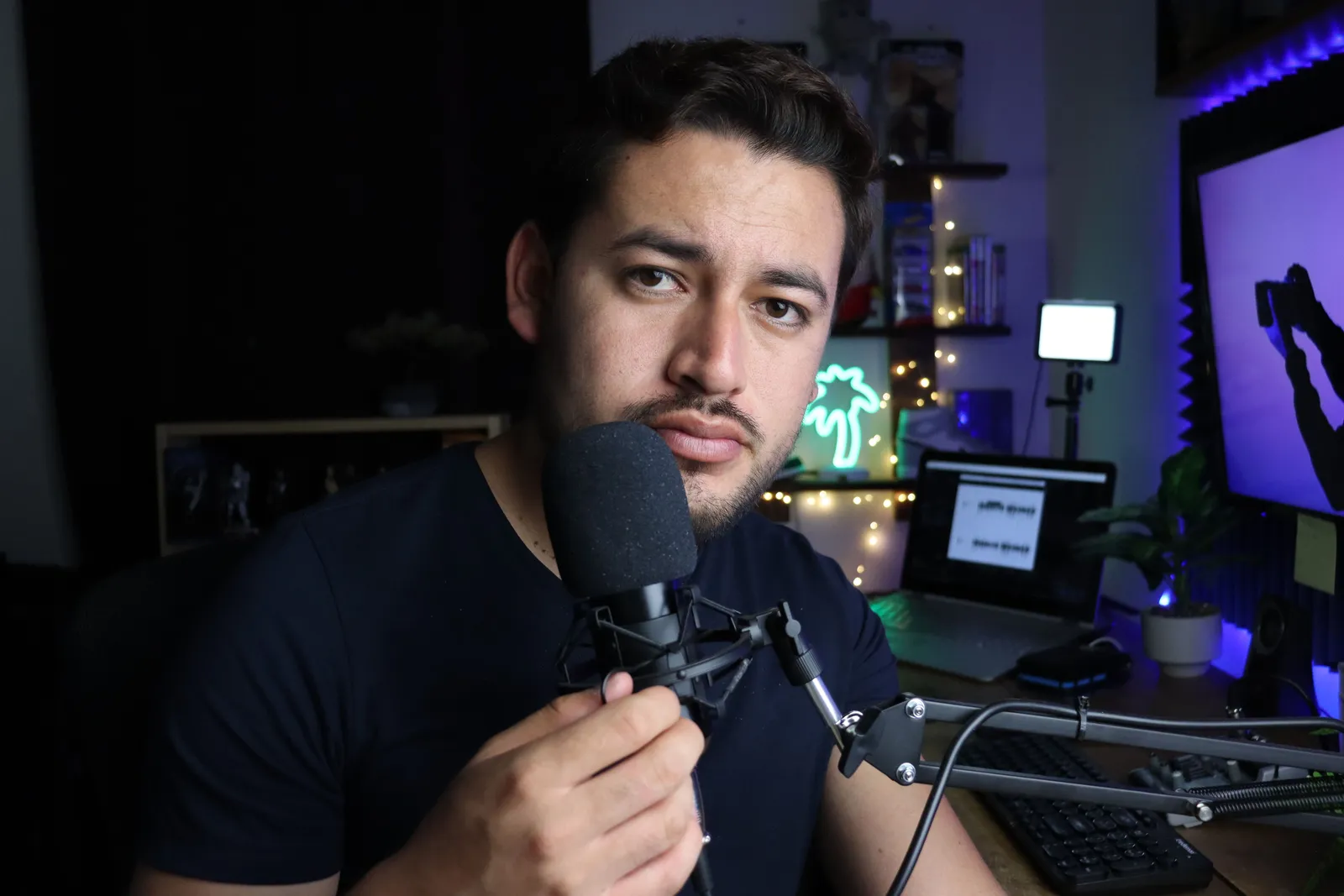
The workflow begins with a headshot. It also uses a short voice clip. Each Render gives a file for download. It also gives a hosted link. Long scripts can split into parts. A user can stitch them together. The talking-head video page documents these steps.
Signed Content Credentials and invisible provenance are rolling out and are not guaranteed on every file. The vendor documents recorded consent. It documents AI disclosure. Plans use shared credits, and pay-as-you-go credit packs are also available. The pricing page documents the current Free plan and plan options. A school must supply its own class facts. It must supply its own safety controls.
School controls
An AI video delivers a script. It cannot verify rank. It cannot check a teaching certification. It cannot check a background. It cannot check first-aid status. A promotional video is never a fitness assessment. Federal guidance recommends a slow start for inactive people. The Physical Activity Guidelines for Americans contain the full advice.
Concussion signs differ by person. They differ by age. Danger signs need emergency care. A video cannot diagnose a concussion. It cannot clear a possible concussion. Schools must keep concussion protocols separate. Review the CDC HEADS UP signs and symptoms.
A child's image can be personal information. A child's voice can be personal information. This is true under COPPA. A generic media release is not automatic authorization. A school must assess the full consent flow. It must assess the full disclosure flow. The FTC COPPA FAQ explains these factors. This workflow excludes minors by default. A school must complete a privacy review before it features a child.
Testimonials must be truthful. Any material connection requires clear disclosure. Free tuition is one example. Equipment is another example. The FTC endorsement guidance provides the rules. Platforms also require disclosure of synthetic content. Never present a generated student as real. Never present a generated rank as real. The YouTube AI-content disclosure explains the labeling rules.
A practical workflow
Follow these steps for one school. Follow them for one adult class.
- Freeze the source facts. Write down the instructor's verified name. Write down the instructor's verified rank. Record the class age range. Record the schedule. Record the price. Record the membership terms. Note the technique list. Note the contact level. Note the required equipment.
- Classify the message. Decide if the video is general awareness. Decide if it is required instruction. An AI Twin is not a substitute for supervised teaching.
- Verify demonstrations. The lead instructor must review any technique language. Confirm the script matches the curriculum. Confirm it matches governing rules.
- Exclude minors by default. Keep all images to adults only. Keep all scripts to adults only.
- Review testimonials. Check for any financial connection. Check for any family connection. Add a plain-language disclosure.
- Set disclosure. Label the video as AI-generated on the target platform.
- Obtain approvals. Get sign-off from the instructor. Get sign-off from the school owner. Confirm captions meet accessibility standards.
- Render, watch, and publish. Check every claim before posting. Check it against the frozen facts.
- Version and expire. Assign a version number. Assign a takedown date.
Run a plain final check
Put the class file next to the script. Check the school and class name. Check the adult age range. Check the open places, day, time, price, and member terms. Check who owns each fact and when it was last reviewed. If one fact has no clear source, take it out.

Read each line about the instructor. Check the name, role, rank, and other stated proof. Do not let the Twin stand in for that proof. Read each line about a skill or drill. Ask the lead instructor to check it against the current class plan and rules. Keep the live lesson and safe-work steps with the real coach.
Watch each face, voice, room, belt, test, bout, and class shot. Mark it as real, changed, or made. Check the right to use it. Keep minors out unless the full privacy and consent path has passed review. Check each review, gift, discount, job, or family tie. Set the site’s AI label when its rule calls for one. Name the person who can remove the clip. Then watch the full cut once more.
Release record template
Keep a record for each video. Adapt these fields.
- School, class, and video version
- Adult audience and channels
- Source owners and timestamps
- Instructor credentials and rank source
- Class age, capacity, schedule, price, and membership source
- Technique, equipment, and testing sources
- Emergency and concussion review sign-off
- Child-media consent decision
- Testimonial disclosures
- AI and platform disclosure labels
- Approvals
- Expiry date and takedown owner
Example orientation script
This script is a fictional illustration. It uses placeholders only.
"Hi, I'm [Instructor First Name]. I am the head instructor at [School Name]. I want to walk you through your first visit. This visit is for our adult beginner program.
Our class meets on [Approved Day] at [Approved Time]. Follow [Approved Arrival Source] before your visit. Use [Approved Clothing and Equipment Source] for what to wear and bring.
We will follow [Approved Adult Beginner Class Source]. Use [Approved Question Route] if you need help before the class.
This video uses an AI Twin of my face and voice. [Approved Reviewer Role] reviewed the script. For current class, price, and member details, use [Approved School Route].
Use [Approved Contact Route] for the next step."
Cost inputs
List the direct cost inputs. Plans use shared credits, and pay-as-you-go credit packs are also available. Check the current pricing page for the credit cost of approved scripts. Add script review, source checks, coach review, safeguarding review, accessibility review, rights work, and approval time. Add any channel cost. Do not add guessed enrollments, retention, rank gains, injuries avoided, savings, or revenue.

Decision framework
Ask these questions before you use an AI Twin.
- Is the message general awareness?
- Can you verify every claim against a dated source?
- Will only consenting adults appear?
- Has the lead instructor reviewed the script?
- Are all material connections disclosed?
- Is the AI label clear on the platform?
- Does the video have an expiry date and a takedown owner?
If any answer is no, revise the plan.
Frequently asked questions
Does an AI Twin video replace live instruction? No. A Twin reads a script. It cannot observe a student. It cannot give feedback. It cannot adjust a technique. It cannot respond to an emergency. Live instruction and safety protocols are essential.
Can I use a Twin to demonstrate a technique? A script can describe a technique. The lead instructor must review the words. Generated motion should not be shown as real evidence. The vendor does not document martial-arts motion generation.
What consent do I need before creating a Twin? The vendor requires recorded consent from the person. Obtain permission for any other visible person. Obtain permission for any other audible person. A COPPA review is required before you involve minors.
How do I disclose that a video is AI-generated? Label the video clearly on the platform. Follow the platform's current rules. The vendor's Content Credentials are rolling out and are not guaranteed on every file. The creator is still responsible for platform labeling.
Will AI video increase my enrollment or retention? The vendor publishes no outcome data. A good orientation video can support communication. Results depend on class quality. They depend on instructor skill. They depend on community reputation.
Related reading
More from Kyndrify


Make your first video without filming.
Say what you need and the studio makes it: video, images, voices. Start free, no credit card.