

AI Video for Makeup Artists
Use a verified AI Twin for source-checked makeup service introductions, appointment reminders, portfolio routes, and product-use explanations.
AI Video for Makeup Artists
AI video helps makeup artists share service introductions. It can send appointment reminders. It can highlight a portfolio. It can explain product use. A verified digital twin reads your script. It uses your face and voice. A generated clip never replaces a product label. It never replaces a sanitation protocol. It never replaces a client consultation. It never replaces professional judgment. This article maps what one current tool documents. It marks the edges for beauty pros. It provides a safe workflow to protect your credibility.
What a makeup artist can realistically do with an AI twin
A makeup artist can use an approved digital twin. Use it for a source-checked service introduction. Use it for an appointment-preparation reminder. Use it for a portfolio route. Use it for a product-use explanation. Many checks stay separate. The tool does not perform them. These include suitability and ingredients. They include allergies or sensitivities. They include sanitation and shade. They include product availability. They include client consent and retouching. They include testimonials and health claims.
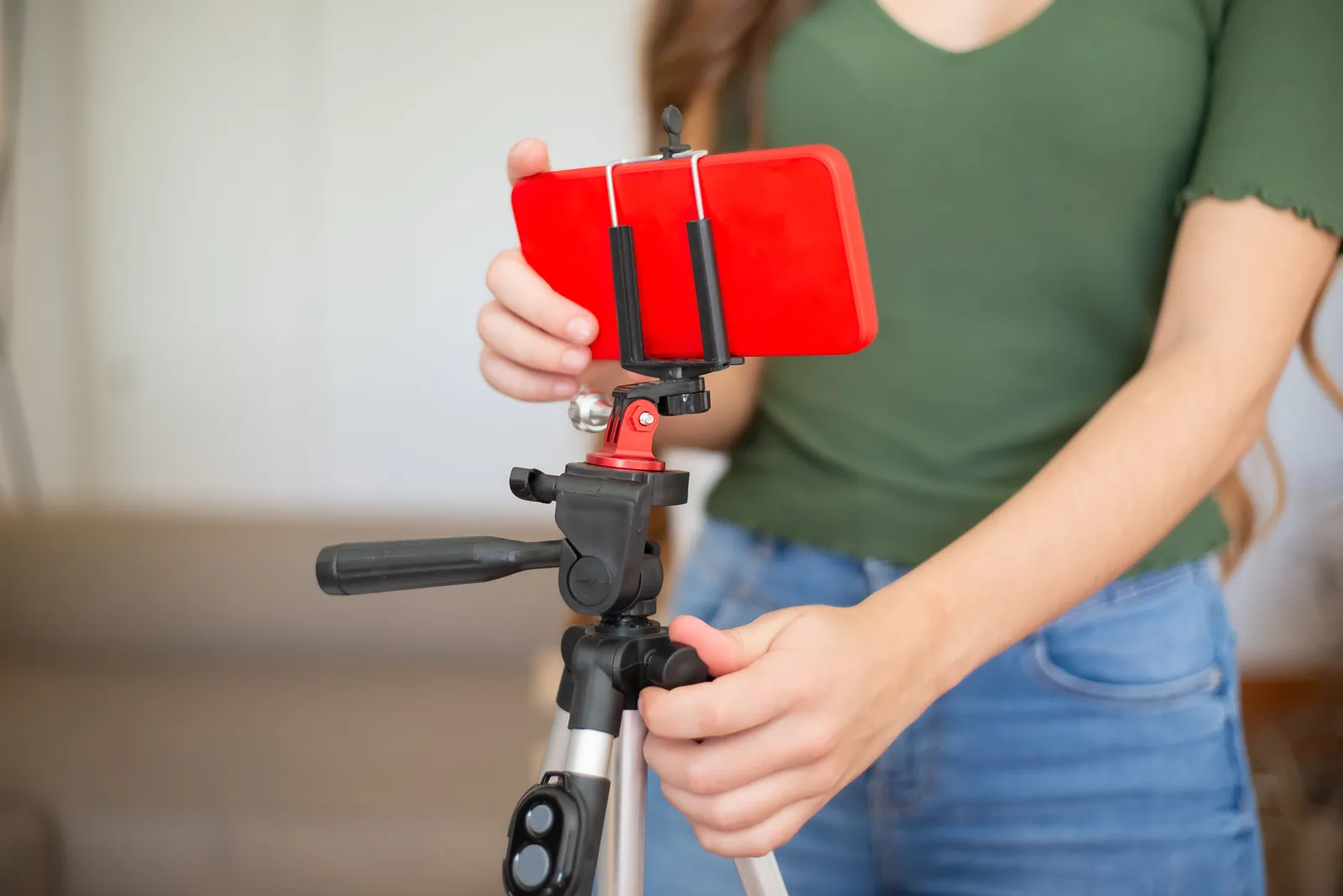
Kyndrify documents a verified face-and-voice Twin. The Twin reads a user-supplied script. Setup requires a headshot and a short voice clip. Each Render gives a download and a hosted link. Longer scripts can be split and stitched. The platform records consent. Plans use shared credits, and pay-as-you-go credit packs are also available. It includes AI disclosure. Signed Content Credentials and invisible provenance are rolling out and are not guaranteed on every file. The pricing page notes current plan details. The pages do not document makeup templates. They do not document face or shade analysis. They lack product or ingredient databases. They omit sanitation checks and booking. They lack client forms. They skip before-and-after verification. They do not cover retouch disclosure. They document ten spoken and dubbing languages, but script translation targets are separate from spoken output. They omit analytics. Plus talking-head video goes up to 1080p, but Basic and Starter have their own output scopes. Free renders use preset avatars and voices; own-face rendering starts on an eligible plan such as Plus. They do not document commercial rights as blanket clearance. They lack booking and revenue outcomes. Any claim about those features would be unsupported.
Where the regulatory lines sit for beauty content
A promotional video has clear limits. The FDA advises consumers to read the complete cosmetic label. The label includes ingredients and warnings. It includes safe-use directions. A preparation video cannot replace the actual product label. It cannot replace the sanitation process. It cannot replace a client consultation. It cannot replace professional judgment (FDA cosmetics-safety guidance). Cosmetic labeling claims must be truthful. They must not be misleading. A product marketed to treat disease can be regulated as a drug. The same applies if it affects body function. The FDA regulates cosmetic labeling claims. The FTC regulates advertising claims (FDA cosmetics-claims guidance).
The FTC requires truthful, non-misleading reviews and endorsements. A free product, paid brand relationship, or other material connection should be disclosed clearly and conspicuously when it could affect how the audience weighs the endorsement (FTC endorsement and review guidance). YouTube requires disclosure when meaningfully altered or synthetic content appears realistic. Do not present a realistic generated face, skin result, or product application as actual client or before-and-after evidence (YouTube AI-content disclosure). Kyndrify documents AI disclosure, and signed Content Credentials and invisible provenance are rolling out rather than guaranteed on every file. Those signals do not prove product safety, ingredient suitability, sanitation, shade accuracy, client consent, before-and-after truth, claim support, or platform compliance.
A service-video workflow you can audit
A repeatable process ties each published claim to a source, owner, and release record.
- Choose one service and audience. Pick a single look or tip. Define the channel and the viewer.
- Freeze your sources. Lock the scope and preparation steps. Lock the timing and price. Lock product names and ingredient lists. Lock warnings and aftercare instructions. Every factual statement needs a dated source.
- Route health or drug-like claims for review. A script might imply a product treats a condition. It might imply it alters a body function. Have a qualified reviewer clear it first.
- Verify sanitation instructions separately. Your video may show a technique. The written sanitation protocol needs a documented source.
- Obtain client or model consent. Get written permission for any face or voice. Get it for any before-and-after imagery. Consent for a twin is separate from consent for a real person.
- Label real versus retouched or generated imagery. Disclose a synthetic face or a filter. Disclose a retouched still. Never present an AI result as a real before-and-after.
- Review brands, music, testimonials, gifts, and sponsorships. Confirm trademark use and music rights. Confirm testimonial truth. Confirm material-connection disclosure.
- Set disclosure. Add the AI label your platform requires. Add any FTC-required connection notice.
- Approve, render, watch, and publish. Review the final render for accuracy.
- Record the version, set an expiry, and plan a takedown. Prices change. Availability changes. A video that is accurate today may mislead tomorrow.
Run a plain product check
Put each item named in the script on the desk. Read the full label. Check the item name, shade, and use. Read the list of what is in it. Read each warning and safe-use step. Do not turn a look or feel into a health claim. Do not say that an item will treat, cure, stop, or change a body issue unless the right claim owner has cleared the words and proof.
Check the service file next. Match the prep steps, time, price, open slots, aftercare, and clean-work plan to a dated source. Check who owns each source. Keep the live client talk apart from the video. The clip may point to that talk. It must not act as a skin check, shade test, or consent form.
Then check each shot. Is the face real, made, or changed? Is the skin result real or retouched? Is the product shot of the item the client will get? Mark each one in the release file. Check the right to use each face, voice, brand, song, clip, and photo. Check each review and any gift or paid tie. Watch the full cut. Set the right site labels. Name the person who can take it down. If one fact is not clear, remove it.
Give the final cut a fresh-eye test
Ask one team member who did not write the script to watch the clip. Give them no notes at first. Ask what the clip says, what it asks the guest to do, and which parts look real. If their view does not match the brief, fix the cut.
Play it once with sound and once with sound off. Read each word on screen. Check the links. Check the date. Check the call to act. Make sure no fast cut hides a key note. Keep the main point plain. Keep the next step clear. If a claim needs more room than the clip gives it, link to the full source or leave it out.
A release record that keeps you covered
Maintain a short document for every published clip. It does not need to be public. It should be complete.
- Service, look, and version identifier
- Source owners and dates for scope and preparation
- Source owners and dates for timing and price
- Source owners and dates for availability
- Product, ingredient, and warning review date and owner
- Health-claim decision and reviewer
- Sanitation protocol owner and date
- Client or model consent record
- Before-and-after consent status
- Retouch or generated-media label applied
- Testimonial and material-connection disclosure
- Platform AI-disclosure status
- Approval date and approver
- Expiry date or review trigger
- Archive location and replacement link
- Takedown owner
A fictional appointment-preparation script
The script below is an illustration only. It uses placeholders. No real artist or client is named. No real face or product is shown. No real ingredient or allergy is listed. No health condition or shade is given. No price or date is promised. No real result or testimonial is claimed. No booking or revenue is implied.

“Hi, I’m [Approved Artist Name]. This is your preparation reminder for [Approved Service]. Follow [Approved Preparation Source]. Read the label, ingredients, warnings, and safe-use directions for [Approved Product Route]. Use [Approved Consultation Route] to share any suitability or sensitivity information. The artist will apply [Approved Sanitation Process] and [Approved Shade or Result Review]. For current timing, price, availability, or location details, use [Approved Booking Source].”
Cost inputs to model before you commit
Kyndrify plans use shared credits, and pay-as-you-go credit packs are also available. Count the Renders needed for approved scripts. Add the current credit cost, source and claim review, sanitation review, consent and media rights, retouch or generated-media labels, music rights, and any channel costs. The cited pages do not document every current price or commercial rights. Do not add assumed bookings, clients, product savings, time savings, margin, or revenue.
Five practical FAQs
1. Can an AI twin replace a client consultation? No. The cited Kyndrify pages document a Twin reading a user-supplied script. They do not document face or shade analysis, ingredient review, client forms, sanitation checks, or consultation. Keep suitability, sensitivities, shade, sanitation, and consent in the approved service process.
2. Do I need to disclose that the video is AI-generated? Apply the current rule for each selected channel. YouTube requires disclosure when meaningfully altered or synthetic content appears realistic. Keep this separate from FTC disclosure of a material connection in an endorsement. Signed Content Credentials and invisible provenance are rolling out and do not replace either review.
3. Can I show a before-and-after result with an AI twin? Do not present a generated face or skin result as actual client evidence. Record the required rights and consent for real before-and-after media. Clearly label generated or retouched imagery under the approved disclosure plan.
4. What happens when a product or price changes after I publish? A video with a discontinued shade can mislead viewers. An old price can also mislead. Set an expiry date for every clip. Plan a takedown or replacement. Your release record should note who owns that decision.
5. Does the tool check my product claims for me? No. The documented workflow does not include a product database, ingredient checker, or regulatory review. Each claim must be truthful and supported. Route a claim that treats or prevents disease, or affects body structure or function, for review because the product may be regulated as a drug even if it also affects appearance.
Related reads
More from Kyndrify



Make your first video without filming.
Say what you need and the studio makes it: video, images, voices. Start free, no credit card.