

AI Video for Dropshippers
A source-checked workflow for dropshipping product videos, including shipping claims, endorsements, disclosures, release records, and takedowns.
AI Video for Dropshippers
A dropshipper can use an approved AI Twin for a product introduction. The Twin can explain shipping expectations or point to a support channel. You write the script. The Twin reads it with your face and voice. It cannot verify product facts, stock, or delivery dates. It also cannot guarantee supplier performance. You must check each claim, policy, and media right. This guide gives you a practical review process.
What an AI Twin can and cannot do
An AI Twin is a video of a real person who gave recorded consent. Kyndrify requires a headshot and a short voice clip. The platform renders a video of that person speaking your script. Each render gives a downloadable file and a hosted link. You can split and stitch longer scripts. The Kyndrify talking-head video page describes this workflow.
The Twin can introduce a product category or read a checked feature list. It can also explain your verified order-tracking process. It cannot confirm supplier stock or a carrier window. It cannot prove that a product matches supplier photos. Those facts need separate evidence.
Kyndrify plans use shared credits, and pay-as-you-go credit packs are also available. Signed Content Credentials and invisible provenance are rolling out and are not guaranteed on every file. See the Kyndrify pricing page and the Responsible AI page. The cited pages do not document product feeds, stock checks, shipping tools, storefront publishing, or analytics. They also do not document a complete supported-language count, render speed, or commercial rights. Treat each undocumented item as unconfirmed.
Legal guardrails for your script
The FTC business guide explains the Mail Order Rule. It covers most goods ordered online in the United States. A seller needs a reasonable basis for the stated shipping time. Without a shipping statement, the guide describes a 30-day basis. If the seller cannot ship on time, consent and refund duties can apply. The seller who solicits the order remains responsible when a fulfillment partner causes a violation. Do not present a supplier estimate as your verified promise. Check the rule's scope and any other law that applies.
Endorsement rules matter too. The FTC endorsement guidance says reviews must be truthful and not misleading. A material connection may need clear disclosure. Do not present paid promotion as an independent buyer experience.
Platform rules add another check. YouTube's altered-content policy requires disclosure when altered or synthetic content appears realistic. One example is making a real person appear to give an endorsement they did not give. Check the current rules for every channel you use.
A step-by-step product-video workflow
Use this sequence for each product and channel.
- Choose one product and one channel. Pick a single item. Decide on a product page, an email, or a social platform.
- Freeze the source set. Save dated copies of the supplier listing and store page. Record the SKU, price, stock statement, destination, processing time, shipping method, return policy, and warranty terms.
- Verify each claim. Check the live price and stock source. Review the carrier basis and your current return and warranty pages.
- Label estimates clearly. Use careful language tied to the verified source and destination. Link to your current policy. Never turn a range into a guaranteed date.
- Review product footage and rights. Confirm you have permission for every image, clip, and sound.
- Review endorsements. Keep the original review and note any free product, discount, or other material connection. Add the required disclosure.
- Set your disclosure plan. Write the AI label and any platform notice before you render.
- Approve the script. Check every claim against the frozen sources.
- Render, watch, and publish. Watch the full video. Confirm the disclosures are visible. Then publish.
- Record and monitor. Log the render and sources. Set a review date and takedown owner.
How to check a shipping claim
Start with the exact words in the script. Mark each time claim. Then ask what supports it. A supplier page may show one estimate. Your store may show another. A carrier page may use a range. Save each source with its date.
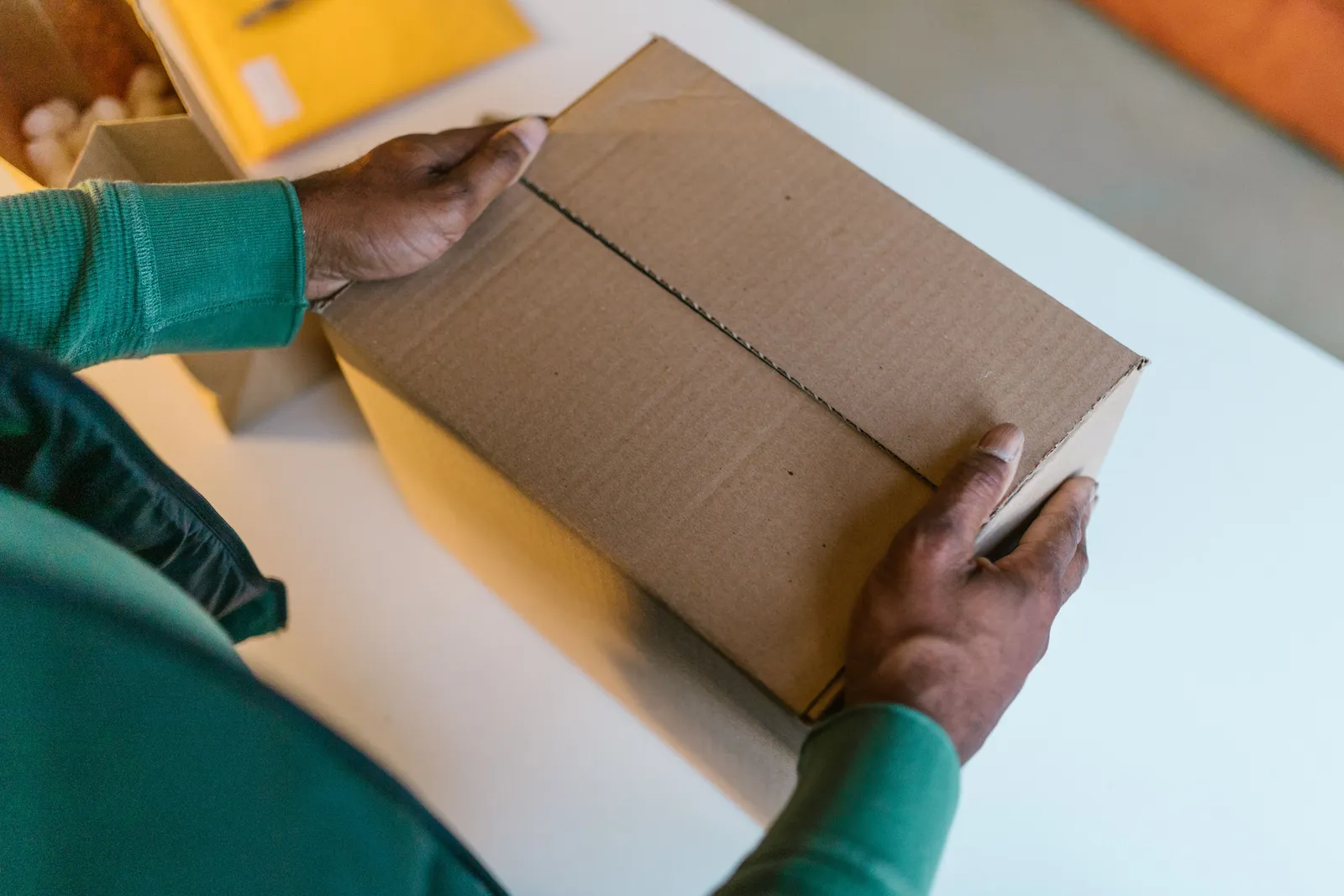
Now check the route. The origin and destination can change the result. So can the service level. A processing window is not the same as travel time. Keep those facts apart. Do not add them unless your source supports the total.
Next, look for limits. The source may exclude weekends or holidays. It may cover only one region. It may depend on stock or a cut-off time. Put key limits near the claim. A link alone may not fix a false headline.
Last, plan for change. Give the claim an owner and a review date. Track the live pages that use it. If the source changes, check every copy of the claim. Update or remove stale video, ad, and store text as one task. Keep proof of the change in the release record.
Stop the release when a key fact has no source. Stop when the price or stock note is old. Stop when the ship range does not match the route. Do the same when a review has no clear origin. A fast pause is less work than a broad fix after the post is live.
The fix can be small. Cut the claim. Add a clear limit. Ask for a new source. Change the clip or sound if rights are not clear. Then run the full check once more. Do not reuse an old sign-off for a new script.
A release record for your store
Keep one record for each video. Include:
| Field | Record |
|---|---|
| Product | SKU, name, version, supplier date, and store date |
| Audience | Region, channel, and intended use |
| Offer | Price source, stock source, shipping basis, and destination |
| Policies | Current return and warranty links |
| Media | Rights note for each image, clip, and sound |
| Endorsement | Original review, date, and material connection |
| Disclosure | Exact wording and placement |
| Control | Approver, expiry, archive, replacement, and takedown owner |
A shipping-expectation script template
This is a fictional example. It uses no real store, supplier, product, price, stock, destination, delivery date, return promise, testimonial, order count, or revenue result. Fill every placeholder with your verified facts.

“Hi, I want to walk through what to expect after you order [product name]. As of [source date], our store lists [verified price statement] and [verified stock statement]. For orders to [destination], our current processing statement is [verified processing statement]. Our current shipping estimate is [verified shipping statement and basis]. You can find our [shipping-policy link] and [return-policy link] below. If these details change, [verified support or update route].”
Recheck every number on the day you render. If a fact changes, update and re-render.
What C2PA and AI labels do not cover
Kyndrify is rolling out signed Content Credentials and invisible provenance, but they are not guaranteed on every file. The disclosure identifies the AI use. The credentials carry provenance data. These controls do not verify product claims, stock, shipping, policies, or media rights. They also do not prove customer consent or platform compliance. Keep them as part of the release record, not as a substitute for review.
A cost-input framework
Kyndrify plans use shared credits, and pay-as-you-go credit packs are also available. Estimate direct cost from the planned render count and the current price. Add review labor, media licenses, editing, ad spend, store fees, and payment charges as separate inputs. Do not treat this estimate as a forecast of orders, conversions, or margin. Check current pricing before approval.
A compact decision checklist
Release only when the price, stock statement, shipping basis, and policies match the dated sources. Confirm media rights and endorsement context. Check the AI and platform disclosures. Save the approval record, review date, and takedown owner.
Five frequently asked questions
1. Do I need to film a new clip for every product? The documented setup uses a headshot and a short voice clip to create a Twin. You can then write a separate script for each product. You still verify the facts and approvals for every video and render.

2. Can I use an AI Twin for a product I have never seen? The Twin does not inspect a product or validate supplier claims. Before deciding to publish, set an evidence standard appropriate to the claim and risk. Supplier copy alone may not support claims about performance, quality, safety, or a buyer's experience.
3. Does the built-in AI disclosure satisfy every platform’s rules? Kyndrify is rolling out signed Content Credentials and invisible provenance, but they are not guaranteed on every file. Each platform may require extra notices. Check the current policy of every platform where you publish. The disclosure is a starting point.
4. How do I handle a shipping delay after my video is live? Review the live statement immediately. Remove or replace the video if its shipping claim is no longer supportable. Separately follow the consent, cancellation, or refund duties that apply to the affected orders. The FTC guide describes the federal rule for covered U.S. sales.
5. What should I do if a supplier changes the price? Remove or re-render any video with the old price. A price claim needs a reasonable basis when a viewer sees it. Update your record and publish a corrected version.
Related reading
Disclaimer
This article describes a general workflow. It summarizes selected legal guides and vendor documentation. The legal and platform research is current as of July 2026. The Kyndrify product and pricing facts were separately verified on 26 September 2026. It does not provide legal advice. It does not guarantee compliance with any law or platform policy. It does not guarantee compliance with any supplier agreement. Pricing and features change. Rules change. Visit the official Kyndrify site and relevant regulator pages for the latest information. Consult a qualified professional about your specific situation before you publish.
More from Kyndrify



The tools that do this
Make your first video without filming.
Say what you need and the studio makes it: video, images, voices. Start free, no credit card.