

AI Video for Catering Businesses
AI video for catering businesses: create source-checked menu, tasting, and event videos with a verified face-and-voice Twin.
AI Video for Catering Businesses
A caterer can use an approved digital twin for a menu introduction. It also works for a tasting invitation or a booking handoff. The twin uses your face and voice. It reads a script you supply. The video is just one piece of a larger checklist. You must still verify the date and service area. Confirm the capacity and menu. Check portions and prices. Review minimums and availability. Verify ingredients and allergens. Confirm substitutions and staffing. Plan setup and delivery. Arrange cleanup and permits. Meet venue rules. No marketing video replaces food-safety or labeling controls.
What a digital twin can and cannot do
Kyndrify builds a Twin from a headshot and a short voice clip. Each Render gives you a download and a hosted link. You can split and stitch longer scripts. Free renders use preset avatars and voices. Own-face rendering and voice cloning start on an eligible plan such as Plus. The Free plan can build one Starter Twin and view a short preview, but it cannot render arbitrary own-face scripts. Recorded likeness consent is required for real-person Digital Twins, and consent records are retained for at least the life of the Twin plus seven years after deletion. Synthetic avatars follow a different consent path. Signed Content Credentials and invisible provenance are rolling out and are not guaranteed on every file. Plans use shared credits, and pay-as-you-go credit packs are also available. See the pricing page and the Responsible AI page.
What the pages do not document matters for a caterer. They do not document catering templates, menu or POS links, booking connectors, inventory feeds, product-photo or B-roll generation, ingredient or allergen databases, permit review, multilingual output, analytics, render speed, or commercial rights. A Free tier exists with 8,400 one-time signup credits and preset avatars and voices. Plus lists talking-head video up to 1080p. The Twin delivers a spoken message. You must supply and review everything else.
A safe event-menu workflow
Tie every video to one event and one menu version. Freeze these details first. Choose the event type and date. Fix the location and service area. Set the capacity and minimum order. Confirm the availability window. List the menu items and portions. Fix the prices. Confirm ingredients with the kitchen. Note every allergen. State substitution rules and upcharges. Plan the staffing and setup. Detail delivery and cleanup. Record permit numbers and venue approval. Note cancellation terms and payment deadlines.
Then review every visual. Food images must match the exact dish and portion. Get written permission for any venue shown. Secure a media release for each client or guest. Get one for any staff member. If you use a testimonial, classify the connection. Was there a discount or a free meal? Is there an employment link? Disclose it clearly. The FTC guidance says reviews must be truthful. Connections that affect trust need clear disclosure.
Separate real images from generated ones. YouTube requires a label for realistic altered content. See its AI-content disclosure policy. Never show a generated dish as real service proof. After you approve the script and visuals, render the video. Watch the full output. Publish only after a final check. Record the version. Set an expiry date. Assign someone to remove the video later.

Stop if a fact has no current source. Do not guess. Give each missing fact to one named owner. Fix the script before you Render. Then watch the clip with the source record in hand. Check both the spoken words and each image. Keep the prior file so your team can see what changed.
Use a red mark for each gap. Do not post while a red mark is open. Check the meal name, date, place, price, stock, and guest count one last time. Make the final choice plain: post, fix, or stop. Proof must come first.
A release record for each video
Keep a record with these items. Note the event name and menu version. Log the target audience or channel. Record who owns the date and location source. Add the timestamp for the service area and capacity. Note the menu and portion source. List price and minimum sources. Confirm the availability source. Sign off on the ingredient and allergen review. Confirm the substitution review. Verify the staffing and setup source. Confirm the delivery and cleanup plan. Note the permit and venue status. Check the cancellation and payment review. Confirm media rights for all food and venue shots. Secure them for client and guest images. Classify any testimonial and its connection. Write the disclosure you used. Add the approval signature and date. Set the expiry date and archive plan. Note the replacement link and the takedown owner. This record shows your review process. It does not prove food safety or permit validity.
A tasting-invitation script illustration
This is a fictional example with placeholders. It uses no real names or claims.
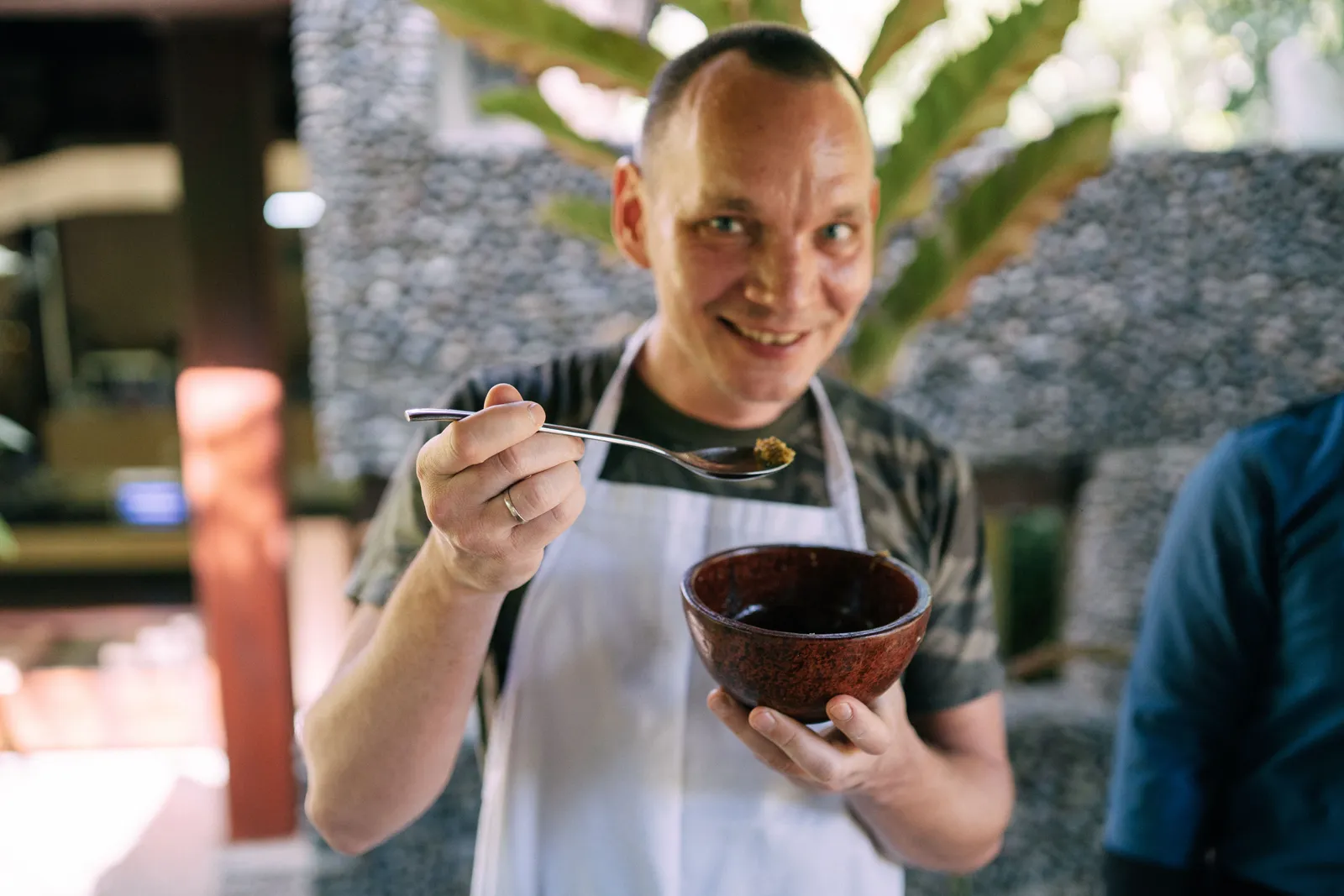
"Hi, I'm [Chef Name] from [Catering Company]. We're hosting a tasting for our [Event Type] menu on [Date] at [Venue Name] in [City]. You'll sample [number] courses, including [Dish One], [Dish Two], and [Dish Three]. Our team will walk you through portion sizes, service flow, and setup options. Space is limited to [number] guests, and the tasting is by invitation only. Visit [URL] to request your spot by [RSVP Deadline]. I look forward to meeting you."
Confirm the date and venue permission before you publish. Check the menu accuracy and allergens. Verify the capacity with your team.
What regulators expect
Videos do not replace food-safety duties. The FDA Food Code is a model. Your jurisdiction adopts its own rules. A video cannot replace permits or health policies. It does not cover sanitation or temperature controls. It cannot replace transport rules or service standards. Consumer advisories still apply.
Allergen rules vary. The FDA lists nine major food allergens. See its allergen guidance. Packaged-food labels can differ from catering rules. A video image is not proof of safety. Tie each allergen statement to current ingredient and handling records. Check the rules that apply in your jurisdiction.
State and local agencies regulate foodservice. Check the FDA retail protection overview. Verify your permits before any event. Confirm inspections and venue rules.
Cost inputs for budgeting
Kyndrify plans use shared credits, and pay-as-you-go credit packs are also available. See the pricing page for current rates. Count only the Render versions in your approved plan. Add your own costs for script work, food and permit review, media rights, scheduling, and paid placement. Do not assume gains in events, bookings, guests, time, margin, or revenue. The approved sources do not support those outcomes.
Five frequently asked questions
Does a digital twin replace my food-safety obligations? No. A video does not replace permits or health policies. It cannot substitute for sanitation or temperature logs. Your jurisdiction's rules still apply.
Can the tool generate product photos or B-roll of my dishes? The current product pages do not document these features. Supply your own verified images of the exact dishes and portions.

Do I need to disclose that I used AI in the video? YouTube requires disclosure when realistic content is meaningfully altered or synthetic. Review the rule for every platform where you publish. Endorsements and material connections need their own clear disclosure under FTC guidance.
How do I handle allergen statements in a video? Confirm every claim with your kitchen first. An image is not proof of safety. Point clients to your written guide. Ask them to speak with your team.
What happens when a menu or date changes after I publish? Have a takedown plan ready. Set an expiry date for each video. Archive the original. Remove or replace it when it is no longer accurate.
Decision framework for your next event
Answer these questions before you start. Have you frozen the date and location? Did you confirm the service area and capacity? Are the menu and portions fixed? Did you set the prices and minimums? Have you confirmed availability? Did you verify the ingredients and allergens? Are the substitution rules clear? Have you secured written permission for all images? Did you classify every testimonial connection? Have you written a clear disclosure? Did you separate real visuals from generated ones? Have you set an expiry date and a takedown owner? Did you review the final video against your record? If all answers are yes, a Twin may fit this workflow. If any answer is no, fix that item first.
Disclaimer: This article provides general information. It is not legal or food-safety advice. Consult your local health authority and legal counsel. Check official platform pages for current rules and prices. Details reflect public information as of September 2026 and may change.
Related reading:
More from Kyndrify


Make your first video without filming.
Say what you need and the studio makes it: video, images, voices. Start free, no credit card.