

AI Video for Bed & Breakfasts
Use AI video for bed and breakfasts to drive direct bookings, show your property, and welcome guests. Be on camera, without the camera.
AI Video for Bed & Breakfasts
A bed and breakfast can use an approved AI presenter for a host intro, inn tour, pre-arrival note, or a source-checked local guide. Rooms, rates, mandatory fees, and taxes need current sources. Open dates, booking, and cancellation need current sources. Access details, room features, breakfast, parking, check-in, local conditions, and guest media need their own review.
What a verified AI twin can do
A verified AI twin is a digital presenter. Kyndrify shows an illustrative sales workflow that builds one from a real headshot and a short voice clip, but that example represents no outside organization or person. It needs recorded consent. Each Render produces a download and a hosted link. Longer scripts can be split and stitched.
You can record a warm welcome once. Update the spoken details each season. Film an inn tour. Show parking, room location, and breakfast time. Swap out date-specific facts when your schedule changes. Build a pre-arrival reminder that covers check-in hours, door codes, and a weather tip. Deliver it with the face guests will see at the door. Assemble a local guide. Check each local tip against current hours before you publish.
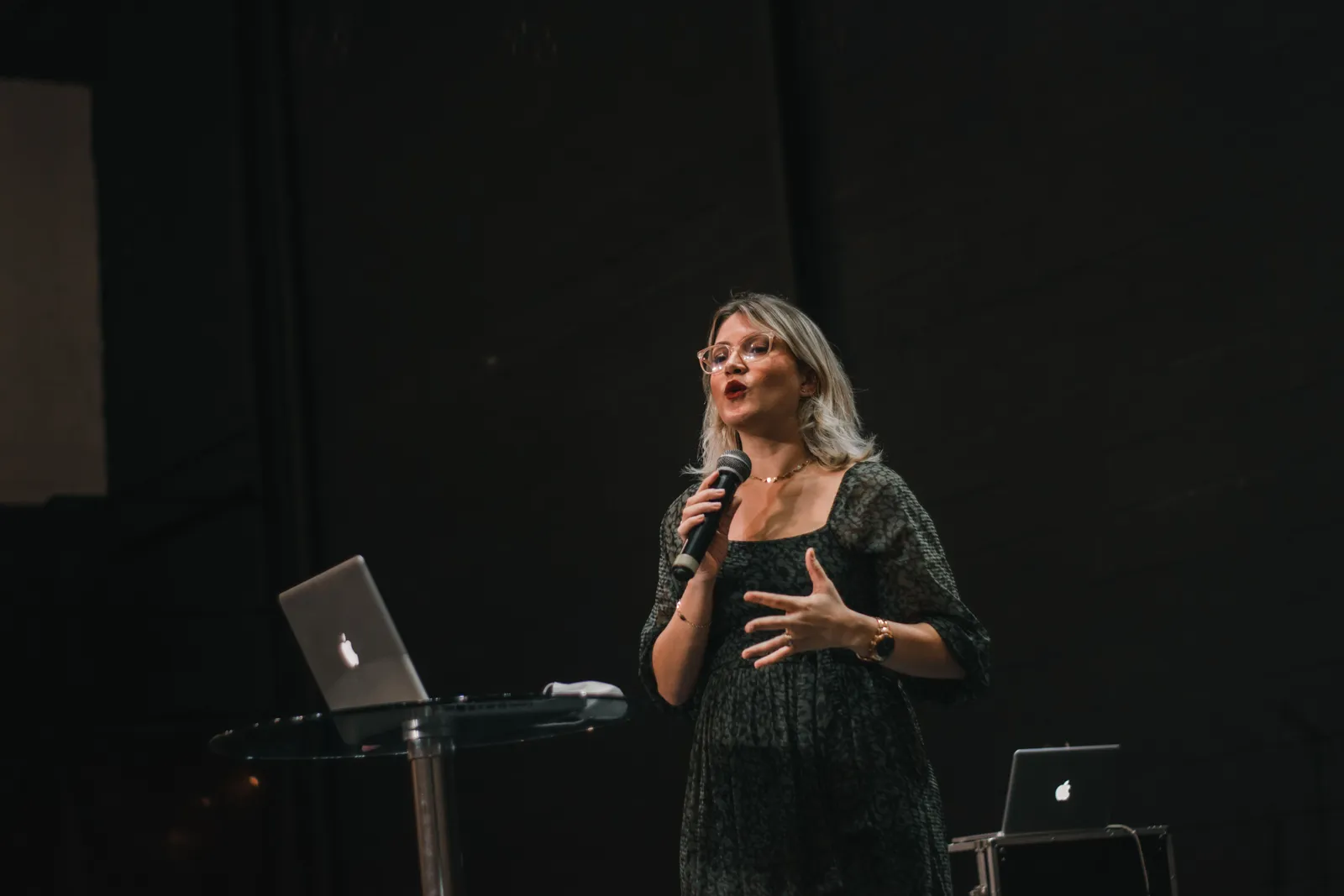
The twin handles the talking-head portion. You must supply the rest. B-roll of your inn must be real. Still photos of your rooms must be real. Text overlays with rates or policies must be real. The twin does not generate room images. It does not generate inn footage. It speaks the script you supply.
Where the limits sit
An AI presenter is not a booking channel. It cannot pull live rates. It cannot check open dates. It cannot calculate mandatory fees. The FTC rule on unfair or deceptive fees covers short-term lodging. When a covered business displays a price, mandatory fees it can calculate upfront generally belong in the displayed total price. The exact use of the rule depends on your offer and local law. A video that names a nightly rate but skips a resort fee or cleaning charge could mislead a viewer. Any price you speak must match the total on your current booking page. Treat the video as a dated snapshot. It expires when your rates change.
Accessibility information carries a similar duty. The ADA title III rules require covered lodging booking services to identify accessible features. A person must be able to assess whether the inn meets their needs. The rules contain a narrow exception for an owner-occupied inn with five or fewer rooms. A B&B should determine its actual coverage. Do not assume it. If your inn is covered, the access facts must match current records and staff knowledge. You may need to state door widths, grab-bar sites, and roll-in shower size. Use the ADA lodging guide with your own site audit.

Guest reviews and host tips need care. The FTC endorsement guide requires truth. A free stay requires disclosure. A discount requires disclosure. A commission requires disclosure. Any material tie to someone in your video needs a clear disclosure.
Platform rules add another layer. YouTube requires disclosure of altered or synthetic content when it looks real. Generated rooms, views, room features, food, hosts, guests, weather, or local conditions should not be shown as proof of a real stay. Kyndrify is rolling out signed Content Credentials and invisible provenance markers, but they are not guaranteed on every file. Those steps help flag synthetic content. They do not prove room facts, current rates, booking terms, access facts, food safety, or guest consent. You remain responsible for the claims your video makes.
A stay-video workflow
Tie a single video to a specific stay window. A dated asset with a short shelf life is easier to keep accurate.
First, choose one inn, one stay window, one audience, and one channel. Freeze each factual source before you write the script. Freeze your room descriptions, rate sheet, mandatory-fee schedule, tax table, and open-date calendar. Freeze your booking and cancellation terms. Freeze your access audit, room-feature list, breakfast menu, allergen notes, parking steps, check-in steps, pet policy, and local notes. Shorten the video's life if a source could change. Or skip the claim.
Next, review each piece of media. Inn photos, host headshots, staff images, and guest media need written consent for the use you plan. Confirm that each local business tip is current. Disclose any material tie.
Set your disclosure plan. State clearly that the host is an AI-generated presenter. Label any synthetic images. Disclose whether the reviewer received anything of value. Show the total price including mandatory fees if you mention a rate. Or state plainly that the viewer should check your booking page.
Write the script with your sources frozen. Keep it short. Approve it against those sources. Render the video. Watch the full output before you publish. Record the version, inn name, offer, audience, and channel. Record source owners and dates. Record the room, rate, fee, tax, and open-date sources. Record booking and cancellation terms. Record review dates for access, room features, breakfast, allergens, parking, check-in, and pet rules. Record media consent. Record any local tip or material-tie disclosure. Record approval, expiry, archive, and replacement details. Assign a takedown owner who will remove or replace stale video.
A fictional pre-arrival script
The script below uses placeholders only. It describes no real inn, room, host, guest, rate, fee, tax, open date, access feature, room feature, meal, allergen, parking, check-in, place, local tip, testimonial, booking, or savings claim. Replace each placeholder with your own verified facts.
"Hello, I'm [HOST NAME], your AI host for [PROPERTY NAME]. This is a quick pre-arrival note for your stay checking in on [CHECK-IN DATE]. Our check-in window runs from [START TIME] to [END TIME]. Park in the [PARKING LOCATION] when you arrive. Come to the [ENTRANCE DESCRIPTION]. Your door code is [CODE]. Your room, the [ROOM NAME], is on the [FLOOR OR LOCATION]. Breakfast is served from [BREAKFAST START] to [BREAKFAST END] in the [DINING AREA]. Tomorrow's menu includes [MENU ITEMS]. Please let us know before [CUTOFF TIME] if you have a food allergy. We can prepare an alternative. The total price for your stay includes all mandatory fees and taxes. That total is [TOTAL PRICE]. You can review the full breakdown and your cancellation terms on your booking confirmation. We look forward to welcoming you. This video uses an AI-generated presenter based on a real host's likeness. Please check our website for current rates and availability."

Cost inputs and pricing snapshot
Kyndrify plans use shared credits, and pay-as-you-go credit packs are also available. A no-card Free plan exists for preset avatars and voices. Custom own-face rendering and voice cloning are on Plus and above, which can include up-to-1080p talking-head video. Signed Content Credentials and invisible provenance are still rolling out and are not guaranteed on every file. The source pages list no lodging templates, inn or OTA links, room or rate feeds, guest messages, B-roll or image creation, access review, multilingual output, analytics, best-rate promise, or direct-booking result. Check the current pricing and feature list before you commit. Confirm that the Terms cover your planned business use.
Estimate your own cost. Multiply your monthly video count by the credit cost per Render. One pre-arrival video per week and one seasonal local guide per quarter yields an annual Render count near fifty-six. That math is an example only. Your actual count depends on your inn, stay windows, and how often sources change. No invented stays, bookings, occupancy, OTA fees, savings, sales, or revenue math appears here.
A practical decision framework
Run through this short checklist before you invest time in an AI video workflow.
- Source freeze. Have you locked the room, rate, fee, tax, open dates, booking, cancellation, access, room features, breakfast, allergen, parking, check-in, pet, and local facts?
- Media consent. Do you have written permission for each face, voice, inn image, and guest image?
- Material connection. Have you disclosed any free stay, discount, commission, job, or family tie behind a local tip?
- AI disclosure. Does the video clearly label the AI-generated presenter and any synthetic images under the platform's current policy?
- Total price. Does the video show the total including mandatory fees or direct viewers to your booking page?
- Access. Does each access-feature description match your current site audit and staff training?
- Expiry and takedown. Have you set a short expiry date and assigned a person to remove or replace the video?
Comparison at a glance
| Factor | Traditional video shoot | AI twin video |
|---|---|---|
| Host time | Requires scheduling | Script-driven; twin available on demand |
| Update speed | Re-shoot or re-edit | New script, new Render |
| Property footage | Captured on site | Must be supplied separately |
| Rate and fee accuracy | Snapshot; needs manual update | Snapshot; needs manual update |
| Accessibility claims | Must match current audit | Must match current audit |
| Consent and disclosure | Standard release forms | Recorded consent, plus platform disclosure |
| Cost structure | Crew, equipment, editing time | Credit-based; check vendor's current pricing |
Five frequently asked questions
Does an AI twin replace my booking engine? No. The twin reads a script you supply. It cannot check open dates, calculate mandatory fees, or process a booking. Your booking page remains the source for rates, terms, and open dates.

Can I use an AI twin to show my rooms? You can use the twin to narrate a room tour. The room footage must be real, current, and correct. Generated room images that look real require disclosure under platform rules. Do not present them as proof of a real stay.
What disclosures does a B&B video need? Disclose that the presenter is AI-generated. Label any synthetic images. Disclose material ties behind local tips or reviews. Ensure any stated price reflects the total including mandatory fees or direct viewers to your current booking total. Platform rules may require more labels.
How long should a B&B video stay published? Treat each video as a dated snapshot. Set a short expiry that matches the shelf life of your frozen sources. Remove a pre-arrival video shortly after the check-in date passes. Review a seasonal local guide when business hours, menus, or trail conditions change.
Does the C2PA watermark guarantee my video is compliant? No. Signed Content Credentials and invisible provenance markers are still rolling out and are not guaranteed on every file. They help flag synthetic content but do not verify your room descriptions, rates, or access claims. You remain responsible for each claim.
Related reading
This article is not medical, financial, or legal advice. Consult a qualified professional before making decisions based on this information. Pricing and feature details reflect a snapshot taken in late September 2026; always recheck the vendor's official pages for current terms.
More from Kyndrify


The tools that do this
Make your first video without filming.
Say what you need and the studio makes it: video, images, voices. Start free, no credit card.