

AI Video for Bakeries
Create AI video for bakeries in minutes. Show off cakes, run seasonal promos, and take custom orders. Free tier, no credit card.
AI Video for Bakeries
AI video for bakeries puts a familiar face in front of customers. You stay by the oven. A bakery can use a consented digital twin. The twin delivers short messages. It shares a menu introduction. It shares a preorder reminder. It announces a seasonal item. It explains a pickup route. The twin reads a script you write and approve. Current price and stock remain separate. Ingredients and allergens remain separate. Nutrition facts remain separate. Preparation controls remain separate. Customer stories remain separate. Product photos remain separate. Each element needs its own source. Each element needs its own review. This article explains a clear workflow. It gives you a release record. It shows a cost illustration. It covers compliance checks for a bakery marketing video.
What a bakery can realistically do
The Kyndrify talking-head product page shows how a bakery owner records a headshot once. She records a short voice clip once. The platform builds a face-and-voice twin. The twin reads a script you supply. Each render gives you a download. Each render gives you a hosted link. You can split longer scripts. Then you stitch the parts together. The twin is not a live spokesperson. It is not a menu database. It is not a food photographer. It is a scripted presenter.
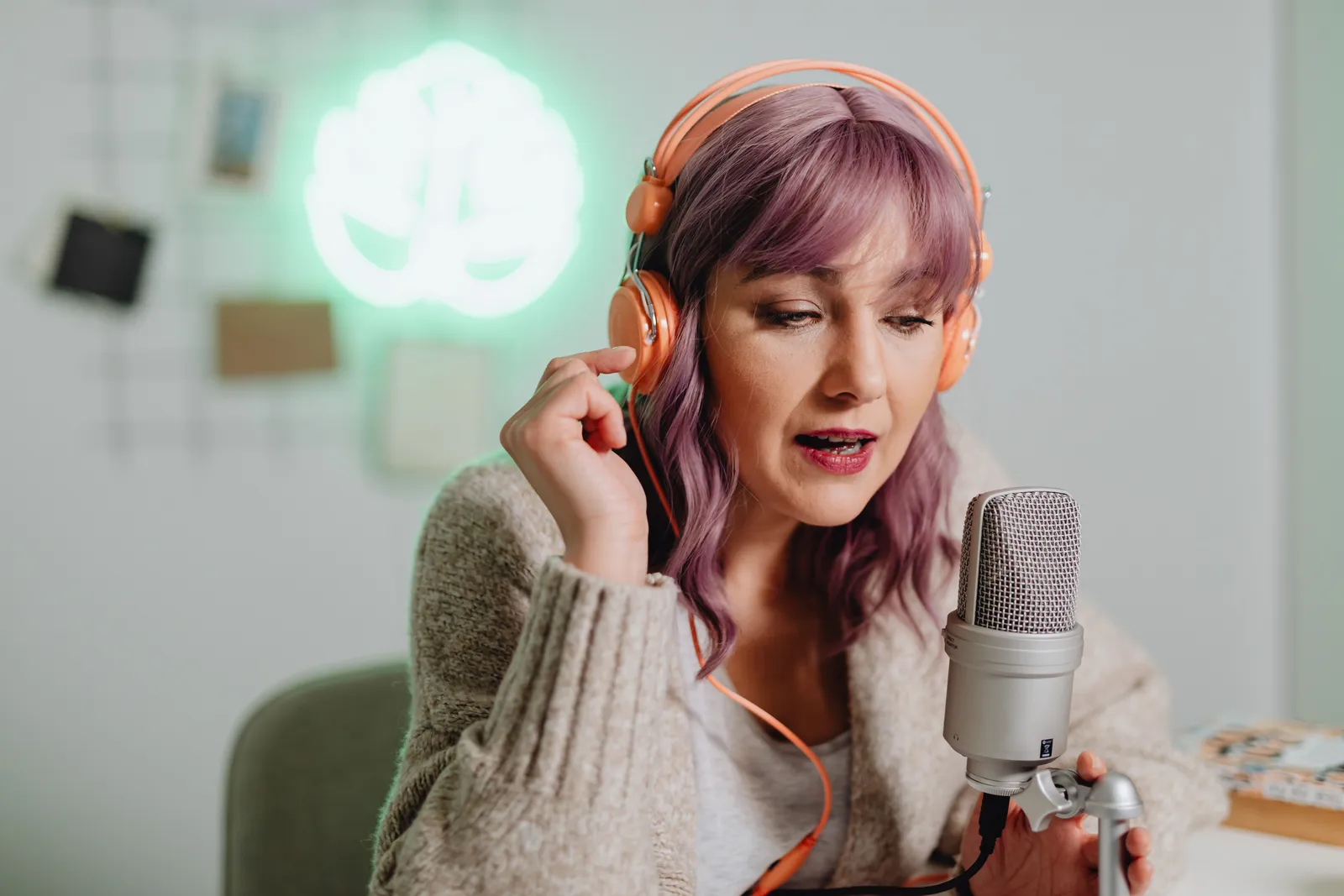
You can use the twin for bounded messages. Each message needs a source check. You might share a weekly specials round-up. You might share a holiday preorder deadline. You might share a pickup-route reminder. You might introduce a single item. Each claim the twin makes demands proof. You must verify each claim against a dated source. The twin does not pull ingredient lists from a recipe card. It does not pull allergen warnings. It does not pull nutrition facts. You must review those details yourself. You must approve those details. You do this before you lock the script.
A bakery-video workflow
A repeatable process helps keep your marketing accurate. It helps keep your marketing legally safe. Use these steps for each video.
- Select one item or event. Pick a single product. Or pick a seasonal collection. Or pick a time-limited offer. Freeze the name before you write the script. Freeze the price. Freeze the order window. Freeze the pickup instructions. Freeze the sale window.
- Gather source files. Identify the owner of the price list. Record its date. Check the FDA ingredient guidance. Identify the owner of the ingredient specification. Record its date. Identify the owner of the allergen review. Record its date. Identify any nutrition statements. Identify any health-related statements. Distinguish packaged-label duties from general marketing. A video is not a substitute for required labeling. A video is not a substitute for staff guidance. The FDA food-allergy guidance identifies nine major food allergens. The agency requires the food source of major allergens used as ingredients to be declared on packaged foods in scope. Rules for unpackaged food can differ. Rules for particular establishments can differ. Always confirm your duties with a skilled advisor.
- Review product photos and people. Confirm you have rights to any stills. Confirm rights to any B-roll. Confirm rights to any background music. Get written consent if a real person appears. Review the FTC endorsement guidance if you include a customer testimonial. Endorsements must be honest. They must not mislead. Disclose any material connection that might affect how an audience weighs the endorsement.
- Set disclosure. YouTube requires disclosure of AI-generated content. The rule applies when the content seems realistic. It also applies to meaningfully AI-altered content. Making a real person appear to say something they did not say is a listed disclosure case. Check each platform's current policy before you publish.
- Approve the final script. The owner signs off on each claim. A designated reviewer can also sign off. Approve the price. Approve the date. Approve the disclosure.
- Render, watch, and publish. Review the full output. Confirm the twin's delivery matches the approved script. Publish with the required platform disclosures.
- Record the version. Log the video in a release record. Set an expiry date. Name a takedown owner. Archive the old video when a price changes. Replace the link. Archive the old video when an ingredient changes. Replace the link.
Bakery-video release record
A simple record stops outdated claims from staying live. Keep one row per video.
| Field | Example placeholder |
|---|---|
| Item, event, or version | Pumpkin Spice Loaf – v1 |
| Source owners and dates | Price list: owner, 2026-10-01; Ingredient spec: owner, 2026-09-15; Allergen review: owner, 2026-09-20 |
| Audience and channel | Instagram Reels, Facebook post |
| Price, order window, pickup, stock source | $6.50, order by 2026-10-25, pickup 2026-10-28–10-30, 50 loaves available |
| Ingredient and allergen review | Reviewed against supplier spec; major allergens declared on packaged label |
| Claim review | No health, gluten-free, or nutrition claims made |
| Imagery and people rights | B-roll owned by bakery; no third-party faces |
| Testimonial context and material connection | No testimonial used |
| Platform disclosure | YouTube altered-content label applied; Instagram "AI-generated" tag used |
| Approval | Owner, 2026-10-10 |
| Expiry | 2026-10-31 |
| Archive location | /marketing/archive/psl-v1.mp4 |
| Replacement link | /marketing/psl-v2.mp4 (after price change) |
| Takedown owner | Marketing manager |
A fictional preorder-reminder script
This is an illustration. It uses placeholders only. No real bakery appears. No real product appears. No real ingredient appears. No real allergen appears. No diet claim appears. No health claim appears. No real price appears. No real date appears. No real stock appears. No real testimonial appears. No order count appears. No revenue claim appears.

"Hi, I'm [Owner Name] from [Bakery Name]. Our [Item Name] is available for preorder through [Order Window End Date]. The price is [Price]. Pickup is on [Pickup Date] between [Pickup Hours] at [Address]. Please check the ingredient and allergen information on our website or ask our team before ordering. This video was created with an AI twin. Thanks for supporting our bakery."
What C2PA and disclosure prove
Kyndrify documents recorded consent and AI disclosure. Signed Content Credentials and invisible provenance are rolling out and are not guaranteed on every file. These features help viewers see how a video was made. They do not prove recipe accuracy. They do not prove allergen safety. They do not prove labeling compliance. They do not prove stock. They do not prove image truth. They do not prove platform compliance. A bakery must verify each factual claim on its own. Platform policies also apply. Google Business Profile policy applies prohibited and restricted content rules to photos and videos. Businesses remain responsible for photos that comply with laws. Businesses remain responsible for photos that comply with regulations.
Cost inputs
Kyndrify plans use shared credits, and pay-as-you-go credit packs are also available. A no-card Free plan exists for preset avatars and voices. Custom own-face rendering and voice cloning begin on Plus, not on every paid plan. Always recheck the current pricing on the vendor's site before you commit.
To think about cost, list only the inputs you control. Do not invent order arithmetic. Do not invent reach arithmetic. Do not invent time arithmetic. Do not invent revenue arithmetic.
Illustration of cost inputs for one month
| Input | Placeholder value |
|---|---|
| Renders per month | 8 (two per week) |
| Cost per Render | Check Kyndrify's current published price |
| Estimated monthly platform cost | Renders × price per Render |
| Script review time (owner) | 15 minutes per script |
| Imagery sourcing (in-house) | Already owned |
| Platform disclosure setup | 5 minutes per upload |
This is an arithmetic example. Your actual cost depends on the vendor's current rates. Your actual cost depends on your own time.

Decision framework
Ask these questions before you start.
- Do you have a person willing to record their face and voice? Will that person be accountable for the scripts?
- Can you commit to a written approval step for each script?
- Do you have a system to track price changes? Can you track ingredient changes? Can you track allergen changes? Can you archive outdated videos?
- Will you check each platform's AI-disclosure rules before you publish?
- Are you prepared to handle customer questions that a scripted video cannot answer?
If you answer yes to all five, an AI twin can be a useful tool. It works for short messages. It works for source-checked messages. Traditional text posts may be simpler if you answer no. Static images may be simpler. They are easier to keep accurate.
Frequently asked questions
1. Can an AI video replace my ingredient labels or allergen notices? No. A marketing video is not a substitute for required labeling. It is not a substitute for staff guidance. The FDA identifies nine major food allergens. The agency sets labeling requirements for packaged foods in scope. Rules for unpackaged food can differ. Rules for particular establishments can differ. Always confirm your obligations with a qualified advisor.
2. Do I need to disclose that the video is AI-generated? Yes, on platforms that require it. YouTube requires disclosure of AI-generated content. The rule applies when the content seems realistic. It also applies to meaningfully AI-altered content. Making a real person appear to say something they did not say is a listed disclosure case. Check each platform's current policy before you publish.
3. Can I use customer testimonials in an AI video? You can, but you must follow FTC endorsement rules. Endorsements must be honest. They must not mislead. Disclose any material connection that might affect how an audience weighs the endorsement. Review the FTC's endorsement Q&A before you include a testimonial.
4. Does the AI twin handle multilingual videos automatically? The vendor's current pages document ten spoken and dubbing languages. You must write the translated script yourself if you need a video in another language. You must approve the translated script yourself. You must verify all claims in that language.
5. What happens when a price or ingredient changes? You must archive the old video. You must replace the link. A video that shows an outdated price can mislead customers. A video that shows an outdated ingredient can mislead customers. Your release record should include an expiry date for each version. Your release record should name a takedown owner for each version.
Keep your bakery marketing safe
An AI twin can deliver a warm message. It can deliver a familiar message. It works when you cannot be on camera. The value comes from the script you write. The value comes from the sources you check. The value comes from the discipline you apply to version control. Treat each video as a dated claim. The claim expires when the facts change. Review the official vendor pages for current capabilities. Review the official vendor pages for current pricing. Do this before you begin.

This guide is for informational purposes only. It does not constitute professional advice. Always consult qualified legal professionals for your specific situation. Always consult qualified regulatory professionals. Always consult qualified food-safety professionals.
Related reading
More from Kyndrify



The tools that do this
Make your first video without filming.
Say what you need and the studio makes it: video, images, voices. Start free, no credit card.