- Can I use a selfie?
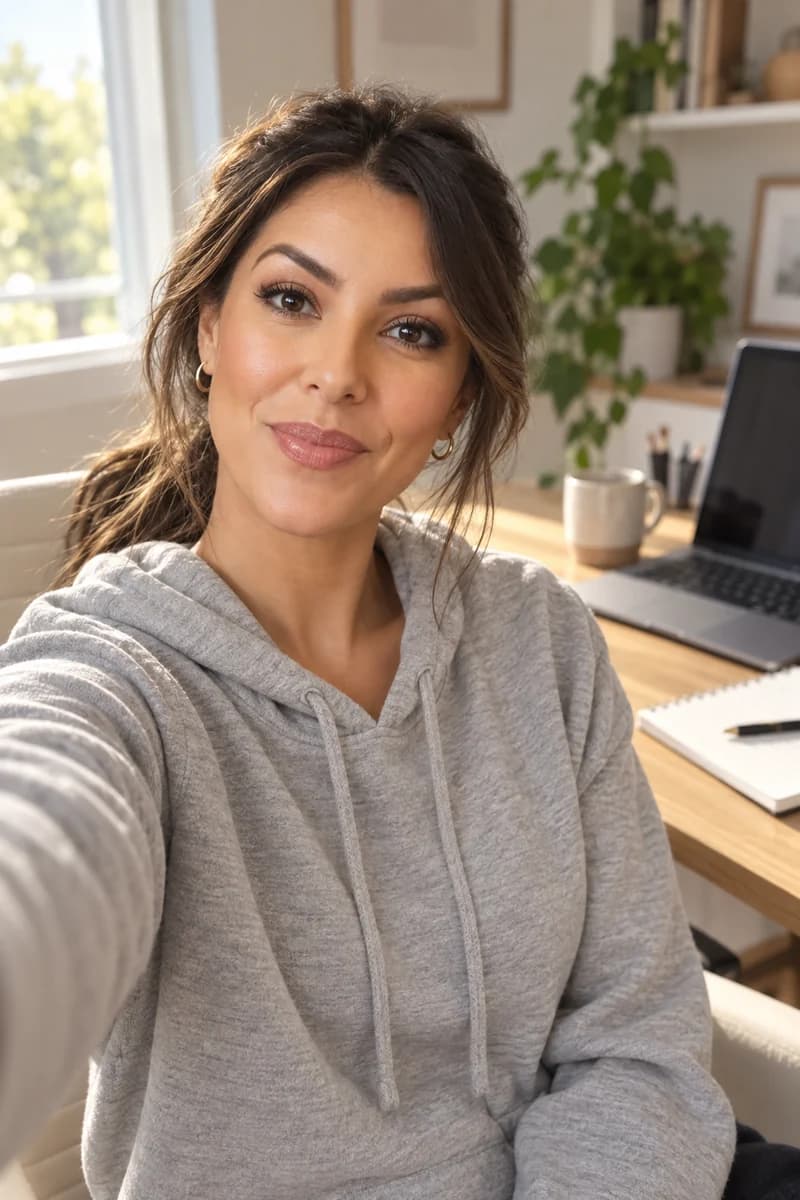
- Yes. Selfies, headshots and webcam stills all work. Run it through the four checks first: one face, even light, head and shoulders, and a JPEG, PNG or WebP up to 10 MB. What does not work is a screenshot of a video call, because it is soft before it starts.
- My photo was turned down. What now?
- Read the sentence you got. If it says we could not verify exactly one clear face, the photo has nobody in it, has more than one person, or the face is too dark or too small to read. Move to a window so the light is on your face, come closer so your head and shoulders fill the frame, and send it again. If it says the photo does not match the consented person, that twin was built from someone else's face, and a different likeness needs consent again.
- Can I use a photo of somebody else?
- Only if they build the twin, or give consent through the recording step themselves. A real person's face travels one way, as a Digital Twin, with consent on record. As a plain reference it is turned down, including your own face.
- Do I need to crop or shrink it first?
- No. Your browser compresses a phone photo before it is sent, so a big photo is not a problem. Cropping is worth doing only if the face is small in the frame, and even then the camera step in the Studio is faster than cropping by hand.
- What happens to my photo after I send it?
- It becomes the face your twin is built from, and it stays as you sent it. We do not use your photos, your voice, your scripts or your finished media to train a Kyndrify model. What we hold, and for how long, is written out in the biometric notice.
- Can I change the photo later?
- Yes. You can add more photos to a Digital Twin, and swap which one it is built from. If the twin already has a consent recording, a new photo is checked against that same face, so it has to be the same person. To use a different likeness, consent is given again.