

How to Script AI Avatar Videos (Simple Guide)
Learn how to script AI avatar videos with a strong hook, short sentences, and a clear template. Practical, easy tips you can use today.
A good AI avatar video starts with a good script. Write the way you talk. Hook the viewer in the first line. Use one idea per sentence. Keep your sentences short. End with a clear call to action.
That is the whole secret. The rest is detail.
This guide walks you through the essentials. You will also learn common mistakes to avoid, how to vary your script for different types of content, and what to do after you finish writing. Let’s begin.
Why the script matters so much
The script is the heart of your video. Your avatar can only say what you write. The words do the heavy lifting.
A weak script makes the video feel flat. A strong script makes it feel human. The good news is that writing one is simple. You just need a few clear guidelines.
Before you write: pick the right avatar for your content
Your script and your avatar work together. The way the avatar looks and sounds sets the stage for your words. Before you write a single line, think about who you want to reach and what feeling you want to create.

Match the avatar to your message
Most AI video platforms give you a library of avatars to choose from. Consider these points when you pick one:
- Audience. Who will watch the video? A younger crowd might respond to a casual, modern look. Professional audiences often prefer a clean, polished style.
- Brand tone. If your brand is warm and friendly, choose an avatar that smiles easily and looks approachable. For a serious or technical topic, a calm, neutral avatar can feel more credible.
- Consistency. Once you pick an avatar, stick with it across your videos. Familiar faces build trust. Viewers recognize you faster and pay more attention.
Kyndrify, for example, gives you realistic avatars that you can select and use consistently. Many other tools work the same way. The key is to choose one that fits your voice, not just one that looks good.
Once you have the right avatar, you can write a script that suits the personality you want to project.
How to write a script that sounds human
AI avatars deliver the words you give them. To make the voice feel real, write like you talk.
Read every sentence out loud. If it sounds stiff or unnatural, rewrite it. Use everyday words. Skip jargon unless your audience expects it. Use contractions like “you’re” and “it’s.” They soften the tone and sound warmer.
Picture one person sitting in front of you. Talk directly to that person. This small mental shift keeps your script friendly and grounded.
The 7 script essentials for AI avatar videos
These seven rules work together to make your video clear, natural, and easy to follow.
1. Start with a hook that fits your video type
Your first line decides whether people stay. A generic hook works sometimes. A hook customised to your video goal works better.

For an educational video, ask a question that speaks to a real problem:
- “Ever spent hours editing a video that should have taken ten minutes?”
- “What if you could record a video without touching a camera?”
For a storytelling video, open with a scene:
- “Last Tuesday, I stared at a blank screen for two hours.”
- “My client called and said, ‘We need a video by tonight.’”
For a short social clip, use a surprising fact or a strong opinion:
- “Most AI scripts fail because of one missing step.”
- “You don’t need a camera to build trust with your audience.”
Keep the hook to one short sentence. Get to the point fast.
2. Keep each sentence short
Aim for around ten words per sentence. Never go beyond eighteen. Short sentences are easy to follow. They also make the avatar’s delivery feel natural. Long sentences can trip up pacing and confuse viewers.
If a sentence feels long, break it in two. Your message stays unchanged, but the rhythm improves.
3. One idea per sentence
Put one idea in each sentence. Do not stack multiple thoughts together. This is the simplest rule on the list, and it makes every script cleaner.
When you pack two ideas into one sentence, the avatar rushes and the viewer struggles to keep up. Separate them. The flow feels smoother and the listener absorbs more.
4. Pick a structure that matches your goal
The classic Hook – Value – Call to action works for many videos, but it is not the only option. Choose a structure that fits what you want to achieve.
Hook – Value – CTA
- Hook grabs attention.
- Value delivers the main point or tip.
- CTA tells the viewer the next step.
Best for quick tips, short social clips, or simple explainers.
Problem – Solution
- Start by naming a common problem.
- Explain why it happens.
- Give a clear, practical solution.
- End with a CTA.

Best for how-to videos, product demos, or customer pain points.
Story arc (3 parts)
- Setup: introduce a situation or character.
- Challenge: present a problem or tension.
- Resolution: show how it was solved, often with your product or idea.
Best for testimonials, brand storytelling, or emotional content.
Listicle (3 quick points)
- Hook with a question like “Three ways to X without Y.”
- Deliver each point in one or two sentences.
- Wrap with a CTA.
Best for social media, blogs turned into video, or digestible tips.
Teaser
- Start with a question or cliffhanger.
- Offer a quick taste of the answer.
- Push viewers to a longer piece of content.
Best for driving traffic to full videos or articles.
Pick the structure before you write. Your script will feel tighter.
5. Use pauses to let the message breathe
Pauses make speech feel human. They give the viewer a moment to process what was said.
In your script, create pauses with short paragraphs. Start a new line for each new idea. A line break signals a small rest. Full stops also add rhythm. Even a one-word sentence can act as a pause.
If you are using a tool like Kyndrify, the avatar will naturally pause when you break lines. In other tools, shorter paragraphs help the pacing engine. Either way, the reader’s eyes (and ears) appreciate the white space.
6. Cut every word you do not need
Short scripts hold attention better. After your first draft, edit ruthlessly. Remove filler words like “very,” “really,” or “just.” Cut any sentence that repeats an earlier point.
Say your main idea once, clearly, then move on. If the message remains strong after removing a sentence, delete it. A shorter script often feels more confident and trustworthy.
7. Write a plain script, not a prompt
Some AI video tools ask you to engineer a complex prompt. Modern avatar platforms, including Kyndrify, do not need that. You type your script like a normal message. The tool handles delivery, tone, and timing.
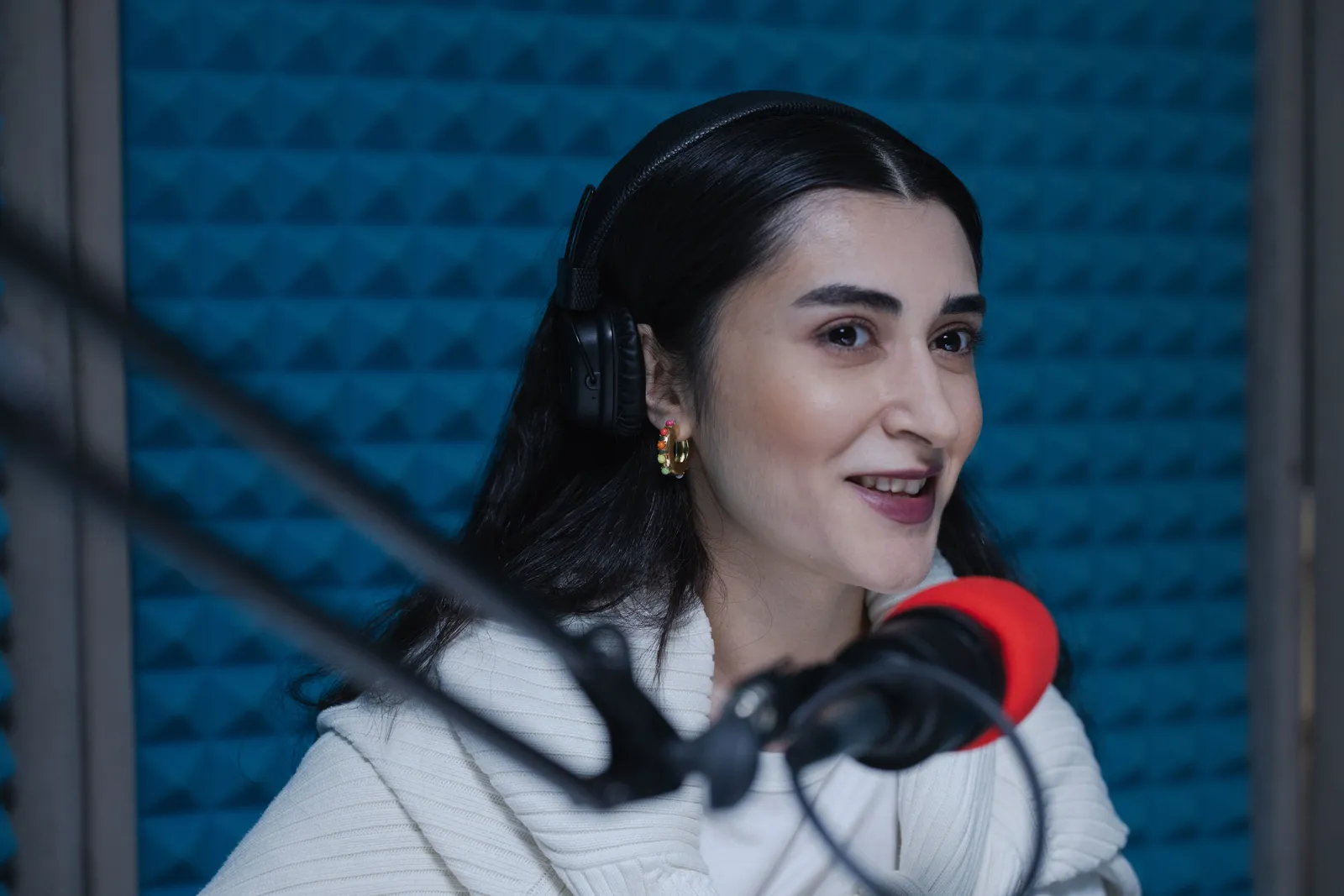
This simplicity keeps you focused on your words. Write naturally. When the script is ready, paste it into the tool and create the video. There is no extra step to learn.
Common mistakes to avoid when scripting for AI avatars
Knowing what not to do saves you time. Here are mistakes many teams make, and how to sidestep them.
- Writing too formally. Business language feels robotic. Write like you speak in a meeting, not like a white paper.
- Skipping the read-aloud test. What looks fine on screen often sounds clumsy out loud. Read every script before you finalize it.
- No pauses. A wall of text gives the avatar no room to breathe. Break it into short paragraphs.
- Using jargon or complex terms. Even if your audience knows the terms, simple words reach them faster. Save jargon for places where it truly adds clarity.
- Forgetting the call to action. Your video needs to ask for one specific step. Without it, attention evaporates.
- Over-explaining. Repeating the same point in different words makes the video drag. Trust the viewer to understand the first time.
- Assuming the avatar will add emotion. Avatars deliver with a consistent tone. If you want excitement or warmth, build it into the words. Short exclamations (“That’s huge.”) or direct address (“You can do this.”) help.
For a systematic approach to diagnosing and fixing a robotic avatar voice, see TTGC's guide on why your avatar sounds like a robot and how to fix the voice.
When humor, storytelling, or brand voice gets tricky
Some content styles call for a special touch. Here is how to handle them without breaking the script.
Humor. Avatars cannot deliver sarcasm or subtle wordplay the way humans can. Keep humor simple and universal. Go for a friendly, light tone rather than a punchline. A gentle smile in the avatar and a warm sentence work better than a joke that might fall flat.
Storytelling. Stories work well when they follow a clear arc (setup, challenge, resolution). Give the avatar vivid but short details. Use the avatar like a narrator guiding the listener through the events. Do not rely on visual cues; paint the picture with words.

Brand voice. If your brand has a distinct voice (playful, authoritative, empathetic), write the script in that voice from the first line. Consistency matters more than trying to sound like an “AI video.” Use the same vocabulary and rhythm you would in an email or on your site.
Your simple AI avatar video script template (plus two variations)
Start with this classic template. It uses the Hook – Value – CTA flow.
HOOK (1 line):
[Ask a question or make a bold claim.]

INTRO (1-2 lines):
[Say who you are. Say what this video covers.]

VALUE (3-5 short lines):
[Share your main point.]
[Add one helpful tip.]
[Give a quick example.]

CTA (1 line):
[Tell the viewer the next step.]
Here it is filled in:
HOOK:
Want to make videos without a camera?

INTRO:
Hi, I'm Sam. Today I'll show you a faster way.

VALUE:
You just write a short script.
The tool turns it into video of your face.
No filming and no setup needed.

CTA:
Try it free and make your first video today.
Problem–Solution variation
Use this when your video solves a known pain point.
PROBLEM (1-2 lines):
[Describe the struggle your viewer feels.]

WHY IT HAPPENS (1 line):
[Explain the root cause simply.]

SOLUTION (2-3 lines):
[Present your fix and how it works.]

EXAMPLE (1 line):
[Show a quick result or benefit.]

CTA (1 line):
[Give one clear next step.]
Story arc variation
For testimonials or brand stories.
SETUP (1-2 lines):
[Introduce a person or situation.]

CHALLENGE (1-2 lines):
[What went wrong or what was the goal?]

RESOLUTION (2-3 lines):
[How it got solved, with your product or idea in focus.]

TAKEAWAY (1 line):
[What the viewer can learn from this.]

CTA (1 line):
[Invite the same result.]
Choose the template that fits your goal, swap in your own words, and you are ready.
What to do after your script is ready
Once you finish writing, the next steps are straightforward.
- Read it aloud one more time. Fix any tongue twisters.
- Generate the video. Use your chosen AI avatar platform. Kyndrify, for instance, auto-stitches longer scripts into a smooth single video. Other tools may need you to keep it short.
- Review the output. Watch the video. Does the pacing feel right? Adjust line breaks if the avatar rushes or pauses oddly.
- Add polish if needed. You can always export the video and add captions, background music, or a simple visual overlay with any basic video editor. This helps it perform better on social platforms.
- Test with a small audience. Show it to a colleague or a friend. Ask them: “What’s the one thing you remember?” If they can’t say, sharpen your value point.
- Repurpose. Turn one script into several short clips for different channels. The same script can become a reel, a blog post, and an email introduction.
Kyndrify covers the core generation and stitching, so you can skip many technical steps. Whatever tool you use, the script is what makes it work. Put your effort there.
A quick note on languages
Kyndrify documents ten speech and dubbing languages: English, Spanish, Portuguese, French, German, Italian, Japanese, Korean, Russian, and Chinese. Script translation also lists Hindi, Filipino, Indonesian, and Arabic, but the saved voice cannot speak those targets yet. The core tips stay the same regardless of language: keep sentences short, use simple words, and make one point at a time. The principles travel well.
Frequently asked questions
How long should an AI avatar video script be?
Keep it as short as your message allows. Most short social videos need only a few sentences. Tell your point, add value, then close. If you need more time, platforms like Kyndrify can auto-stitch longer scripts. Always aim for conciseness, no matter the length.
Do I need to write a prompt for an AI avatar video?
Not with many modern tools. Kyndrify, for example, lets you input a plain script. The prompt engineering is built into the platform. You type normal words, not a model prompt. Other tools may work similarly. Write like you talk.
What makes a good hook for an AI video script?
A good hook is short and clear. Ask a question or make a bold claim. Name a problem your viewer feels. Put it in the very first line. Match the hook to the video’s purpose: educational, storytelling, or social teaser.
How do I make my AI avatar sound natural?
Write the way you talk. Use simple words and contractions. Keep sentences short. Read your script out loud to test it. Break long thoughts into smaller pieces. The more you mimic real speech, the better the avatar will deliver.
Can I make AI avatar videos for free?
Many platforms offer free tiers or trials. Kyndrify has a no-card Free plan that uses preset avatars and voices. Commercial use depends on your rights and the current plan and Terms, so check the pricing page and Terms of your chosen tool.
Your next step
Your script is the foundation. When you write like a human, your avatar video connects with real people. Follow the structures, watch for common mistakes, and pick an avatar that matches your message.
Kyndrify is one easy way to turn your script into a video of a lifelike avatar. It handles prompting, stitching, and delivery. But the magic starts with your words. Write clearly, keep it short, and your videos will work.
Start writing your first script today.
More from Kyndrify



The tools that do this
Make your first video without filming.
Say what you need and the studio makes it: video, images, voices. Start free, no credit card.