

How to Make YouTube Thumbnails With AI
Learn how to make YouTube thumbnails with AI. Get clear tips on faces, bold text, contrast, and testing for more clicks.
Your thumbnail is your first ad. It decides if people click or scroll past.
AI makes great thumbnails fast. You can build a clear subject, bold text, and a real face. This guide shows you how.
Below are practical tips, real-world examples, and answers to common questions. Each one is simple. Each one helps you get more clicks.
Why does a thumbnail get clicks?
A thumbnail gets clicks when it is clear and easy to read. The viewer sees a tiny image on a small screen. They decide in under a second.
Good thumbnails share a few traits:
- One clear subject.
- Bold, short text.
- A face with real emotion (or a strong focal object).
- Strong contrast that grabs attention.
- A look that reads well when small.
Keep these traits in mind for every tip below.
What AI tools can I use to make thumbnails?
Many AI tools can help you create thumbnails. The right one depends on how you like to work.

Kyndrify lets you generate images, use your own face on an eligible plan such as Plus, and build on-brand thumbnails all in one place. It has built-in prompt help, so you do not need design skills. You get a free tier to start with preset avatars and voices. For commercial use, confirm your rights and current plan terms before publishing.
Other widely used AI image tools include:
- Midjourney – Great for artistic, high-detail scenes. You type a detailed prompt and get several options. Many creators use it for backgrounds or full thumbnail art.
- DALL‑E (via ChatGPT or OpenAI) – Simple to use. You describe what you want, and it generates an image. Good for clean, straightforward compositions.
- Adobe Express – Free plan available. It includes an AI image generator plus templates and text tools. You can start with a prompt and then add your own text and icons.
- Canva – Offers an AI image generator (Magic Media) and a large library of thumbnail templates. Helpful if you want to combine AI art with pre-made designs.
- Leonardo AI – Popular for game-style and fantasy art. It gives you fine control over style and model choice.
Most of these tools let you download an image, but you will still need to add text and your face (if you want one) in another app. Kyndrify combines those steps for you. Other tools separate generation from face swapping and text overlay. Choose what fits your workflow.
How do I pick one clear subject?
Pick one main idea and show it. Do not crowd the frame.
A busy image confuses people. One strong subject pulls the eye fast. Place that subject off to one side. Leave room for text on the other side.
With AI, you can describe the subject in plain words. Ask for a clean background. Ask for one focal point. This keeps your thumbnail simple and strong.
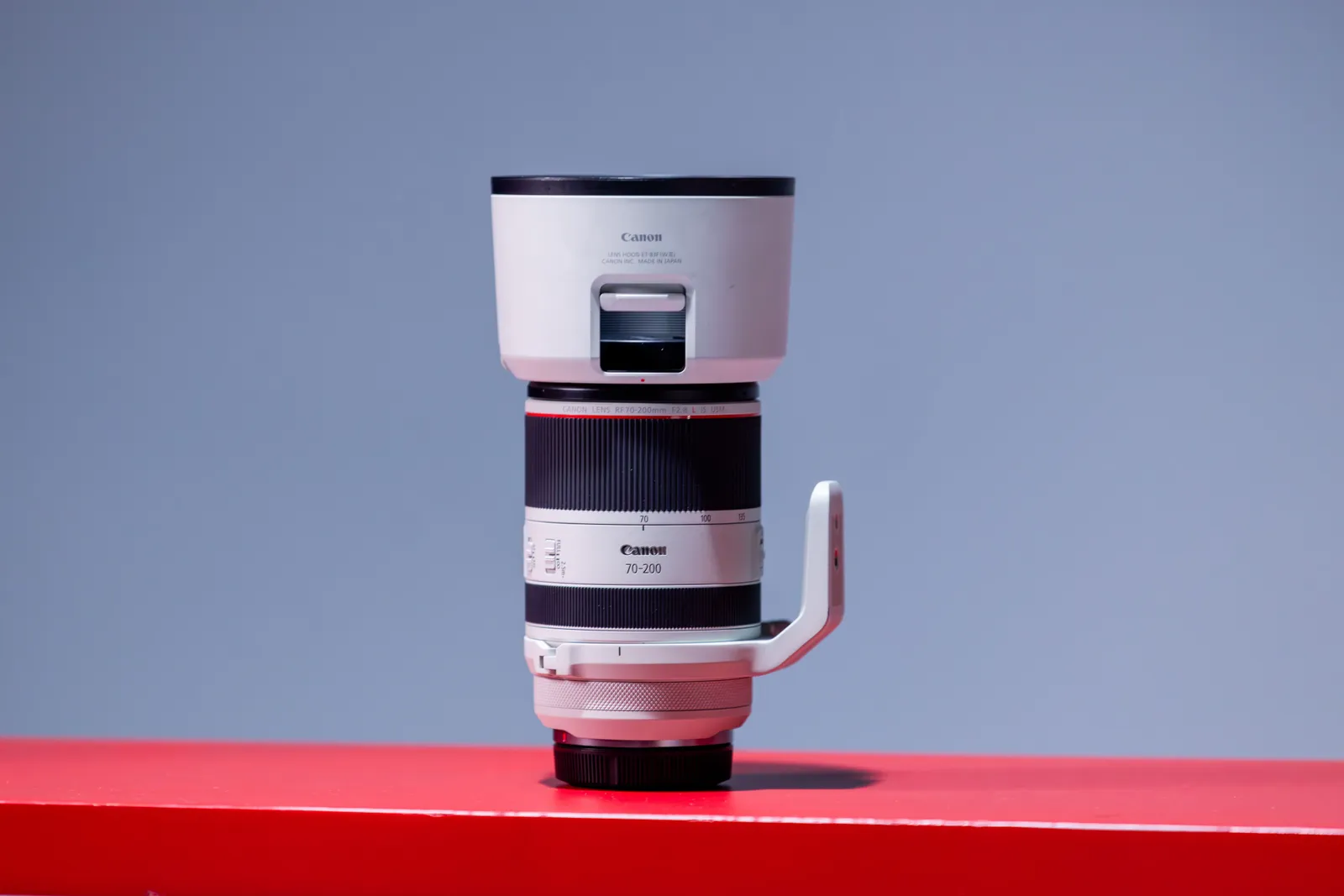
Successful channels often use this rule. A cooking channel might show one finished dish and nothing else. A tech review channel might show a single gadget on a plain background. That clarity helps the viewer decide to click.
How do I add bold, readable text?
Use three to five words at most. Make them big and easy to read.
Long text shrinks too small to see. Short text stays clear on a phone. Pick one or two words you want people to notice. Make those the largest.
Use a thick, simple font. Sans-serif fonts like Arial Black, Impact, or Montserrat Bold work well at small sizes. Add an outline or shadow behind the words. This helps text pop against any background, even if the background is busy.
Choose a text color that clashes with the background. If the background is dark, use white or bright yellow. If the background is light, use black or a deep color. This is basic color psychology: high contrast equals instant readability.
Should I put my face on the thumbnail?
Yes, in most cases. Faces with emotion get more clicks. People connect with people.
Show a clear expression. Surprise, joy, or focus all work well. Aim the eyes toward the camera or the text. This guides the viewer’s gaze to your message.
Kyndrify lets you use your own face on an eligible plan such as Plus. You can build a Twin and place yourself in many scenes. This keeps your channel personal and on-brand. Your viewers learn to recognize you fast.
What if my video is not about a person? You can still make a high-click thumbnail without a face. Some genres work better with a strong object. A gaming thumbnail might show a powerful character or weapon. A product review might show the product itself with an arrow pointing to a feature. A tutorial about software might show a clean screenshot with a bold icon. In these cases, the object itself becomes the “subject.” Make it large, center it or place it off-center, and give it the same attention you would give a face. Even a hand holding an object can show action and emotion without showing a full face.

How do I use AI images for the background?
Start with a clear prompt. Describe the scene, the mood, and the colors.
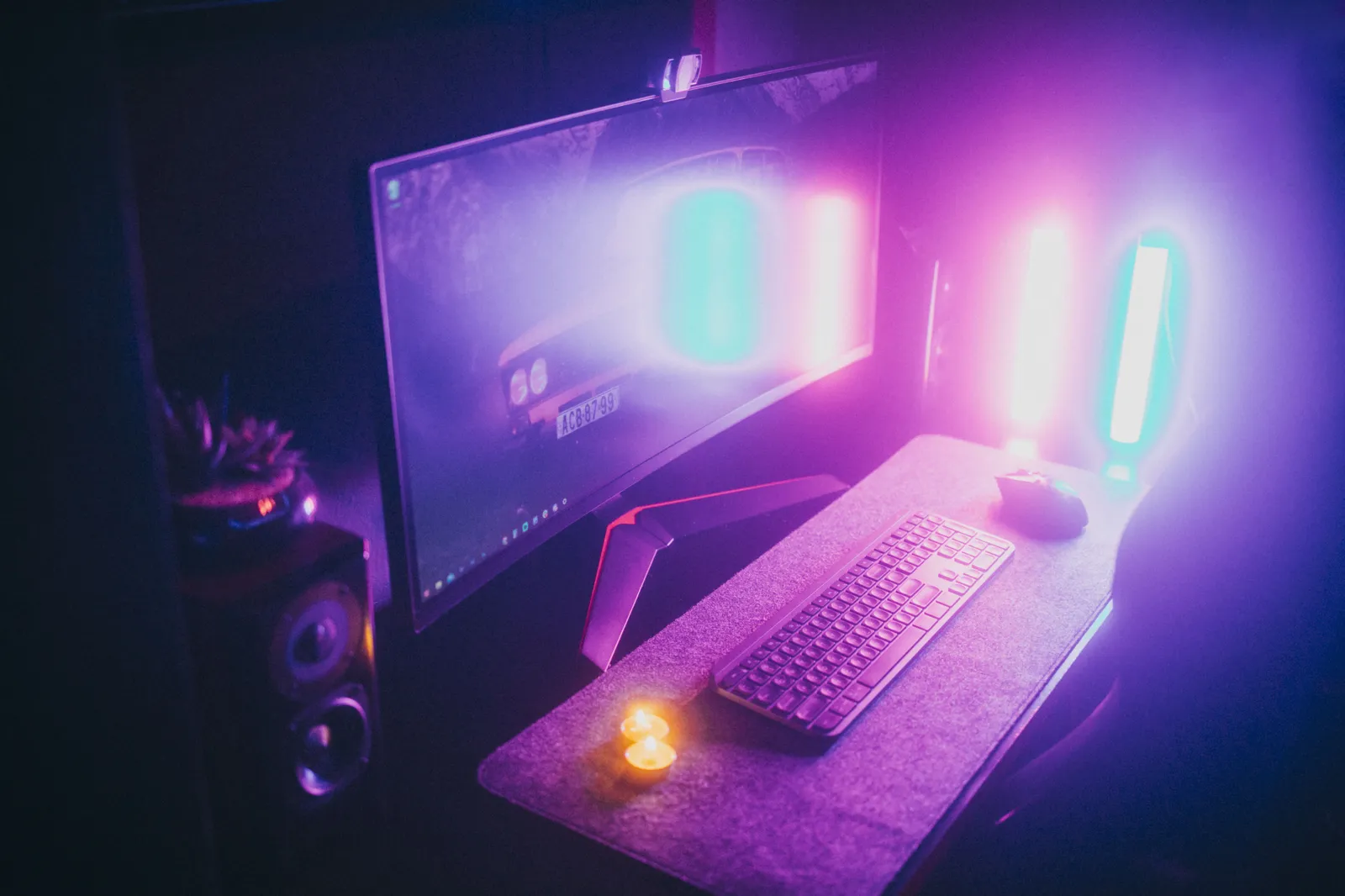
AI can build a background that fits your topic. Want a gaming setup? Ask for it. Want a bright kitchen? Ask for that too.
Kyndrify has prompt engineering built in. You type a simple idea. The tool helps shape a strong image. You do not need to be an expert.
Try a few versions. Keep the one that frames your subject best. In other tools, you can add phrases like “blurred background,” “cinematic lighting,” or “minimalist” to keep the focus on your subject.
How do I make my thumbnail high contrast?
Use colors that fight each other. Light on dark works. Bright on muted works too.
Low contrast makes a flat, dull thumbnail. High contrast grabs the eye in a busy feed. Put light text on a dark area. Put a bright subject on a soft background.
For quick color psychology, pick two colors from opposite sides of the color wheel. Blue and orange. Red and green. Yellow and purple. These pairs pop. But do not use too many bright colors at once. One high-contrast pair is enough. Let the rest of the thumbnail stay neutral or dark.
Check your colors against YouTube’s white and red interface. A thumbnail that looks great on a black screen might blend into the red subscribe button or white background on mobile. Open a screenshot of the YouTube homepage and place your thumbnail on it to see if it stands out.
How do I optimize my thumbnail for different video genres?
Each genre has its own thumbnail language. Tap into what your audience expects, then add your twist.
Gaming videos: Use a bold character or key moment from the game. Add glowing outlines, speed lines, or dramatic lighting. Bright neon colors on a dark background work well. Text is often a single word like “INSANE” or “WTF.”
Tutorials and how-tos: Show a clear before/after split, or a clean screenshot with a big arrow pointing to the solution. Faces help here if you show a confident expression. Text often includes a promise, like “FIX IT FAST” or “EASY HACK.”
Vlogs and lifestyle: Warm, candid expressions win. A smile, a laugh, or a surprised look. Backgrounds are usually real places or soft outdoor light. Text is often just one or two words that tease the story.
Product reviews and unboxings: Make the product the hero. Show it up close, maybe with a hand holding it. Use arrows or circles to highlight features. Text spells out the verdict: “BEST EVER?” or “DON’T BUY.”
Listicles and rankings: Numbers dominate. A large, bright number (like “5” or “10”) paired with a simple object or face. The background stays clean so the number pops.
These are patterns many successful creators follow, not strict rules. Watch a few big channels in your niche and notice what their thumbnails share. Then use AI to build your own version.
Will my thumbnail read well at small size?
Test it small before you publish. Most viewers see it tiny.
Shrink your thumbnail to the size of a stamp. Can you still read the text? Can you still see the subject? If not, simplify.
Cut extra words. Make the subject bigger. Boost the contrast. Small and clear beats detailed and cluttered every time.
How do I keep a consistent look?
Use the same style across your videos. Consistency builds trust.
Pick a font, a color set, and a layout. Reuse them on every thumbnail. Over time, viewers spot your videos at a glance. They know it is you even before they read the title.
Kyndrify helps you keep an on-brand look. You can reuse your face, your style, and your prompts. This makes a matched set of thumbnails fast. Even if you use other tools, save your best prompts and color codes so you can repeat them.
How do I test my thumbnails?
Try more than one version. Then watch the numbers.
Make two or three thumbnails for a video. Use YouTube’s built-in thumbnail test tool if you have it. If not, upload one thumbnail and swap it after three to five days. Then compare the click-through rate for the same time window.
A higher click-through rate means a stronger thumbnail. Keep what works. Over time you will learn what your specific audience responds to.
Putting it all together
Good AI thumbnails follow a simple recipe. One subject. Bold text. A real face or a strong focal object. High contrast. A clear, small-size look. A style that matches your genre.
AI speeds up every step. You can generate backgrounds, add your face, set text, and test variations in minutes. Then you keep what gets clicks.
Kyndrify brings these tools into one place. It makes AI images, uses your own face on an eligible plan such as Plus, and helps with prompts. You get a free tier to start with preset avatars and voices. No credit card is needed. For commercial use, confirm your rights and current plan terms before publishing. See the pricing page for details.
Frequently asked questions
Can I use my own face in an AI thumbnail?
Yes. Kyndrify lets you build a Twin from your face on an eligible plan such as Plus. You can place yourself in many scenes. This keeps your thumbnails personal.
Do I need design skills to make AI thumbnails?
No. Prompt engineering is built into Kyndrify. You type a simple idea, and the tool helps shape it. Anyone can start.
How many words should a thumbnail have?
Use three to five words at most. Short text stays readable on small screens. One or two key words can be the largest.
What if I do not want to show my face?
You can still create strong thumbnails. Focus on a clear object, a character, or a product. Use the same rules: one subject, bold text, high contrast, and good small-size readability.
Is there a free way to try this?
Yes. Kyndrify has a free tier with no credit card. You can make AI images with preset avatars and voices and try the tools first. For commercial use, confirm your rights and current plan terms before publishing.
How do I know if my thumbnail works?
Watch your click-through rate. Test two or three versions per video. Keep the one that earns more clicks.
Ready to make your next thumbnail?
You now know what makes a thumbnail click. Try it on your next video.
Kyndrify gives you AI images, built-in prompts, and your own face on an eligible plan such as Plus in one place. Start free with preset avatars and voices and see what works for your channel.
Results depend on your content, audience, and testing. The tips above come from widely used practices, but no single approach guarantees clicks for every channel.
More from Kyndrify


The tools that do this
Make your first video without filming.
Say what you need and the studio makes it: video, images, voices. Start free, no credit card.