

How to Make Faceless TikTok Videos (Step by Step)
Make faceless TikTok videos with a sourced script, rights-cleared assets, accessible text, platform labels, quality checks, and a publish log.
How to Make Faceless TikTok Videos
You can make faceless TikTok videos. You do not need to show your face. You need a clear plan. You need good visuals. You need a strong voice.
This guide gives you a step-by-step workflow based on current official sources and a documented review process.
A faceless video means no presenter face on screen. You use other visuals. You add a voice or text. You still need a real point of view. You must own or license your material.
Let us build your first video.
What is a faceless TikTok video?
It is a short video with no person on camera. The visuals carry the message. A voiceover or on-screen text tells the story.
This format can keep a presenter face off screen. It does not by itself establish anonymity, privacy, lower cost, or better performance.
But faceless does not mean low effort. You still need a clear script. You need rights-cleared images and sounds. You need to follow platform rules.
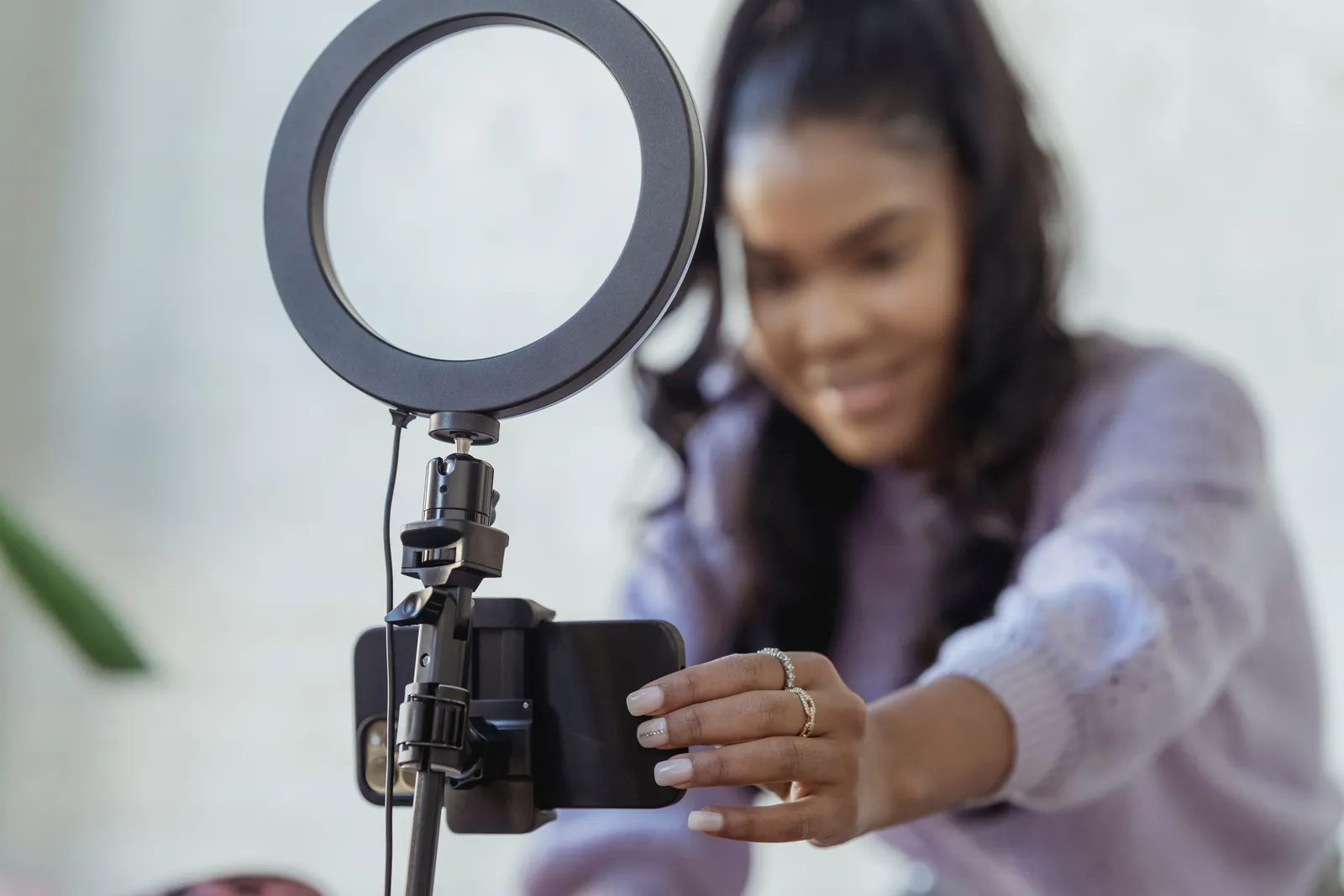
A nine-step workflow for faceless videos
Follow these steps in order. They create a review trail, but they do not replace legal advice or platform terms.
- Pick your audience and job. Decide who you help. Decide what they need to know.
- Choose an evidence-backed topic. Use facts you can check. Do not guess.
- Write a one-claim script. Stick to one main idea. Keep it short.
- Make a shot list. Plan a visual for each line of your script.
- Gather rights-cleared assets. Use your own clips, licensed stock, or AI images you have rights to use.
- Choose your narration. Record your own voice or use an AI voice with proper consent.
- Edit and add text. Put your clips in order. Add on-screen words for key points.
- Check access and quality. Add captions. Watch the full video. Fix any errors.
- Disclose and log. Label AI content as needed. Keep a record of your sources.
Step 1: Pick your audience and job
Start with the viewer. Do not start with a tool.
Ask two questions:
- Who is this for?
- What one job does this video do for them?
A clear job sets the scope for the script and its acceptance check.
Step 2: Choose an evidence-backed topic
Pick a topic you can support with facts. Use official sources. Use your own experience.
Do not make universal claims. Do not promise algorithm rewards. TikTok does not share its full ranking signals.
Test your topic idea. Can you state it in one short sentence? If not, narrow it down.
Step 3: Write a one-claim script
Start with a first line that states the viewer's problem, question, or verified fact. Treat hook style as a test variable.
Keep the script to one claim. Read it at the planned pace and time the result rather than relying on a universal word count.

Write short sentences. Use common words. Read it out loud. If you stumble, split the sentence.
End with the promised answer or a clear next step.
Illustrative 30-second storyboard
This example shows how a script becomes a video. It is an illustration, not a promise of results.
| Time | Visual | Audio/Narration |
|---|---|---|
| 0–4s | Phone screen showing a TikTok draft | "Do not use a TikTok draft as your only copy." |
| 4–10s | Drafts tab beside a device icon | "TikTok says drafts stay with the device and account." |
| 10–16s | Reinstall and account-switch icons | "They may be lost after reinstalling the app or moving accounts." |
| 16–23s | Source clips and project file in a folder | "Keep your source clips and project files outside the app." |
| 23–28s | Final export copied to an archive folder | "Save the final export before you publish." |
| 28–30s | Short checklist on screen | "Use drafts for edits, not as your archive." |
Step 4: Make a shot list
Turn your script into a visual plan. Write one visual idea per line.
Set each shot length from the time needed to understand the visual and narration. Test cut pace rather than assuming faster cuts perform better.
Your shot list is your map. It keeps you on track when you gather assets.
Step 5: Gather rights-cleared assets
You need visuals you can legally use. You have three main paths:
- Your own photos and video clips.
- Licensed stock footage.
- AI-generated images from a tool that grants you usage rights.
Do not pull random images from the web. That can lead to copyright issues.
Keep a simple source register. Note where each clip came from. Note the license or permission. This protects you later.
Step 6: Choose your narration
You can record your own voice, subject to any employment, contract, music, script, and distribution rights that apply.
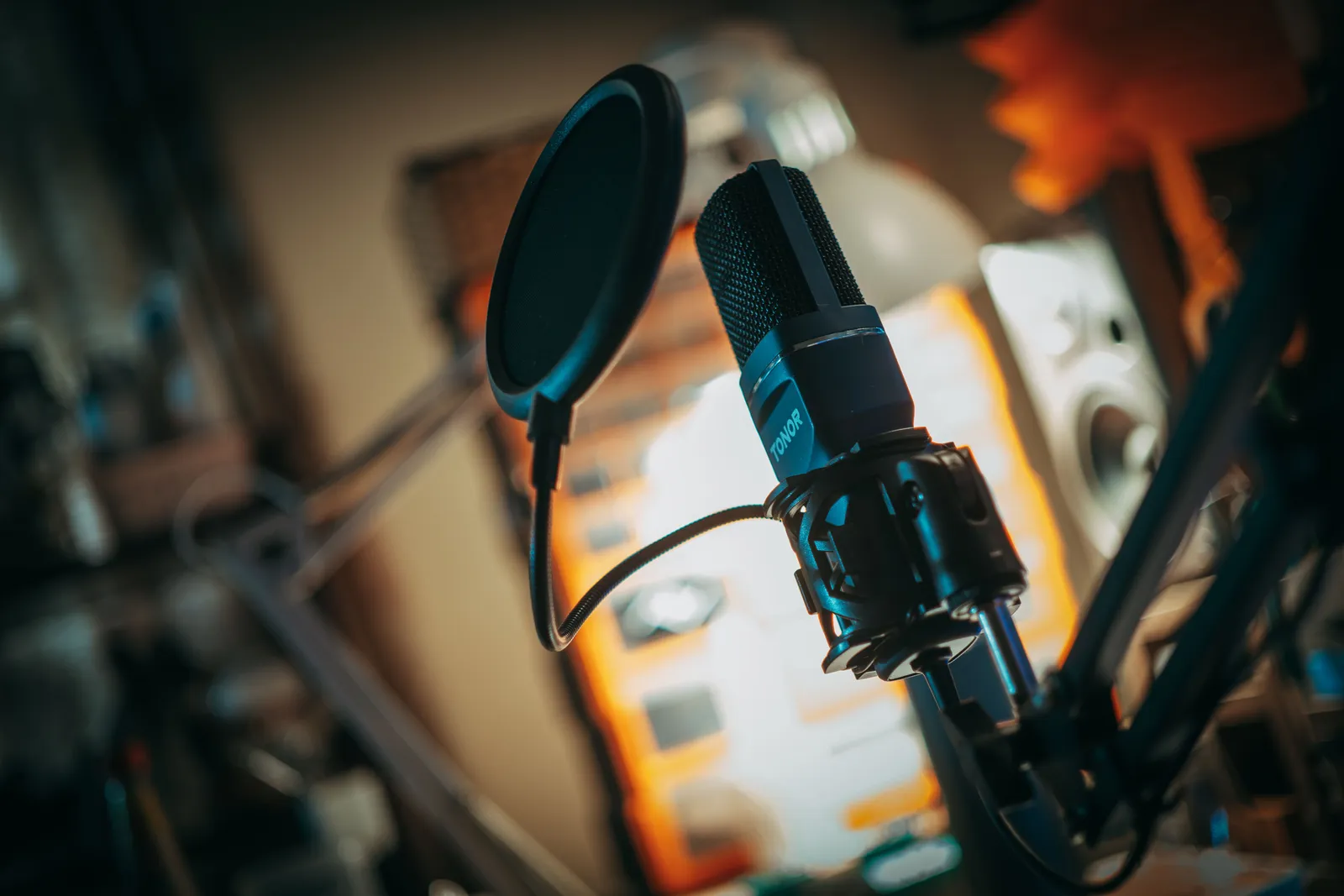
You can also use an AI voice. Some tools let you clone a voice with consent. Kyndrify, for example, requires current recorded likeness consent before rendering real-person Digital Twins, per its Terms and Responsible AI page. Always get clear permission before cloning any voice.
Define the required tone and pace in the brief, then check the narration against it.
Step 7: Edit and add text
Put your clips in order. Follow your shot list.
Add on-screen text for key points. TikTok lets you add and position text after you upload or record, as noted in its editing help page. Use this to highlight your main claim.
Preview text on the target device and keep key words clear of interface elements. For ads, use TikTok's current placement-specific safe-zone files.
Save a draft on your device. TikTok drafts stay on that device and account. They can be lost if you reinstall the app or switch accounts. They cannot be shared.
Step 8: Check access and quality
Add accurate captions or equivalent accessible text. Treat captions as an access requirement, not a retention promise.
Watch your full video. Check for errors. Check the pacing. Check that the captions match the voice.
This is your quality gate. Do not skip it.
Pre-publish checklist
Use this list before you post.
- One clear claim?
- Opening matches the promised topic?
- Visuals match the script?
- All assets are rights-cleared?
- Source register updated?
- Captions added and correct?
- AI disclosure ready?
- Video watched end to end?
Step 9: Disclose and log
TikTok has rules for AI content. Its AI-generated content guidance says you must label realistic AI images, audio, or video. You can use the creator AI label before posting. TikTok may also auto-label some media.

TikTok says enabling its creator AI label does not affect distribution when the post otherwise follows its rules. Some content is still prohibited even when labeled, including specified fake authoritative or crisis material and certain uses of real-person likenesses.
When uncertain, check the current policy and use the more transparent treatment while seeking qualified advice where needed.
Keep a publish log. Note the date, the topic, and the AI tools used. This helps you stay compliant as rules change.
Organic posts vs. ad specs
Do not mix up organic posts and ad rules.
TikTok’s ad policies list specific sizes and lengths. For example, ad format rules say ads must be 5–60 seconds with clear audio. In-feed ad specs recommend 9:16 at least 540×960.
These are ad requirements. They are not proof of what makes an organic video rank. Do not use ad specs to make claims about the algorithm.
For organic videos, test what works for your audience. Treat hooks, length, cut pace, sounds, niche, and posting time as test variables. No single number works for everyone.
Variables to test
You control many parts of your video. Test them one at a time.
- Hook style: Question vs. bold claim.
- Video length: 15 seconds vs. 30 seconds.
- Cut pace: Fast cuts vs. slower holds.
- Sound: Trending audio vs. original voice only.
- Posting time: Morning vs. evening for your audience.
Keep a simple log. Note the single variable changed, the comparison window, and the result. Require repeated evidence before changing the standard workflow.
Kyndrify pricing snapshot (checked 26 September 2026)
Kyndrify uses shared subscription credits plus pay-as-you-go credit packs. Subscription credits reset monthly and do not roll over, and packs remain usable for three months. Signed Content Credentials and invisible provenance are still rolling out and are not guaranteed on every file. Check the current pricing page and Responsible AI page for details.
Prices change. Always recheck the official pricing page before you buy. This snapshot is not a quote.
Decision framework
Use this simple framework to pick your tools.
- Do you own your visuals? If not, budget for licensed stock or an AI tool with clear rights.
- Do you own your voice? If you use an AI voice, get consent first.
- Can you disclose clearly? Pick a tool that supports AI labels and watermarks.
- Can you keep records? Build a source register and a publish log from day one.
Start with the required job and rights. Add or replace a tool only after a measured trial shows that it improves a defined cost or acceptance criterion.
FAQ
Do I need to show a presenter face in a TikTok video?
No. A faceless format uses other visuals, narration, or on-screen text. The format alone does not guarantee growth or distribution.
Are AI voices allowed on TikTok?
Yes. But you must label realistic AI audio. Check TikTok’s AI-generated content guidance for current rules.
How long should a faceless TikTok be?
Test length against the task, completion criteria, and audience evidence. TikTok's cited ad limits apply to ads and do not establish an organic-video optimum.
What visuals can I use?
Use material within the rights you actually hold: your own cleared clips, validly licensed stock, or generated media allowed by current vendor terms and applicable law. Keep a source and rights record.
How do I label AI content on TikTok?
Use the creator AI label before posting. You can also add context in the video or description. TikTok may auto-label some media.
Related reads
Disclaimer: This guide offers general advice for making faceless TikTok videos. It is not legal counsel. Platform rules and tool prices change. Always check official sources before you post or buy. Follow TikTok’s current community guidelines and terms of service.
More from Kyndrify

Make your first video without filming.
Say what you need and the studio makes it: video, images, voices. Start free, no credit card.