

Can You Change an AI Avatar's Appearance?
Yes, but it depends on the type. Learn how stock avatars and a Twin of your own face differ, and what you can safely change.
Can You Change an AI Avatar's Appearance?
Can you change an AI avatar appearance? Yes, you can. How much you change depends on the avatar type. There are two main kinds. One is a stock avatar. The other is a Twin of your real face. This guide explains what you can change in each case. It also covers the steps and the tools. And it talks about what to think about ethically and technically.
Two types of AI avatars and what you can change
AI avatars fall into two broad groups. Each group gives you a different level of control over the look.
Stock avatars are generic digital faces. You start from a preset. Then you adjust features. You can change almost all. Face shape is flexible. Eye color, skin tone, and hairstyle are flexible. Clothing, accessories, and background are all flexible. The face belongs to no one. So it is fully flexible.

A Twin of your face is built from a real video or photo of you. The face is you. That is the whole point. You keep your identity stable. You change the things around you. With a Twin, you often adjust wardrobe. You adjust background and framing. You adjust lighting and brand styling. But you do not swap your actual facial features.
Later we walk through the exact steps for each.
How to customize a stock avatar: a step-by-step guide
Most platforms that offer stock avatars let you tweak the look. Here is a general workflow you can follow.
- Choose a platform. Popular video avatar tools are Synthesia, HeyGen, and D-ID. For still images, try Canva or Picsart. (Kyndrify focuses on Twins, not stock avatars. We cover Twins next.)
- Pick a base avatar. Browse the library. Select a face that is close to what you need. Think about age, gender, and general vibe. Remember you will adjust it later.
- Open the customization panel. Look for sliders or preset categories. These may include face shape, eyes, nose, and mouth. They may also include skin tone and hair.
- Tweak specific features. You can often change eye color. You can change hair color and style. You can add facial hair. You can even adjust chin or cheekbone shape. Some platforms let you fine-tune eyes and lips. This sets a static expression. It could be a subtle smile. It could be a neutral gaze. Use the sliders gently. Small moves often make a big difference.
- Add outfit and accessories. Many platforms offer a wardrobe. You can swap with a click. Try different outfits. Match your brand or message.
- Set the background. Choose a solid color. Pick an office scene. Or pick an outdoor view. A clean background keeps the focus on the avatar.
- Preview and save. Watch a short clip. Or view the image in different sizes. Go back and tweak the features. Do this until you are happy.
Most stock avatar tools update in real time. You can iterate quickly.
How to work with a Twin of your own face
A Twin keeps your real identity. The trade-off is that you cannot morph your face. You cannot turn it into a different person. But you can still build a lot of variety around it. Here is how a typical Twin workflow works.
- Record your source material. You need a short, clear video. Your face should speak or move naturally. Use good lighting. Use a plain background. A high-resolution camera helps. It helps the system learn your true look.
- Upload or capture through the platform. Kyndrify, for example, guides you. You record a short video right in the browser. The system builds a Twin from your own face.
- Wait for processing. It can take a few minutes. It can take a few hours. It depends on the tool. You get a notification when your Twin is ready.
- Start customizing your scene. Once the Twin is built, you do not change your face. Instead, change the wardrobe, if supported. Change the background. Change the camera framing and lighting style. You can also adjust brand colors. You can adjust text overlays.
- Generate your content. Type a script. Or select a voice. The Twin delivers your message. It looks and sounds like you.
What stays fixed is your core identity. Your eye color stays the same. Your face shape and natural features remain the same. That consistency builds trust. A viewer may see multiple videos. They instantly know it is you.
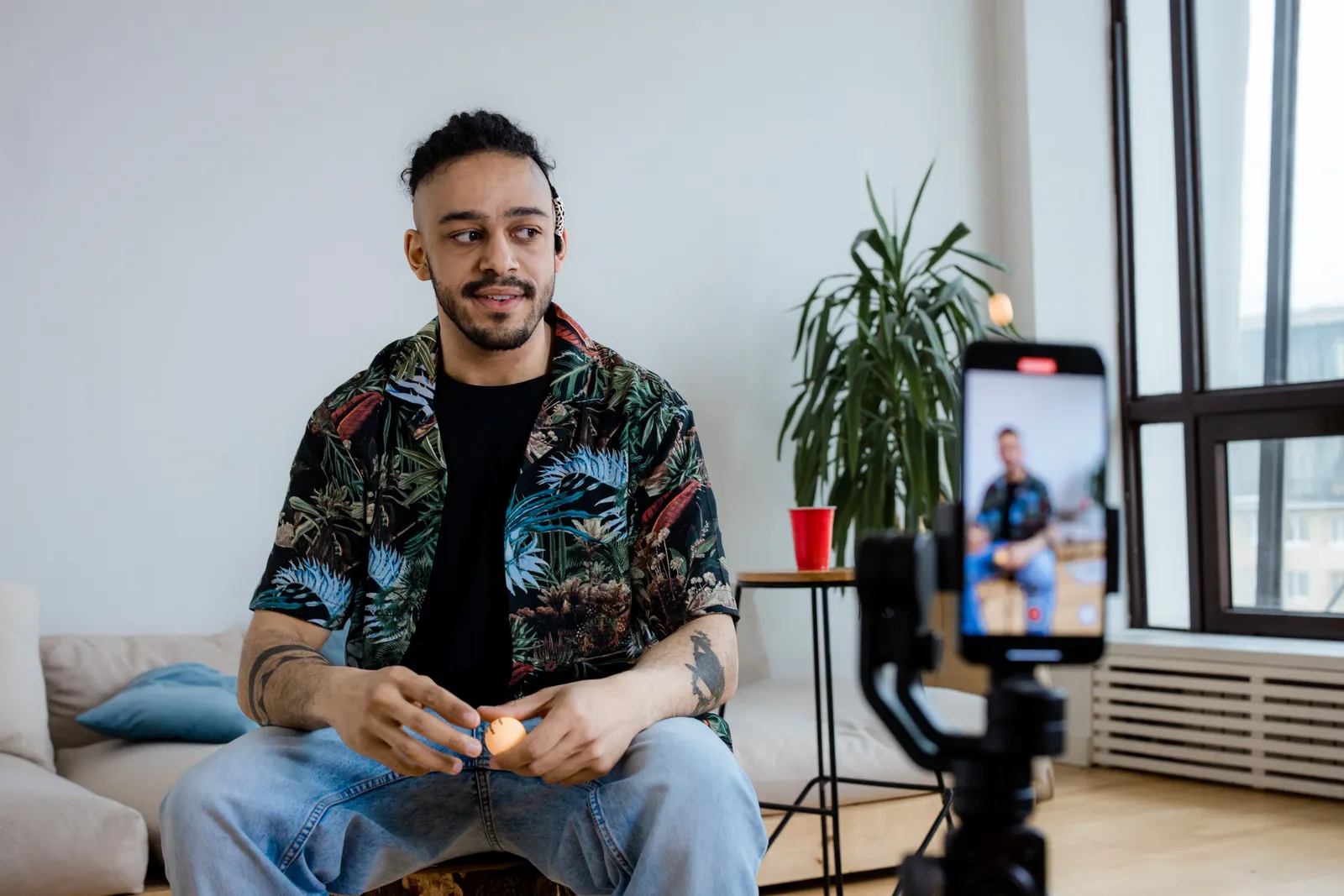
Facial expressions on a Twin come from your original performance. The platform animates the face. You cannot manually change eye color. You cannot manually change nose shape. Doing so would break the point. The point is having your real face. You can influence the expression indirectly. Write a script that calls for a smile. Or write a script that calls for a serious tone. That often produces a natural movement. The tools do not give you a direct slider. You cannot morph your features. That is by design.
Tools and platforms for AI avatar customization
Different platforms support different levels of customization. Understanding the landscape helps you. It helps you pick the right tool for your job.
- Stock avatar platforms: Synthesia, HeyGen, and D-ID let you pick from avatar libraries. You can adjust their look. Per Synthesia, you can change wardrobe and backgrounds. HeyGen allows custom avatars built from a short video. But fine-tuning the face shape is limited. These platforms excel when you need a generic spokesperson.
- Still-image avatar makers: Canva, Picsart, and similar tools let you design an avatar. You can start from scratch or a template. Adjust every facial feature with sliders. Create a completely original character.
- Twin-based platforms: Kyndrify, for example, builds a realistic Twin of your own face. Customization focuses on wardrobe. It focuses on setting and brand styling. The face is not editable. It preserves your real identity. Other tools in this space follow similar logic. Some may offer subtle retouching. For example, skin smoothing. This does not change your core appearance.
If your main question is "What platforms support avatar customization?" the answer is almost all of them do. The real question is different. It is: what do you want to customize? A full, made-up face? Go with a stock platform. A consistent, real you with flexible scenes? A Twin is your best bet.
For a related guide, see TTGC's Custom AI Avatar vs Stock Avatar: How to Choose.
Cultural sensitivity in avatar design
Designing avatars comes with a responsibility. This is especially true for stock avatars. How you represent people matters.
- Skin tone and features. You may choose a stock avatar to represent a specific community. Make sure the features look authentic. Do not let them look like a caricature. Use subtle customization. Avoid exaggerated features.
- Clothing and symbols. Be mindful of religious or cultural symbols. Never mix sacred attire with casual outfits. Do not do this without understanding the context. When in doubt, stick to neutral, professional clothing.
- Representation without tokenism. Using diverse avatars is good. But do not simply drop one in. Do not just check a box. Treat every avatar as a real person's visual stand-in. It is not a prop.
- Twins and identity. With a Twin of your own face, you sidestep many of these issues. You represent yourself. You are not borrowing someone else's likeness. This is one reason Kyndrify's consent-based model matters.
A simple rule applies here. If you would not put a real person in that outfit or setting, do not put an avatar there either.
Ethical considerations: consent and deepfakes
AI avatars raise real ethical questions. Changing someone's appearance without permission is wrong. It can cause tangible harm.
You can change your own look freely. Changing someone else's likeness is different. Doing so without clear, informed consent is wrong. It can cross legal lines. It can break trust.
Kyndrify requires current recorded consent for real-person Digital Twins, and synthetic Avatars follow a separate consent path. Consent records are retained for at least the life of the Twin plus seven years after deletion unless law requires longer. This protects you. It also protects the people around you.
Non-consensual deepfakes are a growing concern. They can spread misinformation. They can harass people. You help keep the internet safer. You do this by sticking to a consent-first approach. It also shields your brand from reputational damage.

Bottom line: always get permission. If it is not your face, you need a clear yes.
Troubleshooting common avatar issues
Even with good tools, things can go wrong. Here are practical fixes.
Problem: My Twin looks blurry or distorted.
Fix: Go back to your source video. Make sure the lighting is even. Keep the camera steady. Record in at least 1080p resolution. Use a plain, non-cluttered background. This helps the system focus on your face.
Problem: The stock avatar's skin tone looks unnatural.
Fix: Adjust the lighting and color temperature sliders. Do this if they are available. Some platforms let you tweak skin undertone. Avoid extreme settings.
Problem: I changed the avatar's eye color. Now the whole face looks off.
Fix: Return to the default. Make smaller adjustments. A small change in one feature often affects balance. Reset the face. Then proceed in tiny steps.
Problem: The avatar's mouth does not sync well with the script.
Fix: This usually happens with rushed processing. It can also happen with poor audio. Use clear, well-paced speech. Some tools let you adjust the timing. You can also re-generate the clip.
Problem: I cannot find the customization options.
Fix: I cannot find them for a feature I want to change. Check the platform's help center. Not all features are available in every tier. Sometimes advanced face edits need a specific plan. Or they need a different tool altogether.
Next steps after customization.
Once your avatar looks right, test it. Use it in a real piece of content. Share it with a small group first. Watch it on different screens. Ask: does it feel human? Does the identity feel consistent? Use that feedback. Refine your wardrobe or background choices. Over time, your avatar becomes a familiar face. It builds your brand.
Frequently asked questions
Can I change my AI avatar's clothes?
Yes. Wardrobe is easy to change. This works for both stock avatars and a Twin of your face. Swap outfits to match the message. Swap outfits to match the season.
Can I change the background of my AI avatar?
Yes. Backgrounds are fully flexible. You can place your avatar in any setting. This holds true for both stock avatars and Twins.
Can I change the face of a Twin?
No, and that is intentional. A Twin keeps your real face on purpose. You change the scene and styling. You do not change your identity. The consistency is the value.
Is it legal to change someone else's AI likeness?
Only with their consent. You should never alter someone's likeness without clear permission. Kyndrify is consent-based. It uses your own real face. Stick to faces you have the right to use.
Does Kyndrify use cartoon avatars?
No. Kyndrify uses realistic-face models. The Twin is built from your own real face. The result looks like a real you. It does not look like a cartoon.
Can I change eye color or facial expressions on a stock avatar?
Yes. Most stock avatar platforms include sliders. These sliders control eye color, face shape, and static expressions. Examples of static expressions are a smile or neutral gaze. With a Twin, your real eye color stays the same. Subtle expressions come from your original video. They also come from the script. They do not come from manual toggles.
Ready to keep your real face consistent?
You can change a lot about an AI avatar. With a stock avatar, you can rebuild the entire face. With a Twin, you keep the most important part. That part is you. Change the wardrobe, scene, and brand styling. Keep your identity steady.
Start free with Kyndrify. No credit card is needed. Explore preset avatars and voices, or view the pricing page to see which plan supports own-face rendering and commercial use. Review the pricing page and Terms to confirm current plan eligibility and ensure you have the necessary rights for your intended use.
This article provides general details. It is not legal advice. For specific questions about likeness rights or compliance, consult a qualified professional.
Related reading
More from Kyndrify


Make your first video without filming.
Say what you need and the studio makes it: video, images, voices. Start free, no credit card.