

Choose a Blog Featured Image That Explains the Article
A practical image brief that ties the visual to the article claim, checks crops and alt text, and avoids misleading thumbnails.
A featured image should explain the article, not decorate it. Start with the article claim. Then build a visual brief around that claim.
This guide gives you a repeatable method. You will get a brief worksheet, one fictional worked example, edge cases, and a short FAQ. It is not about clickbait thumbnails or traffic promises.
Start with the article claim
Write one sentence that states what the article actually says. This is your claim. The image must support that claim. If the image says something else, readers get a wrong first impression.
A claim is not a topic. "Video export settings" is a topic. "A 16:9 crop cuts off the speaker's gesture in this approved clip" is a claim. The second one gives you something visual to work with.
Keep the claim short. One sentence. If you cannot write it in one sentence, the article may be trying to do too much. Split it or narrow it.
Build the brief before you search
Do not open an image library yet. Write the brief first. This keeps you from picking the first pretty picture you see.
Here is a worksheet you can copy:
| Field | Your answer |
|---|---|
| Article claim (one sentence) | |
| Main object or scene that shows the claim | |
| Visual metaphor, if any | |
| Metaphor limit (what it must not imply) | |
| Text on image, if any | |
| Required crop sizes | |
| Smallest display size | |
| Alt text purpose | |
| Source or license requirement |
Fill every field. The act of writing forces you to decide what the image must do.
Pick a main object or scene
Choose one object or scene that shows the claim directly. If the article compares two approved video crops, show both crops side by side with the difference visible. Do not show a generic camera or editing timeline.
A proposed check: ask a colleague to describe what the image says without reading the headline. If their description matches the claim, the image is working. If they need the headline to decode it, revise the image.
Use visual metaphors with a limit
A metaphor can help when the claim is abstract. But every metaphor carries extra meaning. You must decide what the metaphor must not imply.
For example, a magnifying glass can mean inspection. It can also mean surveillance or a product feature. If your article is about reviewing video crops, a magnifying glass might imply hidden detail when the article is about visible framing. That is a mismatch.
Write the metaphor limit in the brief. One sentence. If you cannot state the limit, skip the metaphor and use a direct object instead.
Check text on the image
Some featured images include a short phrase. If you add text, it must match the claim. A headline like "Check the crop" on an image about video framing is fine. Avoid a headline like "Perfect exports every time": it makes an absolute outcome promise.
In the United States, the Federal Trade Commission states that advertising must be truthful and non-deceptive, and advertisers must have evidence to back up their claims before an ad runs. An ad is deceptive if it contains a statement or omission that is likely to mislead consumers acting reasonably and is material to their decision. See the FTC's advertising FAQs.
If the image text makes a claim the article does not support, change the text or the image. This applies whether the image appears in a paid placement or on an unpaid brand blog.
Verify the image rights
Before downloading stock, open the source page and the license that applies to that file. Confirm that the planned use is allowed without a public attribution line. Check any limits on depicted people, property or brands. Save the source URL, license, date checked and any release evidence in the internal asset record. No-attribution licensing does not clear every other right. If the checks fail, choose another source or make an original AI image and review it for misleading details. Keep this provenance record even though no photo-credit line appears below the cover.
Check crops and small sizes
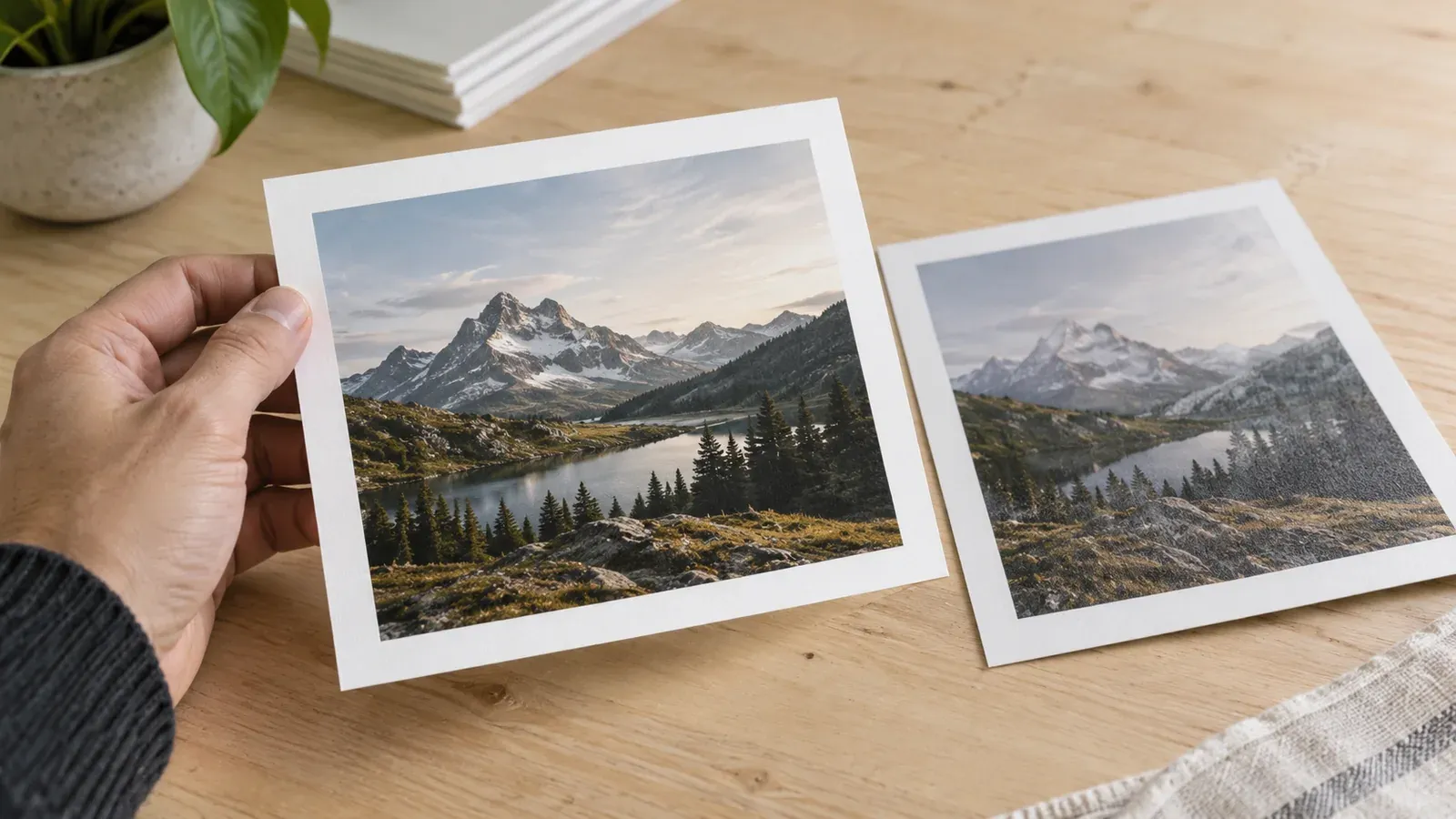
Your image will appear in several places. A social card, a blog header, a related posts list. Each crop changes what the image says.
Export the image at every required size. Check each crop for:
- The main object still visible
- Text not cut off
- The claim still readable
- No misleading partial view
A common failure is a crop that cuts off the main object. A side-by-side comparison cropped to show only one frame no longer shows the claim. Check the smallest size too. If the image fails at small size, simplify it.
Write alt text from purpose
Alt text depends on how the image functions on the page. If the image repeats information already in the heading or caption, empty alt text may be appropriate. If the image adds information, describe what it shows in a way that supports the article claim.
For a side-by-side crop comparison, "Two video frames showing different crops of the same scene" is a description. "Two video frames showing how the 16:9 crop cuts off the speaker's raised hand while the 4:3 crop keeps it visible" is better when that difference is the point. The second one ties the image to the article.
Do not stuff keywords. Do not repeat the heading. Write one or two sentences that help someone who cannot see the image understand what it contributes. If the image is purely decorative, empty alt text is a valid choice.
A fictional worked example
This example is fictional. It shows how the method works in practice.
A writer has an article titled "Two Approved Crops for the Same Interview Clip." The claim is: a 16:9 crop cuts off the speaker's hand gesture, while a 4:3 crop keeps it visible.
The writer fills the brief:
| Field | Your answer |
|---|---|
| Article claim (one sentence) | A 16:9 crop cuts off the speaker's hand gesture, while a 4:3 crop keeps it visible. |
| Main object or scene that shows the claim | Two frames from the same interview clip, one in 16:9 and one in 4:3, with the gesture visible in only one. |
| Visual metaphor, if any | None. |
| Metaphor limit (what it must not imply) | Not applicable. |
| Text on image, if any | None. |
| Required crop sizes | 1200x630 social card, 800x450 header, 300x200 related posts. |
| Smallest display size | 300x200. |
| Alt text purpose | Show the framing difference between the two approved crops. |
| Source or license requirement | Original AI illustration or verified no-attribution-required stock. |
The writer cannot find a stock photo that shows two crops of the same interview clip. So the writer creates an original AI illustration. It shows two frames side by side. The left frame is 16:9 and cuts off the speaker's raised hand at the wrist. The right frame is 4:3 and shows the full gesture.
Then the writer checks the crops. At 300x200, both frames are still visible. The difference between the two crops is still readable. The image does not show a specific editing tool, so it does not imply a product endorsement. That is fine.
The alt text reads: "Illustration of two crops of a fictional interview scene. The 16:9 crop cuts off the speaker's raised hand at the wrist. The 4:3 crop shows the full gesture."
The image explains the article. It does not promise a result. It does not mislead.
Edge cases
Abstract claims. If the article claim is abstract, like "consistency beats intensity," a direct object may not exist. Use a simple metaphor with a stated limit. A calendar with one marked day can show consistency. The limit: it must not imply a specific scheduling tool.
Negative claims. If the article is about what not to do, show the mistake clearly. A crossed-out icon can work, but make sure the cross-out is visible at small size. Otherwise the image may look like an endorsement.
Sensitive topics. If the article covers health, safety, or legal matters, avoid images that imply a guaranteed outcome. A person smiling next to a product can imply endorsement. Use neutral objects or scenes instead.
Stock photo mismatches. A stock photo may look right but carry wrong details. A photo of a video editing suite with a specific software logo in the background may imply the article is about that tool. Check the whole frame, not just the main subject.
Text on image at small size. A phrase that reads well at 1200 pixels may be unreadable at 300. If the text is essential, make it large and short. If it is not essential, remove it.
No stock fits the claim. If no verified no-attribution-required stock image matches the claim, create an original AI illustration or commission a photo. Do not change the article claim to fit available imagery. Do not broaden the article just to fit a picture.
Frequently asked questions
Should every blog post have a featured image?
No. If the image does not explain the article, it may be better to skip it or use a simple text-based header. A misleading image is worse than no image.
Can I use the same image for multiple articles?
Review each use on its own. The same image may fit more than one article, but check its meaning and crop in each context. For this publishing workflow, choose a distinct cover for each article.
What if I cannot find an image that matches the claim?
Create an original AI illustration or commission a photo. Do not change the claim to fit available imagery. Keep the accurate article claim. If stock does not fit, commission a photo or make an original AI illustration that does. If the image is close but not exact, adjust the brief.
Put the method to work
Start with your next article: write the claim, fill the brief, check the crops, and write the alt text from purpose.
Disclaimer: This article is for general information only. It is not legal advice. Advertising and accessibility requirements vary by jurisdiction and context. Consult a qualified professional for specific compliance questions.
More from Kyndrify
Make your first video without filming.
Say what you need and the studio makes it: video, images, voices. Start free, no credit card.