

AI Video for Nonprofit Fundraising
Raise more with AI video for nonprofit fundraising. Make appeals, thank-yous, and impact stories fast, on a tiny budget, in multiple languages.
AI Video for Nonprofit Fundraising
Video raises more money. But most nonprofits skip it. Cameras feel hard. Crews cost too much. Time runs short.
AI video fixes that. You can make a fundraising video in minutes. You stay on a tiny budget. And you reach donors in many languages.
Kyndrify lets you "be on camera, without the camera." On the Free plan, you use preset avatars and voices. On an eligible paid plan such as Plus, you can use your own face and voice. You skip the film crew. You still look human and real.
This guide shows you how. We cover ideas, steps, ethics, and ways to measure what works. Let's help you raise more.
What is AI video for nonprofit fundraising?
It is video made with AI tools instead of crews. You write a script. The tool builds a talking-head clip. It adds B-roll and AI images.
The result looks like you, on camera. But you never set up lights. You never book a studio. You just publish and share.

Kyndrify renders these videos in minutes. The Free plan needs no credit card and uses preset avatars and voices. You can build one Starter Twin and view a short preview, but own-face rendering requires an eligible paid plan such as Plus. So you can test the basics with zero risk.
Why does video raise more money?
Donors give to people, not text. Video shows your face. It shows your mission. It builds trust fast.
A short clip beats a long email. People watch. People feel. People give.
Video also travels well. Supporters share it. It works on social, email, and your site.
When you pair a video with a donation link, you make the next step easy. Many nonprofits find that a simple appeal video can lift the response rate on a campaign, compared to text alone.
Fundraising video ideas
Here are simple videos you can make today. Each one fits a real fundraising goal.
- Appeal videos. Ask for a gift. Name the need. Make it urgent.
- Campaign updates. Show progress. Share the dollars raised. Keep donors close.
- Donor thank-yous. Say thanks by name. Make supporters feel seen.
- Impact stories. Show what gifts did. Use real outcomes only.
- Volunteer asks. Invite people to help. Show the work and the joy.
- Event invites. Promote a gala or drive. Drive sign-ups fast.
- Year-end appeals. Push your big season. Repeat the ask kindly.
- Matching-gift alerts. Tell donors when a match is live. Add urgency.
You can also combine ideas. For example, a small animal shelter can send a series of three videos: a week-one appeal, a mid-campaign update with a rescued pet, and a thank-you after the goal is met. That kind of sequence keeps donors engaged throughout a drive.
Make many versions fast. Test what works. Then send more of it.
How other nonprofits are using AI video
Across the sector, small teams are weaving AI video into their everyday work. They do not need big production budgets. They use the same tools you are reading about now.

Here are common patterns that work well:
- Monthly donor welcome. A food pantry sends a short thank-you video to every new recurring donor, with a staff member speaking directly. It feels personal, even at scale.
- Emergency appeals. After a natural disaster, a relief organization turns a script into a multi-language video in under an hour. They post it on social media and email it to their list while the news is still fresh.
- Volunteer spotlights. A youth mentoring group creates weekly clips that show one volunteer and one young person talking about their experiences. These videos fuel a steady stream of small donations.
- Impact reports transformed. Instead of a PDF report, a community health clinic shares a 60-second recap video showing how far the money went, with a soft ask for the next quarter.
In every case, the video keeps the focus on real people and real results, not on graphics or special effects. That authenticity builds trust.
A note on truthful representation
Trust is your real currency. Never fake it.
Always represent beneficiaries truthfully. Get consent before you show anyone. Tell their story with respect.
Never invent impact. Never stage suffering. Never use a face that is not real and approved.
If you show outcomes, show true ones. If you cite a need, keep it honest. Donors forgive small budgets. They do not forgive lies.
AI helps you create. It must not help you deceive. Use it to amplify real work, not fake it.
How to make a fundraising video in minutes
Follow these simple steps. You can finish your first video today.
- Pick one goal. Choose an appeal, update, or thank-you.
- Write a short script. Keep it under one minute. One idea per line.
- Lead with the need. Say why this matters now.
- Add a clear ask. Tell donors exactly what to do.
- Record your face. On an eligible paid plan such as Plus, Kyndrify can use your own face on camera. Free uses preset avatars and voices.
- Add B-roll and images. Show your work with AI images and clips.
- Render in minutes. Review the result. Make quick edits.
- Translate it. Publish in multiple languages for more reach.
- Share everywhere. Post on social, email, and your donate page.
- Measure gifts. See what works. Then repeat it.
How can multilingual video reach more donors?
Donors speak many languages. Your video should too.
Kyndrify can dub finished Kyndrify-generated videos into ten spoken languages: English, Spanish, Portuguese, French, German, Italian, Japanese, Korean, Russian, and Chinese. Dubbing is included on Plus and above. You record once. You publish many versions.
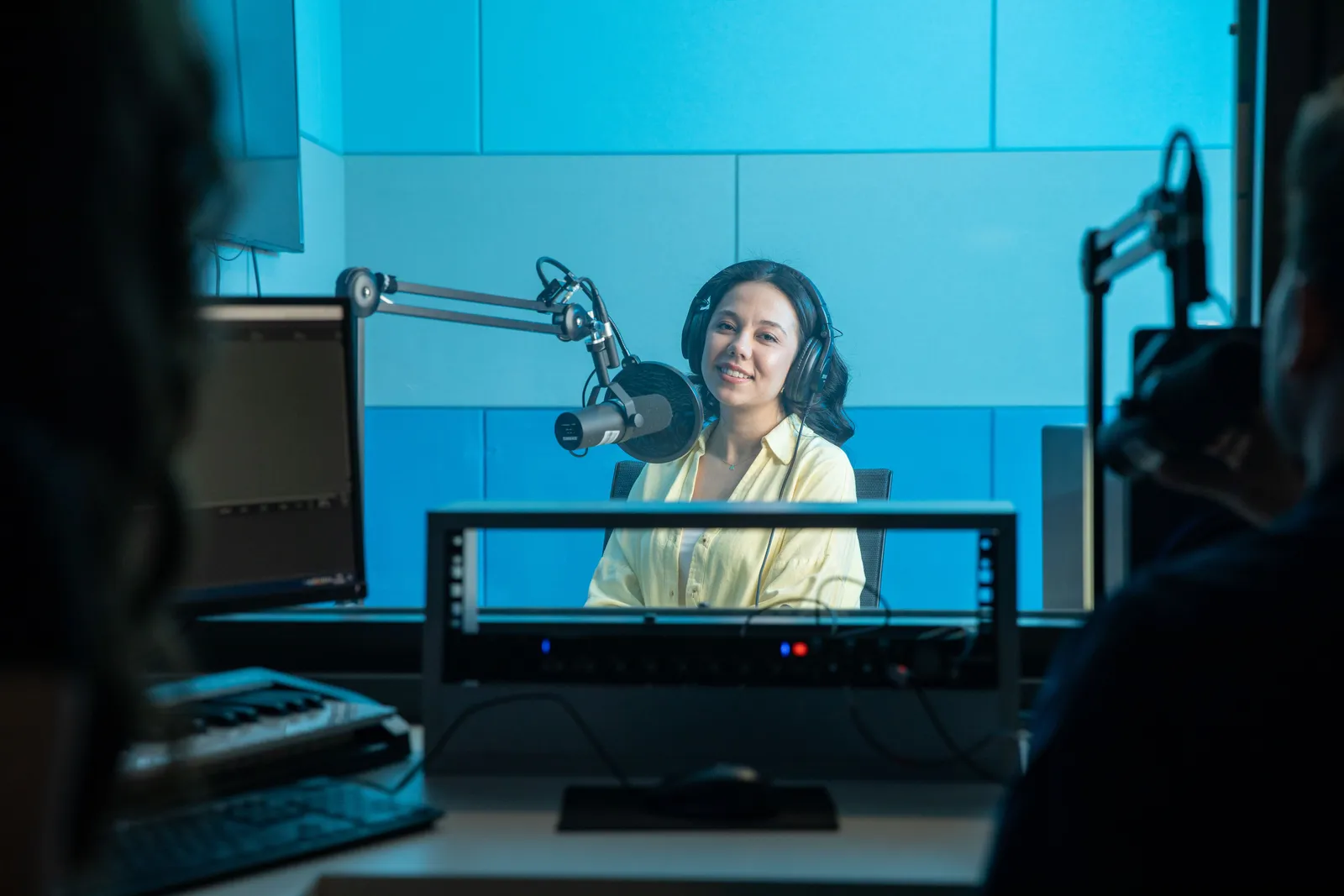
This grows your reach. It welcomes new communities. It shows respect for every donor.
One appeal can now travel the world. That means more gifts from more people.
Where to share your video to raise more
Your video works best when it fits naturally into the channels you already use. Here is how to weave it in.
- Email. Embed a thumbnail that links to the full video. Keep the subject line personal. A short video in a thank-you email can lift donor retention.
- Social media. Post natively on Facebook, Instagram, LinkedIn, or TikTok. Add captions so people can watch with sound off.
- Donation page. Add the video near the top of your fundraising page. It answers the question, "Why give now?"
- Text messages. Send a short clip link to repeat donors during a matching campaign. Keep the message warm and simple.
The goal is not to spam. The goal is to put a human face into the channels donors already check.
Make your video accessible to all donors
Accessibility helps more people connect with your message. It is also the right thing to do.
- Captions. Always add accurate captions. Kyndrify can help you export a script, which you can turn into a caption file and upload to video platforms. Many donors watch with sound off.
- Audio descriptions. Consider adding a separate audio track that narrates key visual details. It serves people who are blind or have low vision.
- Transcripts. Post a full text transcript below the video on your website or in the email. This supports screen-reader users and anyone who prefers reading.
- Color contrast. Make sure any on-screen text stands out clearly from the background. Simple high-contrast overlays work best.
A few small steps make your fundraising video truly open to everyone.
How to measure your video’s fundraising impact
You need to know if your video is moving the needle. Do not just guess. Track what you can.
- Donation page visits. Use UTM parameters or a short, custom link in the video description. Watch how many people click through.
- Conversion rate. Compare the number of video viewers (on your page or social media) to the number of gifts in the same period. Even a simple before-and-after comparison gives you a direction.
- Average gift size. See if the donation amount changes after you add a video to your ask. Some teams see larger gifts when they show impact first.
- Donor feedback. Ask directly. Send a quick survey or include a note: "Did the video help you decide?" The answers may surprise you.
- Retention rate. For thank-you videos, check if monthly donors stay longer when they receive a personal video.
Run small tests. Change one thing, like the length of the ask, and see what happens. Over time, you build your own playbook.

Next steps for advanced users
Once you are comfortable with a single video, you can go further.
- Build a video series. Plan four to six videos that tell a story over a month. End each one with a soft ask. This keeps your cause top of mind.
- Personalize at scale. Use merge fields in your email tool to insert the donor’s name in the script, then record a generic video that still feels one-on-one.
- A/B test scripts. Create two versions of the same appeal, with a different opening line or ask. Send half your list to each and see which one drives more clicks.
- Integrate with your donor database. Export a list of recent major donors and send each a short thank-you video within 48 hours of their gift. The speed and personal feel strengthen the relationship.
- Train staff and volunteers. Give your team a simple script template and access to Kyndrify. Field staff can record impact updates right from the community, without a film crew.
AI video does not replace strategy. It amplifies it. Use the time you save on production to think deeply about who you are talking to and what they need to hear.
Why nonprofits choose Kyndrify
Small teams need fast, cheap tools. Kyndrify fits that need. Here is why nonprofits pick it.
- Be on camera, without the camera. Use your own face on an eligible paid plan such as Plus. Skip the crew.
- Talking-head plus B-roll. Pair your message with real visuals.
- AI images included. Show your mission without a photo shoot.
- Multiple languages. Reach more donors with one script.
- Renders in minutes. Move fast during a busy campaign.
- Free tier, no credit card. Try it before you commit.
- Upgrade for more features. Plus unlocks custom own-face Digital Twins and talking-head video up to 1080p. Basic and Starter use preset avatars. See our pricing for details.
Kyndrify is built by Through the Glass Creatives. It is made for people with a mission and a small budget.

How much does it cost?
You can start free. The free tier needs no credit card and uses preset avatars and voices.
Custom own-face Digital Twins and up to 1080p talking-head video are available on Plus, not every paid plan. Check the pricing page for current options.
Frequently asked questions
Do I need filming skills to make a fundraising video?
No. Kyndrify builds the video for you. You write a script. On an eligible paid plan such as Plus, you can use your own face. The tool handles the rest.
Can I make donor videos in other languages?
Yes. Kyndrify can dub finished Kyndrify-generated videos into ten spoken languages: English, Spanish, Portuguese, French, German, Italian, Japanese, Korean, Russian, and Chinese. Dubbing is included on Plus and above. You record once and publish many versions. This helps you reach more donors.
Is AI video ethical for nonprofits?
It can be, when used honestly. Represent beneficiaries truthfully. Get consent. Never fake impact or stories.
How fast can I create a fundraising video?
Very fast. Kyndrify renders videos in minutes. You can make several in one sitting.
Is there a free way to try it?
Yes. The Free plan needs no credit card and uses preset avatars and voices. You can test it with no risk before you upgrade.
How can I make my AI video accessible to donors with disabilities?
Add captions and a transcript. Consider an audio description track for visually impaired viewers. Use clear, high-contrast text on screen. These steps ensure every donor can receive your message.
Start your first fundraising video
Your mission deserves to be seen. AI video makes that easy and affordable.
Pick one goal. Write a short script. Use your own face on an eligible paid plan such as Plus, or start with preset avatars on Free. Render it in minutes.
Try Kyndrify free today. No credit card needed. See pricing when you are ready for more features.
This guide offers practical ideas and is not professional fundraising or legal advice. Always follow your organization’s policies, donor privacy rules, and local regulations.
More from Kyndrify



The tools that do this
Make your first video without filming.
Say what you need and the studio makes it: video, images, voices. Start free, no credit card.