Skip to content

DOUBLE CREDITS on your first month, or your first 3 months on annual

Claim now
Kyndrify
Voice guide

How to clone your voice, and keep it sounding like you.

Ten seconds of audio, one quiet room, and the parts people get wrong. What to record, what the permission step is for, and when one of our voices is the better call.

Ten seconds of audio, one quiet room, and the parts people get wrong.

This guide is about cloning your own voice. Someone else’s voice needs their written permission, every time.

Part of Resources.

Checked September 2026. Free to read, no sign-up.

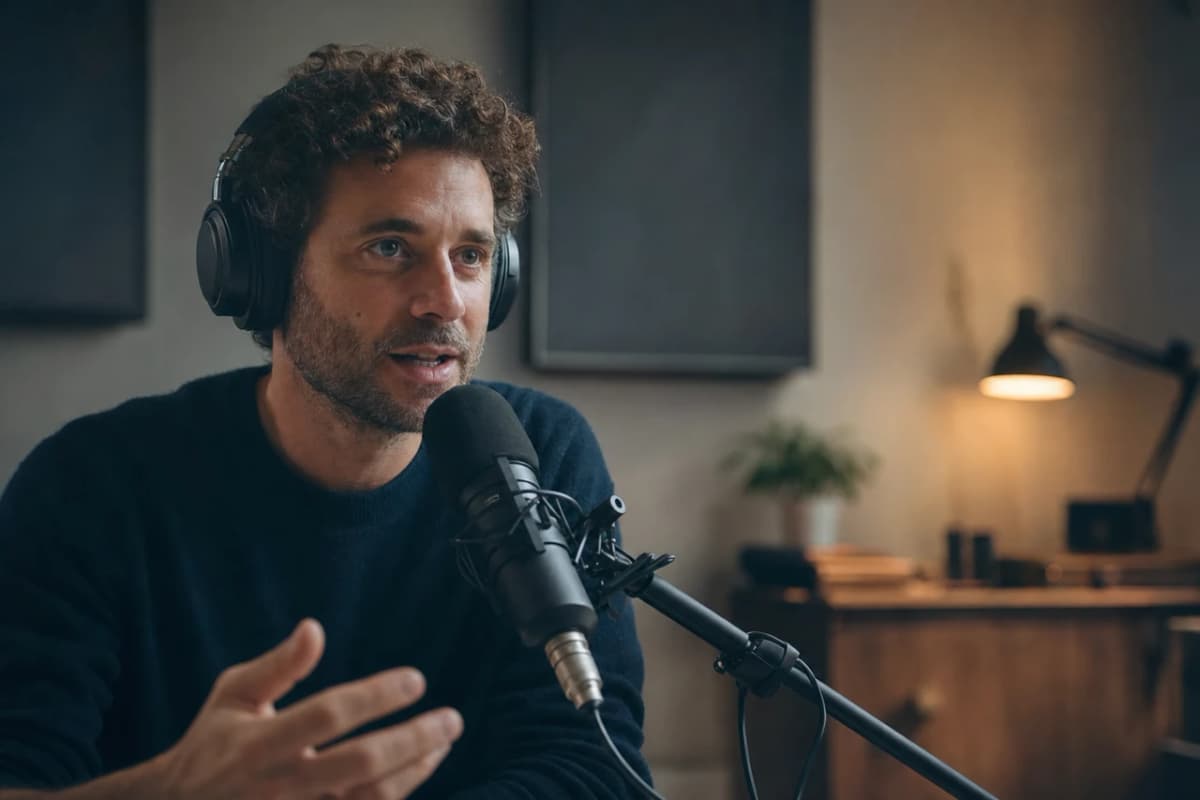
A man in headphones speaking into a studio microphone at a desk.

How do you clone your voice?

Cloning your voice means saving a model of how you sound, then typing words for it to say. You record a short sample, confirm the voice is yours, check the transcript we make of it, and the voice is saved to your Digital Twin. After that it reads anything you write, in any video.

  • Who it is for

    Anyone who is going to keep making video or audio in their own voice and does not want to record every line.

  • What you need

    Ten seconds of clear audio, one speaker, a room without noise in it, and any plan, Free included.

  • What it costs

    Setting the voice up costs no credits the first time, whatever your plan, Free too. After that, each new voice or replacement sample is 40 credits. Speaking with it is 3 credits per second of audio, the same rate on Free, Plus, Pro, Max and Ultra. A paid plan such as Plus is $49 a month billed yearly, or $59 month to month.

  • What it does not do

    It will not take a clip longer than fifty seconds, it will not speak two languages in one take, and it will not sound better than the sample you gave it.

The tool itself sits on voice cloning, and what a month of credits buys is on pricing.

How much audio do you need?

Ten seconds is the floor. Whatever you record or upload has to run at least that long, and it cannot run longer than fifty seconds. Hand over a two-minute file and the door sends it back and asks you to trim it.

About thirty seconds is the sweet spot. That is long enough to catch how you pause, which words you lean on, and how you finish a sentence. It is short enough that you will get through it before you start to perform.

More audio does not make a better voice here. There is no session to sit through and no hour to book. There is one short read, and the whole job of that read is to sound like a normal day.

The Everyday Take

Three checks before you press record. They take a minute between them and they decide most of the result.

  • The room.

    Pick the room you can find again next month. Soft beats big: a bedroom with a bed and curtains in it does better than a kitchen full of tile. No music, no television, no second person, no open window onto a street.

  • The register.

    Read in the voice you use with a client on a Tuesday, not the one you use on a stage. The voice you save is the voice that reads every script you write from then on, so save the one you actually use.

  • The read.

    Your real pace, with your real pauses. Do not slow down to be clear and do not push for energy. If you stumble on a word, stop, breathe, and start the line again.

Room, register, read. Get those three right and a short take is all this needs.

A short read you can copy

Use your own words if you have them. If you would rather not think about it, here are two. Both are written to cover a good spread of sounds and to give the voice real pauses to learn from.

The thirty-second read

The one to use when you have a quiet minute.

Hi, my name is [your name], and this is my voice sample. I am going to talk the way I normally talk, because that is the voice I want back. When I explain something that matters, I slow down at the important part. When a project goes well, you can hear it. I ask a lot of questions. I pause when I am thinking. I would rather sound like a person on a good day than like an announcer.

Swap [your name] for your name. Nothing else needs changing.

The twelve-second read

For when that is all you have.

Hi, my name is [your name]. This is my own voice, recorded today, and I am reading it at my normal pace so that it sounds like me.

Swap [your name] for your name.

Start free and record it

Saying “this is my own voice” out loud is a good habit, and it is not the permission step. The box you tick in the Studio is what records that. Featured voices and cloning your own voice are both open on Free.

Say the words out loud once before you record them. Anything you stumble on, change. A script you would never say is a script that teaches the wrong thing.

What happens after you press record

Four steps, and one of them matters more than people expect.

  1. You name the voice.

    Name it for how it sounds, not for yourself. "Casual me" and "Podcast read" are easier to pick out of a list six months from now than your own name three times over.

  2. You tick the permission box.

    It comes before the recording is taken, not after. Nothing leaves your browser until it is ticked.

  3. You hand over the audio.

    Record it in the Studio, or upload a file you already have. WAV, MP3, M4A, OGG and WebM all work, up to 20 MB.

  4. You check the transcript.

    This is the step people skip and it is the one that pays. We write down what we heard. If a word came out wrong, fix it. The closer that text is to what you actually said, the better the voice reads later.

Then the voice is prepared and shows up in your voice list, ready to pick for a video or a voiceover, and it belongs to the Digital Twin it was saved to. The button-by-button version lives in the help center.

The permission part, in plain words

Your own voice is simple. Tick the box, record, done.

Someone else’s voice needs their written permission, every time. That includes a colleague, a client, a family member, and the person whose podcast you happen to have a file of. A recording being public is not permission. Our acceptable use policy says the same thing at greater length.

A voiceprint is information about a body, which is why the permission step sits before the upload instead of after it. What we keep is the sample you gave us, held as the master so the voice can be rebuilt if it ever needs to be. Delete the voice and that recording is erased with it. The biometric information privacy notice is the long version.

We do not use your recordings to train a Kyndrify model.

What not to record

  • Someone else's voice.

    Not unless you hold their written permission. Public is not permission.

  • An impression of a real person.

    Living or dead, and however good it is. Save the voice you speak with, not a performance of somebody else's.

  • A clip with anything under it.

    Music, a second speaker, or a call where you can hear the other side. One voice, nothing behind it.

  • Your announcer voice.

    You will live with it in every video you make after this one.

  • A script full of words you never use.

    The saved voice learns your pronunciation from what you actually said, so a read full of strangers' words teaches it the wrong ones.

  • Anything recorded in a car.

    Road noise is the one thing a quiet room cannot fix afterwards.

  • A five-minute take you were planning to cut down.

    The door takes fifty seconds. Trim it before you upload.

Living with the voice you saved

  • One language per take.

    Ten languages are supported for your cloned voice today, and a take speaks one of them. A script that switches languages is two takes, put together afterwards.

  • It reads what you wrote, not what you meant.

    Punctuation does real work here. A comma is a breath. A full stop is a stop. Two short sentences read better than one long one.

  • You can replace it.

    A new sample replaces the old voice for 40 credits. Worth doing if you recorded the first one in a bad room, and cheaper than living with it.

  • Keep your own copy of the file.

    We hold the master, but a copy on your own disk costs nothing and saves an awkward afternoon.

If you are going to publish it

Rules about synthetic voice and about disclosure differ by country, by platform and by profession, and they are still moving. Say in your caption that the voice is synthetic when your audience would want to know, and check your own field’s advertising rules before you post.

Machine-verifiable disclosure and provenance are still rolling out here, so they are not yet guaranteed on every output. Following this guide does not make you compliant with anything either. That part stays yours.

Checked September 2026. This is a summary, not legal advice.

FAQ

Questions people ask before they record.

How much audio do you need to clone a voice?
Ten seconds is the minimum and fifty seconds is the maximum. About thirty seconds is the sweet spot. A longer file is not a better voice, and a file over fifty seconds is sent back to be trimmed.
Can I clone my voice from a recording I already have?
Yes, if it is you, it is only you, and there is nothing playing underneath. Upload a WAV, MP3, M4A, OGG and WebM file up to 20 MB, trimmed to somewhere between ten and fifty seconds.
Will it actually sound like me?
It carries your pace, your pauses and the words you lean on, because that is what the sample gives it. It will sound like the sample you handed over, which is why the room and the register are worth a minute of thought. Results vary with the recording.
Can I clone someone else's voice?
Only with their explicit written permission, and our acceptable use policy is the rule on that. Every voice asks you to confirm that it is yours or that you have permission, before anything is uploaded.
Do I need a microphone to record my voice?
No. A phone voice memo in a soft room beats a good microphone in an echoey one. If you have a headset with a mic, use it, and keep it a hand's width from your mouth rather than against it.
What happens to my recording?
It is kept as the master for your saved voice, so the voice can be rebuilt if it ever needs to be. Deleting the voice erases that recording with it. We do not use it to train a Kyndrify model.

Ten seconds, and it sounds like you.

Record the read, check the transcript, and your voice is ready for the next script you write. Cloning your own voice is on every plan, Free included.