

Kyndrify vs Sora
Sora makes cinematic clips from a prompt. Kyndrify puts your real face on camera fast. See which fits busy pros and business video.
Kyndrify vs Sora
Here is the short answer. Sora and Kyndrify solve different problems.
Sora is a generative AI video model. You type a prompt. It creates a rich, cinematic clip. This is great for creative scenes and concept art (per OpenAI).
Kyndrify is different. You build a Twin from your own real face and voice. Then you make video of yourself talking. No camera is needed.
The choice is simple. Do you want a creative scene? Or do you want yourself on camera fast?
This guide breaks it down. It covers what each tool is built for. It covers real-world use. It shows how output looks side by side. It covers pricing over time. We will keep it honest and clear.
What each tool is built for
Sora is built for imagination. It turns text into a fresh visual scene. Think dream-like shots or product concepts. The output rests on your prompt. You describe it, and the model invents it (per OpenAI/Sora's site).
Kyndrify is built for you. You record once to make a Twin of your face and voice. After that, you type a script. Your Twin speaks it on camera. It looks like the real you.
Kyndrify is an all-in-one tool. Prompt engineering is built in. You do not need to learn prompt tricks. You write your message and hit go.
Quick comparison table
| Feature | Sora (OpenAI) | Kyndrify |
|---|---|---|
| Core output | Generative cinematic clips from a prompt | Video of your own real face speaking |
| Your real face | Not the focus. It invents scenes. | Yes. Built from your real face and voice. |
| Prompt skill needed | High. Results need prompt skill and retries. | Low. Prompt engineering is built in. |
| Consistency and control | Varies by prompt. Output can surprise you. | Consistent, realistic-face Twin every time |
| Best for | Creative scenes, concept art, cinematic shots | Talking-head video for busy professionals |
| Languages | See OpenAI/Sora's site | Ten spoken languages, including English, German, Chinese, and Spanish |
| Pricing model | See OpenAI/Sora's site | Free plan, no credit card. Custom Twins require an eligible plan such as Plus (see pricing) |
Always check each official site for current details. Facts change fast.
Side-by-side output comparison
Picture this. You need a short welcome video for your coaching site.
With Sora, you might prompt: "Cinematic shot of a welcoming office, warm light, professional atmosphere." You get a lovely, cinematic clip of a room. But it does not show your face. It does not capture your voice. It is an abstract mood piece. That falls short for a personal hello.
With Kyndrify, you build your Twin once from a quick recording. Then you write: "Hi, I'm [Name], a leadership coach. I help teams build trust." Your Twin delivers that script. It looks like you and speaks in your voice. People see and hear the real you.
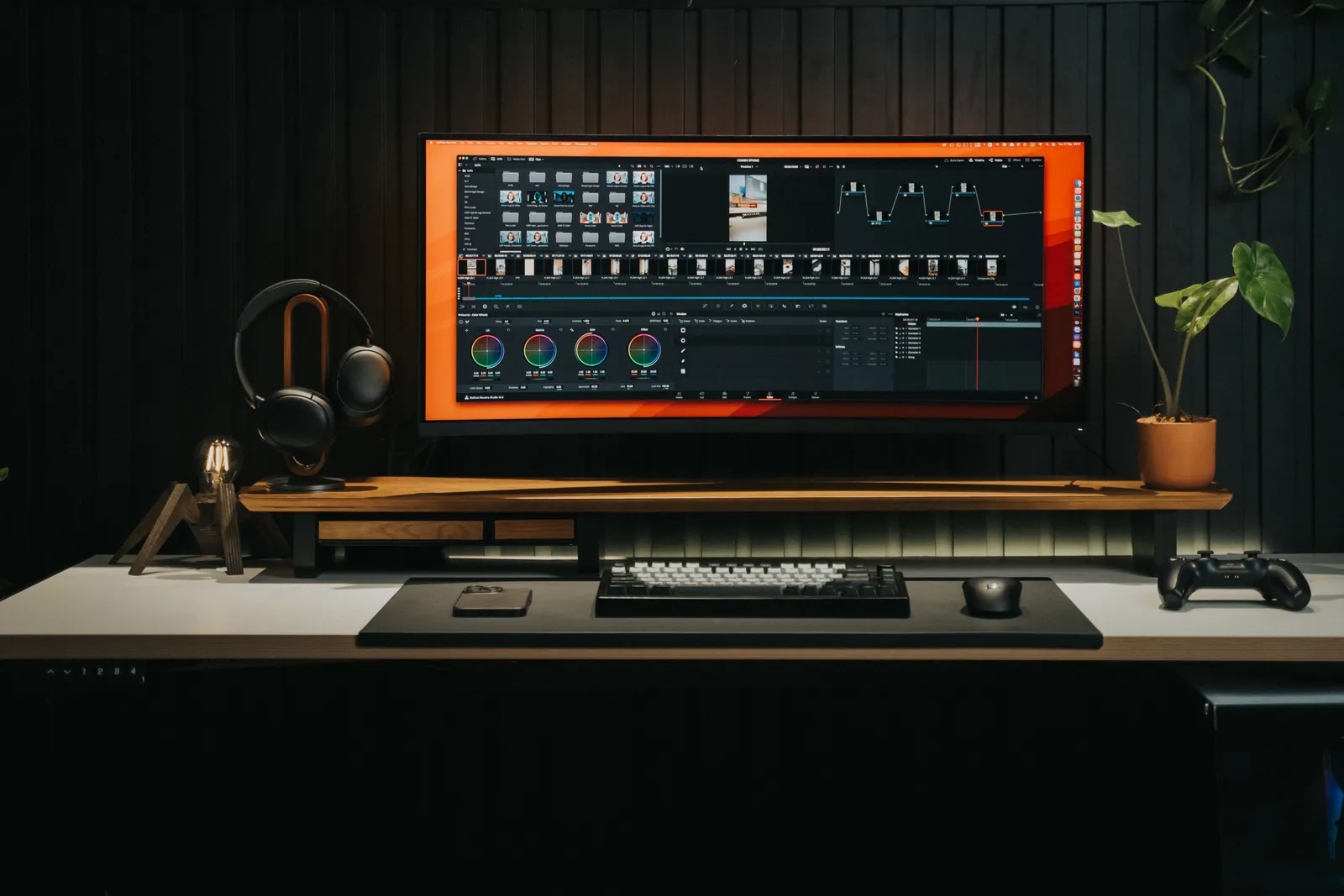
The difference is control. Sora invents a scene you must picture. Kyndrify captures the you that already exists. For a business video, the trusted face often wins.
Real-world use cases
Here are three common cases where pros pick one tool over the other.
The business coach who sends daily tips. They want to show up each morning without filming. Kyndrify fits. They create a Twin once. Then they type a 90-second script each day. Video is done in minutes. With Sora, they would need a new visual idea each time. The audience would never see the coach's face. That weakens the bond.
The product marketer testing a concept video. They need a bold, dream-like shot of a product in a future world. Sora shines here. A prompt like "sleek smartwatch floating over a neon city at dusk" can deliver a striking clip. Kyndrify would put a person on camera talking. That might not suit the creative brief.
The educator building a multilingual course. They have a script in English. They want to reach learners in Spanish and French. Kyndrify lets them pick different languages. The same Twin speaks naturally in those tongues. Sora would create a new visual concept per language. It still could not show the teacher's face. The teacher's presence builds trust.
These show the pattern. When the goal is your real self on camera, Kyndrify is the direct path. When the goal is a pure visual idea, Sora is the better playground.
When Sora is the better choice
Sora shines for creative work. Pick it when you want something invented.
- You want a rich, cinematic scene.
- You need concept art or a mood clip.
- You enjoy crafting prompts to shape a shot.
- You do not need your own face in the video.
- You have time to try and try again.
In these cases, Sora is impressive. It can dream up visuals you could never film. That is its strength (per OpenAI).

When Kyndrify is the better choice
Kyndrify wins when you need to show up. Pick it when the goal is you on camera.
- You want your real face and voice in the video.
- You need it fast, with no film crew.
- You hate doing re-takes in front of a lens.
- You want steady results every single time.
- You skip the steep curve of prompt engineering.
Kyndrify gives you output in minutes. You can publish in ten spoken languages, including English, German, Chinese, and Spanish. You stay in charge of how you look and sound.
It is also consent-based by design. Signed Content Credentials and invisible provenance are rolling out and are not guaranteed on every file. Check the Responsible AI page for current disclosure details.
The free plan needs no credit card and uses preset avatars and voices. Custom Twins require an eligible plan such as Plus. See pricing for current plans.
Pricing over time: how the cost adds up
Many pros ask about long-term pricing. Exact numbers change. The models differ in structure. That matters.
Sora often uses a credit or usage-based model (per OpenAI's site). You pay per generation. Longer or sharper clips often cost more credits. For teams that craft concept videos now and then, that works. But for daily talking-head videos, those per-video costs can swell. Each video may need many prompt tries too. That adds to the bill.
Kyndrify's pricing is built for volume. A free plan lets you test with no card. Custom Twins require an eligible plan such as Plus, and paid plans add more renders. You create your Twin once. Then each video's cost is steady within your plan. For a run of 10 or 20 videos a month, one plan often covers all of them. No per-prompt penalty, no shock credits.
Over a year, a business making many videos may find Kyndrify's plan more steady than a pay-per-use system. Always check each official site for the latest plans. The key is to match the pricing model to your likely output pace.
The time-value lens
Your time has a price. Let us weigh it.
With Sora, you write a prompt. Then you wait. Then you tweak. Then you try again. Good creative output often needs many rounds. That is fine for art. It costs time for daily business video.
With Kyndrify, the path is shorter. You build your Twin once. After that, you just write a script. Your Twin delivers it in minutes.
For a busy pro, that gap matters. Less fuss means more output. You ship video instead of chasing the perfect prompt.
The honest bottom line
Both tools are strong. They are just not the same tool.
Sora is for creative, cinematic invention. It makes scenes from your mind. If that is your goal, use it.
Kyndrify is for getting yourself on camera. It is built for pros who want to show up fast. Prompt engineering is built in. Your real face and voice carry the message.
So for the talking-video use case, Kyndrify is the clear fit. It is the simple way to be on camera, without the camera.
FAQ
Is Kyndrify a Sora alternative? Not exactly. Sora invents creative clips. Kyndrify makes video of your real face talking. If you want yourself on camera, Kyndrify is the better fit.
Can Sora make video of my real face speaking? That is not its main purpose. Sora is built for bold, new scenes (per OpenAI). Kyndrify is built to put your own face and voice on camera.
Which is easier for a busy professional? Kyndrify is easier for talking video. Prompt engineering is built in. You write a script. Your Twin speaks it in minutes.
How does pricing compare long-term? Sora usually charges per generation or via credits. Costs rise with use and retries. Kyndrify offers a free plan to start. Paid plans cover many videos under one plan. For regular production, a plan can be more steady. Check current plans on each official site.
Does Kyndrify support other languages? Yes. Kyndrify documents ten spoken languages: English, Spanish, Portuguese, French, German, Italian, Japanese, Korean, Russian, and Chinese. You can reach more people without re-filming.
Is Kyndrify free to try? Yes. A free plan needs no credit card and uses preset avatars and voices. Custom Twins require an eligible plan such as Plus. See pricing for details.
Try Kyndrify
Want to be on camera without the camera? Build your Twin and make your first video today. Start free, no credit card needed. See pricing when you are ready for a paid plan.
Kyndrify is built by Through the Glass Creatives.
This article is for general details only. It does not give professional advice. Pricing and features may change. Always check official sites for the latest facts.
More from Kyndrify


The tools that do this
Make your first video without filming.
Say what you need and the studio makes it: video, images, voices. Start free, no credit card.